Google Finally Fixes Annoying Galaxy Watch 8 Bug—Do This to Fix It
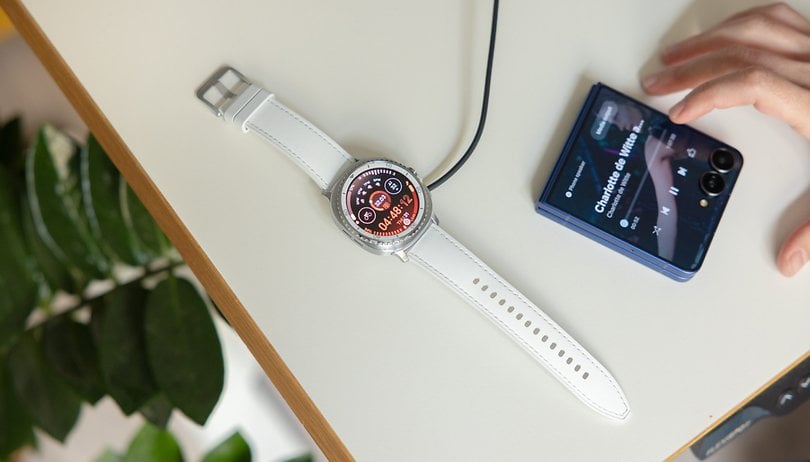

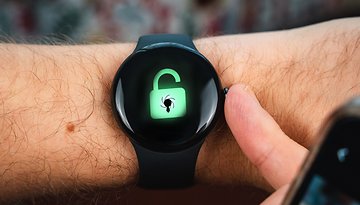
Samsung’s Galaxy Watch 8 is one of the most notable refreshes in its smartwatch lineup in years, bringing an updated design and new features. But beyond the hardware upgrades, the launch has been rocky, especially for Pixel users who have faced persistent pairing issues since day one.
The problems first surfaced in July, during the arrival of the Galaxy Watch 8 and Galaxy Watch 8 Classic (review). Android 16 QPR testers, particularly those using Pixel 8 and Pixel 9 models, reported failed pairing attempts with both watches. One of our frequent visitors also shared a similar experience.
The issue was believed to stem from a bug in the Galaxy Watch Manager on Google’s Pixel phones, not from the Galaxy Watch itself. Fortunately, it was addressed in a subsequent Android 16 beta update.
Pixel 10 and Galaxy Watch 8 Still Aren’t Pairing
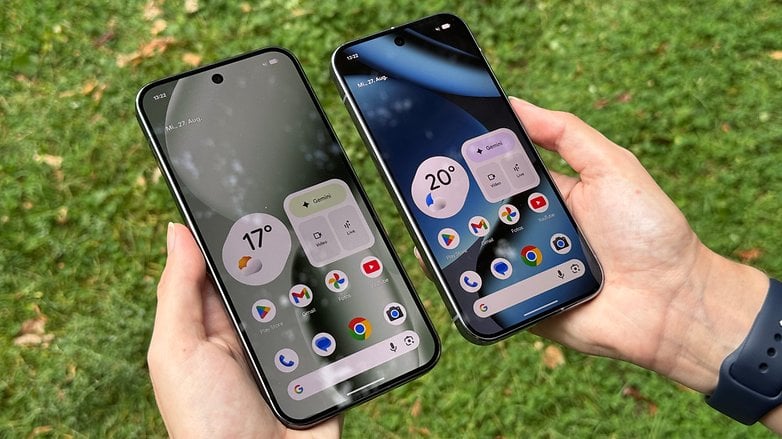
Fast forward to the Pixel 10 launch, and the same problem appears to be affecting early adopters of Google’s latest flagship. Across Google Community, Samsung forums, and Reddit, many Pixel 10 and Pixel 10 Pro users have reported that their Galaxy Watch 8 (Classic) fails to connect or pair successfully. This suggests a major bug remains, even on stable Android 16 builds.
Some users also noted inconsistent syncing issues after pairing. Interestingly, the problem doesn’t seem isolated to the Galaxy Watch 8. Reports indicate similar bugs with the Galaxy Watch Ultra and Galaxy Watch 7 running the latest One UI 8 Watch software.
Suggested fixes, such as factory resetting the Pixel 10 or Galaxy Watch 8, have largely proven ineffective. Eventually, Google acknowledged the issue and confirmed they were investigating.
Google Play Update Fixes the Pairing Issue
A few days after responding to user concerns, Google released a Google Play Services system update last Friday. Several affected users have since confirmed that the update resolved the pairing failures.
If you haven’t updated yet, you can manually check and install the latest Google Play system update dated August 2025. A reboot is required to apply the changes.
How to Update Google Play Services on Pixel Devices:
1. Open Settings on your Pixel device.
2. Tap System, then select Software updates.
3. Tap Google Play system update.
4. Your device will check for the latest firmware.
5. Tap Restart if prompted to apply the update.
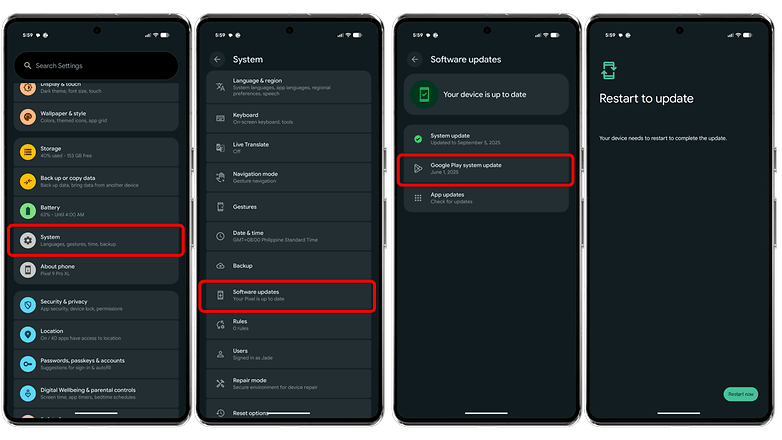
After installing the update, try pairing your Galaxy Watch with your Pixel 10 again to see if the issue has been resolved.
Do you own the latest Pixel 10 or an earlier model and have experienced pairing issues with your Galaxy Watch? Did the update fix it for you? Share your experience in the comments.
Source: Reddit