Only 40 Cents! You Can Control Your Entire Apartment with This
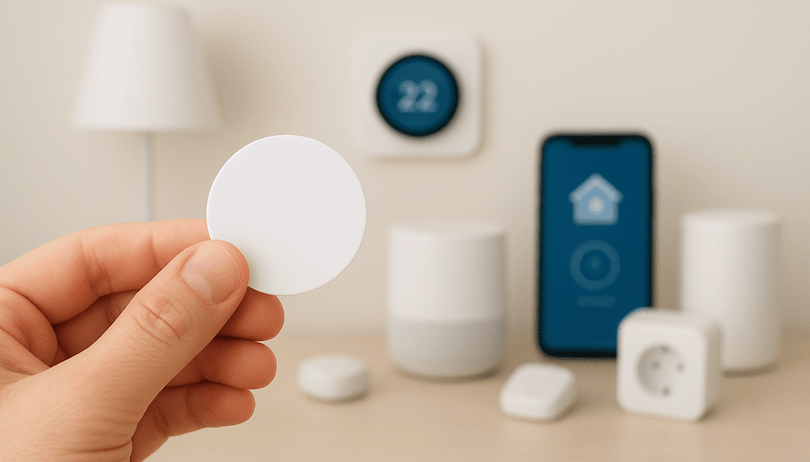

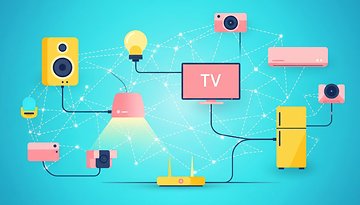
The light goes on as soon as you get home. To cap it off, your bedside lamp turns off when you activate sleep mode on your smartphone. Smart homes are no longer just about expensive devices, complex installations, or voice assistants, which are often more confusing than helpful. All it takes is a tiny detail to make everyday life smarter and more automated. In this article, we show you how this works - and how you can control your entire home via the simplest of means.
Smart Homes Don't Have to Be Expensive
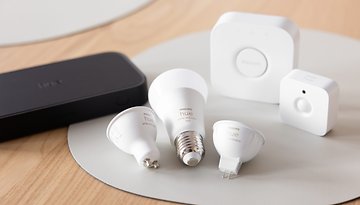
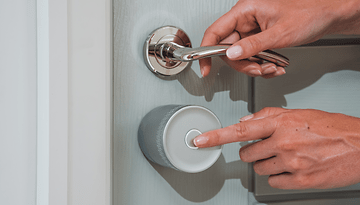
Many people associate smart homes with expensive hardware. Philips Hue lamps (market overview), smart locks, and smart sockets are available across all price categories. These devices are particularly popular due to their flexible application options. You can set automations and link them together, for instance: the lights in the hallway come on automatically when the Smart Lock has opened the door. Or how about this: every morning at 9 a.m., the smart socket turns on the coffee machine.
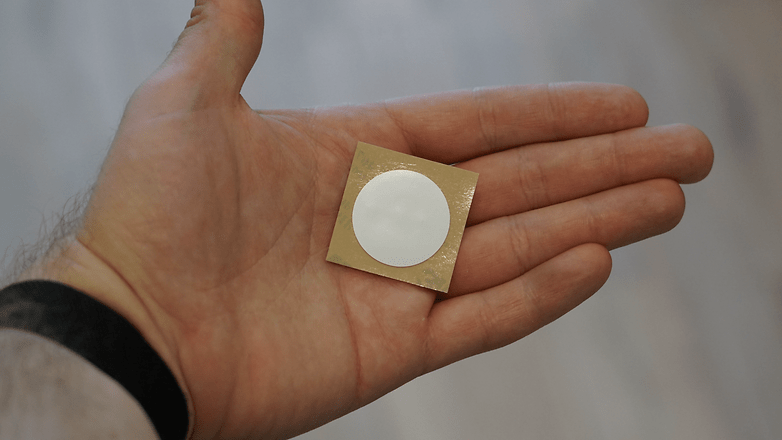
Now imagine holding your smartphone up to a sticker - and your favorite playlist comes on or the light in the living room turns on. That's exactly what you can do with NFC stickers. The inconspicuous stickers are the cheapest way to get started with your own smart home. 30 of them are available from Amazon for less than $15*.
NFC Stickers: A Tip for the Smart Home
NFC stickers open up an incredible variety of automation options for you. Whether it's automations or scenes from Apple Home or practical shortcuts in everyday life, such as automatically setting an alarm clock, the stickers can be used for almost any scenario. You don't even need any prior technical knowledge, because setting them up is child's play.
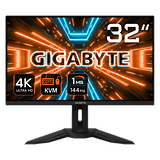
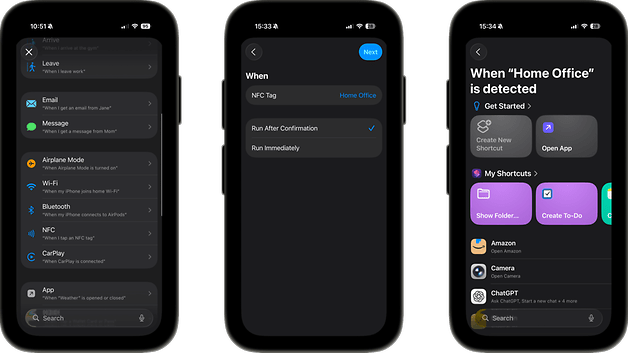
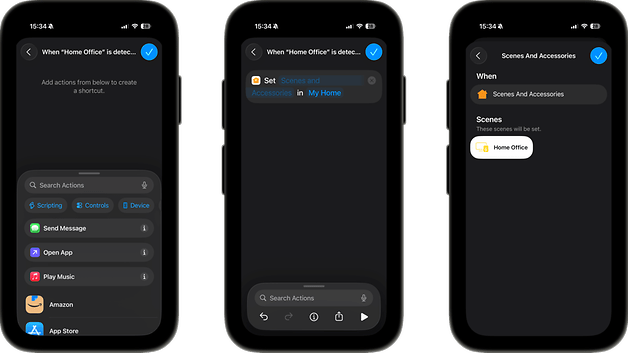
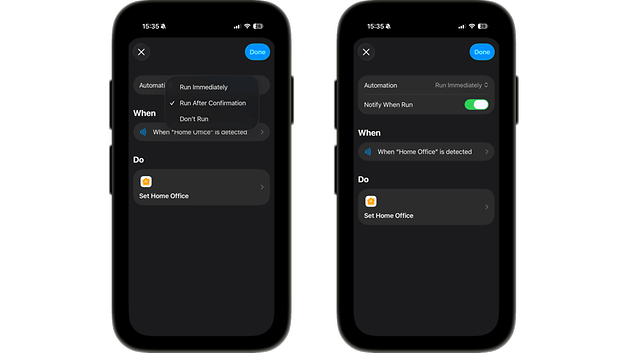
You go to the shortcuts app and click on Automations. Here, you select NFC. From there, set the automation. In my case, I selected the "Home Office" scene. This turns on my monitor, my desk lamp, and my speakers, which are all connected to smart sockets. Then select Execute immediately - so you don't have to confirm the process every time. And that's it, the automation is ready to go.
Another example would be this: I use the NFC sticker I put on my bedroom door to turn off all smart devices (as a precaution, if I haven't already done so myself) and set an alarm for the next day. The possibilities really are endless.