Samsung Releases OneUI 5.1.1 Beta—What's New in this Update?

Read in other languages:
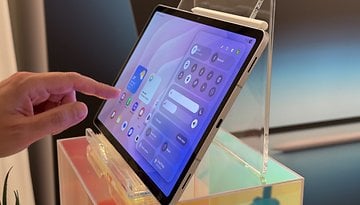
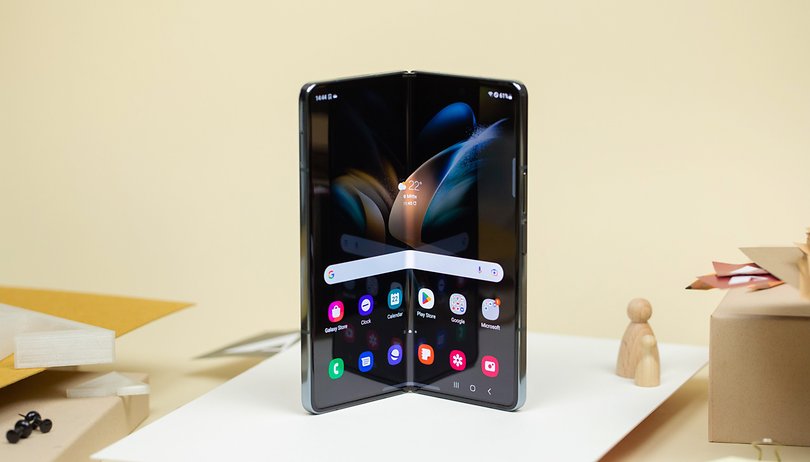
Samsung announced it started rolling out the OneUI 5.1.1 beta program for the Galaxy Z Fold 4 and Galaxy Tab S8 (Ultra) devices in South Korea. The software update is still based on Android 13 as opposed to Android 14. It is expected that the final release of the definitive version will be announced at the Unpacked event this month. While we wait, here's what's new with this firmware.
The OneUI 5.1.1 is a similar build that the Galaxy Z Fold 5 and Galaxy Z Flip 5 will run once debuts later in July. At the same time, this could also be the last major update for Galaxy phones before the company ships the One UI 6 which will be based on Android 14 OS.
- Also read: Samsung OneUI 5.0 review
OneUI 5.1.1 Beta compatibility
As spotted by Ice Universe, the program is currently compatible with the Galaxy Z Fold 4 (review) and Galaxy Tab S8 trio (review). This is open to all Samsung members with the mentioned devices on its home turf. However, availability could be expanded to more countries and compatible Galaxy devices later.
What's new in OneUI 5.1.1: Flex, reverse charging, multitasking, etc.
The latest release does seem focused on improving the usability of Samsung's foldable phones, such as updated multitasking views and the ability to utilize the cover screen when reverse wireless charging a headset, among others. Regardless, there are also new additions and changes in tow for its candybar phones, although Samsung would most likely offer a different changelog for non-foldable handsets.
Reverse wireless charging while using the cover screen
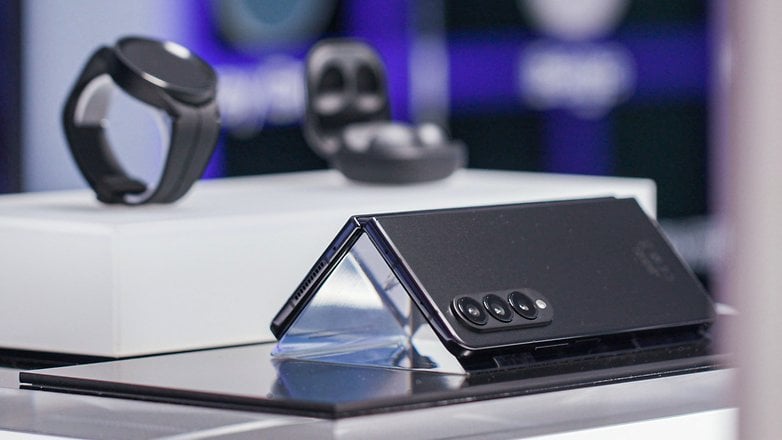
Samsung's Galaxy Z Fold 4 comes with reverse wireless charging, which is a useful on-the-go feature to charge the battery of wearables like your smartwatch or a pair of headphones. With the new update, Samsung will allow the cover screen to be functional while the other side charges a device.
Multitasking and taskbar
There are a handful of changes added to the multitasking interface OneUI 5.1.1, including the new preview for individual apps in the recent view. This shows whether the app is opened in split view, full-screen, or a different mode. Plus, it is now possible to switch to split view from pop-up and hover the S Pen on minimized apps to preview their last opened state.
Additionally, the four most recently opened apps will appear on the task bar, which was previously reserved for pinned apps. Do take note that the task bar's length will automatically adapt to the number of apps that appear.
A more flexible Flex mode
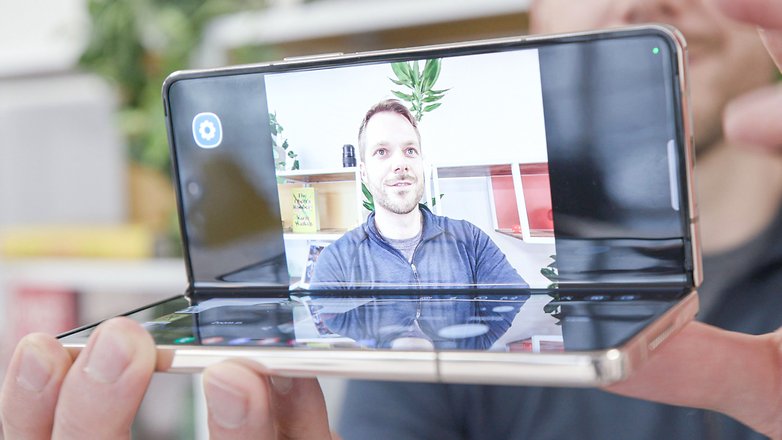
Samsung will also update the Flex mode for its foldable. First of all, additional apps with multiscreen functions are now supported by the mode. Secondly, extensively customizing the toolbar is now possible, such as setting a shortcut for screen capture. A new rewind/forward button has also been added when running the music player in the flexible view as well.
Camera and gallery
When it comes to the camera, the Pro mode will see improvements with more accessible camera controls and settings in the Flex view. Furthermore, users can select multiple photos in the capture view while remaining on the main screen.
When making edits within the Galaxy gallery, a preview button will appear at the bottom now. This lets you compare the original photo and the edited photo via Samsung's Galaxy Enhance X app which remains exclusive to flagship phone models. Another nice touch that is gallery-related is the ability to copy effects such as tones and filters to be used in the next photo you plan to edit.
Other changes: Multitouch drag and drop, change profile from the lock screen, etc.
Specific to the home screen and My Files tool, Samsung is upgrading the drag-and-drop gesture. For example, you can select files or photos using one of your hands and subsequently select the destination folder with your other hand.
Moreover, My Files will automatically notify you when a device's storage capacity falls below 10 percent or 5 GB. Alternatively, you will be given the option to free up cache memory without removing or deleting files.
In the lock screen, users won't need to unlock the device by changing the device mode. They can simply switch between different modes like sleep or driving from the lock screen itself.
Which new features do you look forward to trying out the most once you update your device to OneUI 5.1.1? Let us know in the comments.