Android Tablets Compared: These Are the Best Models to Buy in 2024
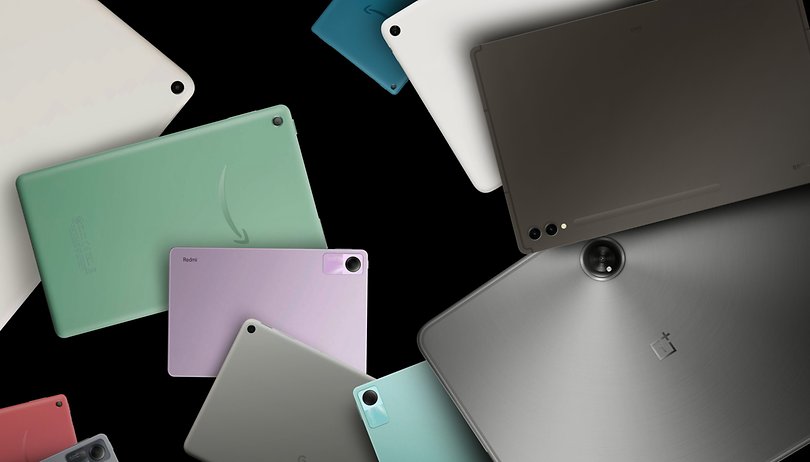

2023 seemed like a rebirth of the Android tablet market, with Google returning to the space with the Pixel Tablet and the first OnePlus tablet. That raises the question: What are the best Android tablets you can buy today? We compared the newcomers to the best options available from both Samsung and Amazon.
Not to be outdone, Samsung revamped its entire tablet line-up in the past year, with not only a new Galaxy Tab S10 family but also a new Fan Edition duo that replaces both the S7 FE and S6 Lite models, and a new pair for the Tab A entry-level range.
We took the opportunity to list the best options available to help you make the most of your money. And we will start with a comparison table.
Best Android tablets compared
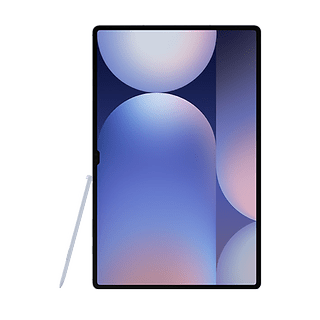
Best Android tablet: Samsung Galaxy S10 Ultra
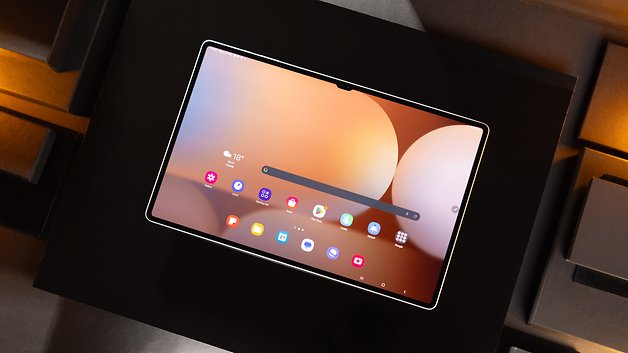
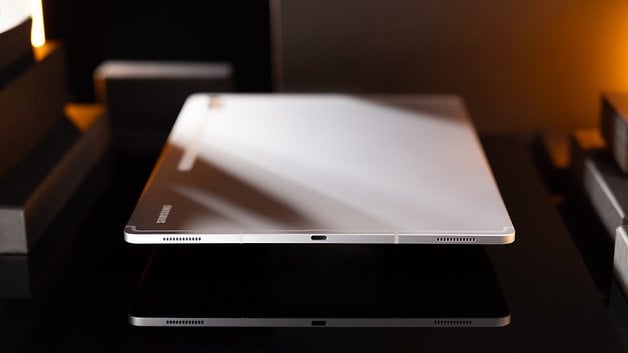
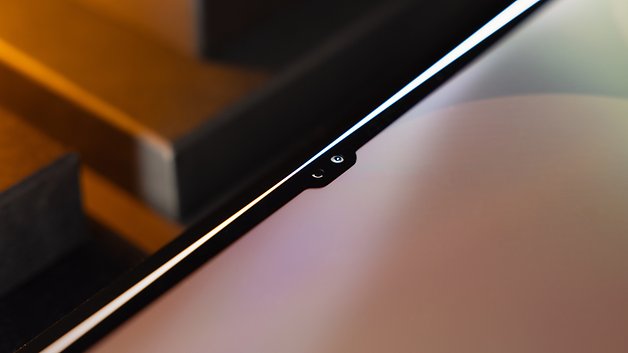
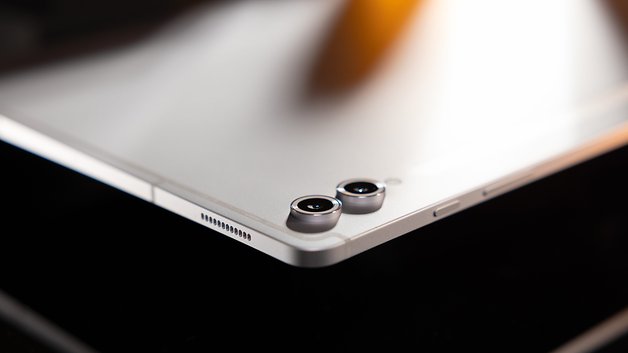
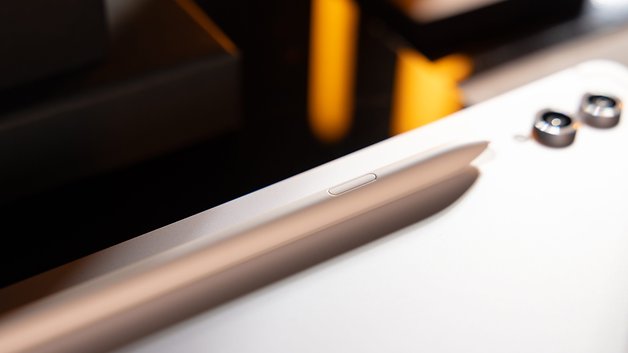
We previously called the Galaxy Tab S9 Ultra "the best Android tablet", and Samsung did it again in 2024. The Galaxy Tab S10 Ultra is undoubtedly the most complete Android tablet money can buy today. It is full of superlatives, with a (very) big OLED display, big storage, plenty of RAM, and the nifty S Pen stylus for added productivity.
True, it is very expensive, but it can even replace a traditional laptop if you buy the optional keyboard cover, or pair it to a Bluetooth keyboard you already have. You can even use it in the DeX desktop mode for better multitasking.
Better still, Samsung offers an unmatched level of software support for its flagship tablet, promising seven years of software updates for both the operating system and security updates. Since most people tend to keep tablets for much longer than smartphones, that is a big plus in our book.
Good
- Very good 14.6-inch AMOLED display
- Absolutely high-quality design
- Very long software support
- S Pen is included
- Powerful performance
- IP68 certification
- Great sound quality
Bad
- Hardly any noticeable changes compared to the previous year
- Still very expensive
- Unfortunately, there is still no S Pen slot
- Personally, it is too large for me as a tablet
The best Android tablet for multimedia: Pixel Tablet
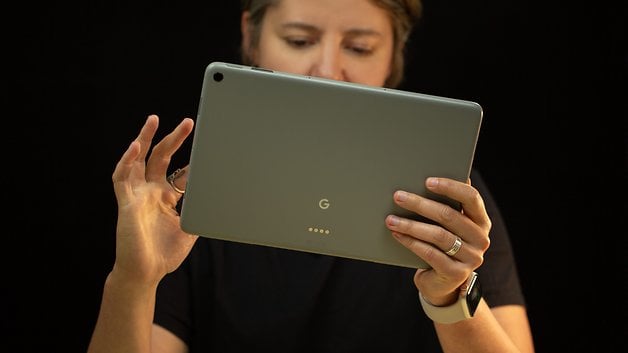
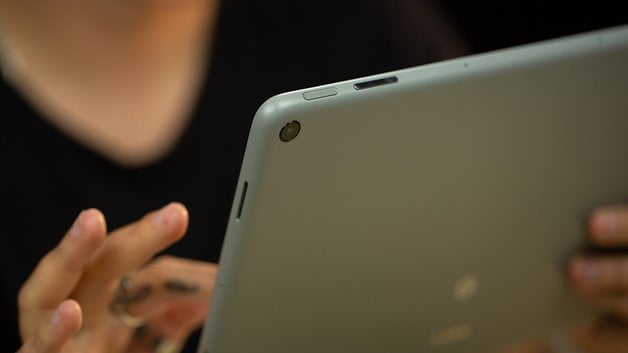
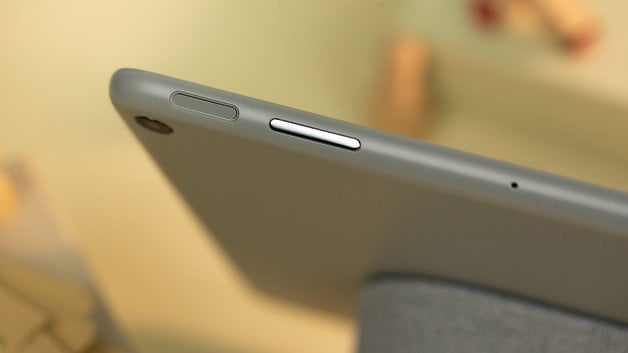
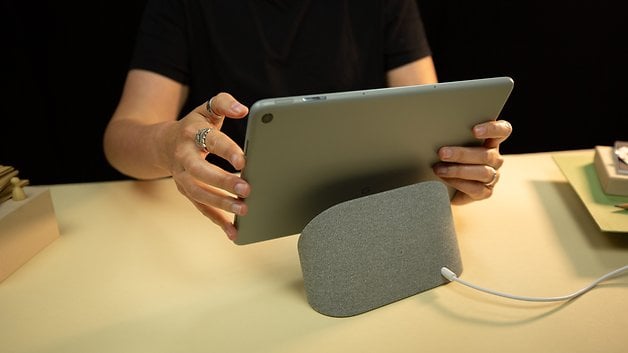
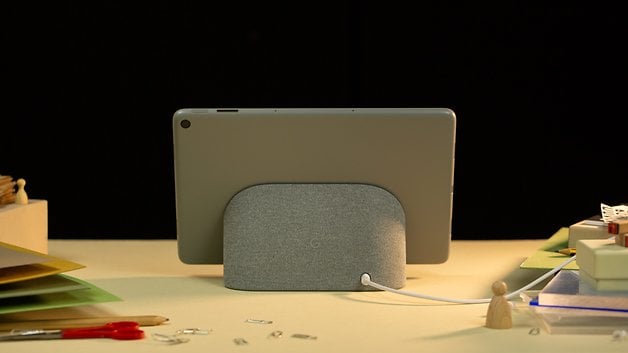
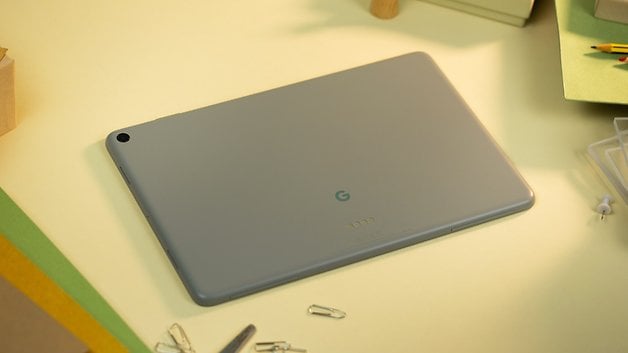
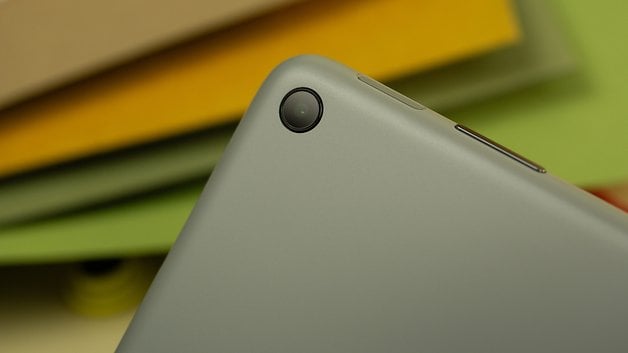
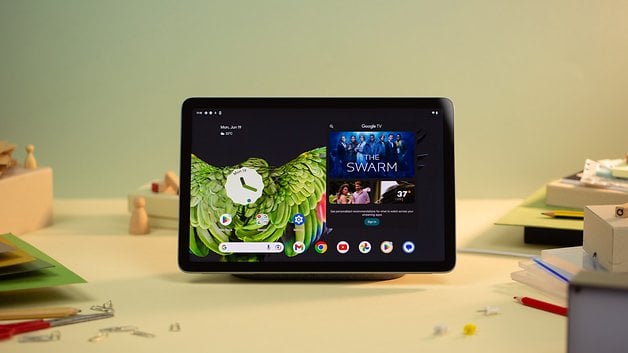
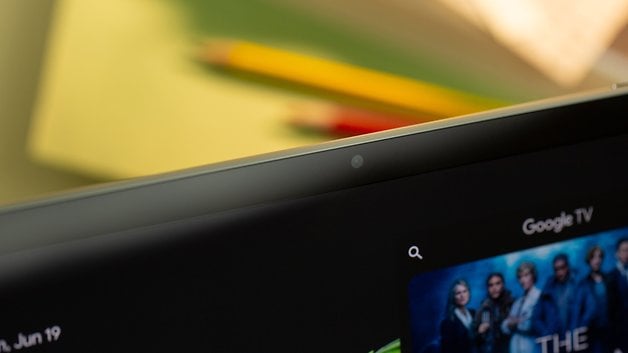
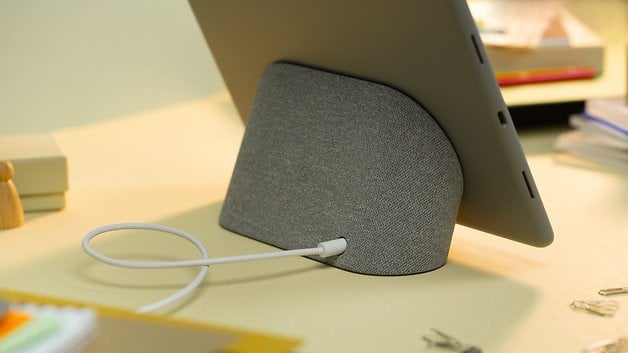
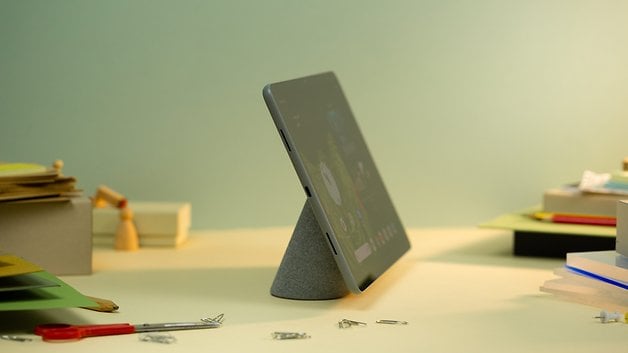
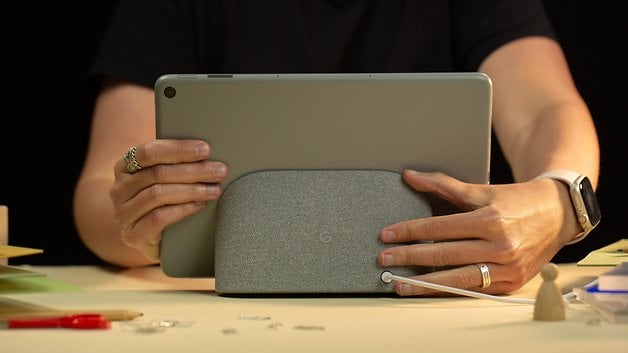
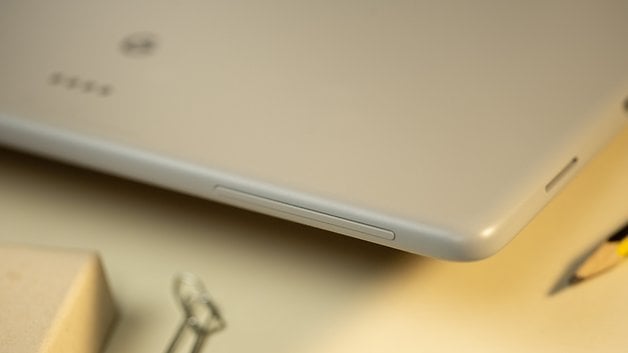
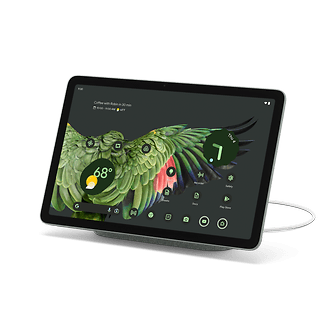
Google's new assault on the tablet market is slightly different from its past contenders. The Pixel Tablet can be bundled with a charging dock—which can be purchased separately and basically transforms the tablet into a smart display with a Google Nest-like speaker.
The multimedia features of the Pixel Tablet don't stop there, as the device also features Chromecast support, not only to beam its contents to a bigger screen but also as a target to share a streaming session from your smartphone. On nextpit's test, the speaker dock offered excellent sound quality and a reliable docking experience by using magnets for alignment.
In the specs department, the Pixel Tablet features the same Tensor G2 processor found in the Pixel 7 phones, fast RAM and storage standards, average 8 megapixels sensors for both cameras—a bit disappointing considering the brand—and promised software support of 5 years of security updates, which is only rivaled by the Samsung Tab S9 models that cost considerably more than the Pixel Tablet's $400/500€ MSRP.
Good
- Compact design with a great display experience
- The speaker dock is useful
- Great tablet for sharing
- The charging dock ensures battery autonomy
- Good software update policy
Bad
- Physical buttons are practically hidden
- Still feels like the Android mobile experience
- Key software features missing
- Finding third-party accessories may be tricky
The best high-end Android tablet alternative: OnePlus Pad 2
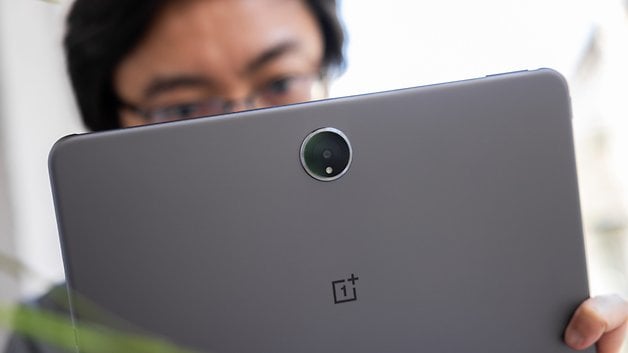
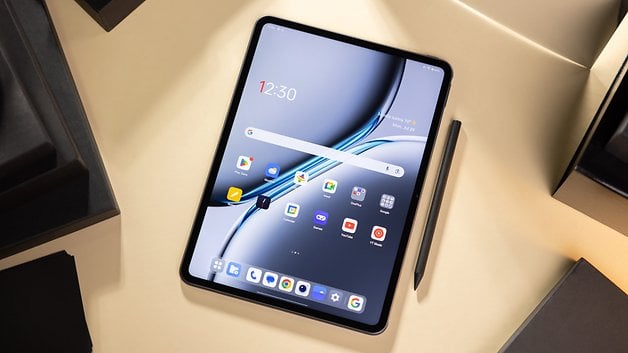
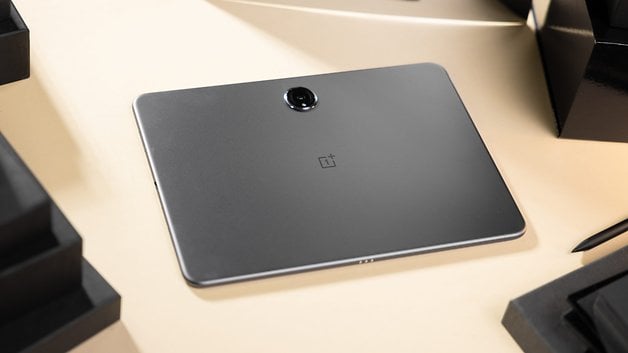
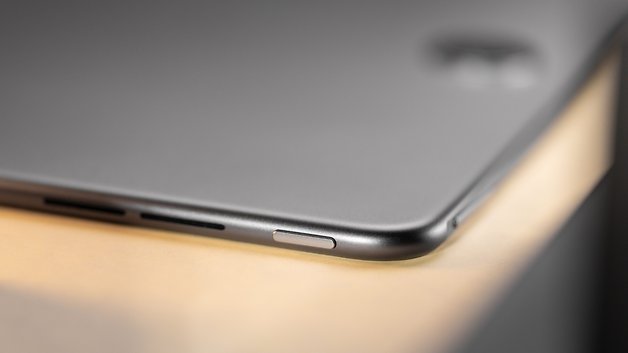
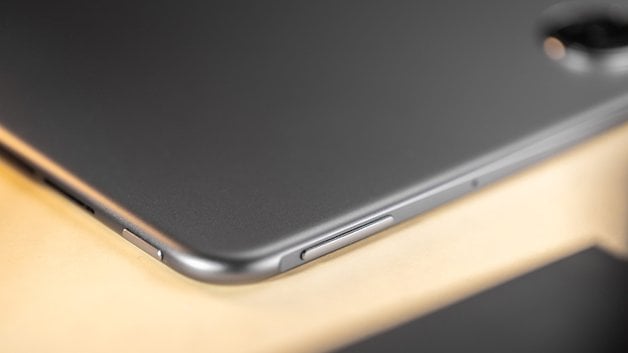
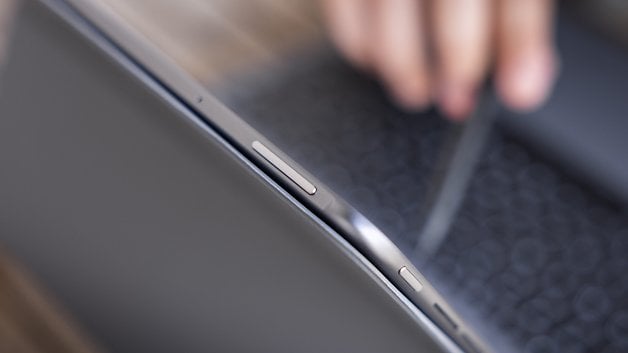
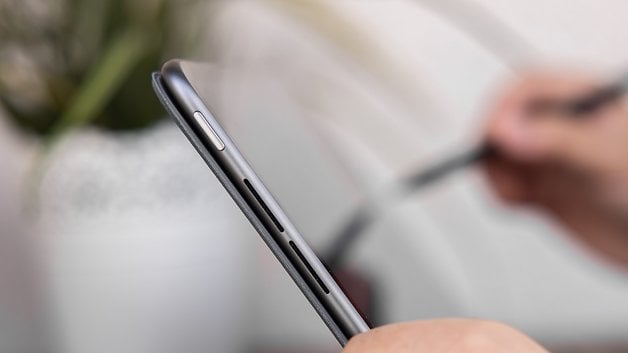
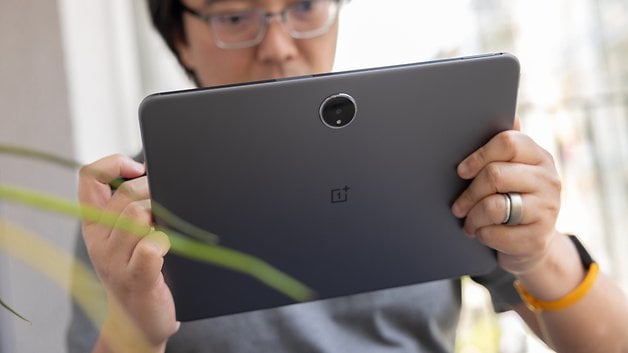
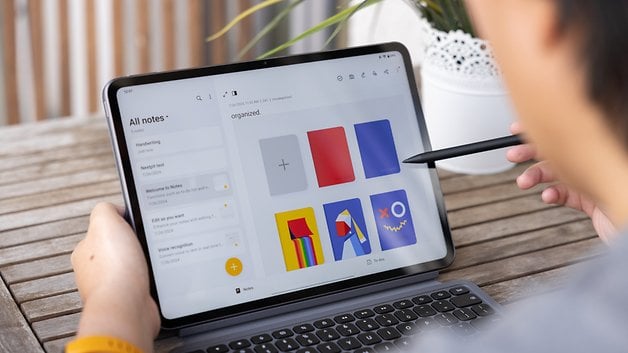
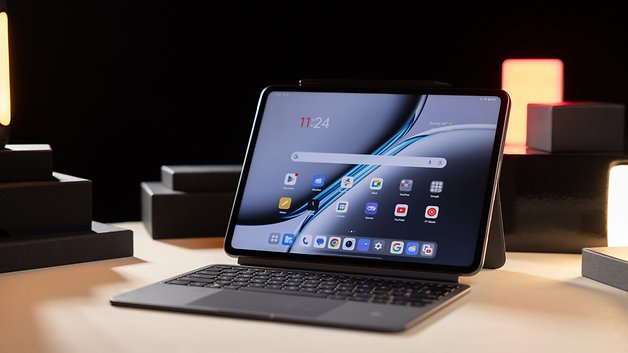
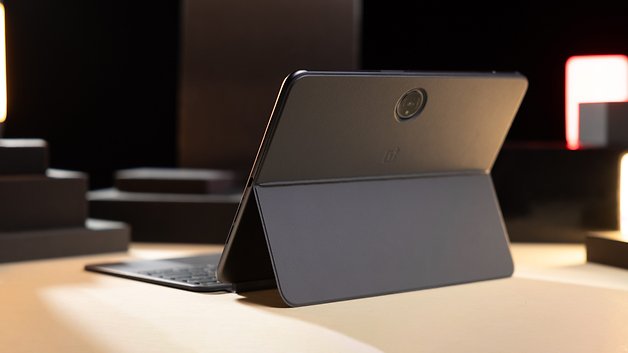
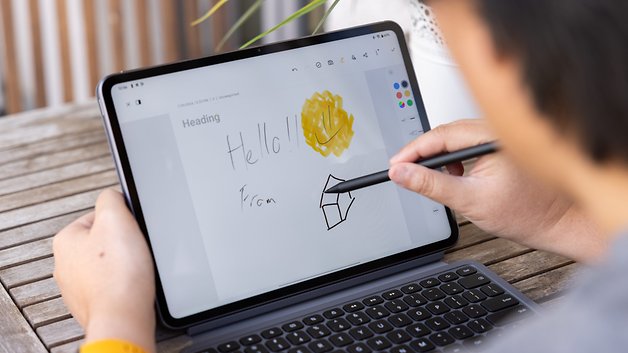
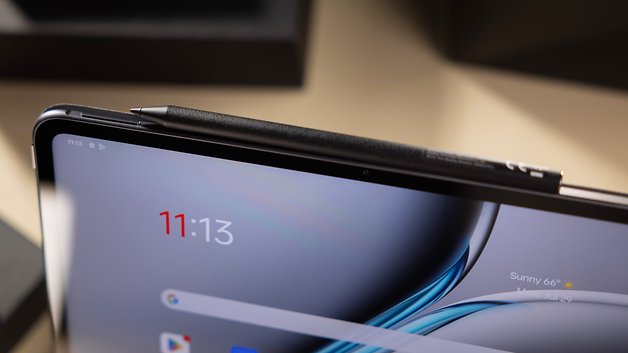
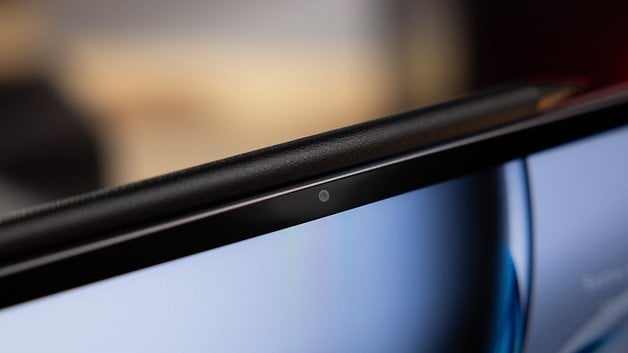
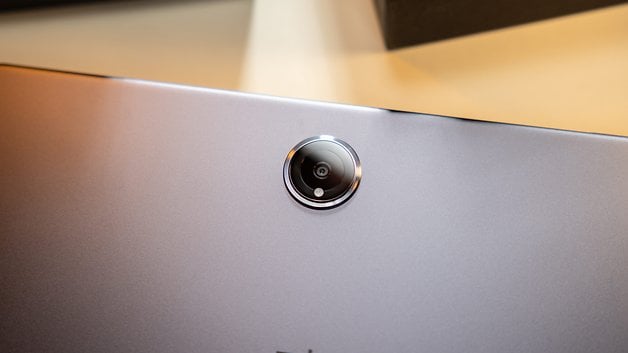
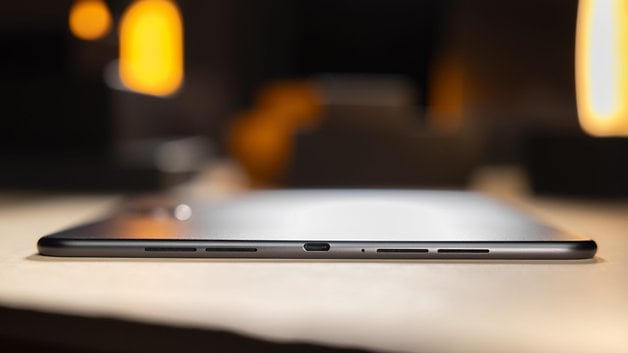
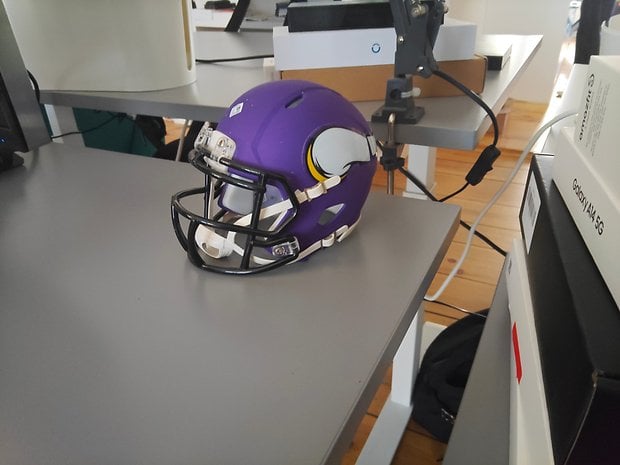


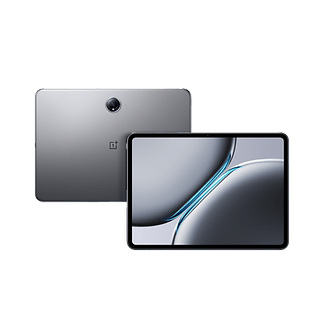
We know we promised to test the OnePlus Pad tablet on a previous version of this article, but logistical issues made it unfeasible. Anyway, we got the device's follow-up and it showed strong price-performance results in our tests, especially when considering the bundled accessories in the beginning of the tablet sales.
The OnePlus Pad 2 is the current king of performance in the Android tablet market, while at the same time costing less than half of our top pick. The Pad 2 offers a more reasonable size for most use cases but loses some points in overall ecosystem integration, and a shorter update policy.
OnePlus offers a well-built keyboard cover and stylus as accessories and they worked well in our tests, but the small keys (and spacing) can be a deal breaker for long typing sessions. Those small trade-offs can also be found in the camera, and the nice LCD screen—good aspect ratio for productivity, not so much for video consumption.
But in the end, it is the best option for those looking to buy a high-performance Android tablet and don't have $1000 for it.
Good
- Nice display
- Excellent specifications
- Well-priced bundles with keyboard and stylus
- Useful software improvements on OxygenOS
Bad
- Not-so-consistent performance
- Average camera quality
- Software update policy could be better
The best cheap Android tablet: Amazon Fire HD 10
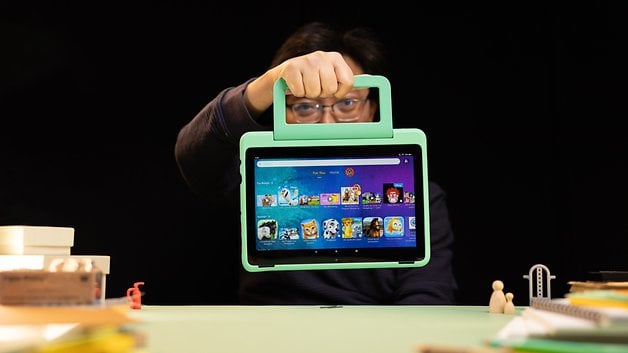
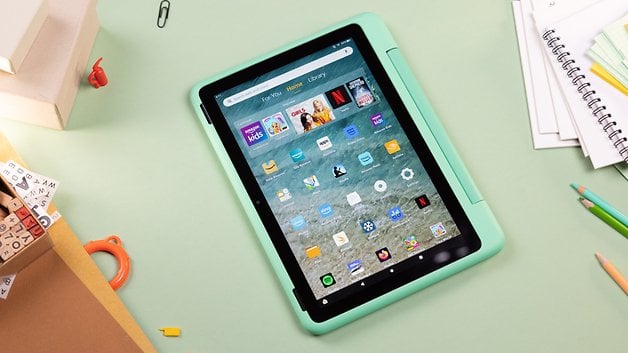
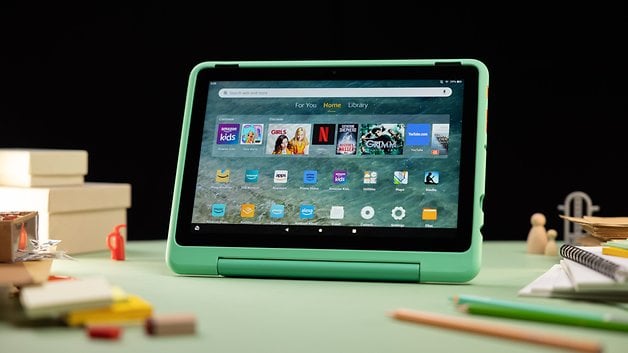
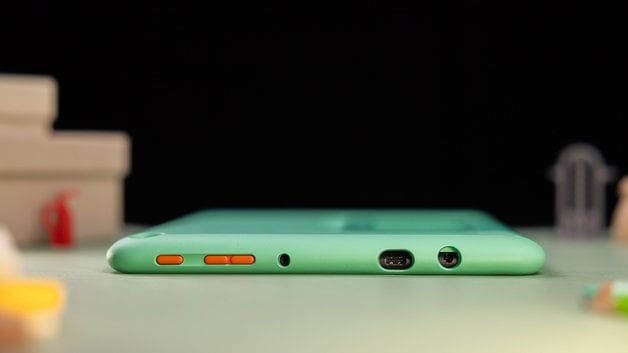
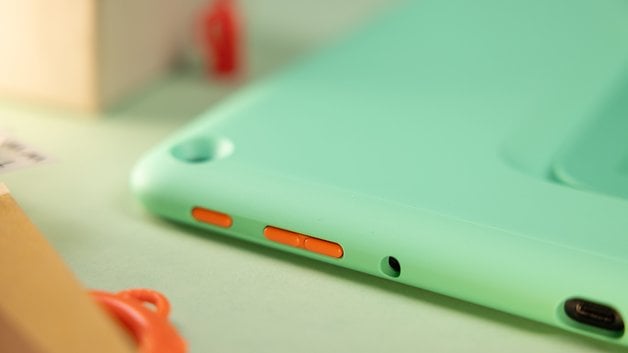
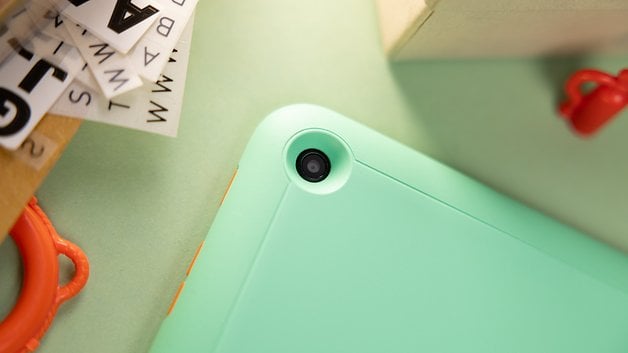
An unusual selection for this list, the Amazon Fire HD 10 tablet runs Android but under a heavily customized FireOS skin. Most Android apps are not available on the Amazon App Store, but you can easily bypass that limitation by sideloading the Google Play Store on the Fire tablet.
Amazon's MSRP for its biggest tablet is $139.99/€164.99, but frequent discounts take the price under $100/€100 if you can wait. The trade-offs for the low price can be seen in the weak memory options, low-resolution cameras, and a display that is just ok for the price.
Performance on the Fire HD 10 is fine, approaching Android smartphones twice as expensive, with four performance cores and four efficiency cores. You can go even cheaper on the Amazon Fire line, but the other models offer much lower performance, despite the impulse buy pricing.
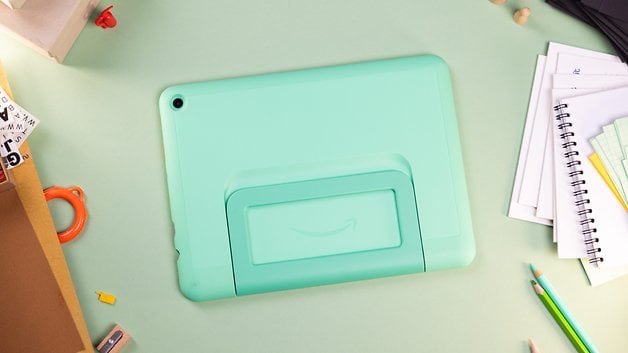
Additionally, Amazon offers its 10-inch tablet in editions targeting children: one for kids aged between 3 and 7, and a "Pro" version for those from 6 to 12. We have tested the latter and you can read our full review here, they are the same model, but feature a protective case and don't have a subsidized option with lock screen ads.
Buying advice: What to look for when buying a tablet
The Android tablet market covers a huge landscape of products, ranging from bargain bin models at around $50/€50 on deals days up to more than a thousand bucks with all the bells and whistles you can imagine.
- Performance: We listed below only models that offer a reasonable level of performance, that is why we didn't list models under $100/€100. Even though they are very popular, you shouldn't expect much from them when it comes to daily performance or longevity. Additionally, storage space on very cheap tablets is limited, restricting their use even after installing a microSD card.
- Accessories: Tablets are usually very versatile when it comes to usage, some are more geared towards multimedia consumption, while others are positioned as productivity machines. From kick-stand covers to pens and keyboards, try to visualize the intended use for the device and check if all necessary accessories are available. That will save you the hassle of getting a generic option which can ruin the tablet's portability.
- Display and audio: Since most people use tablets for online browsing and watching streaming content, having a good screen and speakers is critical. All models in the table above are Full HD-compliant, but some offer higher refresh rates that can make games and page scrolling smoother than on 60 Hz models. On the audio side, all tablets above offer at least stereo sound using dual or quad speakers but none have front-firing speakers for better sound immersion. If you care about sound quality, consider getting a good headphone.
There are a bunch of other options in the Android tablet space, including alternatives from Oppo, Nokia, Lenovo, TCL, and much more. You are welcome to suggest more tablets for this list, and hopefully, we will be able to test them.
Do you think it is worth spending more than $400 on an Android tablet, or that is a space exclusive to iPad models? How often do tablets get upgraded in your household? Share your opinions in the comments below!
This article was updated in November 2024 with updated picks and more pictures. Comments prior to the update were kept and may appear out of context.







I want a 7" high res powerhouse. The whole point of a tablet is portability. 8 inches would be okay anything 10 and up is too much. But that's the opposite of how these companies think.
-
Admin
-
Staff
May 16, 2023 Link to commentSome people argue that the Nexus 7 was the only good Android tablet.
I would like to see a 8 or 9'' model with thin bezels. I think Sony had some Xperia tablets along those lines, but they were always too expensive...
-
Admin
-
Staff
May 16, 2023 Link to commentI still have the Nexus 7 somewhere here at my place.
My wife has one as well