Sorry, but there's really nothing to see here right now. Our server is in maintenance mode – and our
little bot is trying to sort the error messages with its last bit of energy.
Whether it was a data leak, a power outage in the cluster, or just a grumpy bit – we don't know yet.
But what we do know is:
The data drama escalated into a server meltdown. But don't worry: We're on it.
What now?
Everything is surely running smoothly over at our colleagues from inside
digital – why not stop by!
Or you could pass the time by visiting our social media channels – for example Instagram, YouTube or TikTok. At least there are no
server problems there – promised.
Thanks for your patience. Our bot is already rebooting at full speed. 🔧
Should you buy a MacBook Air or a MacBook Pro in 2024? Apple offers a range of laptops that can confound anyone not familiar with their product offerings. In this buying guide, nextpit explains everything, including the different screen sizes and SoCs to help you decide on which is the best MacBook for you.
Apple elevated its MacBooks to new heights in 2021 by introducing its very own set of ARM processors, Apple’s homegrown silicon. This allowed the company to optimize its processors to its software, delivering a synergistic effort that is highly commendable.
As a result, Apple’s current line of MacBooks is very powerful and very efficient. With battery runtimes of up to 22 hours, high-quality displays, and seamless connectivity to iPhones and iPads, the MacBooks are extremely well-suited for mobile work.
Apple introduced the notch in the MacBook display as part of an extensive design update of its MacBook Pro models. With 14- and 16-inch displays, the MacBook has become more angular in the process, and you can find the exact dimensions in the table at the top of this article. The displays which measure 14.2 and 16.2 inches exactly, are integrated into the case with far less room for bezels.
Apple uses Liquid Retina XDR for the display, which you might already be familiar with if you have come across the largest iPad Pro. The panels are based on IPS LCD panels that are backlit via mini-LEDs. As a Retina display, the resolution is so high that you can no longer view individual pixels, and content is displayed in a particularly smooth manner at 120 Hertz. The displays are also certified for HDR content and support 1 billion colors in the large P3 color space.
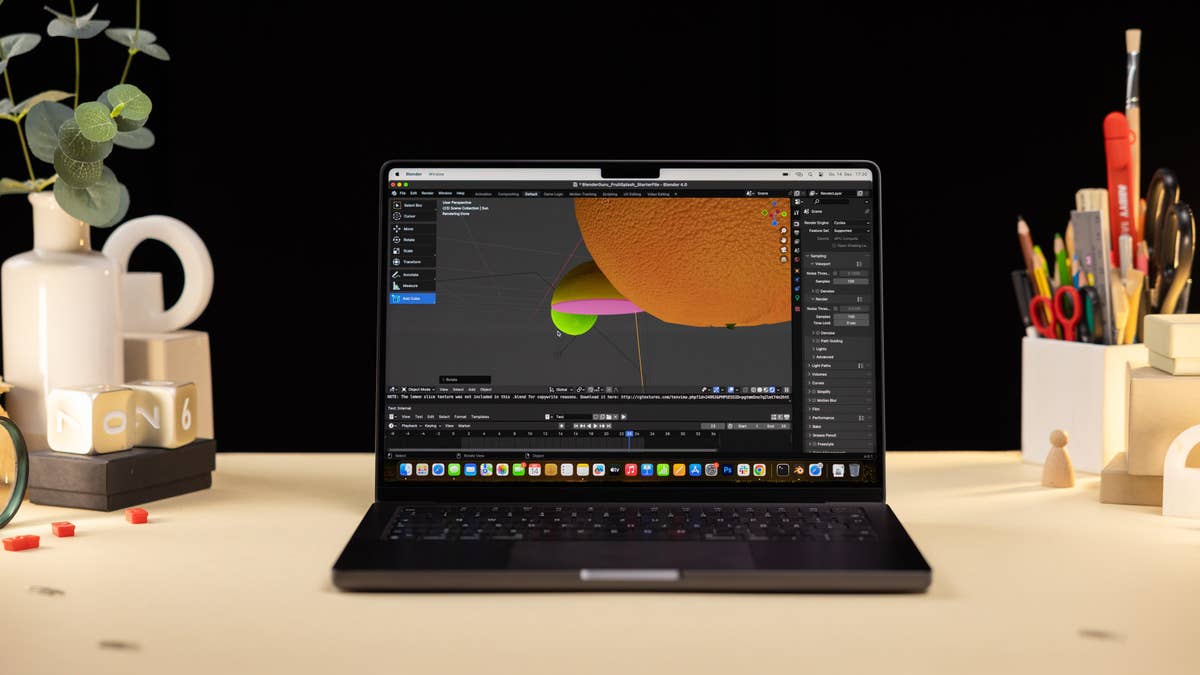
The gallery below shows the MacBook Pro 2023 with the M3 chip, but besides the internal components and the Thunderbolt 5 port on the M4 Pro and M4 Max models, both laptops are cosmetically the same.
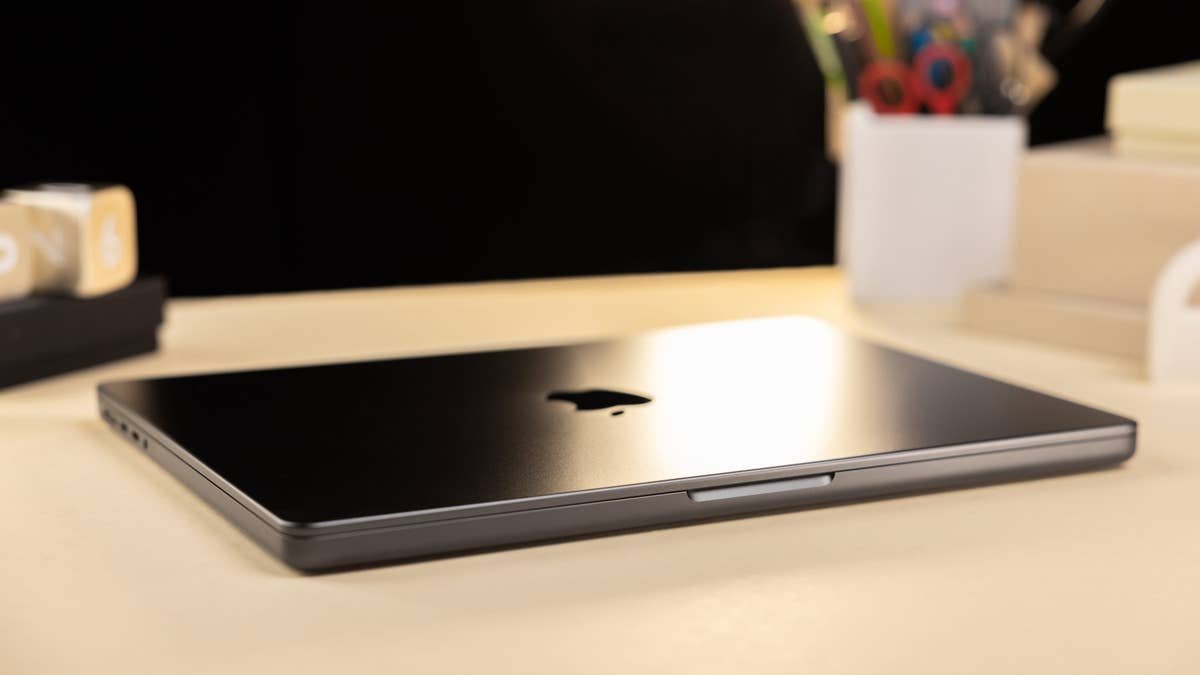
The MacBook Pro M3 shares the overall design with the M4 models.
Quelle: nextpit
The MacBook Pro 2023 is a true powerhouse.
Quelle: nextpit
The Magsafe port on the MacBook Pro can save your sinfully expensive notebook. Imagine accidentally dropping this $6,900 beast on the floor.
Quelle: nextpit
The 14-inch Macbook Pro is very portable with a thickness of 1.55 cm and a weight of 1.62 kg.
Quelle: nextpit
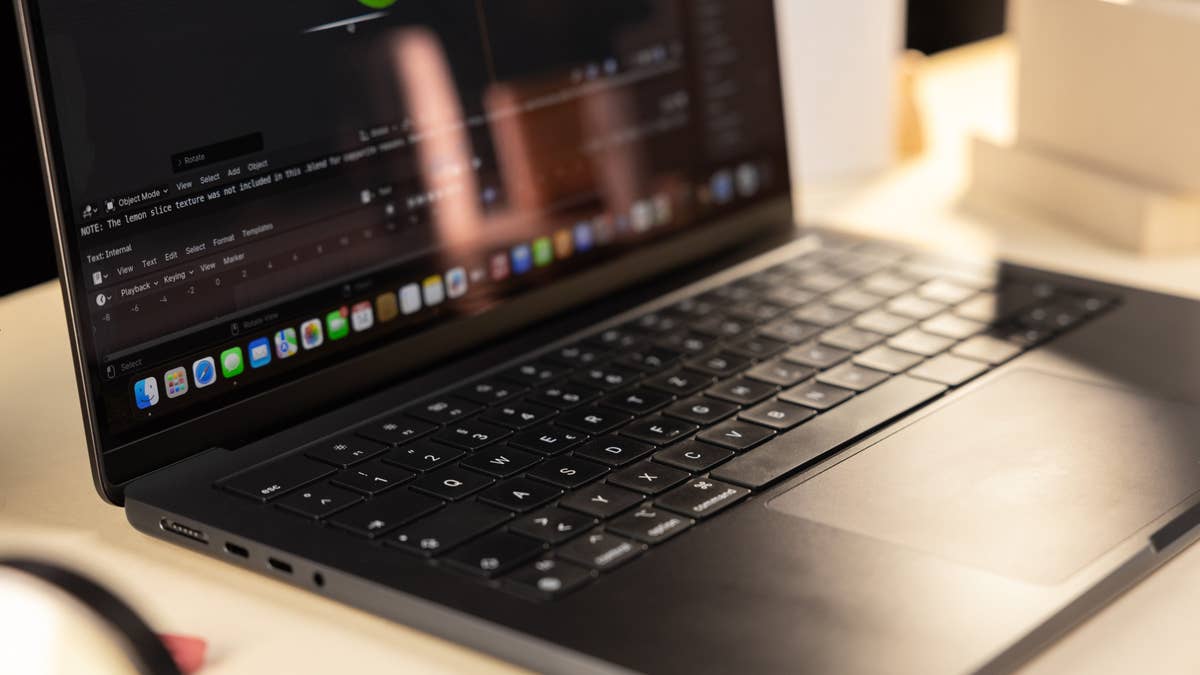
The 14-inch MacBook Pro offers an excellent keyboard and a great touchpad with two click levels.
Quelle: nextpit
Appleu0027s MacBook Pro M3 is identical to the MacBook Pro M2 except on the chipset
Quelle: nextpit
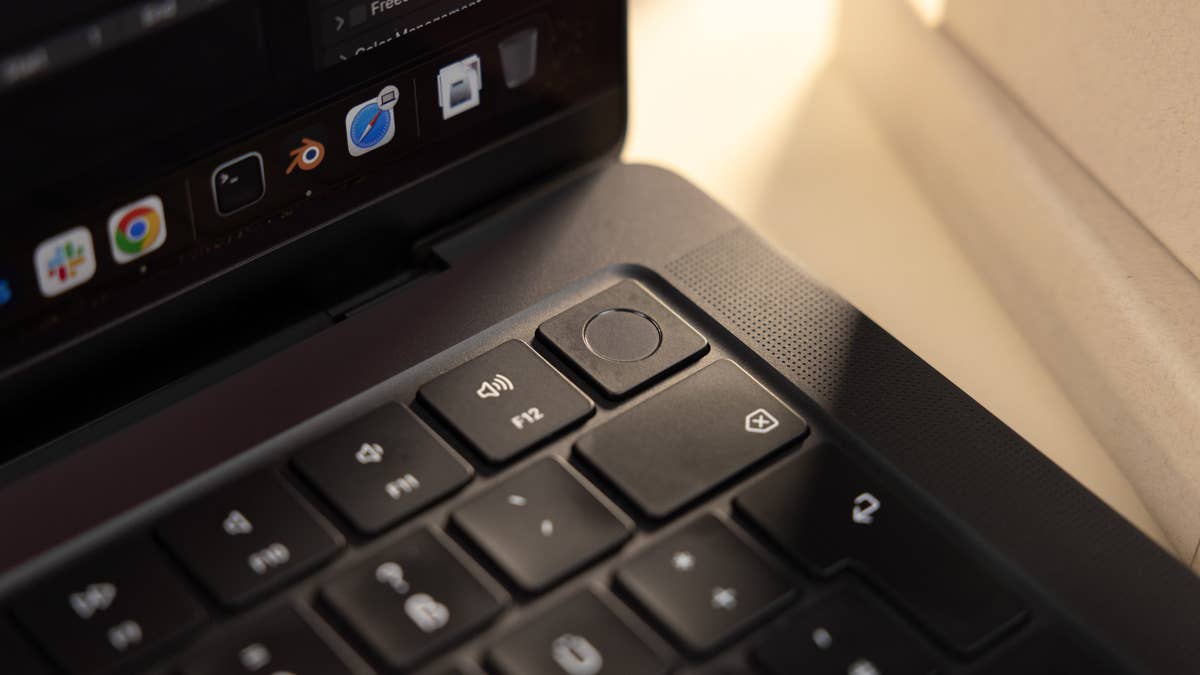
At the top right of the keyboard is a fingerprint reader that reliably and quickly unlocks the MacBook Pro or can be used to confirm purchases in the App Store.
Quelle: nextpit
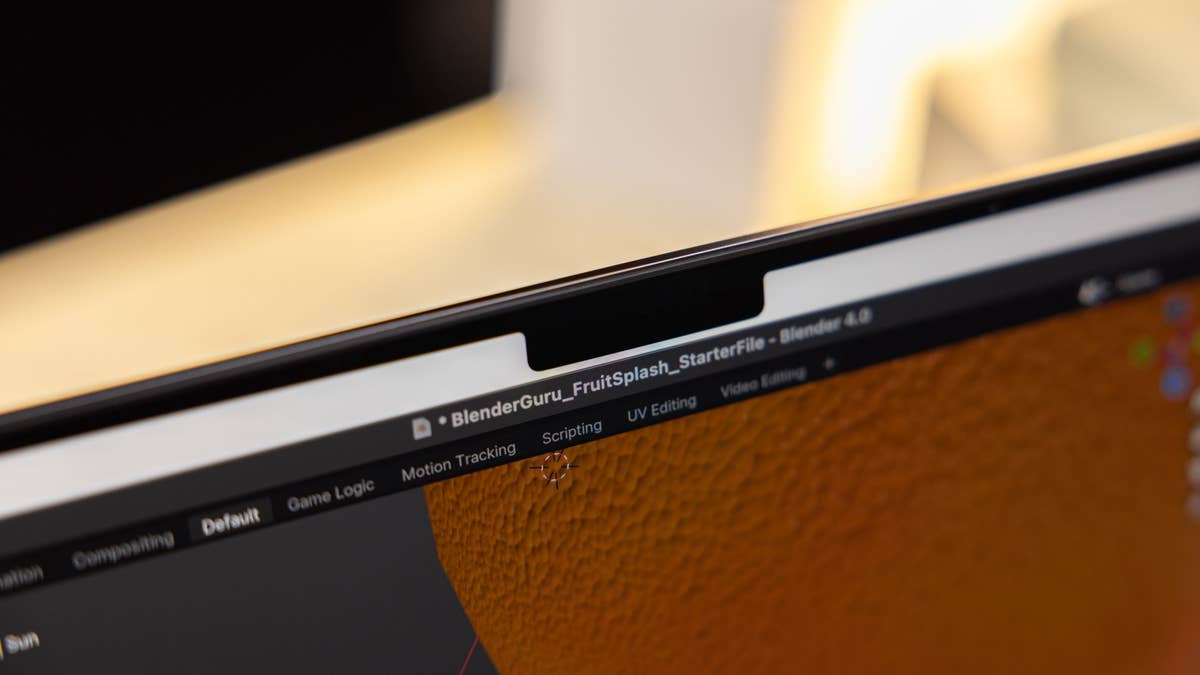
The thick notch of the 14-inch MacBook Pro would have been excusable if Apple had installed FaceID here
Quelle: nextpit
The 14-inch MacBook Pro is a hyper-mobile workhorse and easily replaces an office desktop computer.
Quelle: nextpit
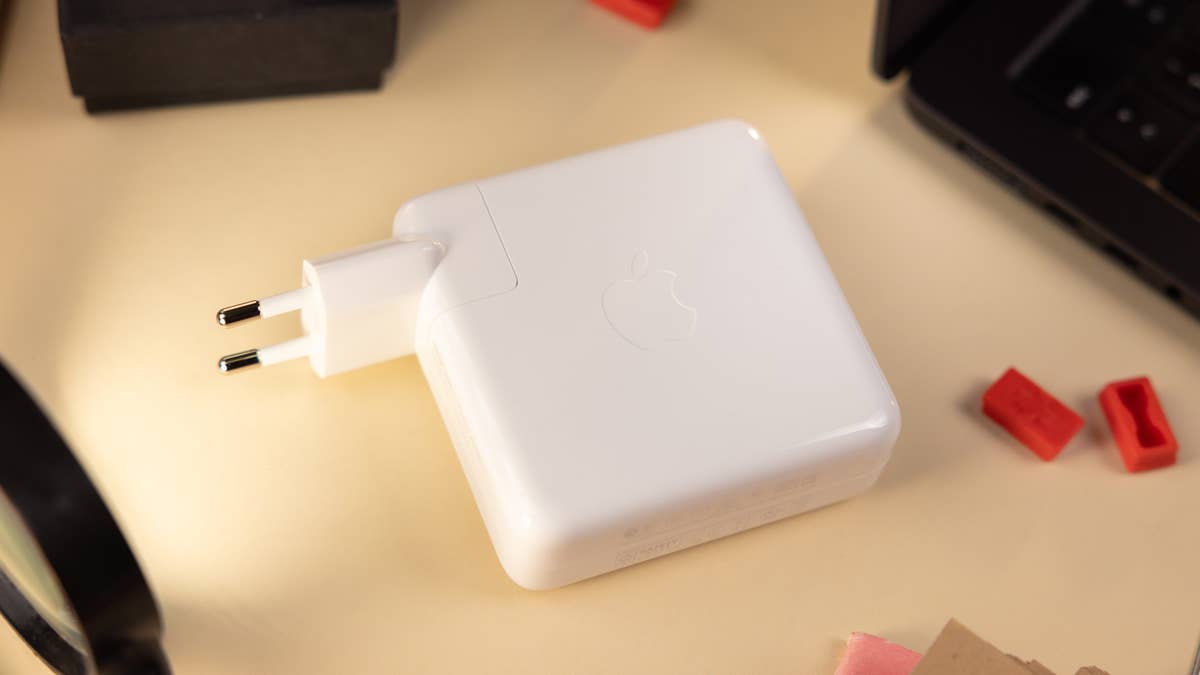
This 96 W charger is included with the 14-inch MacBook Pro. Some smartphones charge faster than this.
Quelle: nextpit
Itu0027s hard to find a more powerful 14-inch notebook on the planet than the MacBook Pro with M3 Max, right?
Quelle: nextpit
MacBook Pros can be powered by Apple’s M4, M4 Pro, and M4 Max SoCs, i.e. two of the most powerful ARM processors in Apple’s catalog. A maximum of 14 CPU cores and 40 GPU cores can be configured, with the basic configuration being the M3 with 10 CPU cores and 10 GPU cores. MacBook Pros are therefore also suitable for extremely demanding performance tasks.
The special feature of Apple’s ARM processors is their support for unified working memory. CPU and GPU share RAM, allowing the MacBook to decide for itself which tasks require more memory. The base RAM configuration has 16 GB but the M4 Pro can be configured with up to 48 GB, and the M4 Max has a maximum of 128 GB.
Internal storage for applications, images, and videos is 512 GB for the M4 and M4 Pro. There’s a maximum of 4 TB for the M4 Pro and 8 TB for the M4 Max, but additional upgrades come at a high price. It is not possible to increase the internal storage of MacBook Pro models after purchase, so choose carefully.
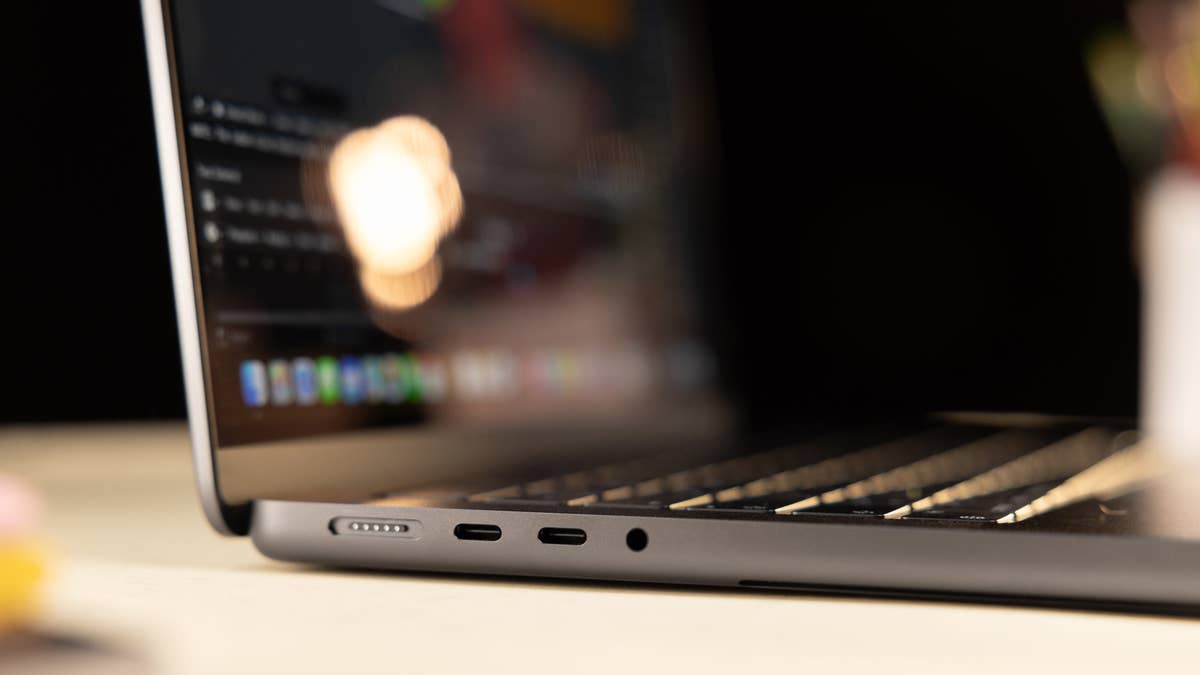
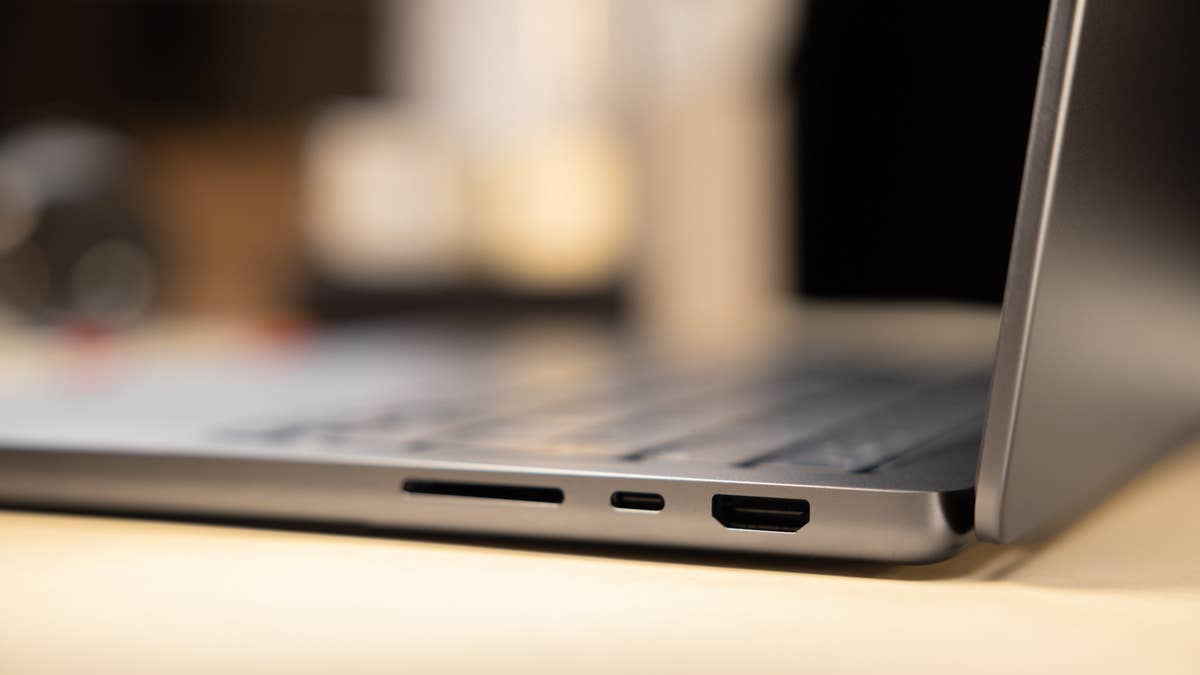
The 14″ and 16″ MacBook Pros feature an HDMI port, a Thunderbolt 5 USB-C port (TB4 on the base M4 model), and an SDXC card reader on the right side of the case. On the left, you’ll find a MagSafe 3 charging port, two Thunderbolt USB-C ports, and a headphone jack. Wi-Fi 6E and Bluetooth 5.3 connectivity are supported, while the webcam boasts 1080p resolution.
Apple claims a battery life of 24 hours for the M4 and M4 Pro chips and 21 hours for the M4 Max with movie playback via the Apple TV application. Internet browsing should last approximately 16 hours on the M4 and 14 hours on the M4 Max.
The only difference at the point of purchase would be the supplied USB-C charger. If you choose the 14-inch model, you’ll receive a 96W charger, while the bigger model gets a 140W charger.
Another difference compared to the older models: The keyboard, now sporting black keys and a black background, can no longer be configured with a Touch Bar. This has been replaced by 12 full-sized function keys. Another thing to look out for: the six integrated speakers are among the best you can get in compact notebooks according to reviews.
We haven’t tested the new M4 model but you can check our impressions on last year’s top-of-the-line M3 Max MacBook Pro:
Pros of the Apple MacBook Pro 14″ 2023 M3 Max
Stylish and proven design
Great keyboard & trackpad
Incredible computing power
Amazing battery life
Cons of the Apple MacBook Pro 14″ 2023 M3 Max
Notch in the display does not support FaceID
No Wi-Fi 7
MacBook Air (13.6- and 15.3-inch)
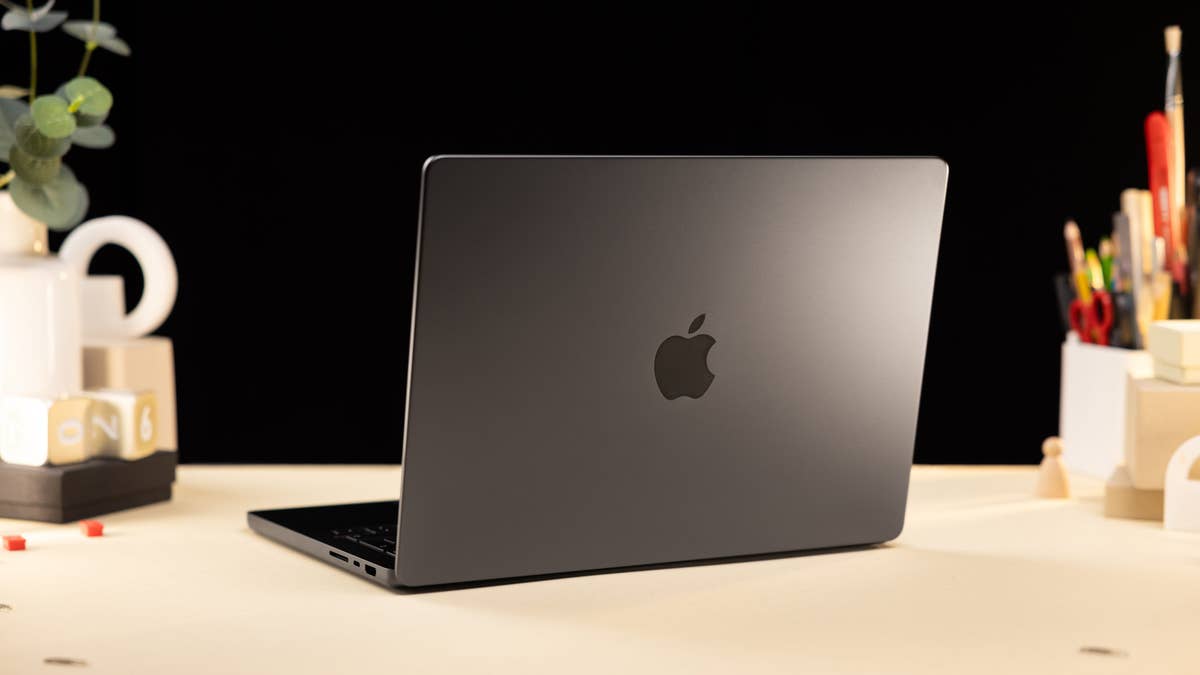
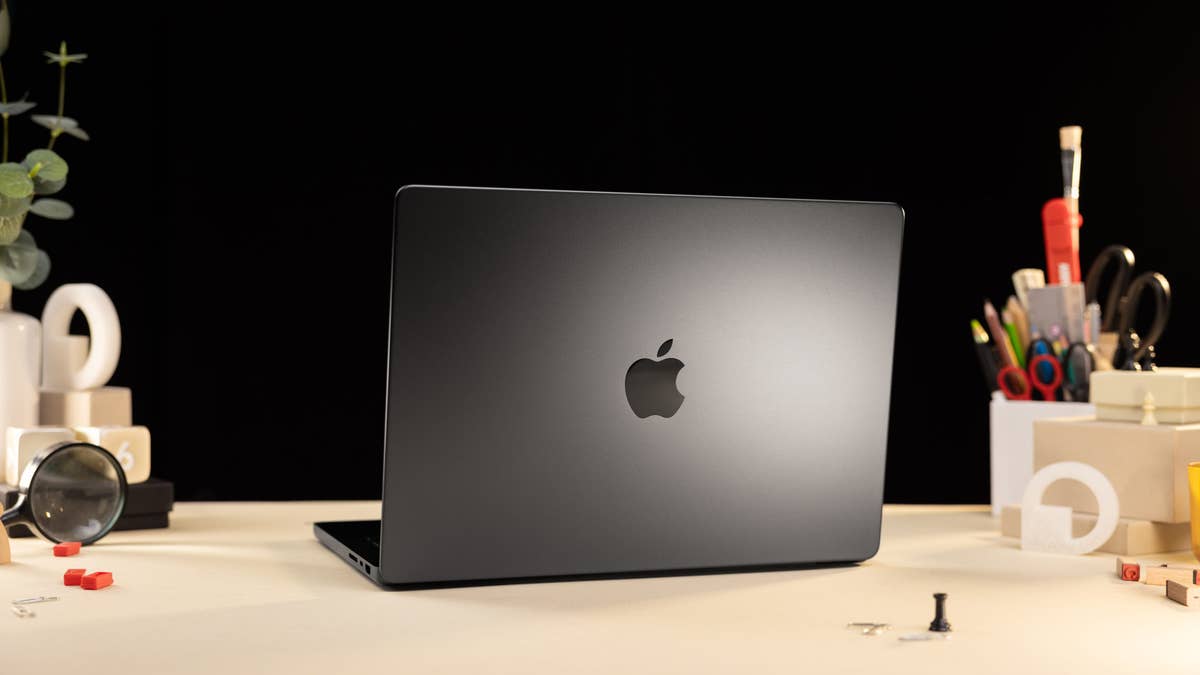
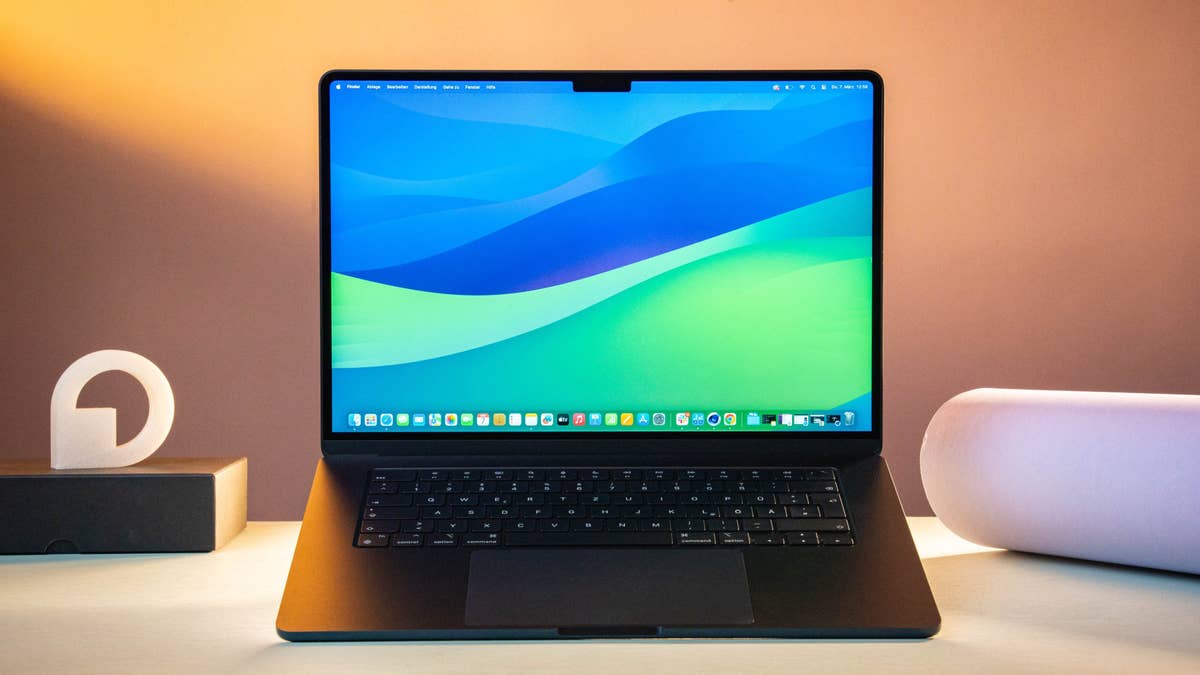
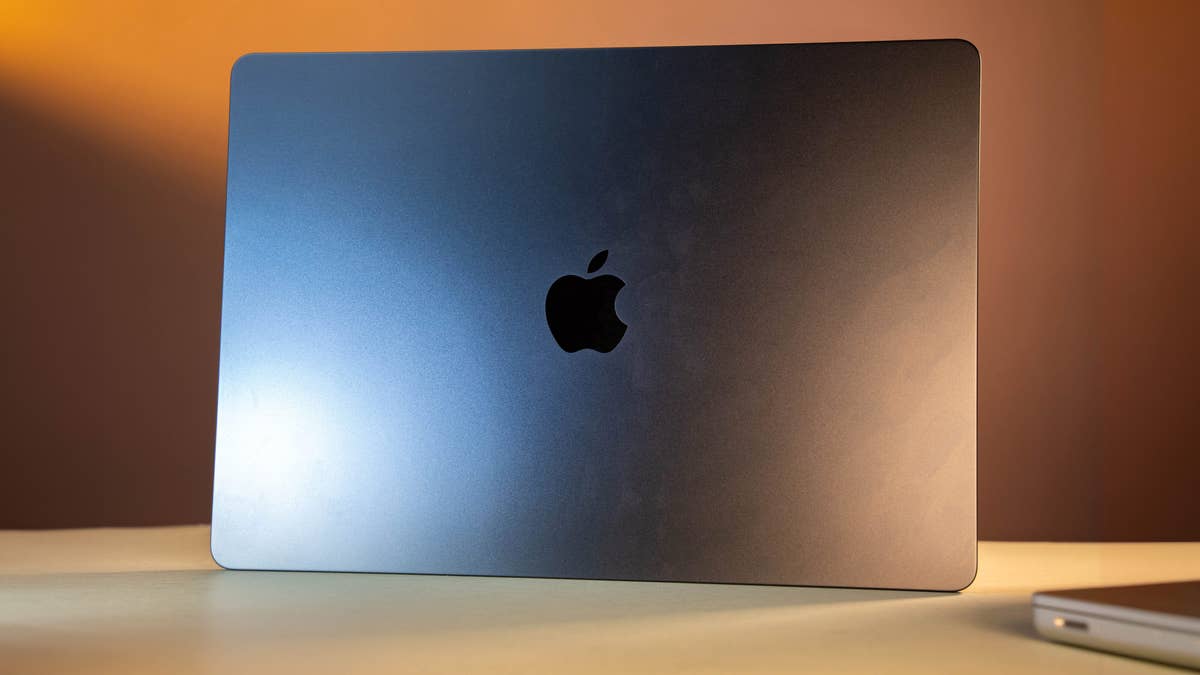
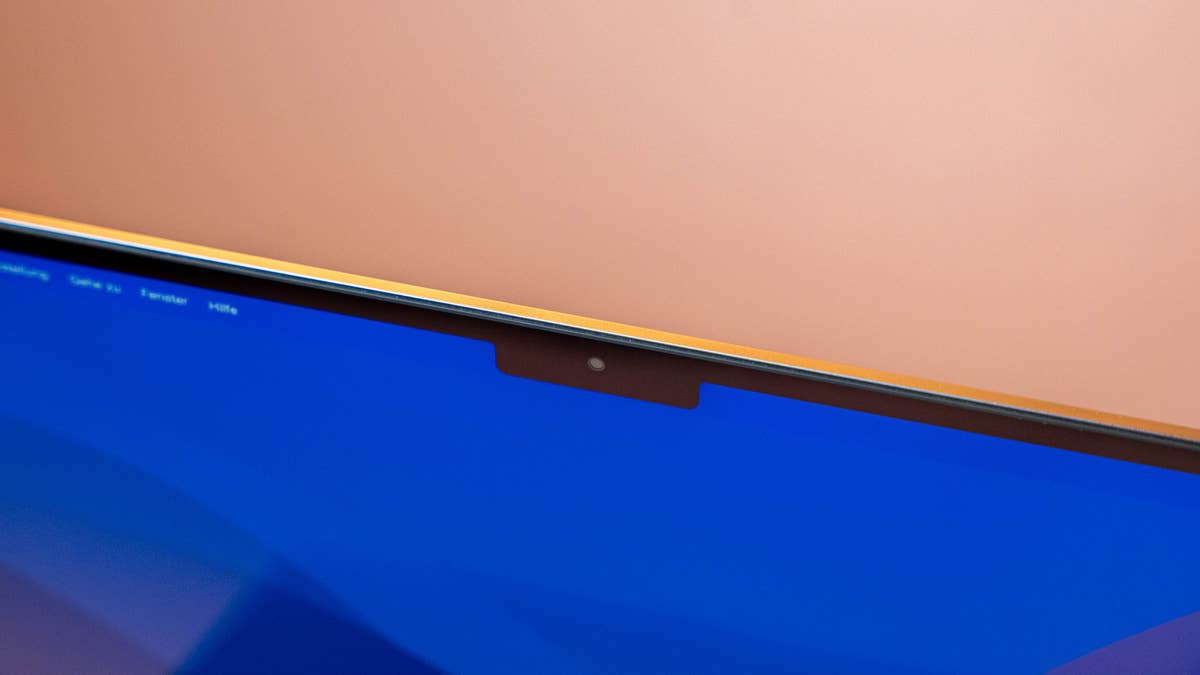
The MacBook Air M3 was launched in March 2024, with a design similar to the latest MacBook Pro. For its chassis, you can choose between Silver, Midnight, Starlight, and Space Gray colors for the 13.6- or 15.3-inch models. The MacBook Air 2024 still has an angular case, a MagSafe port, and a central notch on the top edge of the screen.
The M3 MacBook Air 2024 in all its glory.
Quelle: nextpit
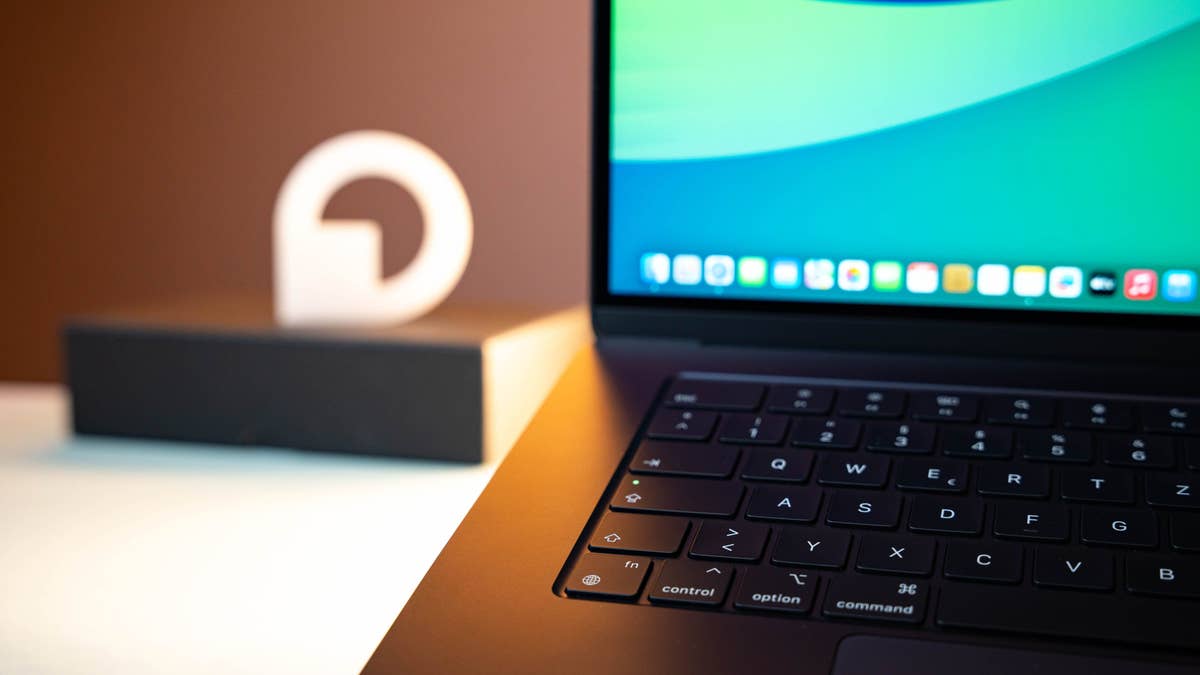
The keyboard on the M3 Apple MacBook Air 15-inch is nice, clicky, and quiet.
Quelle: nextpit
Simple coating test: Left without fingerprints, right with!
Quelle: nextpit
The notch is still a stylistic design element in the display which unfortunately, does not come with Face ID.
Quelle: nextpit
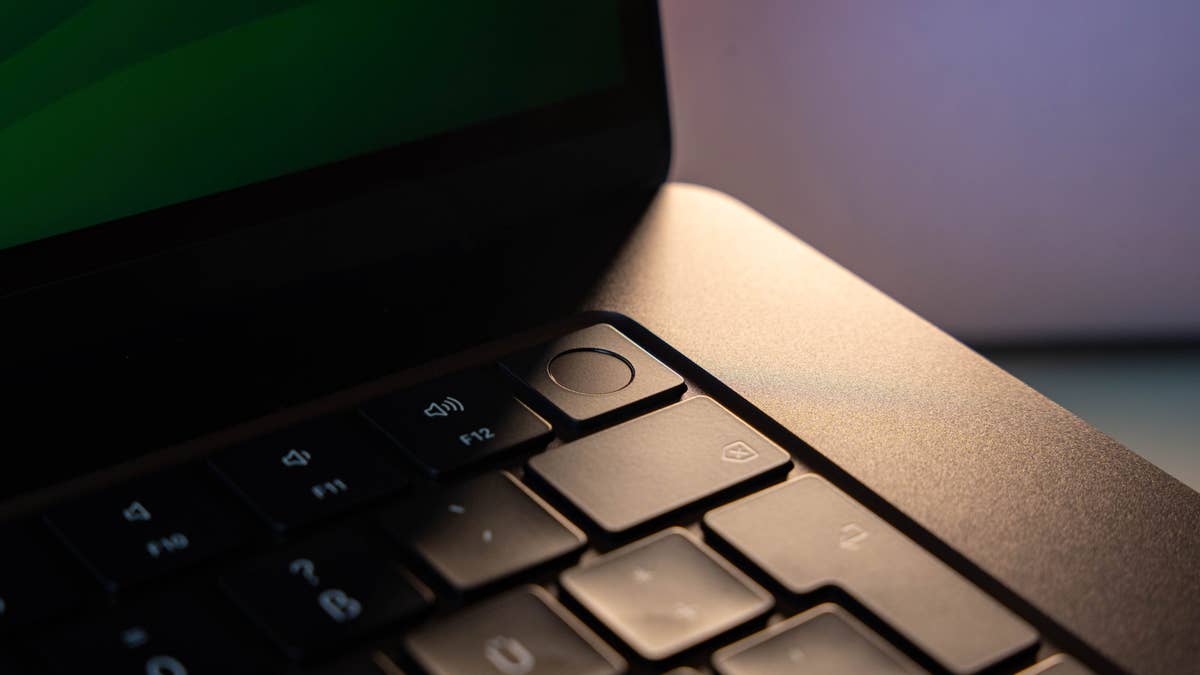
The ‘Touch ID’ fingerprint sensor is integrated in the Power button again.
Quelle: nextpit
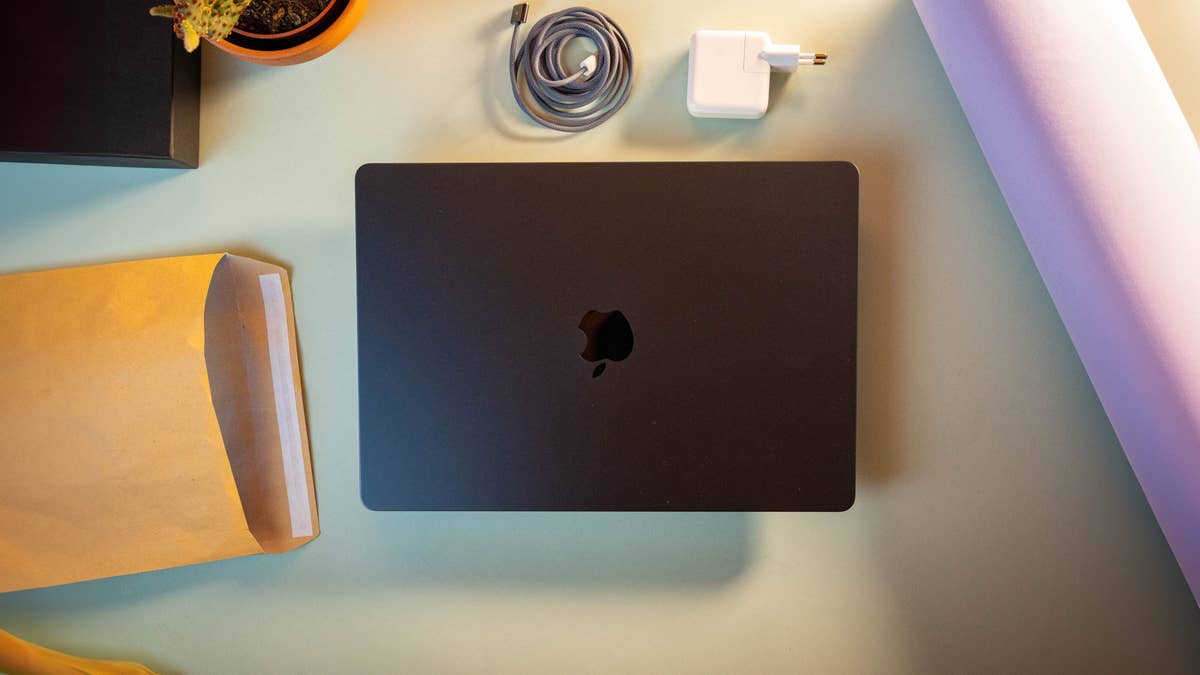
Matte black and looking pretty: The M3 MacBook Air.
Quelle: nextpit
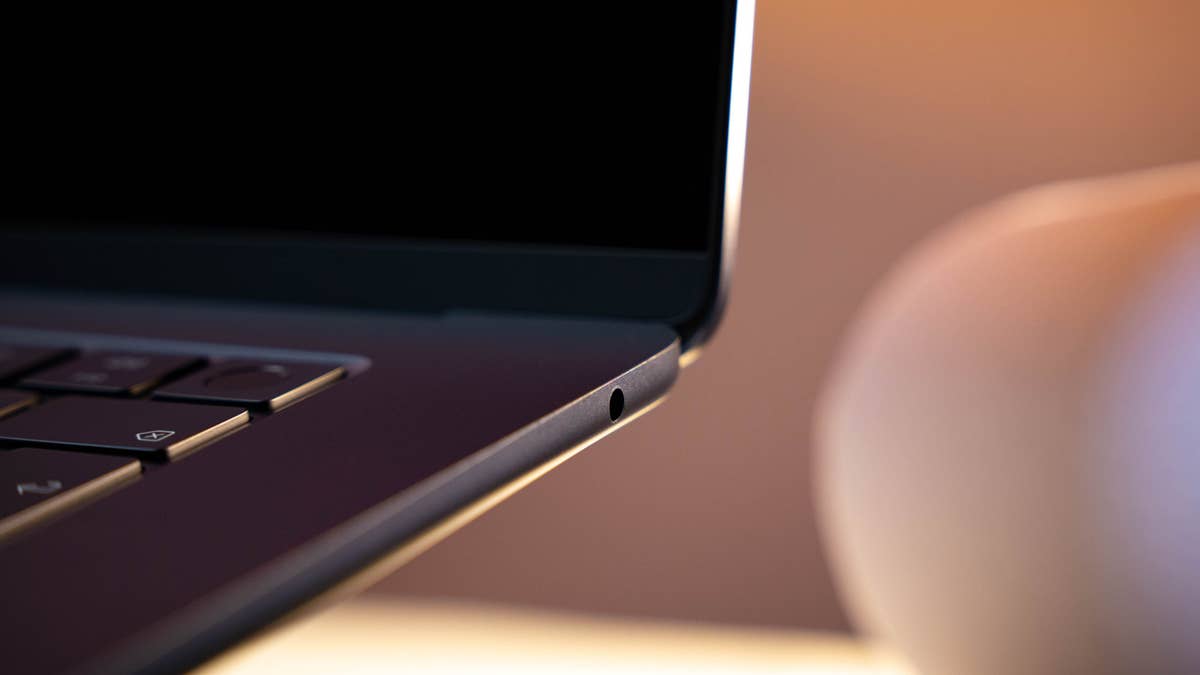
The headphone jack is the only port on the right-hand side.
Quelle: nextpit
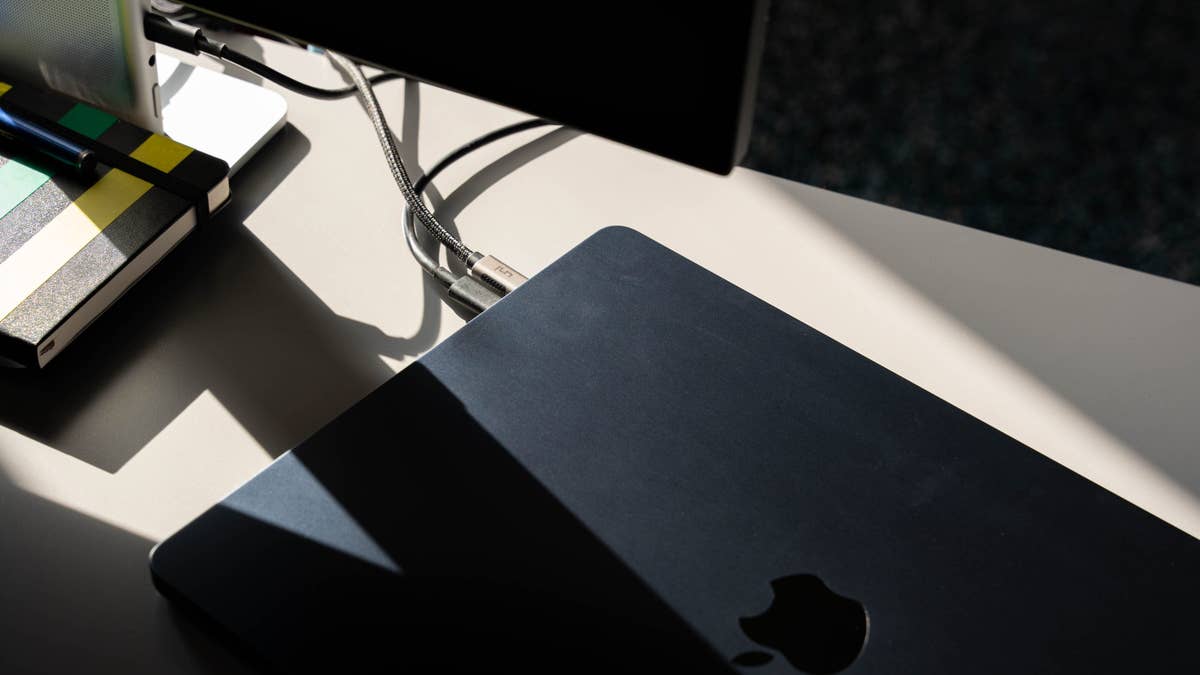
Two cables, and thatu0027s it for the M3 MacBook Air.
Quelle: nextpit
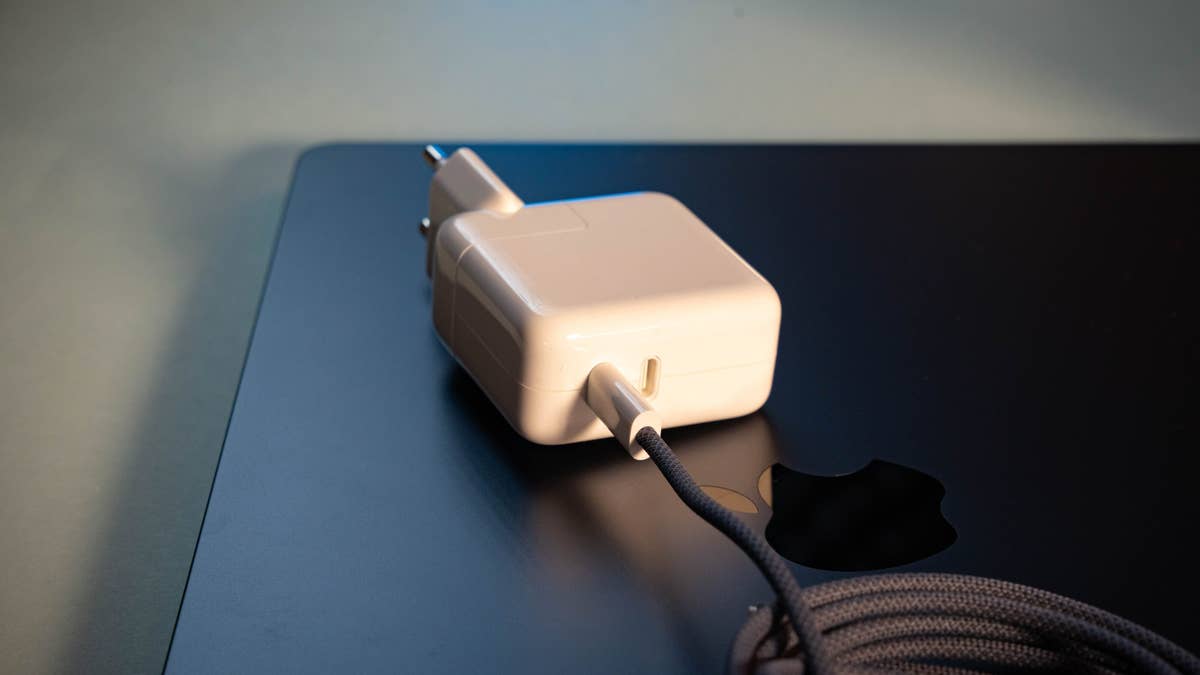
The charger has two ports but is a little too weak at 35 W.
Quelle: nextpit
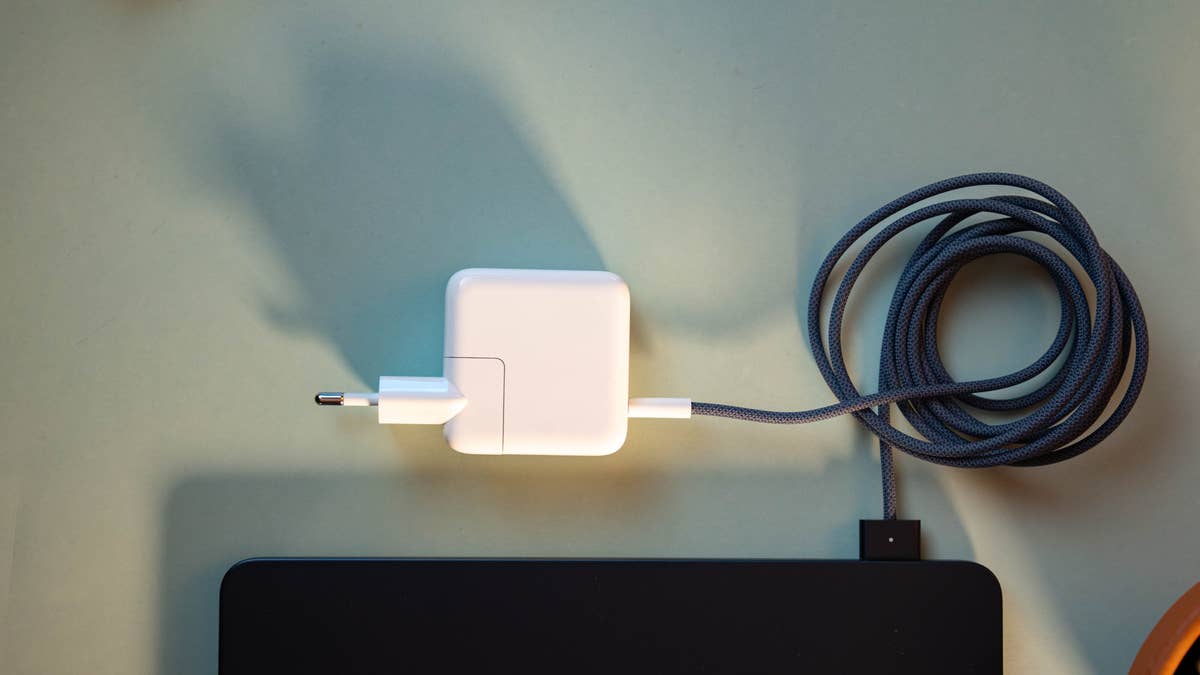
A nice touch: the charging cable comes in the respective chassis color.
Quelle: nextpit
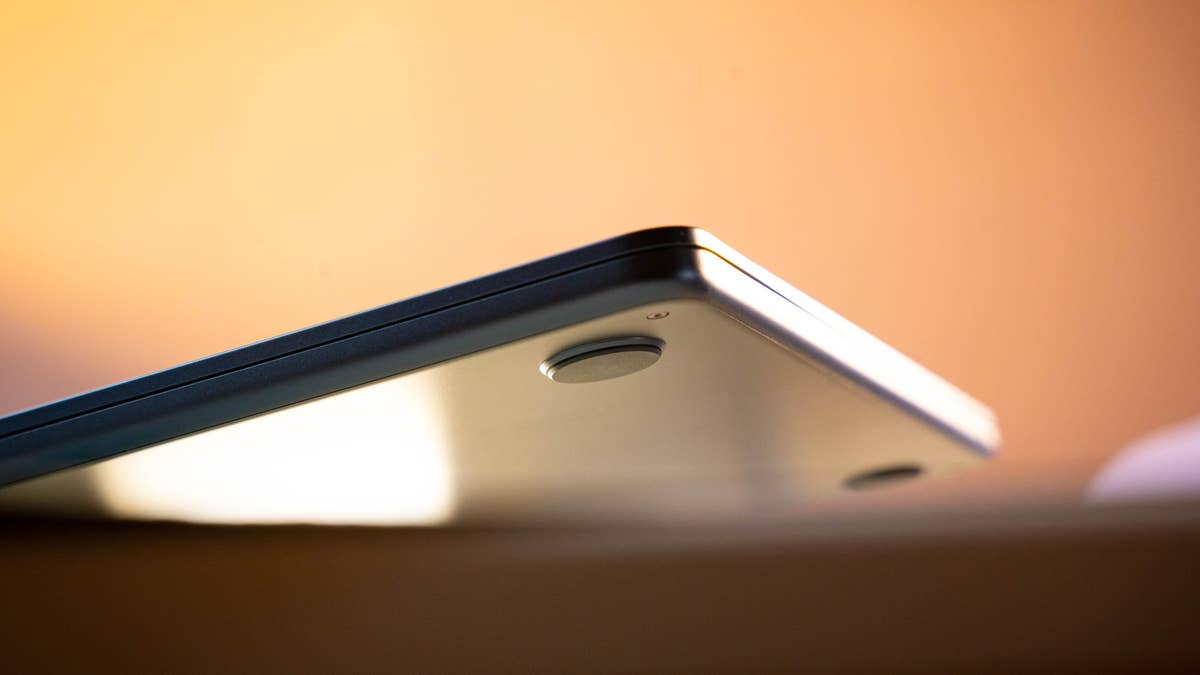
The non-slip feet on the underside ensures safe handling.
Quelle: nextpit
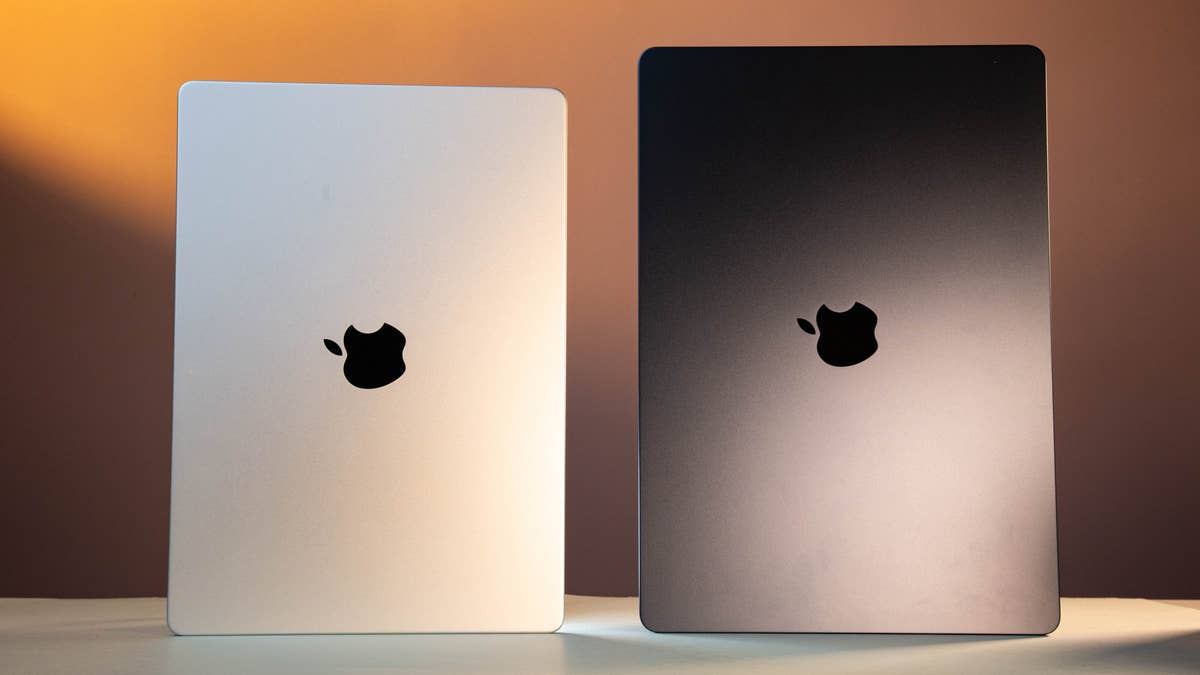
Here you can see the 15-inch Air compared to the 14-inch Pro.
Quelle: nextpit
The MacBook Air’s display measures 13.6 or 15.3 inches, and Apple uses a slab with LED backlighting and an IPS-LCD screen. Resolution stands at 2560 × 1664 or 2880 x 1864 pixels and, as with the MacBook Pro, the screen can display a billion colors in the P3 color space. The refresh rate is limited to 60 Hz.
The latest MacBook Air is equipped with Apple’s M3 SoC. The 8-core processor can be combined with either 8 or 10 GPU cores, and shared RAM can be either 16 or 24 GB. To store your data, the MacBook Air can be configured with either 256 or 512 GB or 1/2 TB of storage space. Once again, neither RAM nor storage can be upgraded after purchase.
Connectivity remains unchanged from the previous model. There’s no HDMI port or SD card reader, but you can connect two devices via the USB-C Thunderbolt 4 ports when charging via the MagSafe port.
Apple now allows you to use two external displays simultaneously. On the right lies a 3.5 mm jack. Wi-Fi 6E and Bluetooth 5.3 connectivity are also supported.
According to the product page on the Apple website, the MacBook Air’s battery life stands at a maximum of 18 hours when playing movies via the Apple TV application. When surfing the web, the battery life is 15 hours, and the MacBook Air charges at a maximum power of 70W. No compatible charger is supplied in any of the available configurations. You’ll receive either a 30W charger for the 8-core GPU model or 35W for the 10-core model.
As in the Pro model, the function keys have grown to the full key height; a Touch Bar was never an issue in the Air model anyway. The webcam’s 1080p resolution and the speaker system with four speakers are worth mentioning.
Pros of the Apple MacBook Air M3 15
Truly a beautiful and high-quality notebook
Fantastic performance level
Finally supports two external displays
Incredible battery life of up to 18 (!) hours
Uses a high proportion of recycled materials
Cons of the Apple MacBook Air M3 15
Still equipped with only two USB-C ports
Display is outdated compared to the MacBook Pro
Power supply unit is very weak at 35 W
AI potential remains untapped
macOS: Apple’s software argument
If you buy a MacBook, you’ll have to get used to macOS, whether you like it or not. Installing Windows or Linux on Apple’s M processors is not possible or requires a very complicated process. If you’re already using other Apple devices such as an iPhone or iPad, macOS also offers many advantages.
Thanks to macOS, your MacBook can be linked to other Apple devices seamlessly. For example, you can copy an e-mail address from your Mac’s clipboard and paste it magically onto your iPhone. Conversely, you can create a hotspot via the Wi-Fi menu on your Mac without ever having to reach for your iPhone.
On its own, macOS is a powerful, efficient, and easy-to-use operating system. The Unix-based OS is now in version 15 as of 2024, codenamed Sequoia.
MacBook alternatives
Do you find all the products in this overview to be unappealing, too expensive, or simply not powerful enough? Then you can also fall back on older models with Intel processors and dedicated graphics cards in the Apple product universe.
Since Apple fully relies on its own chipsets in the current range, you will have to buy older MacBooks from third-party suppliers.
Do you prefer to use MacBook or a different OS-powered device?
A MacBook!: 20%
I prefer to use an alternative device that runs on Windows, ChromeOS, or Linux.: 80%
Votes: 5
As an official alternative, Apple positioned certain iPad models closer to the MacBook. This is because, since 2021, the iPad Pro tends to offer roughly the same performance level as the cheaper MacBooks. iPads equipped with the SoC M1 and higher feature Mission Control, which enables true multitasking with floating windows on the iPad.
Since we do not view Apple’s desktop Macs, i.e. Mac mini, Mac Studio, and the iMacs, as a functional alternative, only notebooks with other operating systems remain. The variety of Windows notebooks is much larger and we have not yet managed to distill it down into such a compact overview.
Have you found the right MacBook for you? Discuss it in the comments!
Article updated in November 2024 with new models.
We mark partner links with this symbol. If you click on one of these links or buttons–or make a purchase through them–we may receive a small commission from the retailer. This doesn’t affect the price you pay, but it helps us keep nextpit free for everyone. Thanks for your support!






0 comments