Sorry, but there's really nothing to see here right now. Our server is in maintenance mode – and our
little bot is trying to sort the error messages with its last bit of energy.
Whether it was a data leak, a power outage in the cluster, or just a grumpy bit – we don't know yet.
But what we do know is:
The data drama escalated into a server meltdown. But don't worry: We're on it.
What now?
Everything is surely running smoothly over at our colleagues from inside
digital – why not stop by!
Or you could pass the time by visiting our social media channels – for example Instagram, YouTube or TikTok. At least there are no
server problems there – promised.
Thanks for your patience. Our bot is already rebooting at full speed. 🔧
NewsVR & ARGalaxy Watch Gets a Toggle to Disable Pesky Activity Alerts
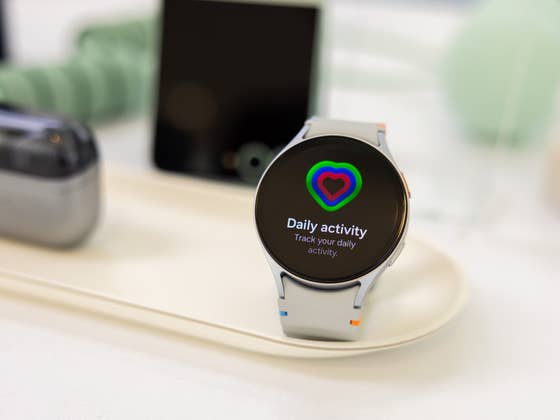
Samsung’s Galaxy smartwatches feature dedicated daily activity alerts that focus on providing users with specific workout suggestions and encouragement. However, this can sometimes be a nuisance to users, overloading them with information they might not want or interrupting their rest days. It turns out Samsung is finally letting users disable this in the upcoming One UI Watch update.
New option to make your Galaxy Watch less annoying
The problem with daily activity alerts is users don’t have the option to turn it off. This has continued to plague recent Galaxy Watch models and even on the latest Galaxy Watch 7 and Galaxy Watch Ultra (hands-on) that powers the One UI 6 Watch.
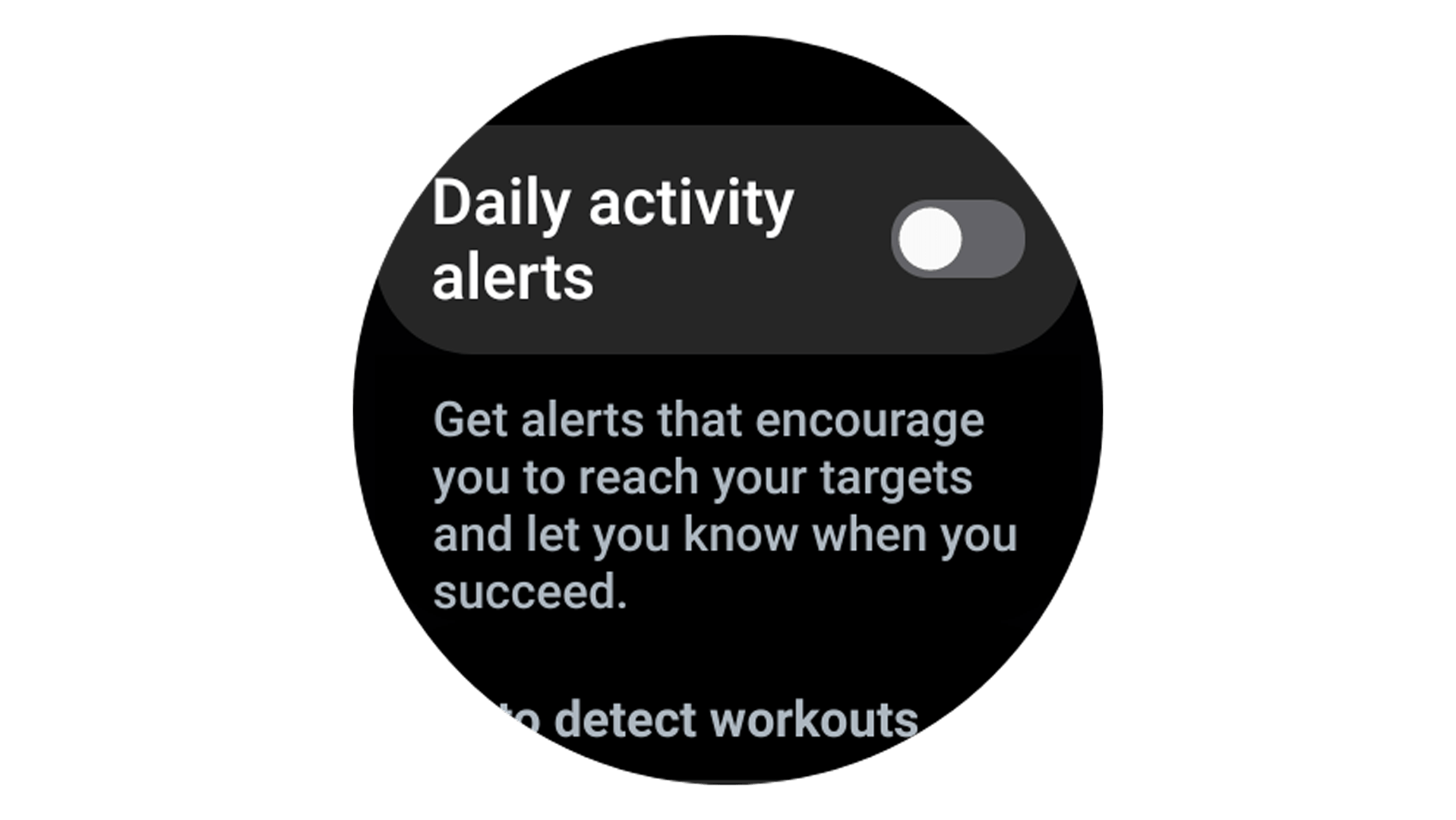
As shared on Reddit (via Android Authority), some users discovered the latest One UI 6 Watch beta includes a toggle to completely disable daily alerts and end those pesky notifications (if you’re not in the mood to sweat it out).
Once you install the latest beta update, the new toggle can be located in the settings within the Samsung Health section. You’ll need to scroll down the menu to see the “Daily activity alerts” option which should be disabled by default.
Daily activity alerts feature is different from Inactivity alerts
Bear in mind that disabling this will still see you receive inactivity alerts, which are a different type of notifications. Inactivity alerts detect if you’re not moving enough or have been resting for a considerable time before alerting and motivating you to initiate a workout or to take a break.
Unlike the Daily activity alerts feature though, users can customize the Inactivity alerts feature on which time of the day or week your Galaxy Watch can send notifications.
The One UI 6 Watch beta is presently available to users enrolled in Samsung’s Beta Program. You can join by signing up with the Members app and looking for a banner that says “Registration for One UI Beta Program.”
If you’re not in the Beta Program, you should wait for the One UI 6 Watch update that should be rolled out in the coming weeks to take advantage of this new option.
How do you manage activity alerts and notifications on your smartwatch? Do you prefer being motivated to be more active? We want to hear your suggestions.
We mark partner links with this symbol. If you click on one of these links or buttons–or make a purchase through them–we may receive a small commission from the retailer. This doesn’t affect the price you pay, but it helps us keep nextpit free for everyone. Thanks for your support!






0 comments