Sorry, but there's really nothing to see here right now. Our server is in maintenance mode – and our
little bot is trying to sort the error messages with its last bit of energy.
Whether it was a data leak, a power outage in the cluster, or just a grumpy bit – we don't know yet.
But what we do know is:
The data drama escalated into a server meltdown. But don't worry: We're on it.
What now?
Everything is surely running smoothly over at our colleagues from inside
digital – why not stop by!
Or you could pass the time by visiting our social media channels – for example Instagram, YouTube or TikTok. At least there are no
server problems there – promised.
Thanks for your patience. Our bot is already rebooting at full speed. 🔧
OnePlus’s Pad is the first tablet from the Chinese brand that was launched a couple of months ago. Today, OnePlus announced it has released the Oxygen 13.1 update that enables a few cross-device features on the Android device, including the ability to automatically utilize the internet data of a connected OnePlus phone.
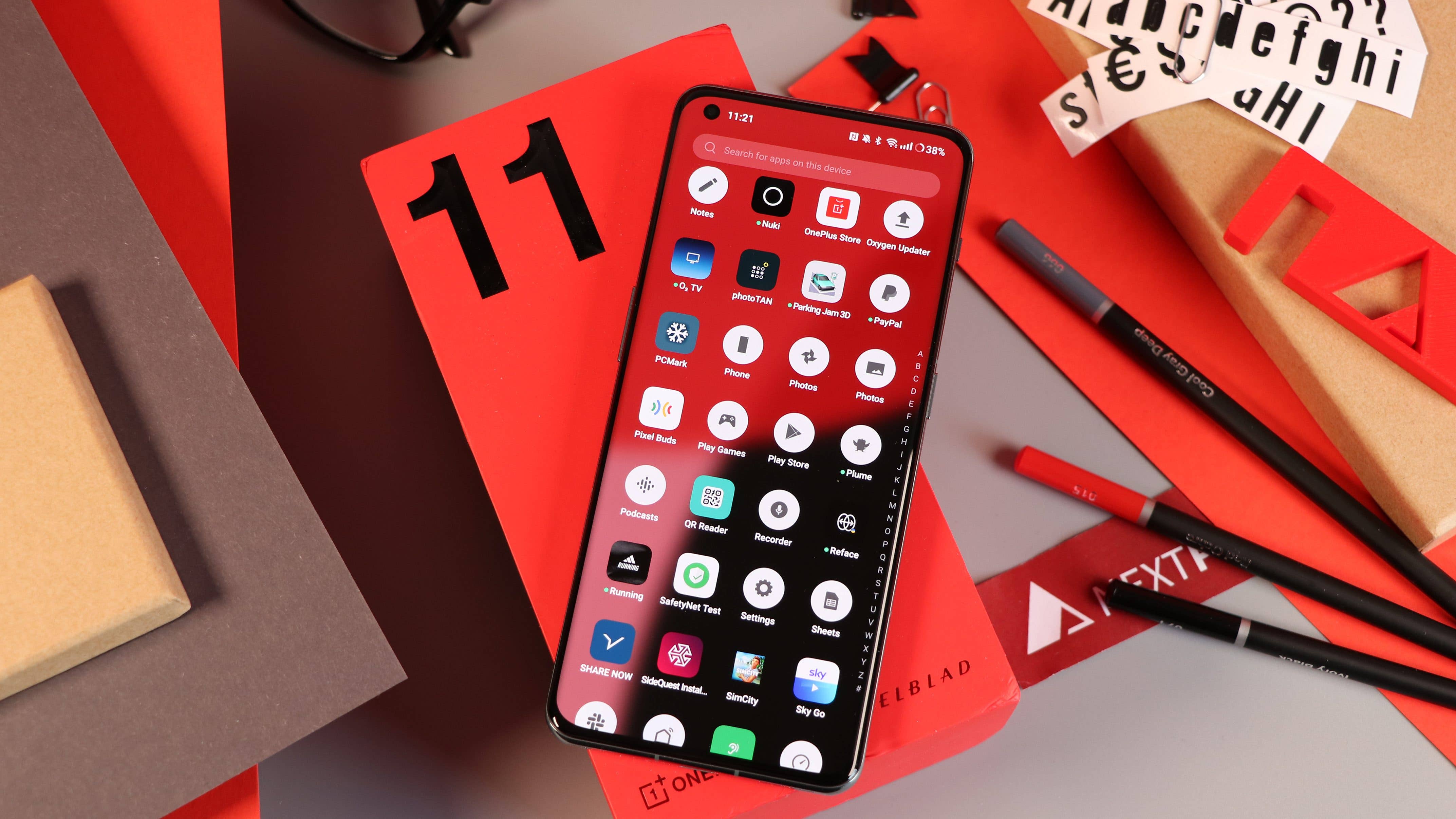
Also read: OnePlus 11 review – An excellent flagship phone
The new firmware, which is based on Android 13, is available via an OTA (over-the-air) update for a wide range of OnePlus devices. However, it is notably the first software release for the OnePlus Pad since the tablet was introduced in April.
OnePlus Pad hotspot sharing
The first feature is known as Cellular Data Sharing. This includes mobile network sharing that taps on the cellular connectivity of a nearby OnePlus handset. When the OnePlus Pad loses a Wi-Fi connection, it automatically enables the data connection and connects to the phone’s hotspot. Likewise, when the OnePlus Pad reconnects to Wi-Fi, it will disconnect from the hotspot and disables the data on the mobile device.
OnePlus mentioned that this feature currently supports the OnePlus 11 and OnePlus 11R and is only available in the USA, Canada, and a few countries in North America at the moment. It remains unknown whether it will be activated in other regions down the road
Two other multiscreen features under Cellular Data Sharing are call sharing and message sharing. The former lets you receive and answer voice calls from your phone using the tablet. This even supports switching between the two devices while you are in the middle of a call.
With message sharing, you can receive message notifications on the OnePlus Pad and compose a reply on it. Messages are also spontaneously synced with the paired devices.
OnePlus Pad universal clipboard and app syncing
Alongside data sharing is the ability of the OnePlus Pad to automatically connect to a nearby handset to access functions such as synchronizing information between the two devices. For instance, you can copy text from the clipboard of your phone and paste it on the tablet. This is a similar feature Apple has on the iPhone and other devices, known as Universal Clipboard.
Lastly, app relay allows users to screencast the most recently opened application from a OnePlus phone to the OnePlus Pad. When enabled, a pop-up smartphone icon will appear on the tablet’s dock. Tapping the icon lets you continue the work where you left off. OnePlus says this requires supported apps. Currently, it only works with its official apps and a few third-party apps like TikTok.
Do you use a OnePlus phone as your daily driver? Have you updated to the latest Oxygen 13.1 update yet? Share your experiences with us in the comments regarding the latest software.
We mark partner links with this symbol. If you click on one of these links or buttons–or make a purchase through them–we may receive a small commission from the retailer. This doesn’t affect the price you pay, but it helps us keep nextpit free for everyone. Thanks for your support!







0 comments