Sorry, but there's really nothing to see here right now. Our server is in maintenance mode – and our
little bot is trying to sort the error messages with its last bit of energy.
Whether it was a data leak, a power outage in the cluster, or just a grumpy bit – we don't know yet.
But what we do know is:
The data drama escalated into a server meltdown. But don't worry: We're on it.
What now?
Everything is surely running smoothly over at our colleagues from inside
digital – why not stop by!
Or you could pass the time by visiting our social media channels – for example Instagram, YouTube or TikTok. At least there are no
server problems there – promised.
Thanks for your patience. Our bot is already rebooting at full speed. 🔧
NewsHeadphonesMeta Quest 2 & Quest Pro Get a Boost: Introducing Parental Controls and more
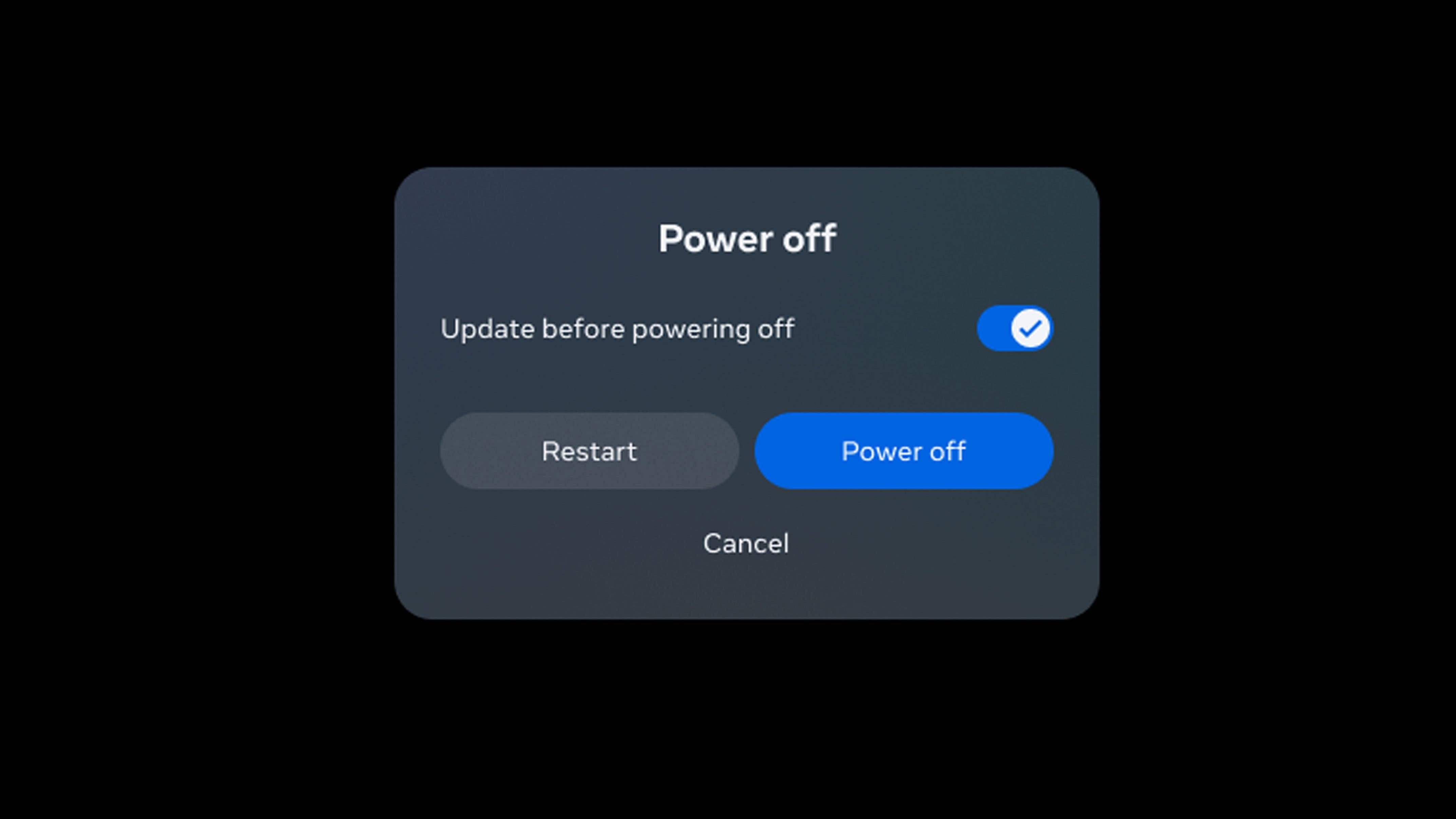
Enthusiasts of virtual reality can anticipate a system update for both Meta Quest 2 (previously Oculus Quest 2) and Meta Quest Pro in the coming days. The Facebook-owned company is rolling out a version 53 system software update over the air (OTA) in phases, which introduces enhanced parental controls, updated browser settings, deferred shutdown, and Wi-Fi 6e compatibility for the Pro model, among other features.
Parental control and protection of minors
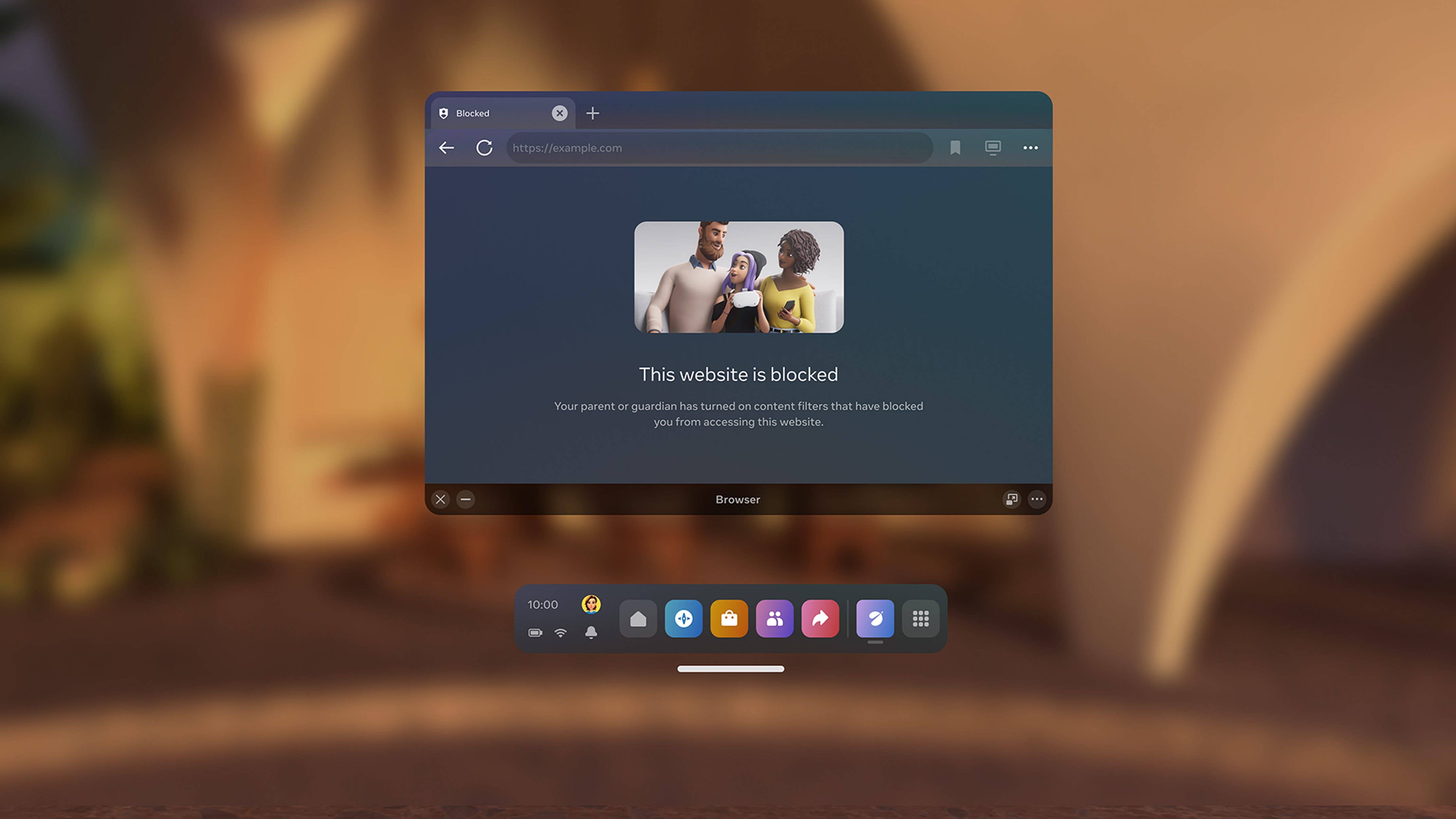
One of the most significant updates is the introduction of parental controls for enhanced youth protection. This feature allows users to manage browser filters, enabling the blocking of content under categories such as “alcohol” or “violence,” among others.
These preferences can be managed individually for each account, allowing parents with multiple teenagers to choose different settings that they deem appropriate for each child. To assist users in making the proper adjustments, Meta has established a “Family Center” for guidance and support.
A familiar issue for many users is being unable to remove their VR headsets while waiting for an app update to download and install. Fortunately, this inconvenience is now a thing of the past.
With the version 53 update, app installations can continue even after you’ve taken off the standalone headset, allowing you to engage in other activities while the update process occurs in the background.
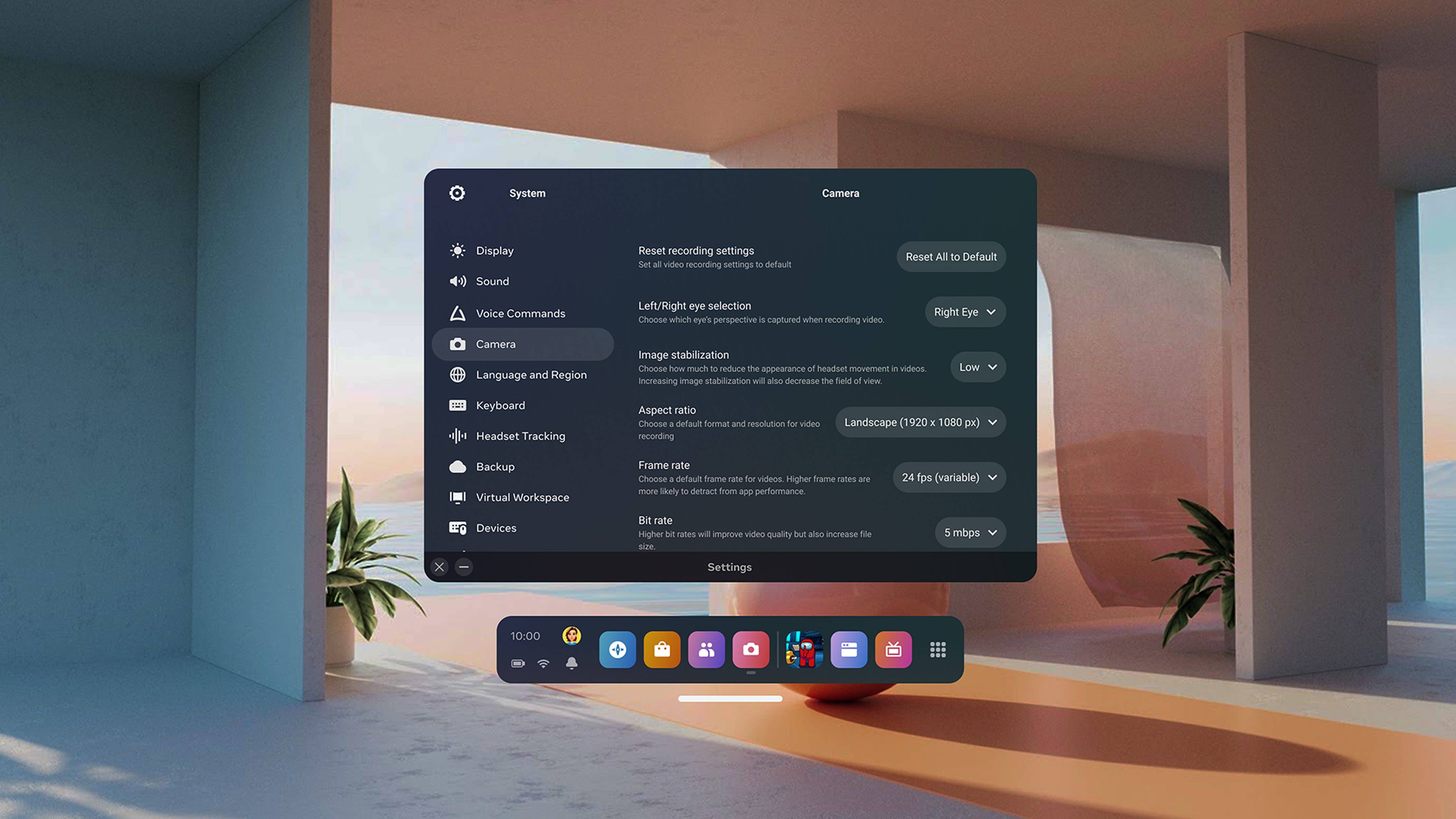
In version 44, experimental camera and video settings were introduced, allowing users to adjust image stabilization, frame rate, bit rate, and aspect ratio, among other options. Following the latest update, these settings can now be conveniently accessed directly under System/Camera in the device’s menu.
Continuing with the improvements, video recording has been upgraded from mono to stereo sound, enhancing the audio experience. Now, when re-watching footage from the latest first-person shooter game, you can precisely discern which side your enemies approached you from, thanks to the enhanced directional audio.
Finally, a feature exclusive to the high-performance Meta Quest Pro (review) is the support for Wi-Fi 6e networks. If you have a Wi-Fi 6e network, the headset can now utilize it, allowing for speeds of up to 1.6 Gbit/s.
This enhancement makes wireless gaming through the Oculus or Steam Store a truly enjoyable experience, eliminating the need for a cable connection to your gaming PC.
We mark partner links with this symbol. If you click on one of these links or buttons–or make a purchase through them–we may receive a small commission from the retailer. This doesn’t affect the price you pay, but it helps us keep nextpit free for everyone. Thanks for your support!








0 comments