Sorry, but there's really nothing to see here right now. Our server is in maintenance mode – and our
little bot is trying to sort the error messages with its last bit of energy.
Whether it was a data leak, a power outage in the cluster, or just a grumpy bit – we don't know yet.
But what we do know is:
The data drama escalated into a server meltdown. But don't worry: We're on it.
What now?
Everything is surely running smoothly over at our colleagues from inside
digital – why not stop by!
Or you could pass the time by visiting our social media channels – for example Instagram, YouTube or TikTok. At least there are no
server problems there – promised.
Thanks for your patience. Our bot is already rebooting at full speed. 🔧
NewsTabletGoogle’s AI-based Magic Editor Tool Has Photoshop-Like Features
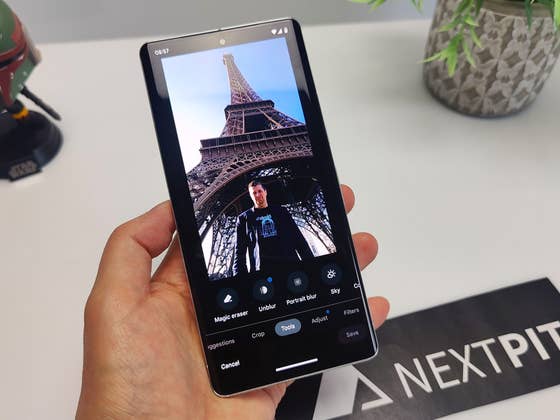
Over the years, Google Photos on Android has gained a handful of editing features. Some of these even rely on the AI capabilities of the device, such as the Magic Eraser. Google is adding a far more capable tool called Magic Editor into its gallery app, so you can bid farewell to Photoshop.
If you want to remove photobombers from your photos or simply want to enhance blurry shots, these can already be done right inside Google Photos and without leaving the app. What if you would like to move subjects or quickly edit a particular area of your photo? Google is making this possible with Magic Editor.
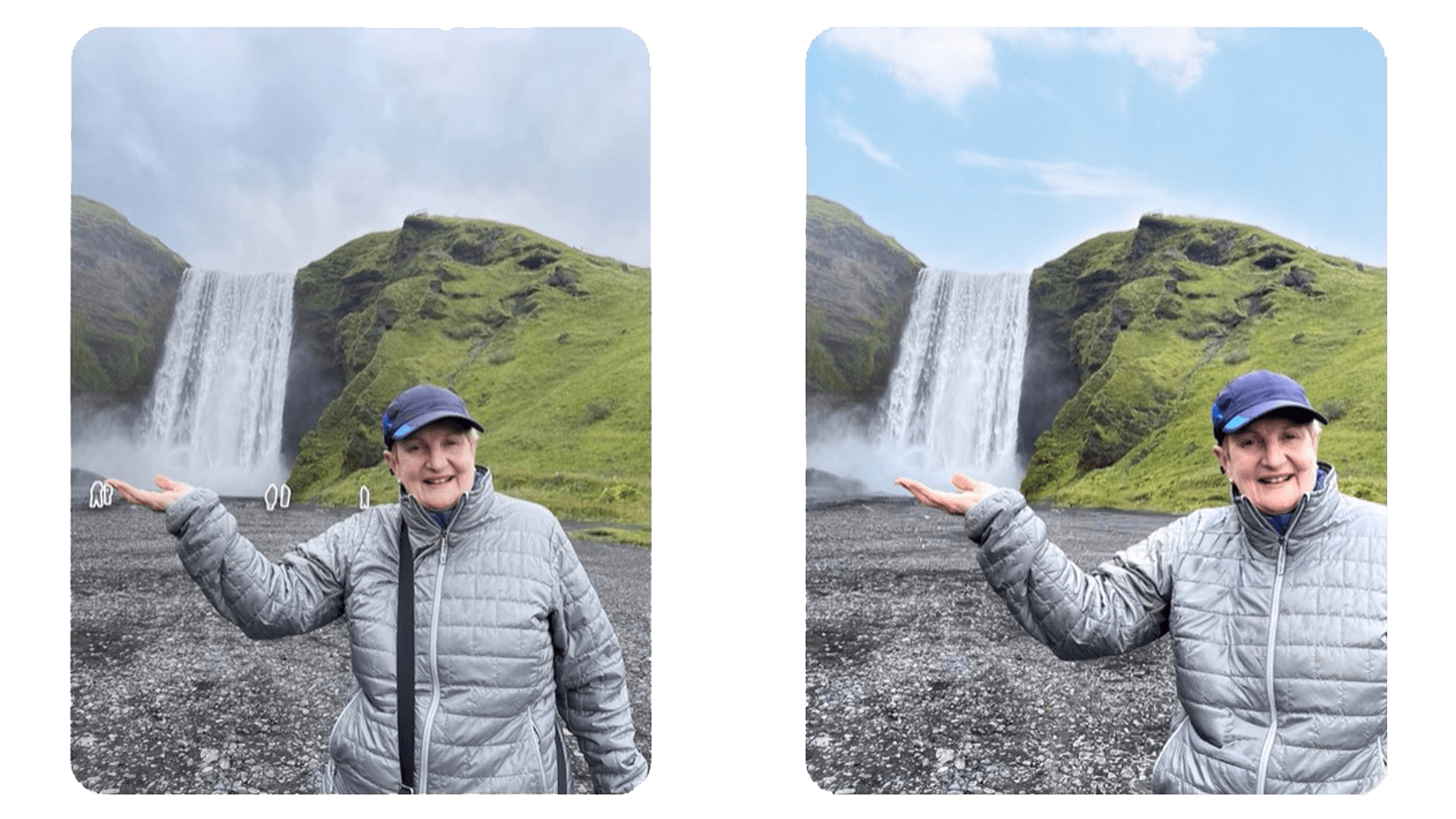
Google said with its new AI-based tool, users will be able to get extensive and more advanced controls like resizing and moving subjects within the photo. It also added that highlighting a particular area will be supported. For instance, you can only select the sky and delete portions of the clouds while enhancing the color on them.
More importantly, there is now an ability to erase not only objects in the background but objects within the subject too. The feature can also recreate subjects, which is shown in the example photo of a stretched bench and filling the missing sections of the balloons.
According to the Internet search giant, Magic Editor is still in the experimental stage. However, they plan to roll out it on Google Photos for select Pixel models later this year. It is likely that this tool will officially debut with the upcoming and rumored Pixel 8 and Pixel 8 Pro, which are expected to be announced in October.
Besides Google, Samsung recently released its own AI-powered tool called Image Clipper for supported Galaxy smartphones. The Image Clipper copies Apple’s Lift and Drop on iOS 16 which lets you isolate a subject and turn the background transparent.
Have you tried Google’s Magic Eraser on iPhone or Android yet? We’d like to hear about your experience with the feature.
We mark partner links with this symbol. If you click on one of these links or buttons–or make a purchase through them–we may receive a small commission from the retailer. This doesn’t affect the price you pay, but it helps us keep nextpit free for everyone. Thanks for your support!








0 comments