Cinematic Wallpapers: Add 3D Animation and Depth to Your Photos

Read in other languages:
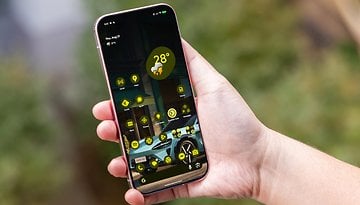
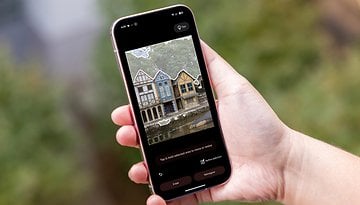
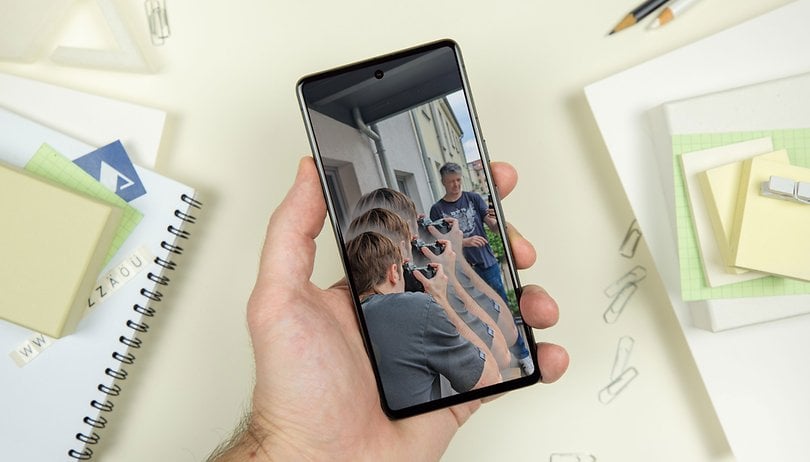
Not all of Google's Android announcements during I/O 2023 were targeted for Android 14, some were promised for Android 13, and if you are a lucky Pixel owner, one of them rolled out recently: Cinematic Wallpapers. The feature creates a tridimensional effect on your photos, simulating depth with a cool effect on the home screen or lock screen. Keep reading to learn how to create your own Cinematic Wallpaper.
The feature was demonstrated live on Google I/O 2023 and, personally, was one of the weirdest moments during the keynote, with a super-pumped Dave Burke presenting the feature as a breather in the midst of the otherwise AI-obsessed event for developers. You can remember the moment starting at 1min38 in the video below:
How to apply the Cinematic Wallpaper effect on your photos
The Cinematic Wallpapers feature is currently exclusive to Pixel phones and was made available with the June Android 13 Pixel Drop which added AI charging features, hands-free selfies control, and more, so first update your Pixel smartphone to the latest version. Then follow these steps:
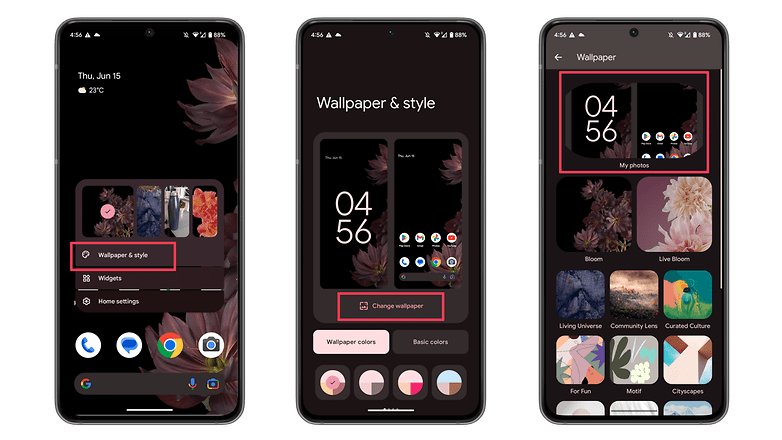
- Long press on an empty space on your home screen.
- Alternatively, open the Settings app.
- Select Wallpaper & style.
- Choose Change wallpaper.
- Tap on My photo.
- On the Preview page, select the "effects" (stars) button.
- Activate the Create Cinematic wallpaper option.
- Select Set Wallpaper.
- Then confirm on which screen to apply your newly created wallpaper.
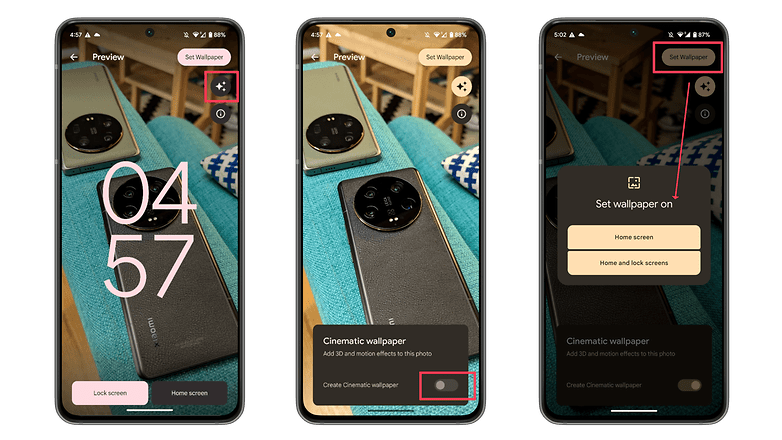
After that, the phone will process the image and try to isolate foreground and background elements, which may take a while. After that, you will get your exclusive Cinematic Wallpaper on the screen you chose in the previous step. Easy.
As part of a Google Pixel Feature Drop, there is no indication of whether phones from other brands will receive Cinematic Wallpapers, not even those running stock Android—if there is such a thing these days. Regardless, nothing stops other companies from recreating the feature, but that is a story for another day.
What do you think of the Pixel feature drops? Do you like them or wish they were available for all Android users? Would you consider migrating to a Pixel phone just for all the added features Google's line gets throughout the year? Share your views in the comments!