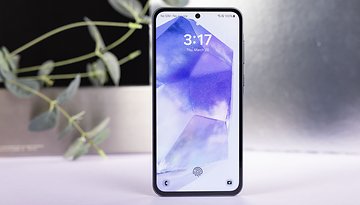
Galaxy S23 Ultra Camera Issue After One UI 6.1.1 Update: Here's the Fix
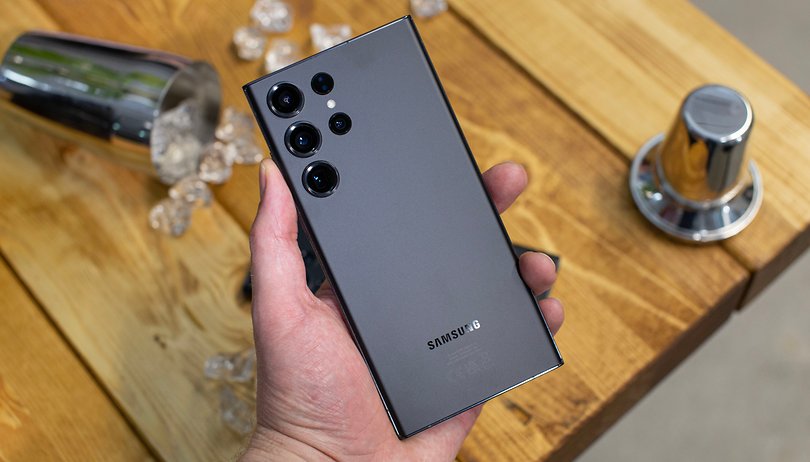

This week, Samsung began a wider rollout of the One UI 6.1.1 update, reaching more Galaxy models. However, the update seems to have caused camera issues for Galaxy S23 Ultra users, prompting Samsung to pull the firmware. Fortunately, there's now a temporary fix for those who have already updated.
Galaxy S23 Ultra Gets New AI Tools and a Camera Bug
One UI 6.1.1 introduced a batch of Galaxy AI features for the Galaxy S23 Ultra (review), but instead of enhancing user experience, it brought a camera bug to the device.
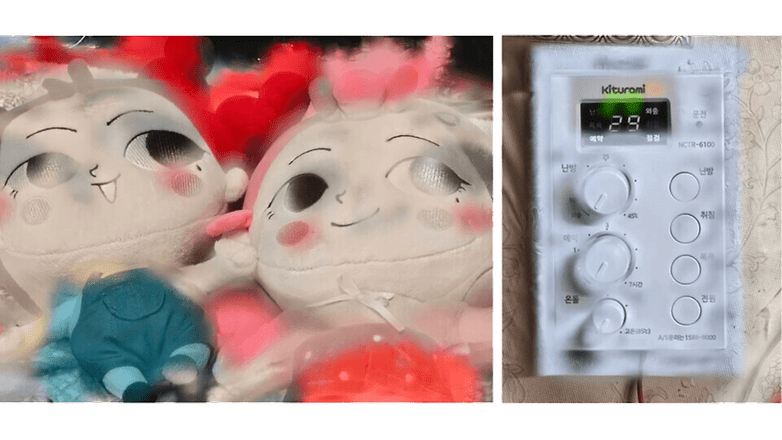
Users have reported that when using 16x to 19.9x zoom, photos show excessive blurring and ghosting around subjects, even in empty areas. This distortion renders the images washed out and unusable.
The Cause and Temporary Fix for the Camera Problem
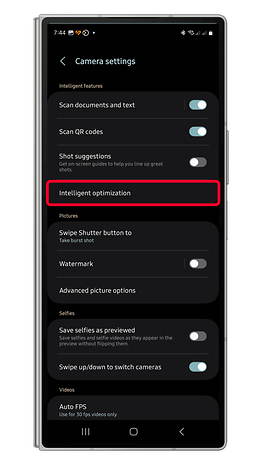
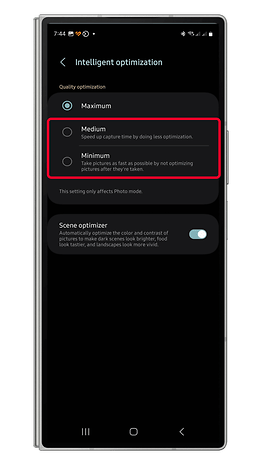
The camera issue appears to be caused by the “Intelligent Optimization” feature, which is enabled by default. By turning this off or lowering its optimization level, users have been able to fix the problem. To disable this feature:
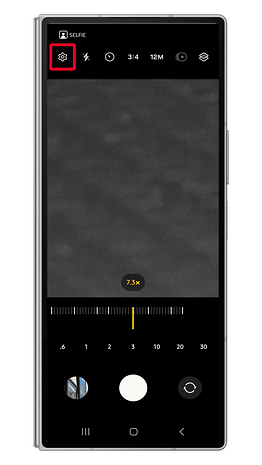
- Open the Galaxy Camera app.
- Tap the gear icon to open the camera settings.
- Find “Intelligent Optimization” and choose “Medium” or “Minimum” optimization.
- Tap the back arrow to save your changes.
Alternatively, users can bypass the bug by using 20x zoom or staying below 16x.
What's Next?
While it's unusual for Samsung to pull an update over a single issue, there may be other underlying problems with the new software. We'll know more when Samsung resumes the rollout of One UI 6.1.1 with a permanent fix.
Have you updated to One UI 6.1.1? How's your experience so far? Share with us your findings in the comments.
Via: Tarun Vats on X Source: Aving