Sorry, but there's really nothing to see here right now. Our server is in maintenance mode – and our
little bot is trying to sort the error messages with its last bit of energy.
Whether it was a data leak, a power outage in the cluster, or just a grumpy bit – we don't know yet.
But what we do know is:
The data drama escalated into a server meltdown. But don't worry: We're on it.
What now?
Everything is surely running smoothly over at our colleagues from inside
digital – why not stop by!
Or you could pass the time by visiting our social media channels – for example Instagram, YouTube or TikTok. At least there are no
server problems there – promised.
Thanks for your patience. Our bot is already rebooting at full speed. 🔧
NewsAndroid 16 Might Have a Fix for Your Biggest Phone Frustration
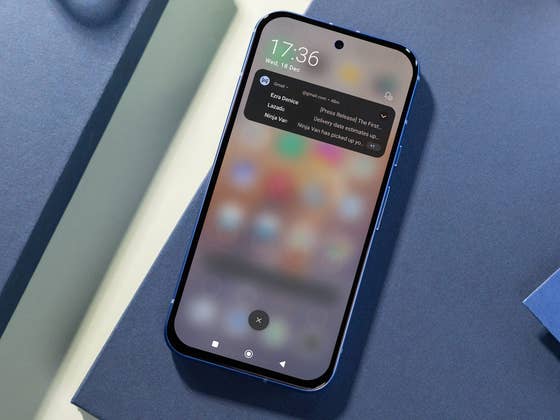
There are times when it can be dreadful going through your multiple notifications one by one. And while Android has always allowed you to manually manage these, this process can also be tedious, especially if you have installed numerous apps. Now, a new finding suggests that Android 16 may incorporate a clever Gmail feature to automatically filter and sort notifications.
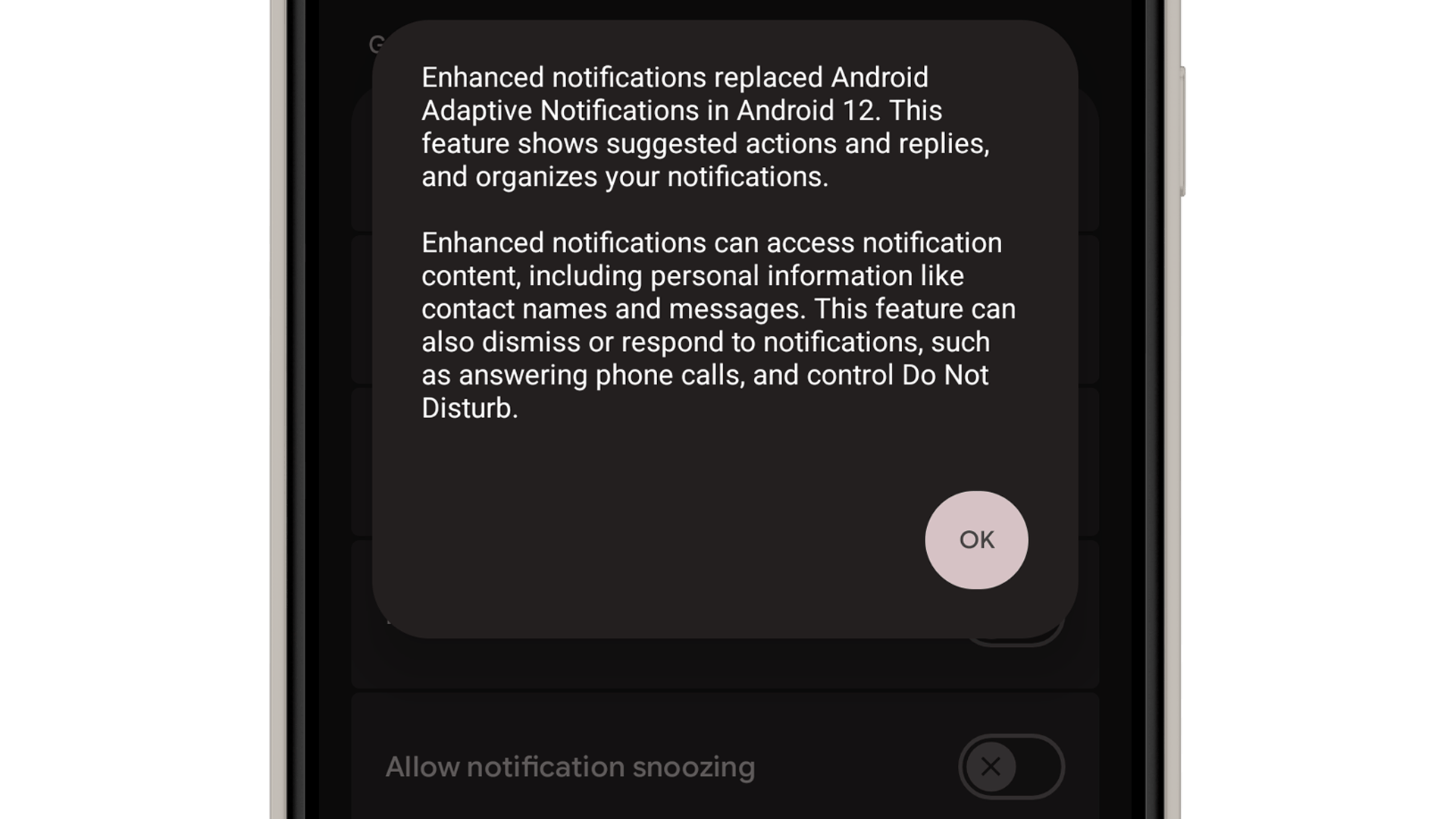
With Gmail’s intelligent notification organizer, it prioritizes important items and silences those it detects require less urgent action. It also categorizes them to reduce the total number of notifications. Android has its own notification filtering tool, but it is limited to basic organization. As it currently stands, Google is working to introduce a smarter sorting system for Android’s notifications.
The feature was discovered by Mishaal Rahman (via Android Authority), which is called notification organizer hidden inside the latest Android 16 QPR1 Beta. While it’s inactivated, the source was able to reveal the app’s settings.
Accordingly, the tool’s page describes that users can group notifications into four categories: promotions, news, social, and suggested. It then states that categorizing these notifications in different types will minimize the total number of alerts. It was also highlighted that the feature relies into AI to analyze the notifications and that it may contain errors.
Additionally, users are given control over which apps to include in or exempt from the notification organizer, which is useful to override the feature in case it faces filtering issues.
A similar feature was already spotted back in Android 15. However, it was labeled as “Bundled notifications,” and the verbiage of the tool was a little vague and didn’t explicitly mention AI.
Will the Smart Notifications Organizer Come to More Android Devices?
Although the framework for the feature is tied to the open-source Android 16, Rahman speculates that this would be exclusive to Google Pixel devices and could debut first with the upcoming Pixel 10. This is because the AI service used to manage the filtering is not available in the open-source version of Android.
Regardless, Google and OEMs would have some workaround to bring this smart notifications organizer to more Android devices in the future, although we don’t yet know when it may arrive.
How do you manage your app notifications? We’d like to hear your suggestions in the comments.
We mark partner links with this symbol. If you click on one of these links or buttons–or make a purchase through them–we may receive a small commission from the retailer. This doesn’t affect the price you pay, but it helps us keep nextpit free for everyone. Thanks for your support!







0 comments