Dell Venue 8 7840 review: a super-slim and powerful tablet

Read in other languages:
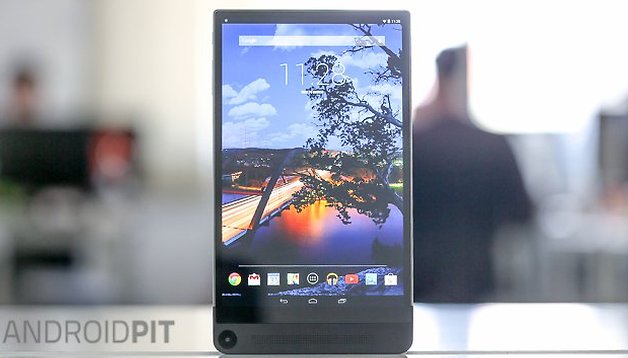
The Venue 8 7840 Dell is an extremely slim tablet, with an elegant aluminum robe chassis and eye-catching design. Coming in at under 400 Euros, it's a great price at first glance, but does the tablet hold up once we start digging under its gleaming surface? Read our Dell Venue 8 7840 review to find out.
Good
- Beautiful design
- Good power
- Bright, sharp display
Bad
- Added camera functions are pointless
- Runs Android 4.4.4 KitKat
Dell Venue 8 7840 release date and price
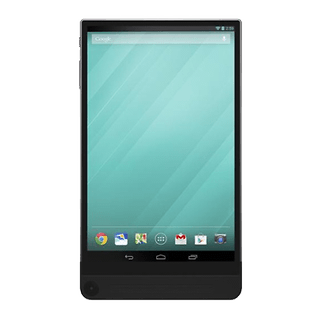
The Dell Venue 8 7840 release date fell in February 2015. The Venue 8 7840 price is 399 USD from Dell.com in the US, and 320 GBP on the Dell website in the UK.
Dell Venue 8 7840 design and build quality
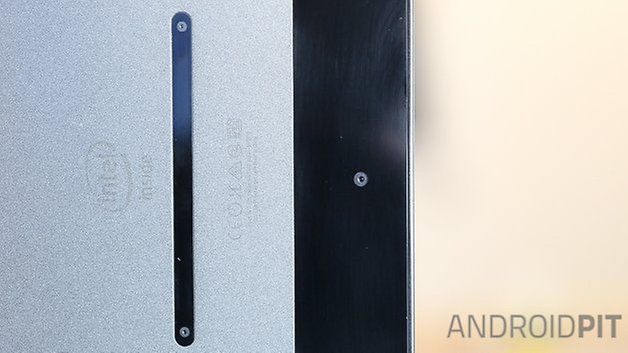
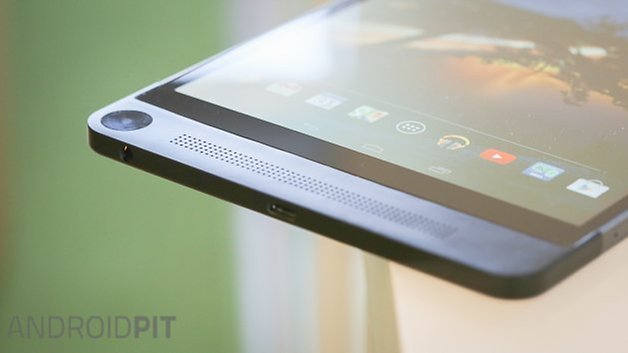
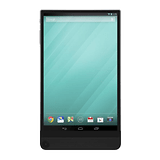
The Dell Venue 8 7840 has a unibody aluminum chassis, with a svelte thickness of just 6 mm. The front of the tablet is almost all display, as the side-bezels on the device are virtually non-existent. Below the screen are mounted stereo speakers and the front camera. On the back, there are three cameras with Intel's Real Sense technology, which allow depth effects (similar to the bokeh effects on the HTC One M8) and image calculations.
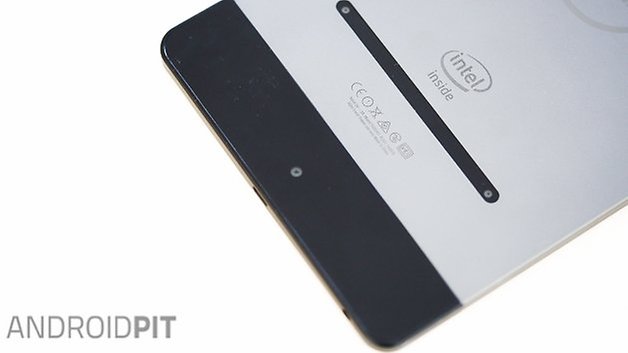
The Dell Venue 8 7840 looks great, but the narrow display bezel come at the price of making the tablet quite awkward to hold. Holding the tablet by the bottom, my hands would cover the speaker and front camera. If I held it by the sides, my palm lightly rested on the screen, carrying out unwanted touch actions because the Dell Venue 8 7840 has no palm detection, making each bit of unwanted contact with the screen cause am equally unwanted reaction.
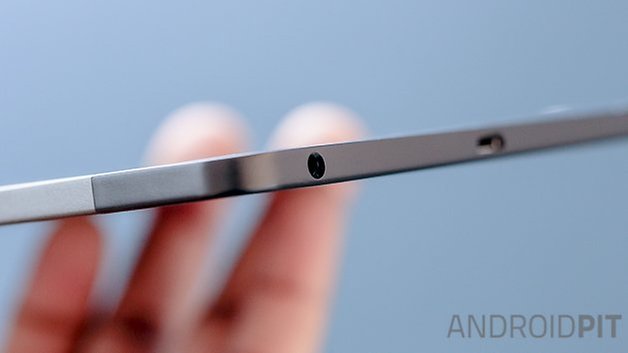
On the lower right side of the case is a microSD port if you have the WiFi-only model, and both SIM and microSD slots in the LTE model.
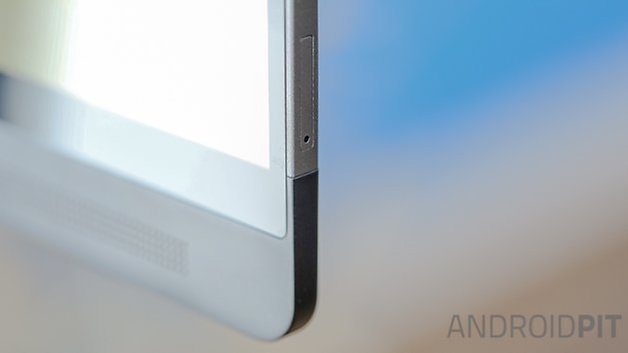
Despite the ergonomic issues, this tablet feels sturdy and of very high quality, with no wobbly power buttons or volume rockers.
Dell Venue 8 7840 display
The OLED Venue 8 7840 display is 8.4 inches large, with a 2,560 x 1,600 pixel resolution, adding up to a pixel density of 361 ppi. You couldn't pick out pixels with a magnifying glass on this screen. The colors are nice and natural, and viewing angles are stable and undistorted even at the most extreme angles.
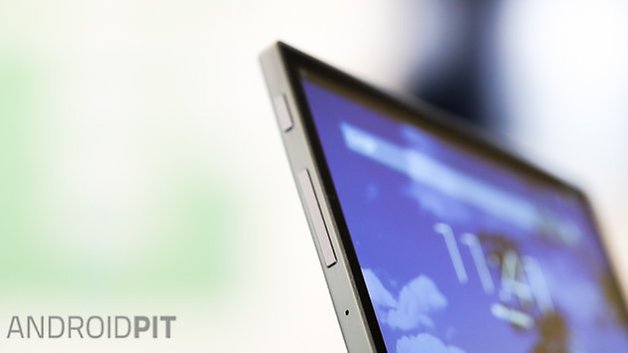
The Venue 8 display is jam-packed with pixels, with great viewing angles. / © ANDROIDPIT
Whether I was looking at photos, surfing the Internet, video viewing or playing a game, it was an eye-soothing experience to absorb any media on the 7840.
Dell Venue 8 7840 special features
The back of the Dell Venue 8 features a trio of cameras arranged in a triangle. The main camera, which is at the bottom-center of the phone, has an 8MP resolution. Higher up, to the left and right, are two additional stereoscopic cameras. These are for depth calculation, and mark the first time that Intel's Real Sense Technology has been used in tablets. Real Sense provides every picture with depth information, which can then be used to change to replace the color of the background, or calculate the size of objects and people in images. To get the most out of this feature, you should take photos in a well lit area, and stand between one and five meters away from your subject.
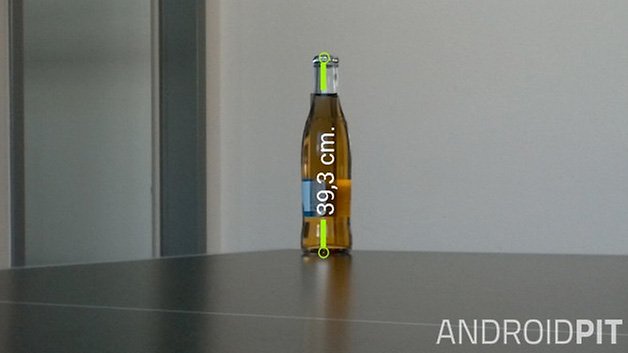
Our tests of this feature got mixed results. A coffee cup, for example, was measured almost to the centimeter, a bottle of apple juice had apparently doubled in size, while our in-house giant Caspar, who is 6'8, had shrunk to a mere ten centimeters. These results make the feature an amusing little gimmick in our eyes, rather than a reliable measurement tool.
The Venue 8's default Photo Gallery app offers a decent range of depth effects - for example, turning the background black-and-white while keeping foreground objects colored. Unfortunately, these photos proved to not be very reliable in our tests.
Dell Venue 8 7840 software
The Dell Venue 8 7480 software is powered by Android 4.4.4 KitKat, with the coveted Lollipop update expected to roll out soon. Dell has left KitKat largely untouched, which will be a big plus for stock Android fans.
That's not to say that Dell hasn't squeezed some of its own features onto the Venue 8, such as the already-mentioned Dell Gallery. MaxxAudio is onboard, an app used for sound enhancement and features such as bass boost or equalizer offers. Sadly, the app's good intentions are undermined by its dated interface and a horrible low-resolution icon that will blight your homescreen. Get past the ugly exterior though, and MaxxAudio is actually a pretty hand app (see the Audio section).
Dell Venue 8 7840 performance
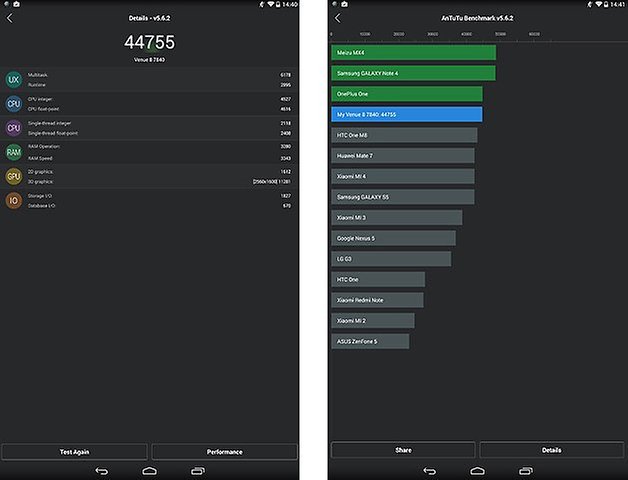
The Dell Venue 8 7480 has a quad-core Intel Atom Z3580 processor with a clock speed of 2.3 GHz, supported by 2GB of RAM. The performance is very good in most cases, with no lag or dropouts. Demanding games like Dead Trigger 2 and Real Racing 2 run absolutely smoothly. Occasionally when using the Dell Gallery's editing features we'd experience a litte bit of slowdown, but that was the only time that I noticed this, and I suspect it may be more to do with the software rather than the hardware.
Here are the result of the AnTuTu benchmark in which the Dell Venue 8 7840 specs scored a solid 44,755:
Dell Venue 8 7840 audio
The stereo front speakers sound muffled and tinny without MaxxAudio and lack clarity, but that all changed when I switched the mysterious feature on. MaxxAudio does nothing more than tweaking the sound for optimized profiles such as music, games and movies, but does it in a way that transforms the speakers into actually sounding really rather good.
Thanks to MaxxAudio's constant presence in the notification bar, you can quickly switch between the different profiles, manually tweak the equalizer if you fancy yourself a bit of an audio wizzkid.
Dell Venue 8 7840 camera
The Dell Venue 8's two cameras provided realistic color reproduction with relatively little noise in dark areas. However, images are too dark and rely too much on being illuminated during post-processing, which gives them an unnatural appearance. For a tablet, this camera is OK, but we don't recommend it if you're a photo fanatic - a shame given the camera's interesting added features.

Dell Venue 8 7840 battery
With a capacity of 5,900 mAh, the Venue 8 7840 battery is a biggie, and this is reflected when you use it. If you watch a one-and-a-half-hour film with the screen's brightness at 50 percent, you lose only about 15 percent battery. I got a good 10 hours of battery life out of using the Venue 8 7840 pretty heavily, which is comparable to other tablets.
Dell Venue 8 7840 technical specifications
Final verdict
The Dell Venue 8 7840 is a very solid tablet that is a winner in most departments except for the camera. I can turn a blind eye to this shortcoming however, because I don't see tablets as practical photography devices - yet. The powerful specs and the elegant aluminum housing in combination and vivid display easily make up for the meagre camera. Now, we're eagerly awaiting to hear more news on the eagerly-awaited Lollipop update, because Android 4.4 KitKat no longer feels like a sufficient OS in a modern high-end device.
Do you own this Dell Android tablet? Do you agree with our Venue 8 7840 review? Tell us all in the comments.








I am from hyderabad india.and since 20 days i am using this tab.here are the truths about this tab.this tabs got everything beautiful stuff you could put inside a light weight thin powerful ergonomic stylish modern super bright stunning performer sexy bitchy bloody cute idiotic smashing dangerously pretty angel virgin lover could think off. I am really impressed by its looks and screen quality. And now its on lollipop it really popped me.its a crazy gadget with unbeatable looks and performance. The big thing the bloody battery lasts for 15 long lasting hours on wifi surfing and 12 hour while watching videos.this is true.the mediacore answer would be 22 hours surfing and 16 hours video playing.as you know the truth still it lasts a fabulous time.i really love it.please without thinking twice you could buy this one.here in india we are tired of nokia sony samsung etc etc.its the time of dell now it seems.
Ironic this review comes out the day after the 7840 received the lollipop update in the US.
I am impressed that lollipop runs better on this tablet than the nexus devices I have tried it on.
Please revisit your camera tests after you receive the lollipop update and update the camera app. There seems to have been a few tweaks to the camera.
To me, this is the best android tablet on the market. With the ability to move apps to sd, this is a huge plus for this tablet.