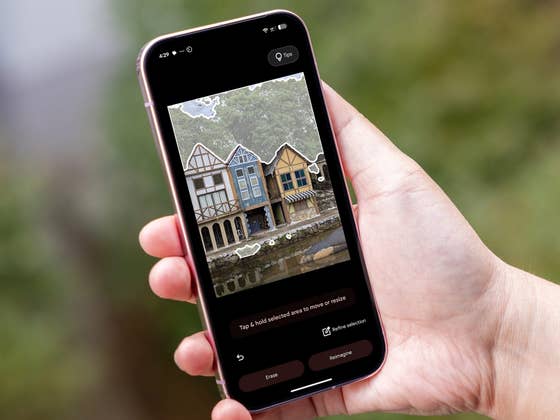
Ask Photos is a Gemini-powered search feature in Google Photos that allows for smarter image recognition and the use of natural language, like descriptive text, in making queries, leading to more relevant results in your gallery.
What Queries Can You Do with Ask Photos
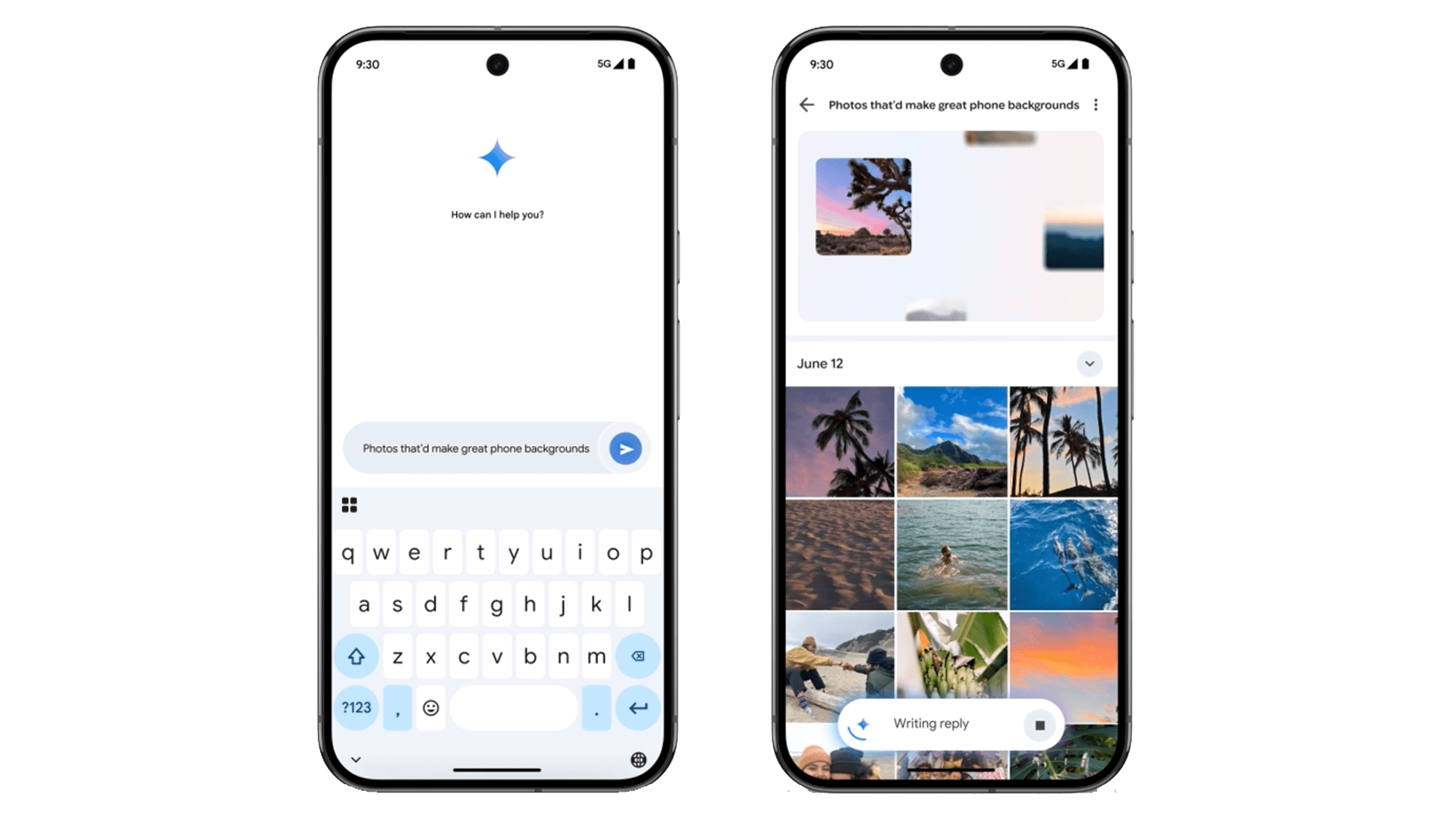
It works in numerous ways, supporting specific and complex inputs like “suggest photos that’d make great phone backgrounds” to filter wallpaper-worthy photos. Likewise, you can perform a finer search to find a specific theme like color or style, or food you ate at a particular restaurant, as well as suggest you shots from your birthday party, among other possibilities.
The search giant initially made this available for select testers in the USA. However, the feature was quickly halted when users experienced buggy search performance when doing basic queries with a single keyword. Following this brief pause, Google announced that it has updated the Ask Photos tool and is now rolling it out to more eligible users at the same time.
The enhanced Ask Photos can still be accessed via a separate button in the bottom bar. However, this now combines both descriptive and classic search queries while also providing faster result times. You can still perform follow-up queries or refine your input.
What You Need to Enable Ask Photos on Your Device
If Ask Photos is available on your device, you need to tweak some settings before it can start to work. First, you need to be 18 years old and then set your Google Account language to English (US). Lastly, you’ll also need to enable face detection for “Face Groups” in the settings.
Presently, Google hasn’t specified when Ask Photos is coming to other regions and languages. But what’s clear is that it appears to be a free integrated tool rather than limited to premium Gemini subscribers.
Are you using Google Photos on your Android phone or iPhone? What do you think of this new Gemini-enabled Ask Photos feature? We want to hear your answers in the comments.
We mark partner links with this symbol. If you click on one of these links or buttons–or make a purchase through them–we may receive a small commission from the retailer. This doesn’t affect the price you pay, but it helps us keep nextpit free for everyone. Thanks for your support! Prices are based on the date of publication of this article and may be subject to change.