HyperOS, Xiaomi’s new Android skin, did not introduce many new features compared to MIUI 14. However, there is one feature that I love about HyperOS (review): the ability to sort icons in your app drawer by color. I’ll show you how it works on your Xiaomi smartphone.
Over the past few years, Xiaomi offered several types of home screen layouts. One of them includes an application drawer. When you swipe up from the home screen, a pane opens with all the installed applications on your Xiaomi smartphone. It’s a bit of a mess since the apps aren’t well sorted out.
HyperOS lets you sort icons by grouping them according to their dominant color. Personally, I found this HyperOS feature a whole lot more intuitive when it comes to locating an installed application. Almost everyone knows that WhatsApp’s icon is green, Youtube’s is red, and so on. This is, in my opinion and without any irony, my favorite HyperOS feature.
How to sort HyperOS application drawer icons by color:
- Go to Settings and select Home screen.
- At the top of the sub-menu, press Home Screen.
- Choose the“With application drawer” option.
- Scroll down and activate the switch entitled “Group icons by color“.

… und klickt Euch wie mit Pfeilen markiert durch.
Quelle: nextpit

Anschließend könnt Ihr …
Quelle: nextpit

… hier mit dem passenden Schalter die Apps nach Farben sortieren.
Quelle: nextpit
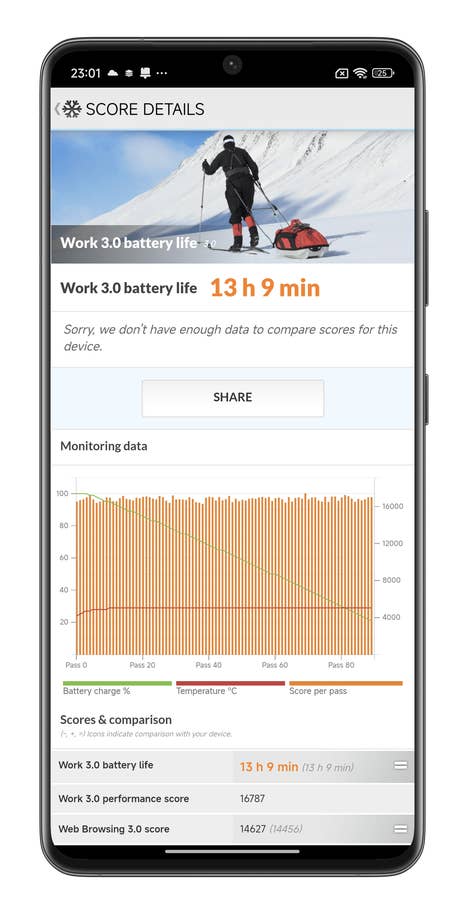
Le Xiaomi 14 Ultra a une autonomie assez solide
Quelle: nextpit
Now, whenever you launch the application drawer on your Xiaomi smartphone, you can see little colored bubbles lined up at the bottom of the screen. Simply press the dominant color of your choice to find the applications whose icons match the color. You can even have a brief animation each time you switch from one color category to another, which is visually very nice.
Externen Inhalt erlauben
Ich bin damit einverstanden, dass externer Inhalt geladen wird. Personenbezogene Daten werden womöglich an Drittplattformen übermittelt. Nähere Informationen enthält die Datenschutzerklärung.That’s all for our tutorial on how to sort your application drawer by color in HyperOS. What do you think of this feature? Do you use the app drawer in your Xiaomi, Redmi, or Poco smartphone or do you prefer the classic Xiaomi home screen?









0 comments