How to share images and links quickly with Android 12
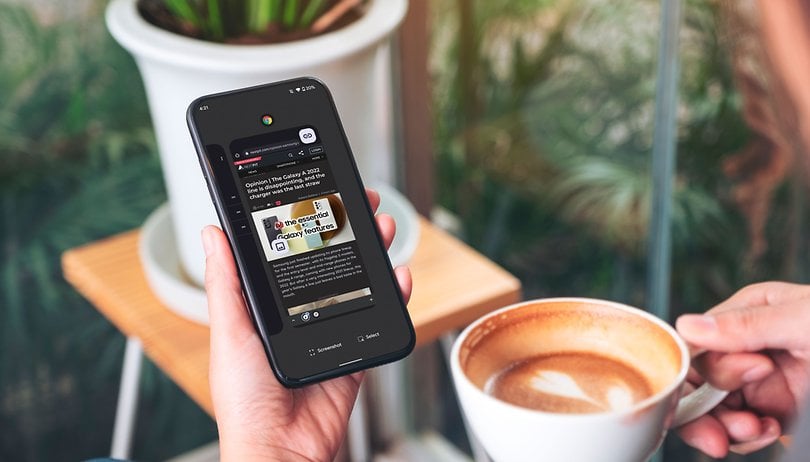

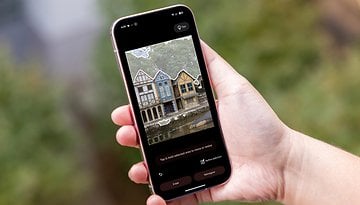
During the Android 12 launch, most eyes were on the new Material You design, but Google also added smaller handy features. One of the most useful ones is a new option to quickly share images and links over the recent screen.
The support for the feature in the various brands’ customizations may vary, but the quick share option can be used with the Pixel phones in the multitasking screen — called “Recents screen” by Google:
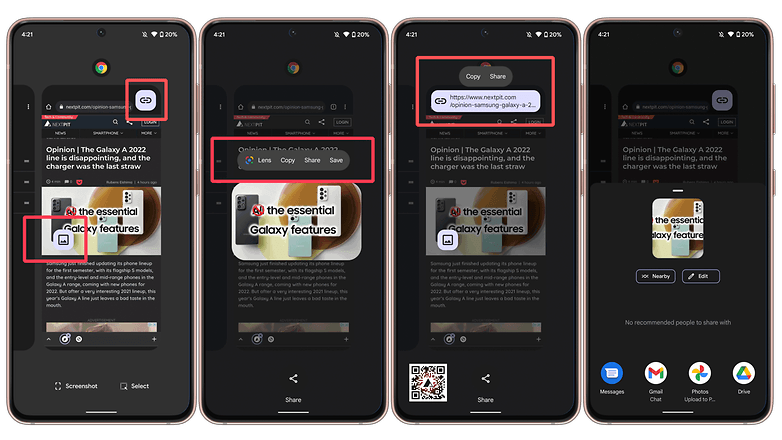
- Open the Recents screen.
- [With gesture navigation] Swipe up from the bottom, hold, then let go.
- [With the navigation bar] Tap the Overview button”□“.
- Tap on the displayed icons for pictures or links.
- Select the desired option: Share | Copy.
In our tests, the feature was available in apps like Chrome, YouTube (quickly share links), Play Store, Files, Photos, and Chat, but not on Gmail, Drive, or Calendar.
The feature is available for developers to add to their applications, but with the limited number of compatible phones still small, it will probably take a while for the quick share option to become more widespread.
Have you got this new feature on your smartphone? Do you prefer other ways to share content on the device? Share your options in the comments section.