Galaxy S6 camera test: has Samsung created the best Android camera ever?
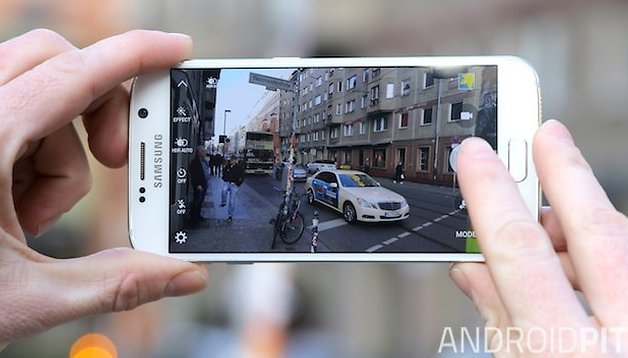
My first impressions of the Galaxy S6 camera were very good. Then I did a Galaxy S6 vs iPhone 6 camera comparison and was even more impressed. Now I've had the chance to play around with the Galaxy S6 camera outside, I can show you just good the Galaxy S6 camera truly is.
Admittedly I wasn't quite able to wander the streets taking photos in a wide range of situations, but I did my best and managed to capture different skin tones, focal length, macro, high-contrast environments and even a dimly-lit interior. Take a look at the photos yourself (with more in the gallery below) and I'll see you at the bottom for my final thoughts on the Galaxy S6 camera.
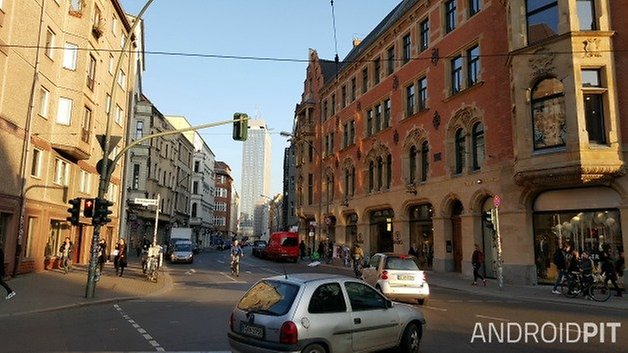
Outdoors
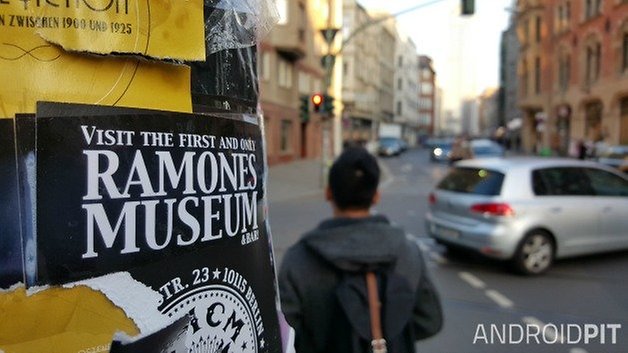
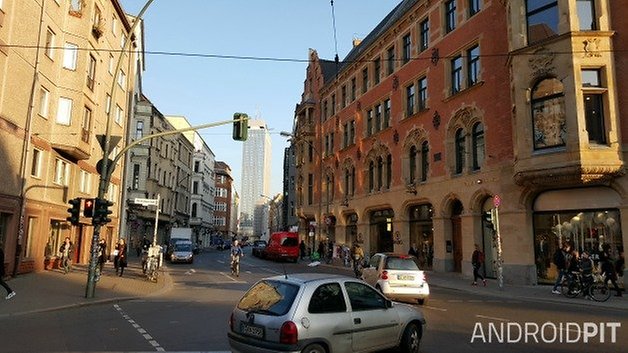
The street in half shadow with bright spots of sunlight and the brilliant blue sky at the end of the street came out exceptionally well. The Galaxy S6 seems to handle high contrast situations very well as you would expect. This was taken in full auto mode too, without HDR enabled by default.
Depth of field
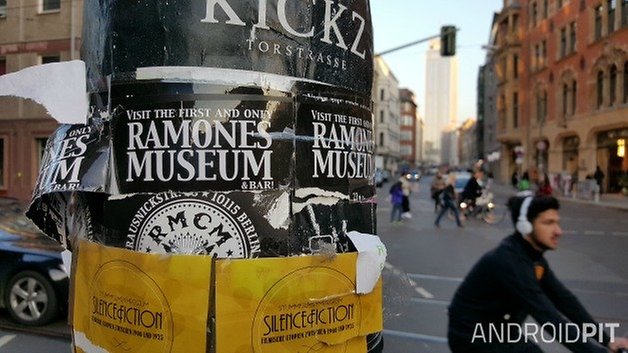
The posters on the pole with the street scene behind also shows just how well the S6 handles very close subjects with a more distant background. Try zooming in on the torn yellow paper at the top left and see just how much detail is there (the full sized original versions of all of these photos is on my Google+ page).
Skin tones
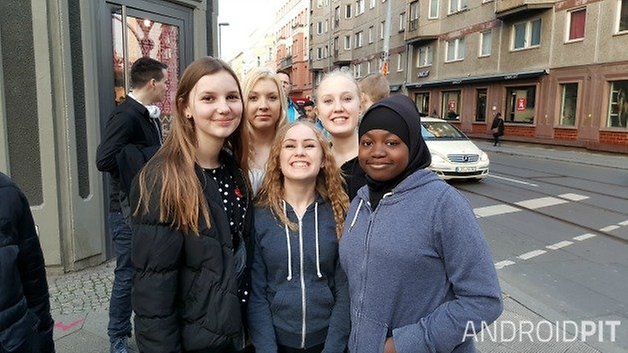
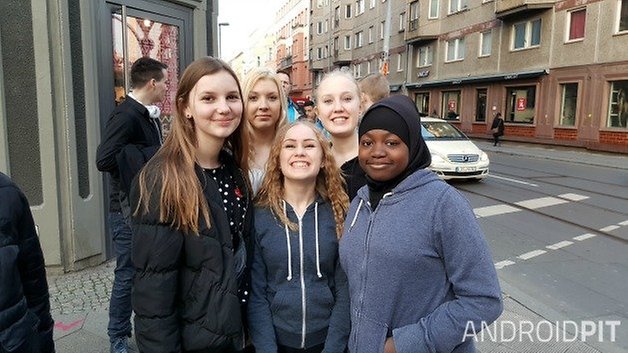
This image of a bunch of girls shows the Galaxy S6's performance with different skin tones. As usual, this Samsung camera does a tremendous job of skin tones, perhaps better than any other camera on Android. The image is a little blown out towards the top though, due to the sunlight at the end of the street.
Macro
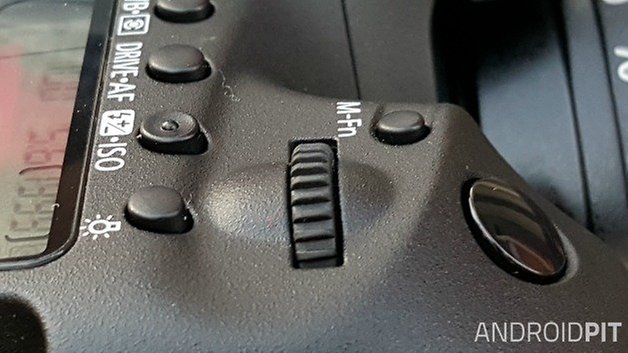
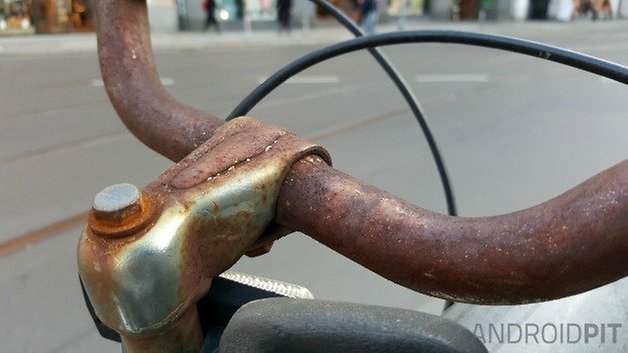
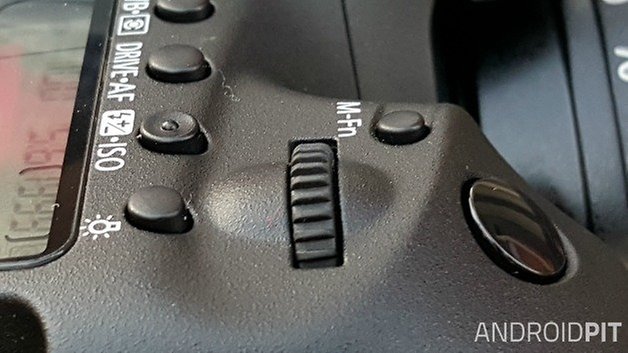
This macro shot of my DSLR is pretty standard fare for a Galaxy camera: it's good without being exceptional. There's some great detail in the little bits of fuzz on the buttons, but the jog dial isn't as crisp as I would've liked. Again, both me and the camera were probably moving slightly but unless you need results better than this at extremely small distances, the Galaxy S6 shouldn't disappoint.
Interior
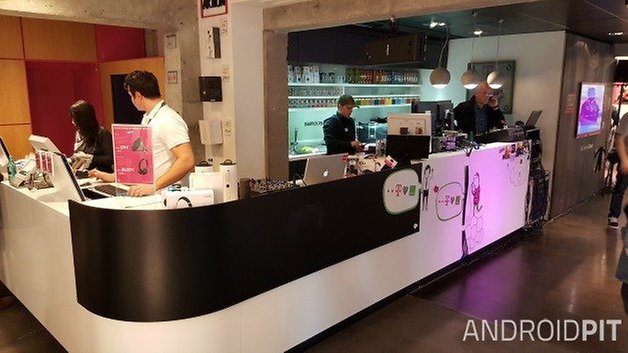
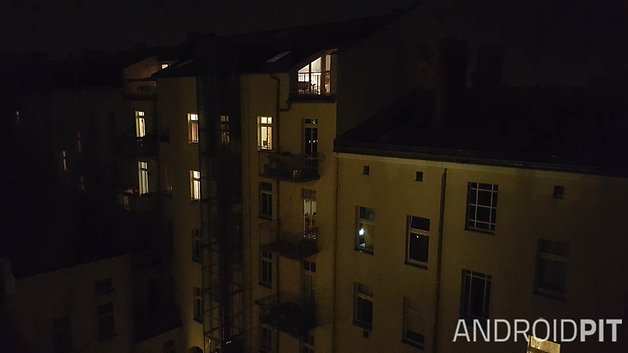
Inside with some spot lighting but otherwise gloomy atmosphere, the Galaxy S6 does a nice job of balancing out areas of contrast. You can see some grain going on in the darker areas but this is to be expected by any camera. My previous Galaxy S6 low light test showed just how good it can be with extremely low light and a very stable shooting position. Take a look at the gallery for even more test photos.
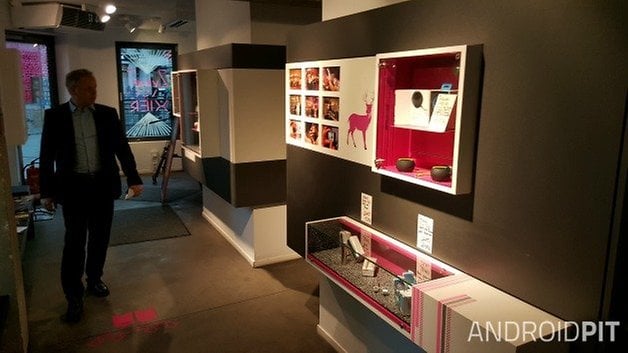
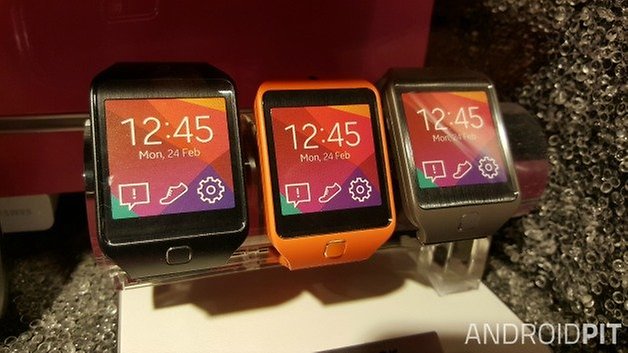
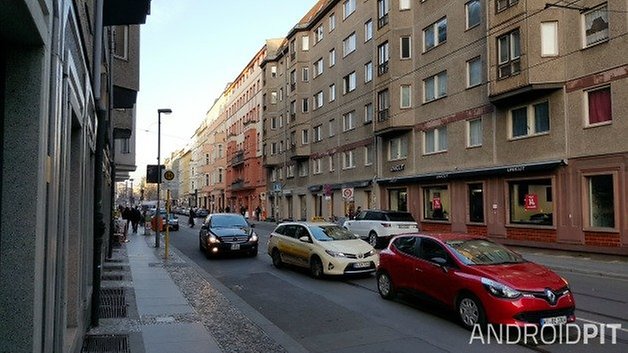
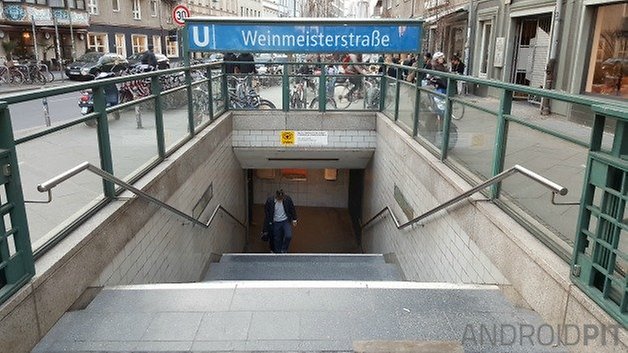
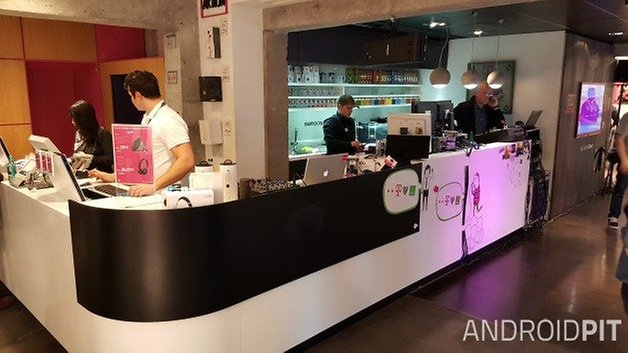
As you can see, the results are just as promising as my initial impressions led me to believe. The Galaxy S6 excels in almost every situation I threw at it. Sure, the low light performance isn't quite perfect, with the dimly-lit shot of the gentleman in the store looking a lot more grainy than I would have expected, but I have a suspicion that may have been me shaking a little or failing to focus properly before hitting the shutter. Any way you cut it, though, the Galaxy S6 may just have the best camera on any smartphone anywhere.
What are your thoughts on the Galaxy S6 camera? How important is your smartphone for your photography







I have a question.
What camera module is used?Imean is the rear camera a sony?
Cause mine is a isocell
Based on going a step or two beyond Note 4 which has an excellent Camera I and the same Sensor , I expected a little more sharpness but you may need to set phone down or makeshift Tripod for what I am referring to.
Low light impressive.
And in manual may be possible to get longer exposures for more 3d depth.
I wanted more sharpness on the Macro also.
I will have to try it to see if it's sharper than Note 4.
My true test.... How does it hold up in a concert setting?
I used it in automatic mode, VERY close at a U2 concert. I was dissatisfied with most pictures. Faces blurry and washed out, overexposed obviously. The meter must see so much darkness in the frame and allows too much light in. Hopefully I will have another shot at it - I will experiment with spot metering and faster shutter speeds.
The images do not match the topics, and there are some errors like "thsi group".