These 5 apps are killing your battery
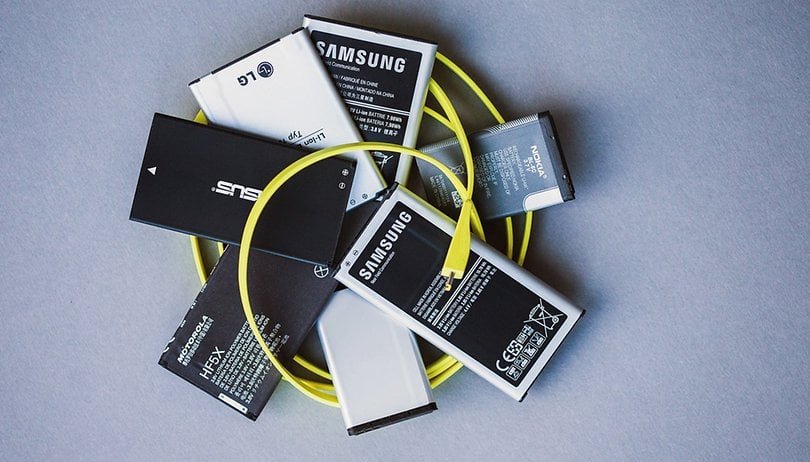

When it comes to apps that drain battery life, we're all pretty familiar with the main offenders like Google Maps, Facebook, bloatware and certain cleaning apps, which hog not just battery life but other resources as well. A recent report from Avast reveals some unexpected culprits that can cause serious harm to your cell phone's standby times, too. Find out which apps to avoid below!
1. Snapchat
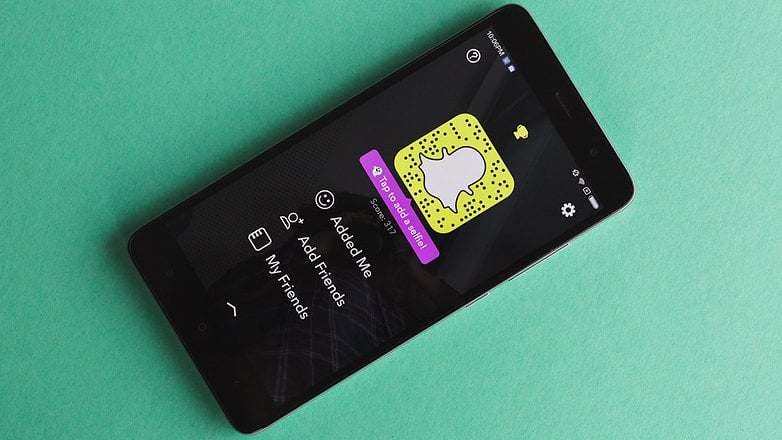
Snapchat might be a lot of fun, but it also takes a lot of resources both in terms of memory usage and battery life—perhaps more resources than it's worth to you.
This app is one of the worst offenders in this area and can consume much of your battery life and mobile data if you aren't careful. One way to mitigate the effect on both is to block Snapchat from using mobile data and only use it while on Wi-Fi.
INSTALL (com.snapchat.android)
2. Netflix
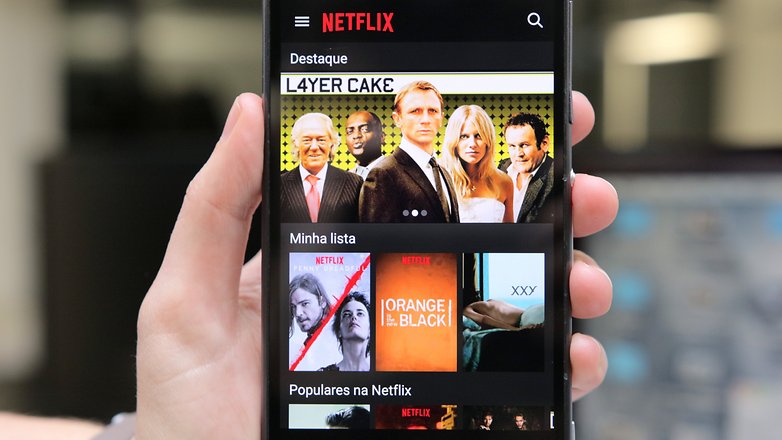
Netflix consumes a huge amount of battery life. It's the go-to app for binge-watching TV shows and movies, so you'd expect it might use a lot of battery downloading and playing shows. What you might not realize is how much of the drainage is from keeping the display lit.
Your phone's display consumes the majority of your device's power. Consider watching with the display brightness turned down when you can. In your dark room at night, there really is no reason to have your display brightness at the maximum.
INSTALL (com.netflix.mediaclient)
3. Amazon Shopping
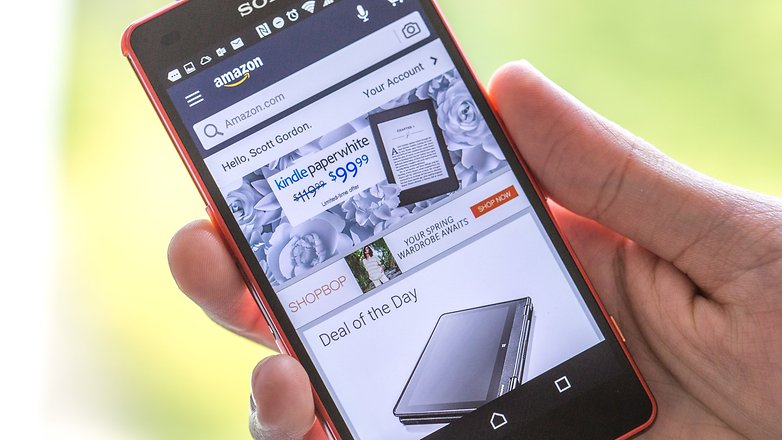
The Amazon Shopping app is a sneaky little battery drainer because it's quite unassuming. When I first read the report that suggested this was having a big impact on battery it seemed strange: others on the list cause lots of damage through heavy usage, Amazon Shopping can't be used that much, can it?
Two things: Firstly, Amazon's Shopping isn't incredibly well optimized for Android: relative time spent with the app compared to battery effect is generally higher than other apps. Secondly, like weather and email apps, Amazon's Shopping app operates in the background so that it remains up to date with current offers and promotions. Combined, this leads to high battery usage. If you don't use the app much, consider ditching it altogether. Speaking of email...
INSTALL (com.amazon.mShop.android.shopping)
4. Outlook
The Outlook app is another juice guzzler. Whether we're checking it too frequently, or the email sync frequency is too high, Outlook is a threat to your power. You don't actually need the Outlook app, though. You can use the default Android email app to retrieve those emails. Ideally, you should only use one email app on our device and use it to manage all of your accounts. I mean, unless you want to sync Outlook with Google Calendar. In which case, yes, it's best to have the app.
INSTALL (com.microsoft.office.outlook)
5. WhatsApp
WhatsApp isn't the only battery killing messenger app to make it on the list, but it's certainly the most popular. Others to make it into the top of the ranking include WeChat, Samsung ChatON and LINE.
The report suggests turning off push notifications to lessen messaging apps' affect on battery life. And, if at all possible, you can also just send fewer messages and refrain from watching videos on WhatsApp when on-the-go.
So there we have it, I hope these suggestions will help you save battery on your device in future. Have you discovered any battery killing apps that aren't on this list? Let us know in the comments.
This article has been rewritten since it was first published and comments below may not reflect the current content.
Source: Avast









I just discovered AVG started using 30% of my battery. I removed and installed Avast, so far so good.
Thanks for the great article. :-)
Instead Whatsapp you can use Signal. It seams to be more safe than WA
Interesting article! Didn't notice that Snapchat was actually killing my battery, but since I removed it it has definitely gotten better, so thanks for that!
About Snapchat is absolutely true
It was a huge drain on a battery.
Prisma would be one of the apps too. Furthermore, it eats up a lot of data quota and phone storage.
Go on New Tab and copy past link
Best app for Facebook
Link : play.google.com/store/apps/details?id=com.redfish.bestappforfacebook
With one exception, Outlook is the ONLY app mentioned here that has any doubtful use of battery or memory. The others ONLY drain the main battery when they are ACTIVELY being used.
Outlook's background use is negligible.
However, a really serious problem comes with Verizon's Cloud app. THAT app is ALWAYS running, ALWAYS draining your battery fast (as of Marshmallow) - on a DT2 you are lucky to get 6 hours a day with it running at all. Disable it, Delete all the udpates to it (you have to anyway if you want to Disable it, which of course is asinine). With Photos and most messaging apps (including Verizon's Own messaging app!) you will not need it running constantly. I Re-enable it and Re-Install it once a month for pic saves, that's it. No other reason for it.
Uninstalling it made my phone appear as if I had just purchased it, and had not yet installed ANY apps. Scream speed. Blast speed. Amazing difference.
Dont worry, Disabling and Deleting the app WILL NOT HARM YOUR CURRENTLY BACKED UP ITEMS AT ALL. The Backups are still accessible through the web version of the Cloud. Of course, every time you visit the web version, you will be nagged to Enable the app on your devices!
I have to disagree with this statement. The Amazon app was absolutely horrible. It came with my phone and you cannot uninstall it. I never once used it but after the first few days of having this phone, I noticed it constantly drained my battery. It was at the top of my list every single day for battery usage and again.... I never even used it. I had to disable it and finally my battery would make it through an entire day.
That is so accurate. I absolutely hate Snapchat because of the battery issue and always end up deleting it. It's very disappointing that an ecommerce website as big as Amazon couldn't come up with a better app that doesn't eat so much battery. I don't like the Outlook app either. There are better ways to manage email.
Good start. Without dev options limiting bg activity, my nexus 7 would always be low on power.
My comment is about Mr Gordon not owning iStuff. (I don't and haven't also.)
However, I am wanting to acquire at least one iTablet to play around with. So many of my friends need help with their devices; and I could more convincingly explain which is better and why, if I knew the 'i' interface more intimately. Or if a good tutorial is available, please show me the infosite. That would be much cheaper!
CVS Shopping app - after the marshmallow update, the CVS app was completely killing my phone.
It takes a thumbwar to defeat it, repeatedly displaying "recent apps" and hitting the clear all button, then trying to get to the App Manager screen before it restarts itself again.
After about 100 tries, I was finally able to drag the app into the "uninstall" bin, and the phone is working normally again (for now).
Thumbwar lol
It is always good to know what apps are triggering your cellphone to lose battery supply like no other. And that is why it is recommended that you use the activity monitor of your cellphone. In that way you can stop the processes which are draining your phone’s battery power.
ozphonerepairs.com.au
What activity monitor of what cellphone? THe only ones that are any good are 3rd party downloads. And there are very good ones. I wont plug them here in case it breaks any rules.
It's a good thing I don't use any of the apps mentioned in this article (we are always encouraged to download the app versus obtaining information using the mobile browser, only to realize the app is a battery drain) ;-)
For site-specific "native" apps, consider using Hermit instead. You might not get all the notifications to which you are accustomed (has options for notifications, however), but the "lite-apps" it creates do not eat battery when not in active use.
I did not find outlook a big battery drain but it does eat a lot of storage. So does GMail and Inbox. K-9 is most economical.
The outlook app does use a bit of juice, but I like the email and agenda widgets for quick looks - and the latter syncs nicely with the calendar I was already using on my Windows Phone. That might change with my not-so-brand-spanking-new Note 4, tho.
Though I'm not as fond of the native email app, or running all my accounts through it.
I'm surprised too because I've not noticed the drain; then again, I don't use it like, all day long or anything. I can't even recall it coming up as sucking energy in the back.
Is this real? Snapchat reduces the battery level a lot? :O. Amazon also? How could you be so sure?