How to take a screenshot with the LG G3
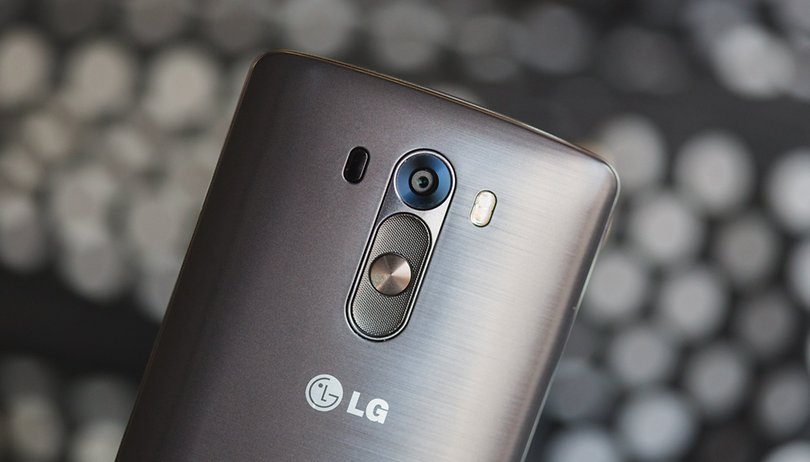

There's more than one way to take a screenshot with the LG G3, one of 2014's top smartphones. You can do it using either the phone's hardware or its software, and we'll explain both processes below. Read on to find out two ways to take a screenshot with the LG G3.
Take a screenshot on the LG G3: hardware method
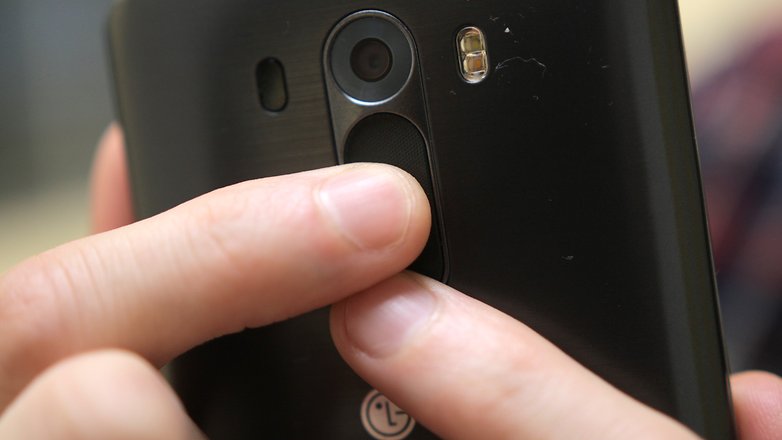
Like all Android smartphones and tablets, the LG G3 lets you take a screenshot using the hardware keys. The button configuration for taking a screenshot on the LG G3 is the same as on most other Android smartphones, but it might feel a little different because the keys are on the back of the device, a supposedly more ergonomic location.
Simply press the power button (middle key) and volume down button (below the power button), to activate screen capture, and you'll see a small animation on the screen and hear a sound to confirm that the screenshot has been taken.
The image will be saved to your gallery app under Screenshots and will also show up in your notification shade.
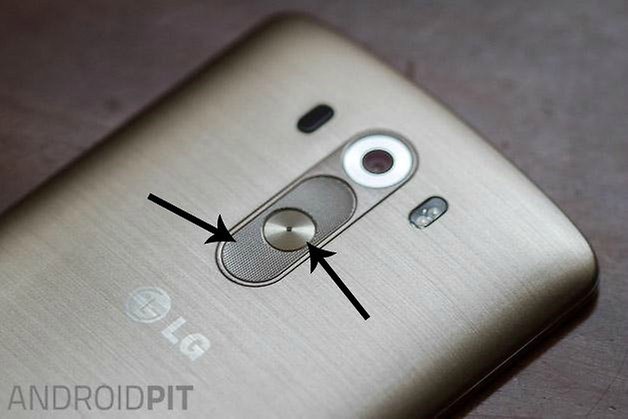
Tip: To make it easier to make a screenshot with the hardware keys, hold the smartphone with both hands and put one index finger on the power button, and the other index finger on the volume down key. Press both down until you see the animation.
Take a screenshot on the LG G3: software method
The other method for taking a screenshot with your LG G3 is to use the device's software, namely QMemo+.
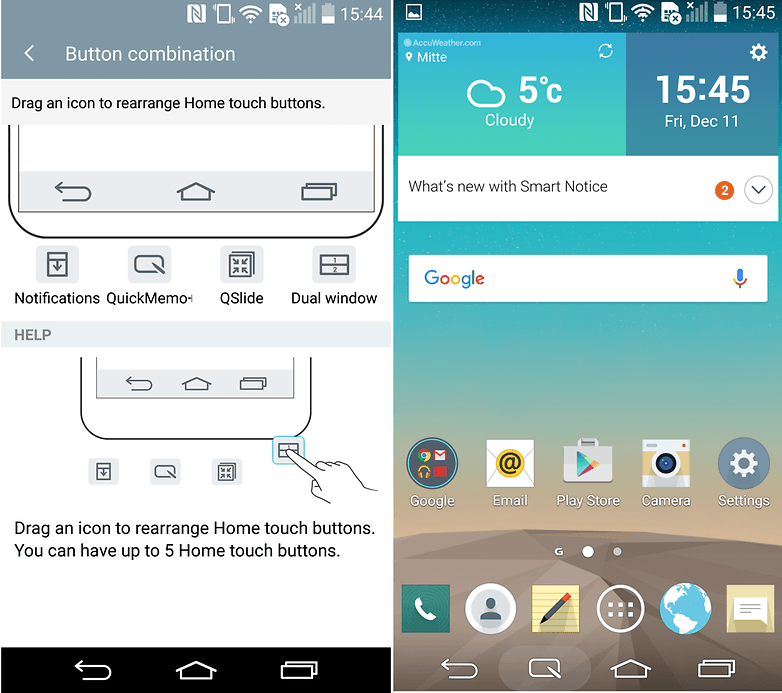
To use QMemo+ to take a screenshot, go to Settings > Display > Home touch buttons > Button combination. In the top half of the screen, drag the QMemo+ icon onto the Home touch buttons bar in the illustration. Now, when you open QMemo+ using its Home touch button, it will take a screenshot, which you can draw over or save at your leisure.
Thanks to commenter Ruby Philip for this tip.
How do you take screenshots on your LG G3? Do you use the hardware or the software method? Let us know in the comments.













Now I am just the opposite! I prefer the power button + volume key! The movement felt quite natural. This is what defines us as individuals with our own opinion! Thanks for the knowledge, as I was lacking in this area of Screenshots! Peace✌
The method of using Power + Volume down keys on LG G3 seems very weird and awkward to perform. I prefer the QuickMemo way.
There's an easy way...go.to Settings - Display- Home Touch Button and drag the Qmemo.on to the Home Screen...
Then when.u wanna take a screenshot...press the Qmemo button on the home screen...and ur screen shot..is there!
Can someo help me? I don't know why when I try the software way my phone take me to Google now right away at first was working and have me the choice to get a screen shoot to go to Google now, now every time I drag the bottom nothing happens it take me to Google now
There's an easy way...go.to Settings - Display- Home Touch Button and drag the Qmemo.on to the Home Screen...
Then when.u wanna take a screenshot...press the Qmemo button on the home screen...and ur screen shot..is there!
with Samsung you press the power button and home button to get a screenshot, just saying ?
exactly.
Memo, the Hardware way can be performed on almost every android which is not a Samsung with Hardware Homebutton...