How to insert a SIM card into the Xperia Z3
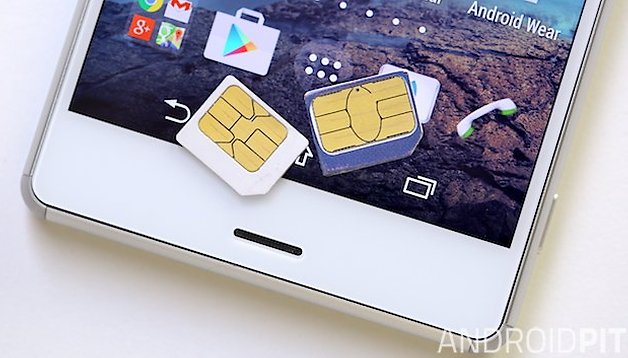

I know what you’re thinking, you're thinking "why would anybody need a tutorial for such a simple procedure?" The problem is, it's actually not so simple! Having recently purchased an Xperia Z3, I found myself having to hunt down an English user-guide to try and decipher the trickier-than-expected operation. So, to make things easy, here is my tutorial for how to insert a SIM card into the Xperia Z3.
How to insert SIM in Xperia Z3
- Make sure your device is switched off.
- Locate the Micro SIM card slot. This is housed within the Xperia Z3 flap labelled "Micro SD". It contains both the Micro SIM and Micro SD port. Use your fingernail to open this flap.
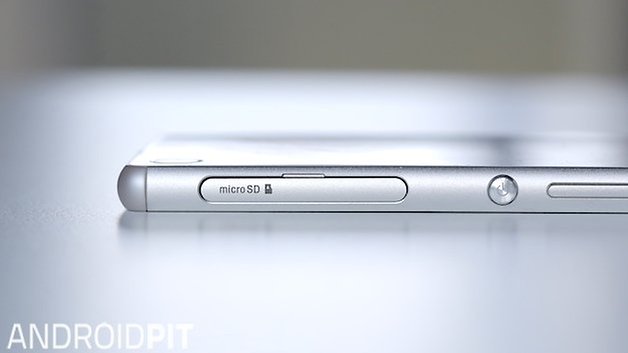
- You will notice a removable plastic taper below the larger of the two slots. The bigger slot above it is for a Micro SD card. We are using the one next to it.
- Using your fingernail, hook under the little plastic lip of the the Micro SIM card holder and pull it out from the device. It is not attached to the device, and it will fall out. This is normal. Do not panic.
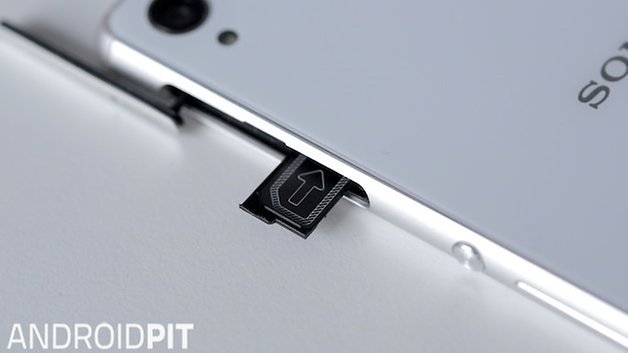
- On the plastic SIM holder you will see an outline and an arrow displaying the orientation in which the SIM card should be placed. Insert the SIM card into the SIM tray as displayed, with the gold track of the SIM card facing upwards, away from the black plastic (this is so that it will make contact with the tracks inside of the phone), and with the cut corner in the correct position.
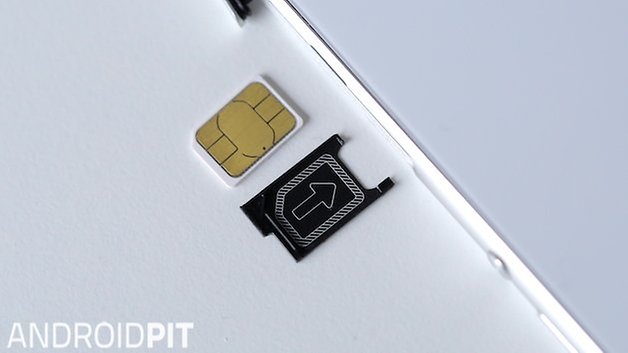
- Slot the SIM card holder, now housing your micro SIM card, back into your smartphone. It should easily click into place -- do not force it -- if it does not fit, you have it in the wrong orientation.
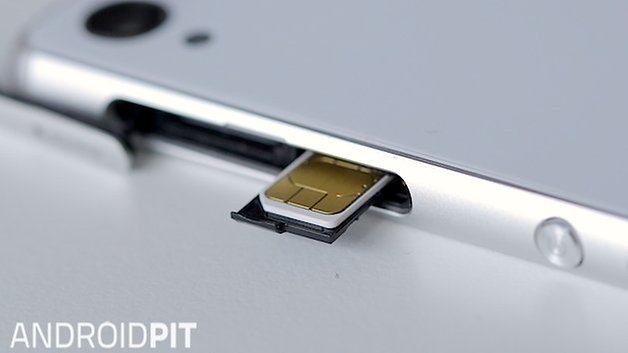
That’s all there is to it. Just power up your device and the SIM card will be recognized. Beautiful.
Let us know in the comments if you have any problems!















I have inserted the Sim card into the phone but i cannot establish a service. Can you help
It's a nano SIM not a micro SIM as described in the article.
The first pic shows micro SIMs (which won't fit). The last 2 pics show nano SIMs (which will fit).
I enjoy of Sony News.thank
It is even harder with the Z3 Dual, SIM2 tray is really hard to pull out.. But I still love this toy...
What's to interpret? There is a picture so you know which way to set it, and the bottom is plastic so if you put the contacts down they would not be readable by the phone. You one of those iPhone converts?