How to downgrade to older version of apps on Android
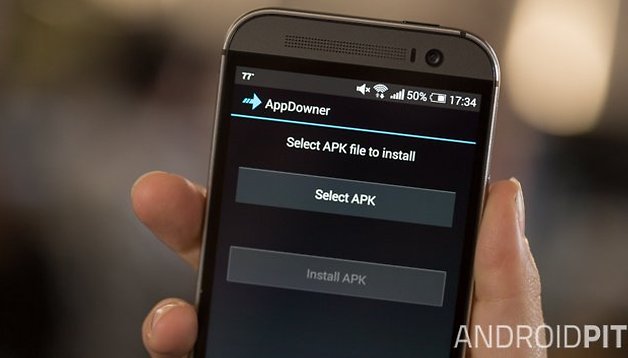

Updates to apps are usually a good thing, but there are times when this is not the case. The latest version of your favorite app might remove a feature you've grown attached to, or it could lead to a drop in performance. AppDowner helps to roll back a version if you decide the older version of an app was better – you just need to be rooted. Find out how to downgrade Android apps to an earlier version here.
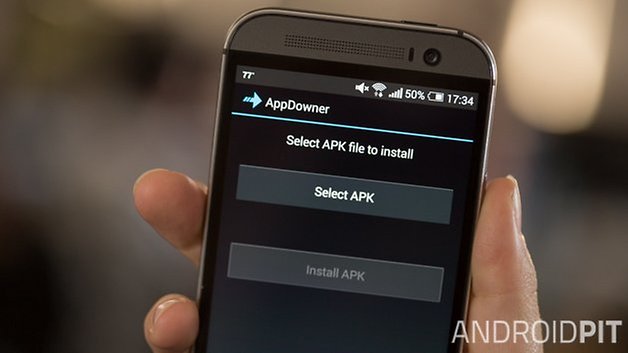
While it's easy to upgrade the apps on a Nexus 5, a Galaxy S4, or any other Android device, it's usually a one-way process. As standard, you only really have two options when you discover that an upgrade is not to your liking – uninstall the app completely, or learn to put up with it. But AppDowner gives you the option of reverting to a previous version so you can banish an upgrade you don’t like.
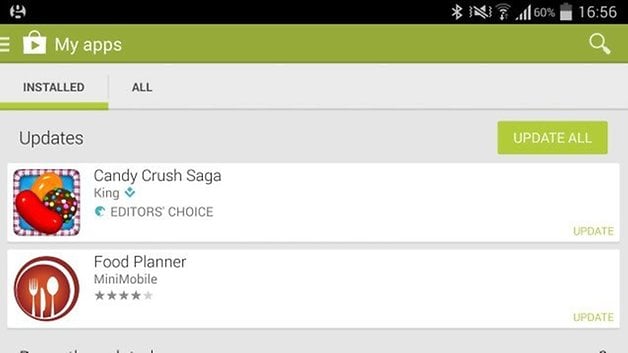
You can download a copy of AppDowner from XDA Developers free of charge – but bear in mind you'll need to root your device in order to install it.
You will have to do a little bit of work yourself. When you upgrade an app, Android does not automatically retain a copy of the old version of the APK. We've previously looked at how you can create backups of your apps, and this is one way to ensure you have the option to downgrade. But there is another route you can go down.
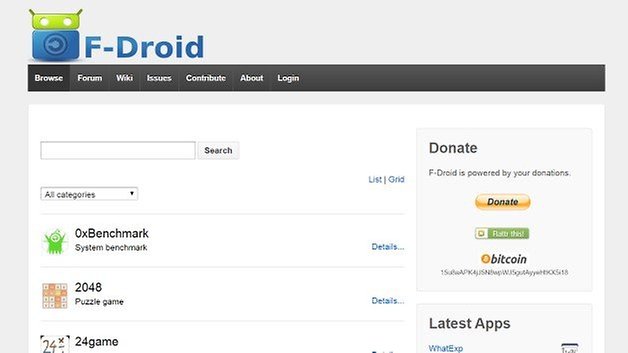
While you can only download the most recent version of app from Google Play, there are other app repositories that hold onto older versions as well. Among such websites are XeeApk.com and F-Droid. There are many other to choose from, but you should take care when downloading apps from unknown websites.
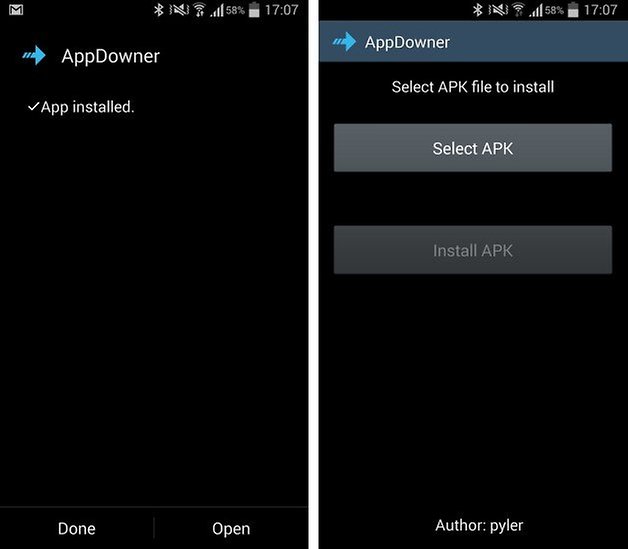
Installing the older version of the app is very simple. Launch AppDowner and tap the Select APK button. Use your preferred file browser to select the APK for the app you want to download, and then tap the Normal Android Way option. Should this method fail for any reason, you can repeat the process but select the File Way option instead.
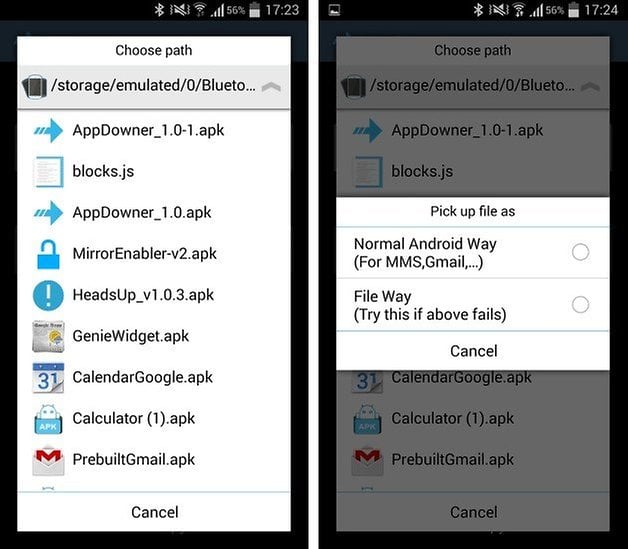
Hit the Install APK button and the old app will be installed for you, and all of your data will be retained.
Have you tried out AppDowner or do you know of another method for rolling back to an older version?









You can also use uptodown
uptodown is a repository for apps from all the major platforms. You can get old versions of your favorite apps from platforms like Android, iOS, Ubuntu, Mac and web apps. Like APKMirror, you can get the older versions of your desired app that are supported by the developer’s servers. However, unlike APKMirror, the variety of apps are limited, with only the well-known ones taking the stage.
To download an app’s older version, you will have to search for the app in the site’s search bar and tap on the “Versions” button to see a listing of all the previous version APKs. Then, you can just download the version of the app you want and install it.
Apart from that, there are more EASIER ways of downloading older versions of apps even without app down graders //wwwtokohow/2017/03/how-to-download-older-versions-of-apps.html
THANKS MAN! WOO! Old gStrings all over again! Thanks! :)
But where can i get an older version of any app?
Thanks for the article Mark !
But,I guess one out of hundred may require this type of app downer because android apps which are very genuine and good ones don't come up with features lost issues. It will be helpful if anyone faces this type of problem in his smartphone.
Ellen Davis
if we don't have older version than is it possible?
If we have the apk of the older version, can't we directly install it over the newer?
Yes. And you won't erase your user data ;)
I didnt understand what App Downer does then.
Yeah. Its completely useless
I initially thought it can help us find and download the older version of the concerned app and then let us install but if it doesnt then what's the point.
In some cases, yes... but not all. It really depends how a particular app changes from one version to another. You may find that just installing the old APK over the newer one does works, but it's not guaranteed. Using AppDowner is the same as using the "pm install -r -d file.apk" command and is more likely to be successful.
OK then how do I use that command? My device doesn't seem to be able to be rooted.