Sorry, but there's really nothing to see here right now. Our server is in maintenance mode – and our
little bot is trying to sort the error messages with its last bit of energy.
Whether it was a data leak, a power outage in the cluster, or just a grumpy bit – we don't know yet.
But what we do know is:
The data drama escalated into a server meltdown. But don't worry: We're on it.
What now?
Everything is surely running smoothly over at our colleagues from inside
digital – why not stop by!
Or you could pass the time by visiting our social media channels – for example Instagram, YouTube or TikTok. At least there are no
server problems there – promised.
Thanks for your patience. Our bot is already rebooting at full speed. 🔧
NewsTabletAndroid 15 to Feature Smarter Lock Screen Widgets
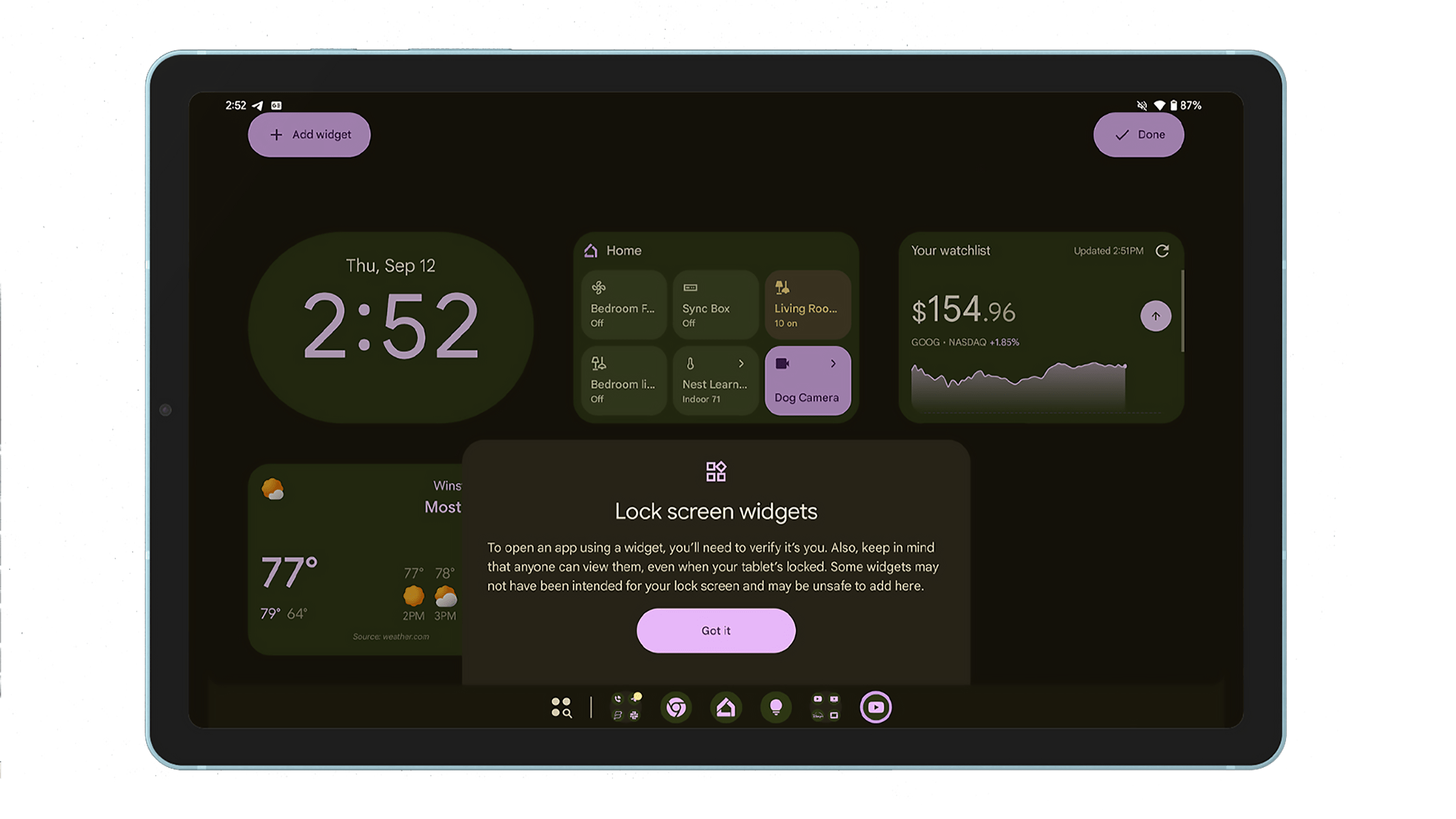
You might not expect it, but Google has largely removed native support for adding lock screen widgets on Android devices. However, that’s changing with Android 15, which introduces basic lock screen widgets — beginning with tablets. An upcoming update could further enhance this feature.
A must read: How to add live weather widgets on Android’s lock screen?
Currently, Android 15 and recent versions of the operating system do not include lock screen widgets by default. Instead, OEMs have taken customization into their own hands, or users have had to rely on third-party apps and launchers. Samsung, for instance, offers lock screen widgets, though this feature is limited to newer One UI versions.
Android Gains Built-In Widget Resizing
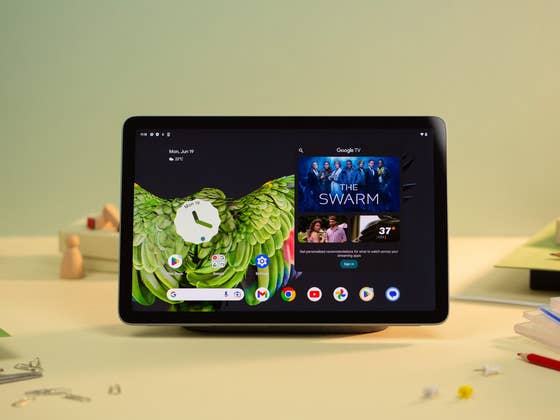
The December Pixel Feature Drop introduced lock screen widgets for large-screen devices like the Google Pixel Tablet. These widgets are housed in a dedicated lock screen panel that users can arrange and manage, although customization options remain limited.
According to developer Mishaal Rahman, who explored the Android 15 QPR2 beta build (via Android Authority), Google is working on adding a widget resizing feature for the lock screen. Although not yet live, Rahman managed to activate and test this hidden capability.
His findings showed how widgets can be resized vertically, allowing them to cover half the screen—a space that is normally occupied by two to four standard-sized widgets. However, only the height is adjustable for now.
This approach seems more flexible than Samsung’s One UI lock screen widgets, which lack size customization altogether.
Are Lock Screen Widgets headed for Android smartphones?
For now, it appears that lock screen widgets with resizing will remain exclusive to large-screen devices. However, this feature could eventually make its way to smartphones, possibly beginning with Android 16, which is expected to arrive earlier than usual.
Regardless, it’s encouraging to see Google taking steps to enhance lock screen customization on Android—a move that may have been inspired by iOS.
How do you customize the lock screen on your Android smartphone? Share your tips and suggestions with us!







0 comments