Sorry, but there's really nothing to see here right now. Our server is in maintenance mode – and our
little bot is trying to sort the error messages with its last bit of energy.
Whether it was a data leak, a power outage in the cluster, or just a grumpy bit – we don't know yet.
But what we do know is:
The data drama escalated into a server meltdown. But don't worry: We're on it.
What now?
Everything is surely running smoothly over at our colleagues from inside
digital – why not stop by!
Or you could pass the time by visiting our social media channels – for example Instagram, YouTube or TikTok. At least there are no
server problems there – promised.
Thanks for your patience. Our bot is already rebooting at full speed. 🔧
NewsHeadphonesMeta Quest Headsets Can Now Play Spatial Videos from iPhone 15 Pro
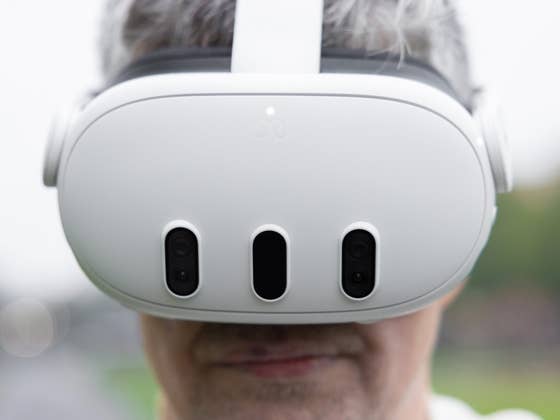
It turns out that Apple’s premium Vision Pro is not the only wearable that can take advantage of recorded spatial videos from the iPhones. Meta has rolled out the Quest v62 update to its standalone VR and XR headsets today. Along with the few notable changes coming with the update is the support to open and play spatial or 3D videos recorded from the iPhone 15 Pro (review) models on Meta headsets.
Play iPhone spatial videos on a Meta Quest headset
Meta says that users need to use the Meta Quest mobile app on their iPhone 15 Pro or iPhone 15 Pro Max to upload spatial video recordings that will be converted and stored on the cloud storage. Once uploaded, they can navigate to the Files manager on their Meta Quest headset to select and play a spatial video. Users can also access the recordings from the gallery app.
There are other new features tagged with the latest Quest update as well. In the gaming department, Meta’s Quest browser can now support external game controllers, such as PlayStation and Xbox gamepads. The company is also enhancing the experience with PlayStation’s PS5 Dual Sense and PS4 Dual Shock controllers when gaming on the headsets.
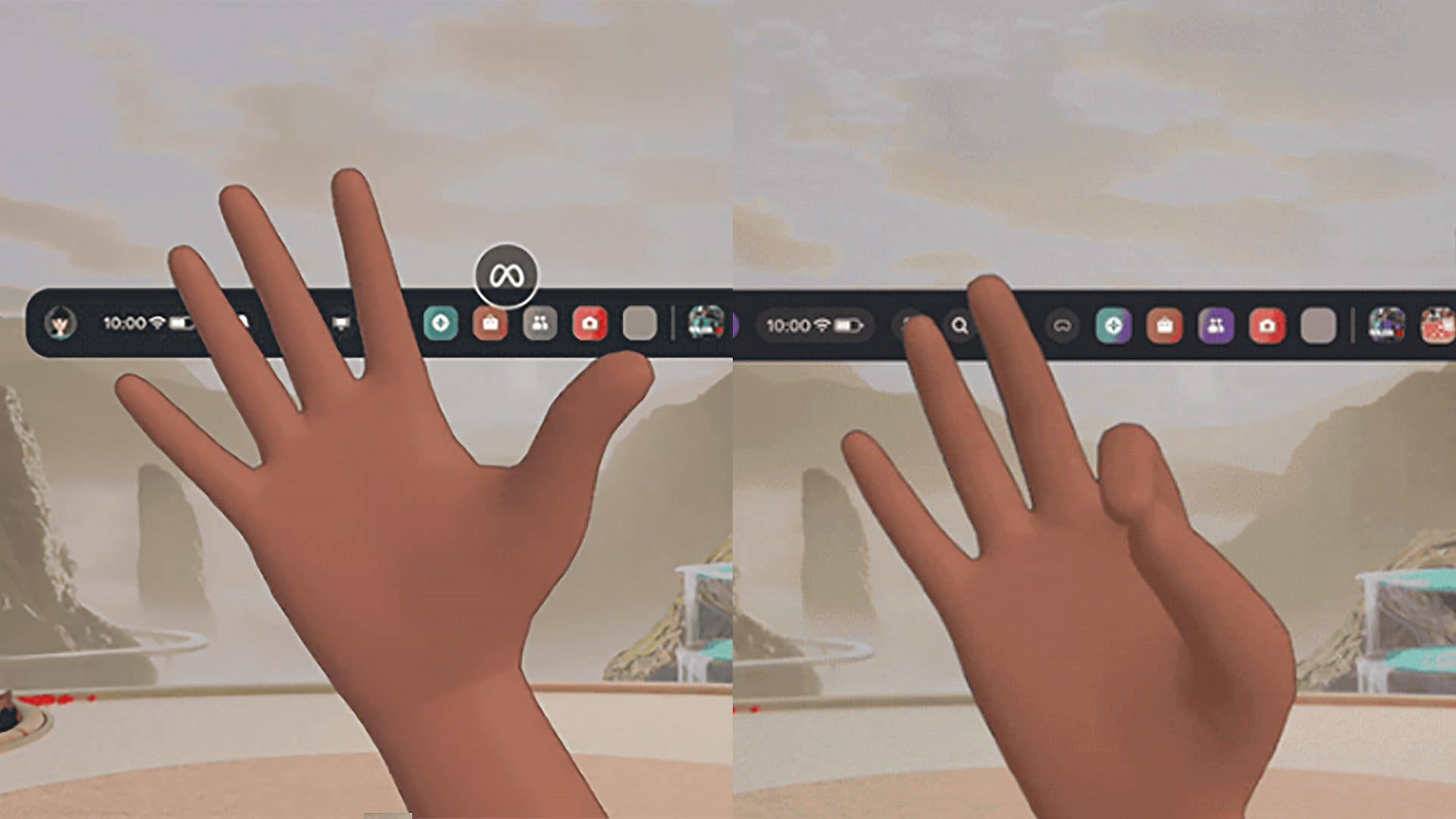
Meta is adding a new gesture to access the quick menu and re-center the display. Firstly, you need to position your palm that is facing toward you and that is visible. You can then perform a short or long pinch, with equivalent actions of opening or closing the Quick Actions menu or re-centering the display, respectively.
Meta says the gesture only opens the simplified quick menu, and you need to enable it back from the settings if you want to use the expanded quick menu with added controls and shortcuts.
Furthermore, the Facebook livestreaming feature is said to be fully available to all users with this update. Those with a connected Facebook account can start streaming from the camera through the universal menu. Another related streaming addition is YouTube streaming finally supporting chats.
The Meta Quest v62 software update is shipping gradually starting today. All of those features and changes mentioned are available to the three Meta Quest headsets.
Would you pick a Quest headset with these added features, especially with the spatial video playback? Let us hear your thoughts on this.
We mark partner links with this symbol. If you click on one of these links or buttons–or make a purchase through them–we may receive a small commission from the retailer. This doesn’t affect the price you pay, but it helps us keep nextpit free for everyone. Thanks for your support!





0 comments