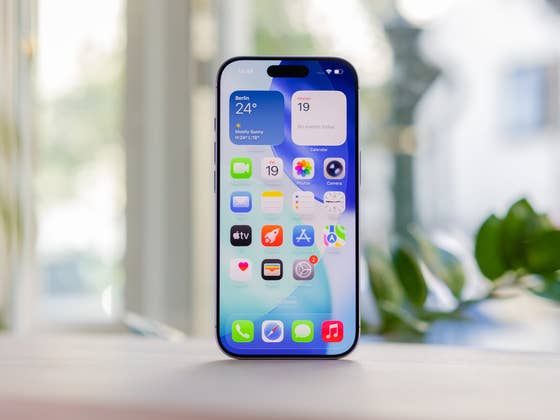
Apple recently rolled out iOS 26.2.1 as a seemingly thoughtful update, adding support for the new AirTag 2 (review) alongside various quality‑of‑life improvements. While the firmware was intended to enhance the iPhone experience, many users are reporting the opposite. Complaints have surfaced about random reboots, sluggish performance, app crashes, and faster battery drain.
Across Apple’s official discussion boards and Reddit, frustrated users are sharing their experiences after installing iOS 26.2.1, which was released last week.
Camera and Apps Lagging After Update
According to user reports, issues range from buggy app behavior to devices unexpectedly rebooting. One user described the camera as “stuttering,” calling the update more of a downgrade than an upgrade. Another iPhone 15 Pro owner noted that the camera app has become noticeably sluggish, with some photos turning out blurry. The account points out this is possible due to poor RAM management impacted by the software.
Other users have observed slower lock screen animations, describing them as less fluid than before. On Apple’s support forum (via MacObserver), an iPhone 14 owner reported even more severe problems, describing of multiple apps crashing or becoming unresponsive. Even worse, it said that this was coupled with repeated forced reboots that return within minutes. Notably, the post has gained over 100 of up votes since it was published.
While some blame iOS 26.2.1 directly, others suggest the issues may stem from corrupted system data or storage problems, recommending a backup and full device reset.
Meanwhile, in a separate post, one user reported encountering several bugs after the update. Among them was the disappearance of saved or favorite locations in Apple Maps. The same user also noted that Face ID authentication had stopped working in certain apps. Additionally, another report highlighted issues with Safari. In one Reddit thread, a user recounted how all of their Safari tabs were unexpectedly erased after installing the new firmware.
iPhone Battery Drain Concerns
Beyond performance hiccups, battery life appears to be another casualty of iOS 26.2.1. On the MacRumors forum, one thread highlighted worsened battery performance on the iPhone 17 Pro Max. Several users attributed this to background indexing, which typically stabilizes after a few days. However, an iPhone 16 Pro Max owner reported that battery drain persisted even after the initial post‑update period.
At present, it remains unclear how widespread these issues are. Apple has yet to officially acknowledge the complaints.
Should You Update to iOS 26.2.1?
If you haven’t updated yet, you may want to wait until Apple issues a patch or the next incremental release. iOS 26.3 is expected to arrive within days, following the release candidate that dropped yesterday. However, it’s still unknown if this will address or fix the concerns raised by these users.
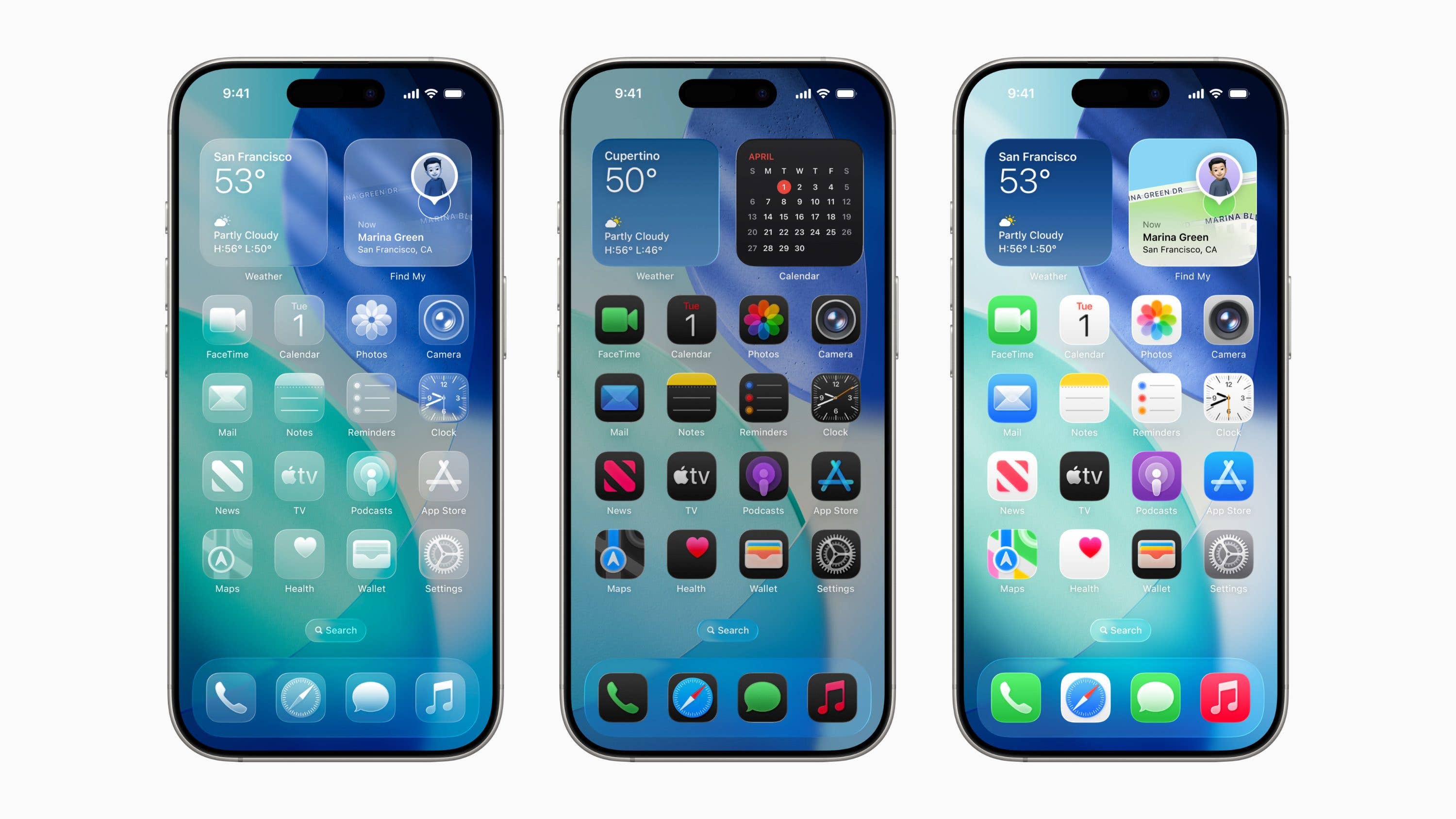
Overall, adoption of iOS 26 has been slower compared to previous major versions. Many users remain hesitant, citing concerns over the new Liquid Glass UI design and reports of performance slowdowns.
What about you? Which iOS version are you currently running on your iPhone? Have you updated to iOS 26.2.1, and if so, how has your experience been?
We mark partner links with this symbol. If you click on one of these links or buttons–or make a purchase through them–we may receive a small commission from the retailer. This doesn’t affect the price you pay, but it helps us keep nextpit free for everyone. Thanks for your support! Prices are based on the date of publication of this article and may be subject to change.