


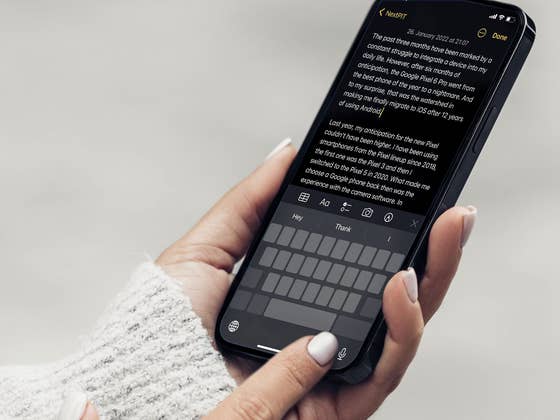
Editing text is not so simple on a cell phone. If you have ever followed keynote presentations of new software features from Apple and Google, you may remember the moments when text editing features are mentioned and the audience applauds fervently. Well, this is because on a limited screen, any keyboard enhancement is always welcome!
Depending on the size of the display and even the fingers of the person who is typing a text on the phone, some tricks are real lifehacks. And a magic tip that has been helping me optimize article editing on the iPhone is to use the keyboard as a trackpad. So, this is my tip today! As already mentioned, if you own a Galaxy device you can also use the touchpad function of the keyboard in the Samsung One UI.
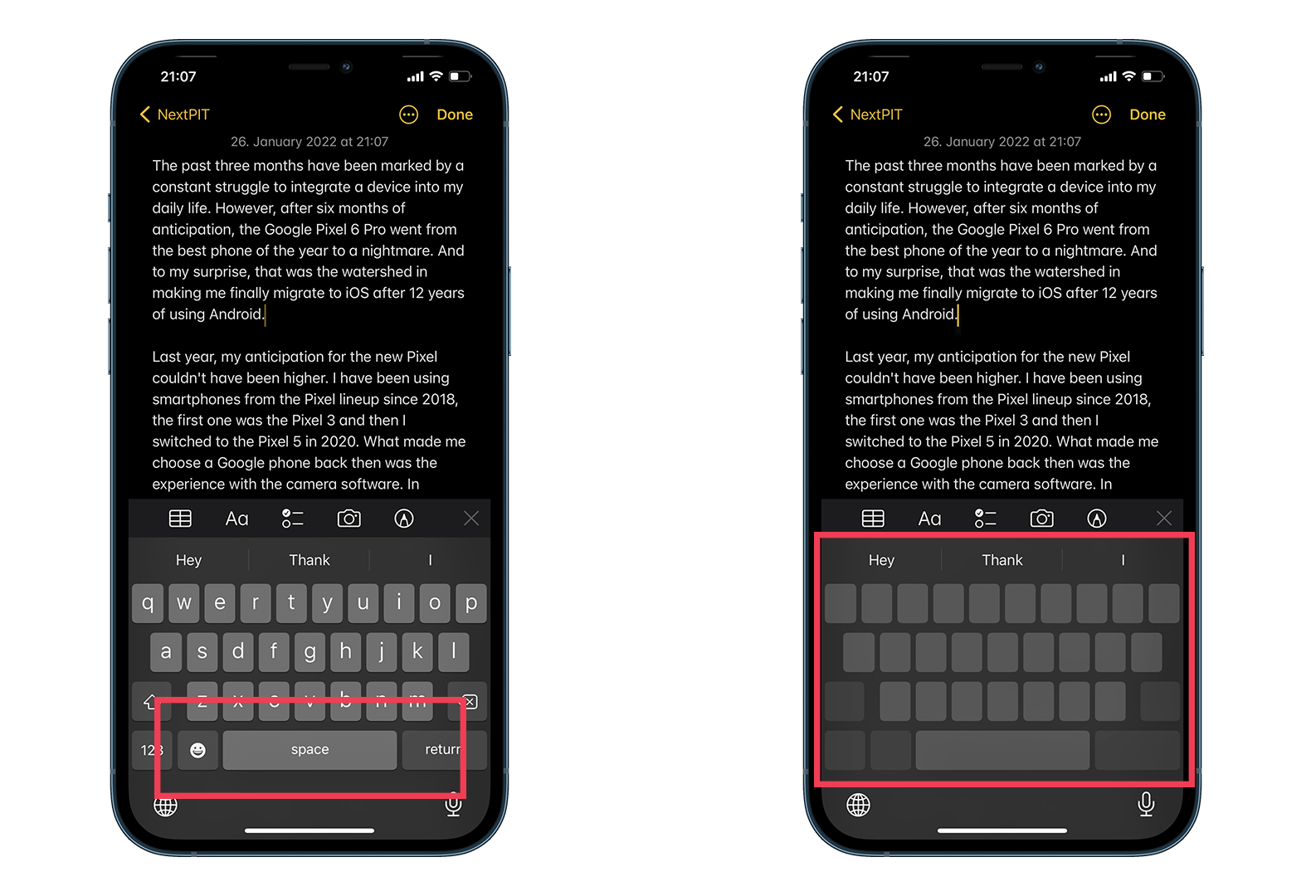
How to turn the iPhone keyboard into a trackpad
The only prerequisite here is to use the Apple keyboard as the default. So when you open an application that allows you to input and edit text, you can turn the smartphone keyboard into a trackpad. To do this, simply follow these steps:
- Launch the iPhone keyboard.
- Long press the spacebar.
- Wait until the letters disappear.
- Move your finger over the keyboard to position the cursor at the desired editing point.
- That’s it! Your iPhone keyboard has become a trackpad!
How to turn your Samsung Galaxy keyboard into a trackpad
And of course, this is not a feature unique to iOS, as manufacturers like Samsung offer the same feature. As with the iPhone, you will need to use the Samsung keyboard by default. No mystery, just follow pretty much the same path described above:
- Launch the Samsung keyboard on your Galaxy.
- Long press the spacebar.
- Wait until the “cursor control” symbol appears on the screen.
- Move your finger over the keyboard to position the cursor at the desired editing point.
- That’s it! You’ve turned your Samsung keyboard into a trackpad!
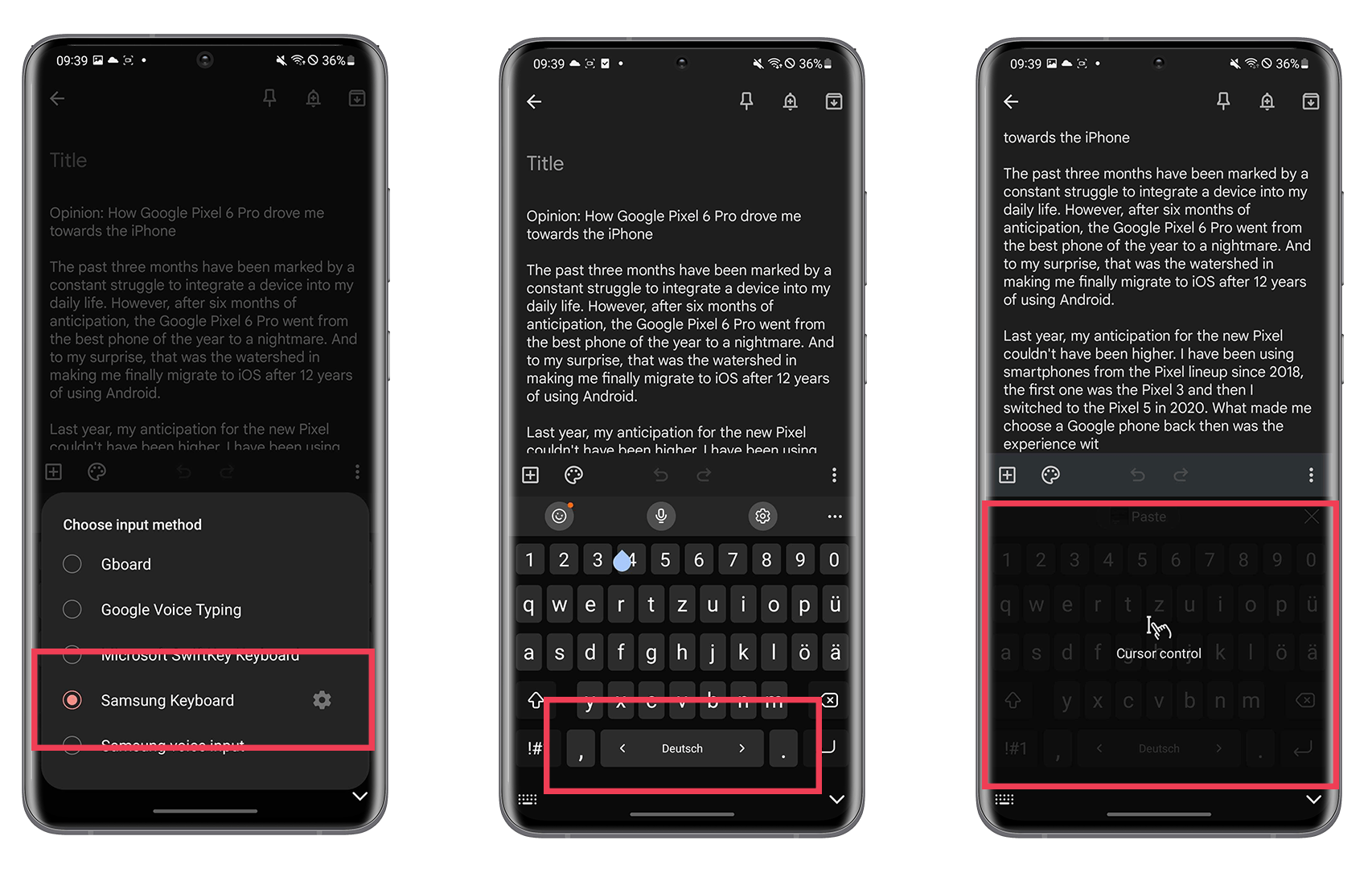
Personally, I found the process on the iOS keyboard more precise than on the Samsung keyboard, plus Apple offers a larger tracking field of the keyboard space to move the cursor in the text.
- Also read: How to switch tabs on Chrome
In addition to the standard iPhone and Samsung Galaxy keyboards, if you use the Google keyboard (Gboard), you can also use the space key as a touchpad. However, at the movement is quite limited, since you can only move the cursor from right to left on the same line.
So, did you know about this magic trick? What is your suggestion for a smartphone keyboard lifehack? Share it in the comments below and get likes from our NextPit community!




Just remembering that the Swiftkey keyboard has the best process for this function and both Apple and Samsung have copied it.