Although One UI 8 has almost finished rolling out to Samsung devices, it continues to bring notable changes to Galaxy wearables and phones. Unfortunately, one recent tweak is causing more headaches for users than meaningful benefits.
One UI 8 Update Causes a Weird Bug
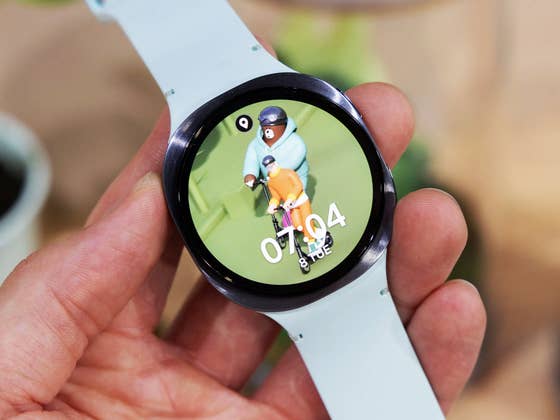
The issue involves the Do Not Disturb (DND) feature on Galaxy Watches, which has been plagued with problems since users updated their connected phones to One UI 8. Impacted users have shared their experiences on Reddit and the Samsung Community forum, describing a bug in which DND automatically switches off immediately after being activated via the quick settings panel on the watch.
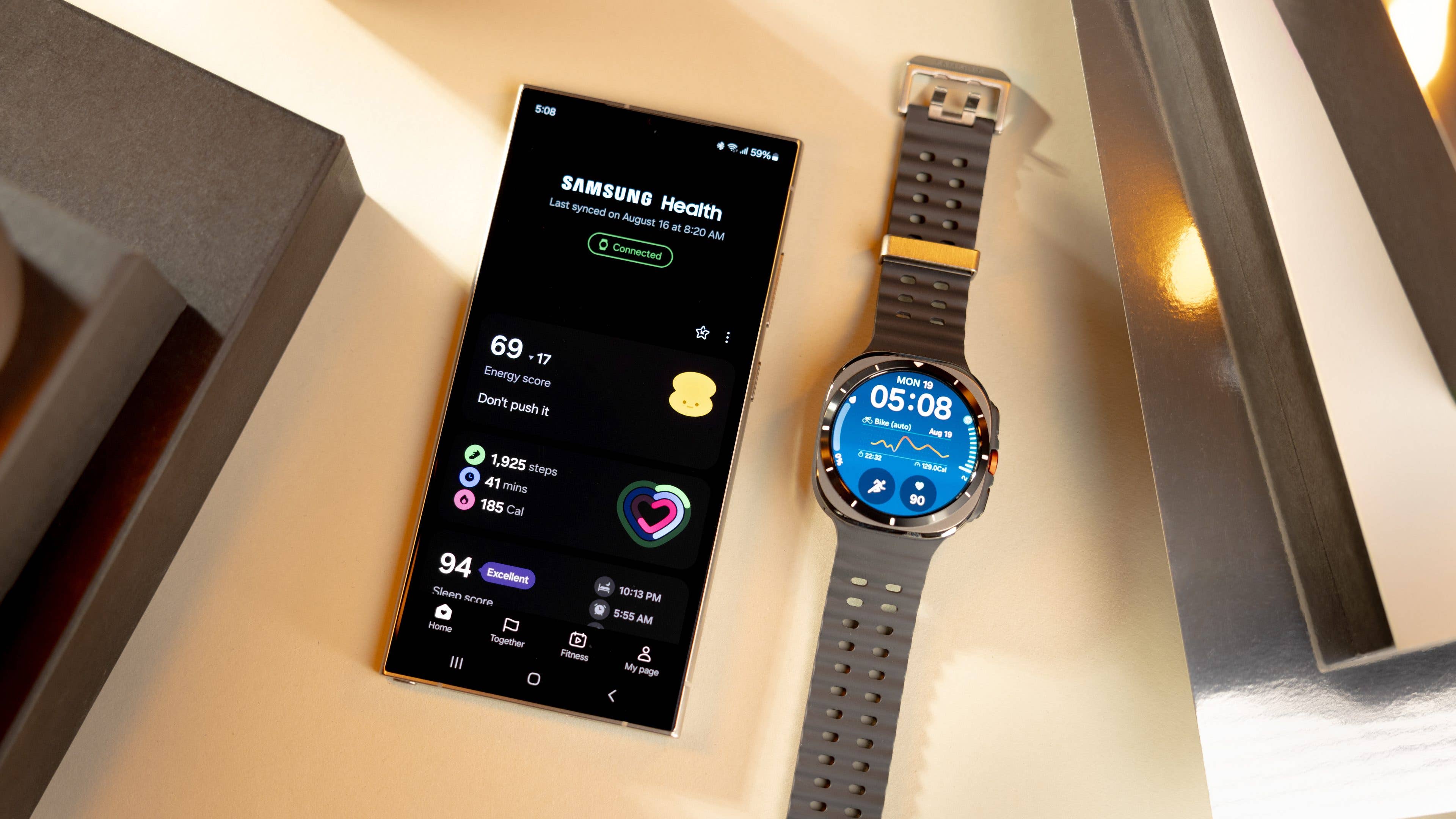
What makes this worse is that many users do not realize the feature has failed. One user noted that while the Do Not Disturb button initially appears highlighted as turned on, a check of the quick panel just a few seconds later shows the button is no longer active. Because of this, ringtones, alerts, and notifications continue to go off on the smartwatch. This can disrupt sleep or private meetings, especially if the device volume is set too high.
In the Samsung Community forum, the South Korean company has acknowledged the bug and vowed to release a fix through a future software update. Samsung noted that the issue is caused by a failure in the sync function between the connected Galaxy phone and Galaxy Watch, specifically tied to One UI 8 on phones and Wear OS 6 on the watches.
Temporary Fix for Silent Mode Issues
Users are advised to use a temporary workaround until an official patch arrives. Instead of accessing the feature through the quick settings on the watch, users should navigate to the Settings menu (gear icon) and look for the Notifications section. Enabling DND from this menu reportedly allows the feature to sync properly with the connected Galaxy phone.
Regarding affected models, this bug primarily impacts newer devices like the Galaxy Watch 7 and Galaxy Watch 8 (review) series, including the Galaxy Watch Ultra (review). Additionally, users of the Galaxy Watch 4, Watch 5, and Watch 6 series who recently received the firmware update are also impacted.
Have you updated to One UI 8 on your Samsung device yet? How has your experience been so far? Share your findings with us in the comments below.
We mark partner links with this symbol. If you click on one of these links or buttons–or make a purchase through them–we may receive a small commission from the retailer. This doesn’t affect the price you pay, but it helps us keep nextpit free for everyone. Thanks for your support! Prices are based on the date of publication of this article and may be subject to change.