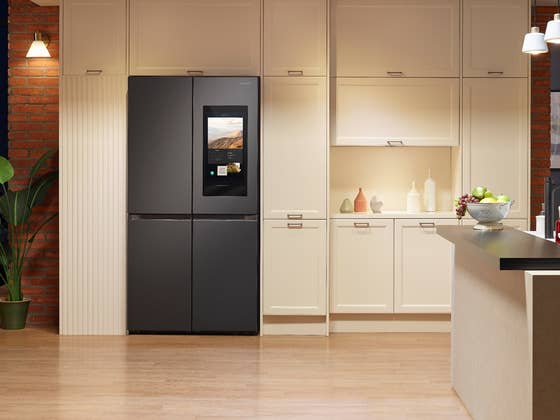
Samsung started updating its Family Hub fridges to a new system version. Besides the usual updated features, and more connectivity (including AI), the South Korean brand sneakily mentions it also adds “curated advertisements” on $1900 appliances that originally didn’t have them. It is possible to disable them, though, following a couple of instructions.
The 2025 system update for the Family Hub line is currently rolling out for models sold in the US, and integrates a refreshed interface inspired by the One UI design we already know from Samsung’s smartphones and tablets. Models with internal cameras will be able to detect more fresh fruits and vegetables, and also recognize frequently bought packaged foods.
Individual users will be identified by the fridge using voice recognition, and interface customizations made on the Galaxy phones can be imported to the fridge’s navigation. That feature probably requires a Samsung account and seems to be designed to improve personalization and even accessibility.
Did I mention ads?
The home screen on the fridges now includes a widget to display calendar appointments, weather forecast, news, and—sneakily—ads. In an interview for The Verge, Samsung’s representative stated that the ads will initially display content related to Samsung products, but suggested that third-party ads may be shown in the future. Users can swipe out of the ad and choose not to see a specific one in the future, but those are only temporary fixes.
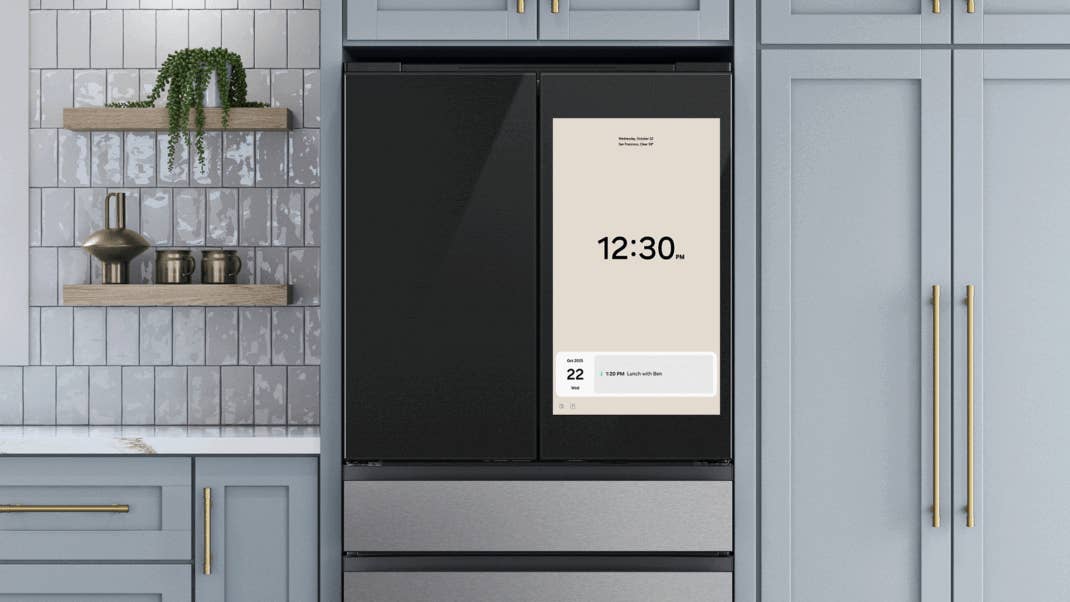
To remove the ads from a Samsung Family Hub fridge, users will need to disable the widget. The option is available on updated models, but we are not particularly optimistic Samsung will change or hide it in the future:
- Open the Settings page.
- Select Advertisements.
- Toggle off the option.
For now, the ads will only be displayed in US models for fridges with big displays, larger than 21.5 inches. Samsung is not adding them—again, for now—on smart fridges with smaller displays or other appliances.
Samsung is trying hard to make it look like it is something users will want in their expensive appliance—currently over $1900 in the US—but that just reinforces the arguments around buying “dumb” devices that do not need to be connected, have updates to fix security issues, or worse, be bricked because a remote server/certificate went offline…
What about you, do you think the features highlighted by Samsung are a worthy trade-off to have some occasional ads? Or do you think the company will slowly force more ads down its customers?