How Identity Check Enhances Security
Beyond automatic locking triggered by suspected theft or offline detection, Identity Check requires biometric authentication (fingerprint or face recognition) when a compromised passcode, PIN, or security pattern is detected. This forces the user to authenticate with biometrics before accessing or modifying saved passkeys and passwords in apps and services, as well as before performing sensitive actions like turning off Find My Device.
This is a notable security improvement that can deter thieves and unauthorized users from accessing sensitive data or carrying out malicious actions after gaining possession of a device.
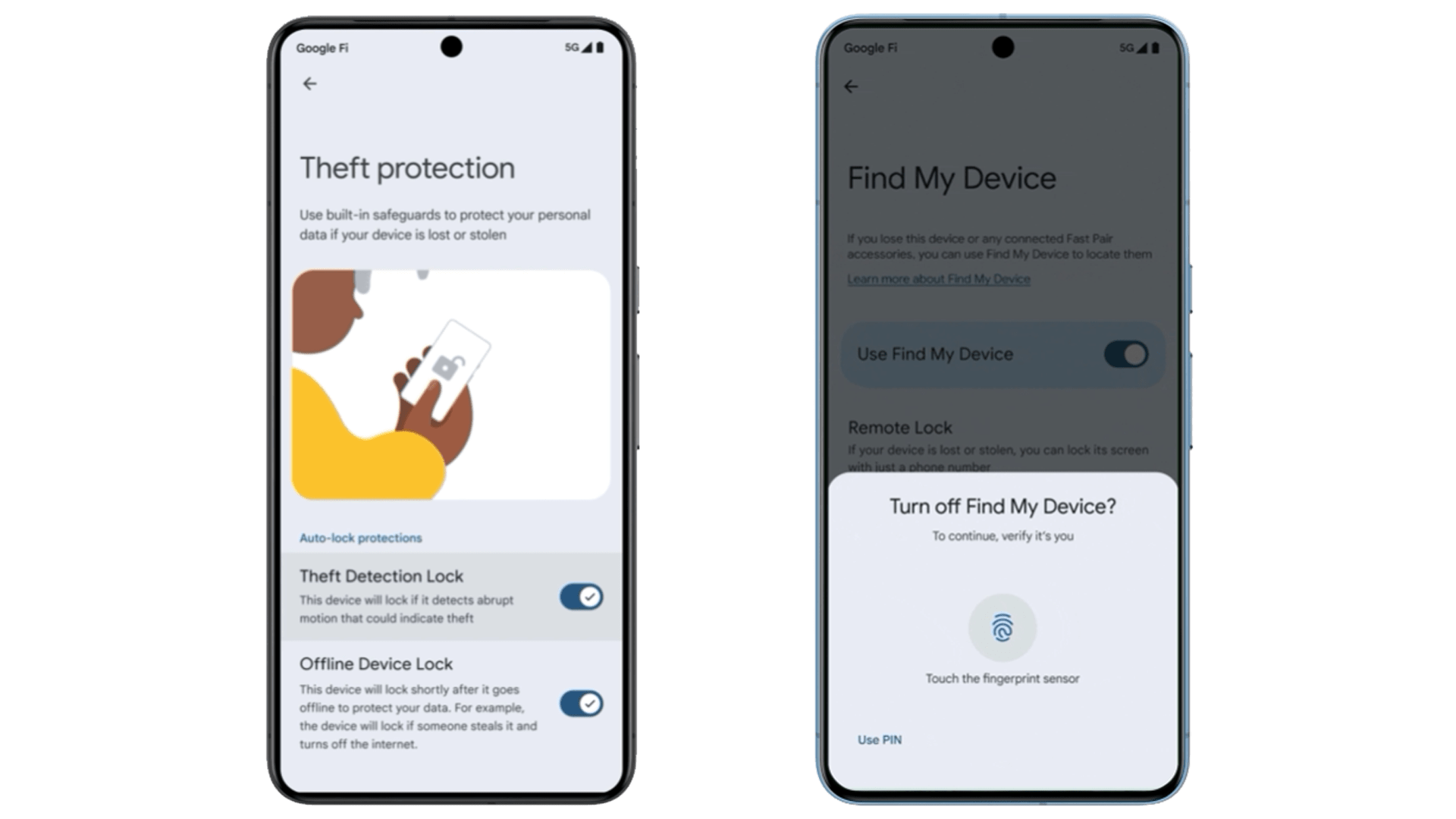
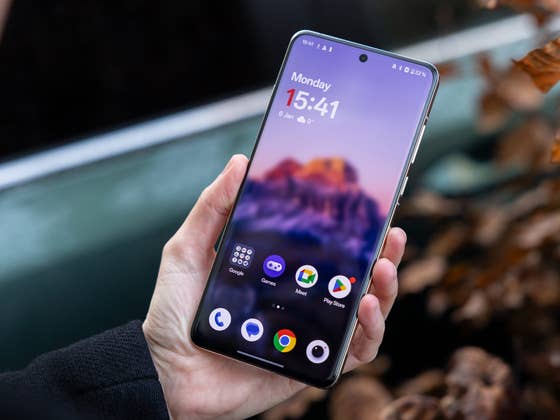
Currently, Identity Check is available on Pixel and Samsung Galaxy devices running One UI 7 based on Android 15. However, according to findings by Android Authority, the feature is also present on the OnePlus 13 (review) running Android 16 Beta. This suggests that Google intends to roll out Identity Check to a broader user base through the Android 16 update later this year.
It’s also possible that Google could enable Identity Check through a separate update, separate from the full Android OS upgrade. However, we can only confirm when more OEMs adopt the Android 16 beta in the coming weeks.
The availability of Android 16 is expected to be announced at Google I/O in May, although it may take some time for manufacturers to release it for their specific devices.
In addition to Theft Detection, Google has recently introduced automatic reboot functionality to Android. This feature forces a device to restart and enter the “Before First Unlock” (BFU) state after being locked for three consecutive days. The BFU state locks encryption keys, making it more challenging for unauthorized individuals to access the device’s data.
Have you checked if your Android phone has the Theft Protection feature enabled? Do you find it to be a useful security tool? We welcome your thoughts in the comments.