Sorry, but there's really nothing to see here right now. Our server is in maintenance mode – and our
little bot is trying to sort the error messages with its last bit of energy.
Whether it was a data leak, a power outage in the cluster, or just a grumpy bit – we don't know yet.
But what we do know is:
The data drama escalated into a server meltdown. But don't worry: We're on it.
What now?
Everything is surely running smoothly over at our colleagues from inside
digital – why not stop by!
Or you could pass the time by visiting our social media channels – for example Instagram, YouTube or TikTok. At least there are no
server problems there – promised.
Thanks for your patience. Our bot is already rebooting at full speed. 🔧
NewsTabletPing a Lost Apple Watch on iPhone is Now Possible in iOS 17
One of the neat tricks added to the Apple Watch was the ability to ping or play a sound on a lost iPhone within Bluetooth range. Apple has apparently activated a similar feature on iOS 17 but rather designed to locate an Apple smartwatch in a close observable area.
Apple has released the iOS 17 Beta to developers and testers under its beta program right after the first day of WWDC 2023. As spotted by 9to5Mac, there is now a new feature on the beta build that allows an iPhone to ping a lost Apple Watch. However, it requires you to be activated from the phone’s settings before you can start pinging, and possibly, it may need the latest watchOS version for the wearable.
How to activate and use Ping My Watch on an Apple iPhone
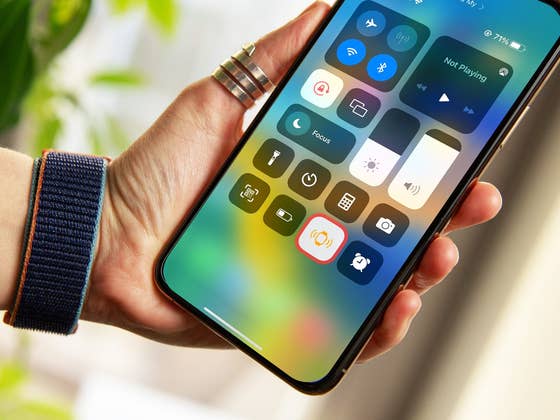
If you’re running on iOS 17 beta software, you can enable this by going to Settings > Control Center. From there you need to toggle on the Ping My Watch feature to add it to the Control Center.
And to test if it is working, you need to access the Control Center right from your smartphone’s home screen, and tap the Ping My Watch icon. Doing so will trigger the connected watch to emit a sound, so you can pinpoint its location.
Alternatively, to track an iPhone from an Apple Watch, There’s no need for a manual activation. You can directly access the Ping My iPhone from the control center as long as your handset is connected to the wearable.
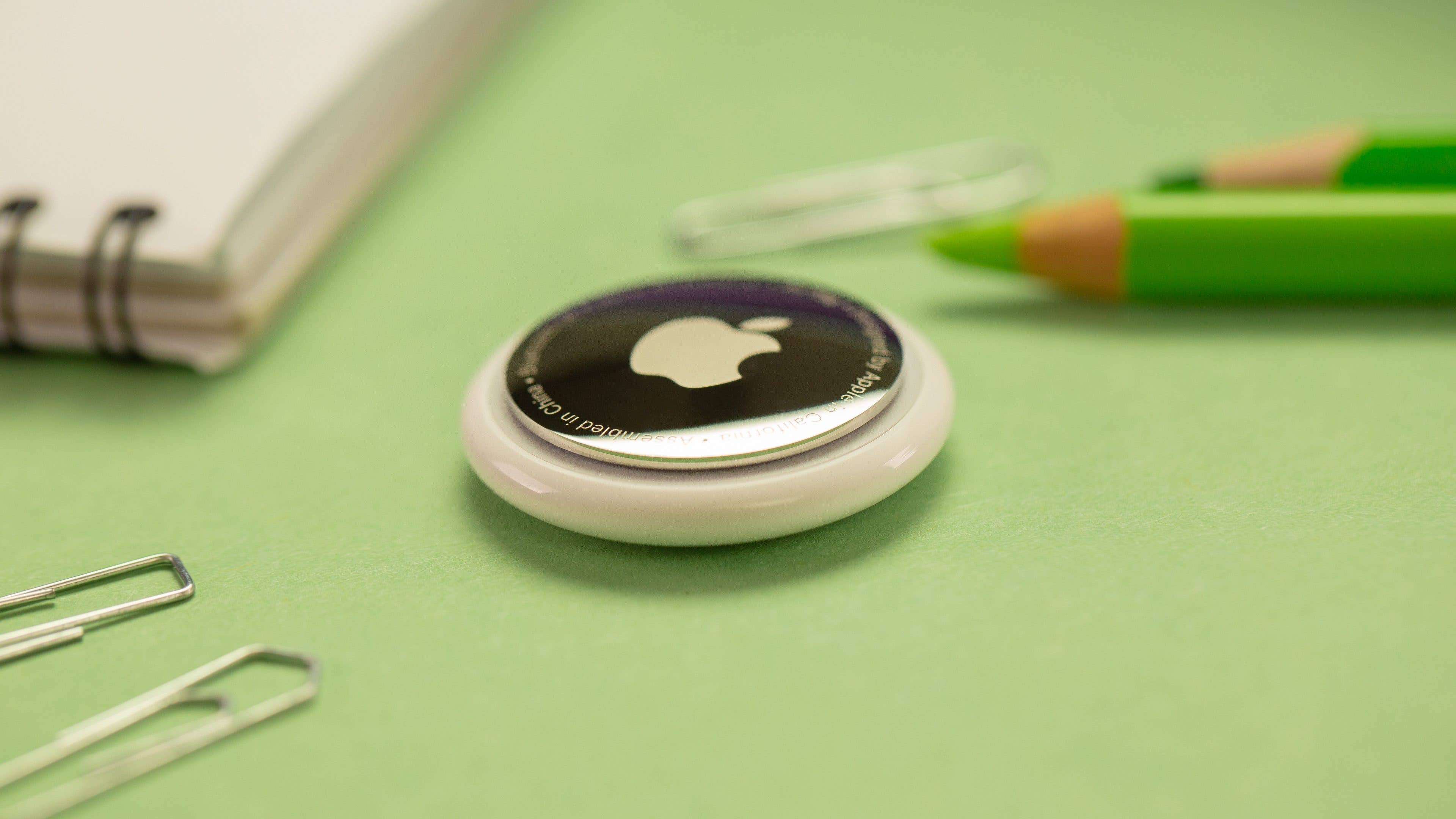
It should be noted that this is for close range or within the Bluetooth area. For extensive tracking over long distances with guided navigation on the maps, it is already possible with the Apple Find My app. It works not just for a missing or stolen smartwatch, but for Apple’s AirTags (review) trackers and other devices as well.
Which of the new iOS 17 features are you trying first once it becomes available? Tell us in the comment section.
We mark partner links with this symbol. If you click on one of these links or buttons–or make a purchase through them–we may receive a small commission from the retailer. This doesn’t affect the price you pay, but it helps us keep nextpit free for everyone. Thanks for your support!







0 comments