
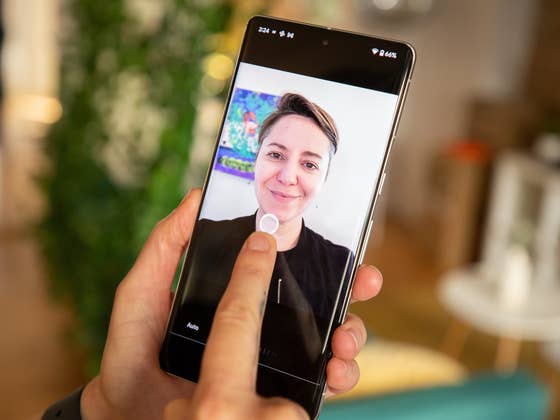
Portrait Light is a feature of Google Photos that works with all Pixel smartphones. For your portraits, with Bokeh effect or not, you can artificially change the exposure on your face. Basically, you can artificially place a light source anywhere on the image and manually direct it to get the lighting that flatters your face the most.
To enable Portrait Light on your Pixel 7 or Pixel 7 Pro:
- Go to Google Photos.
- Choose a portrait photo or one with a prominent face in the foreground.
- Tap Edit.
- In the carousel at the bottom of the screen, select Tools.
- Press Portrait Lighting.
I recommend watching this video to see how exposure can change the shape of your face in a portrait photo, so the phrase “looking your best” makes sense.
The important thing is that the photo has a clear face in it, and it works best if it’s a portrait with one person looking at the camera head-on. But it can also work with two people or if you are looking at the camera from an angle. In any case, if your photo is not compatible, the function will not be displayed.
What do you think of this Portrait Light feature from Google?