Sorry, but there's really nothing to see here right now. Our server is in maintenance mode – and our
little bot is trying to sort the error messages with its last bit of energy.
Whether it was a data leak, a power outage in the cluster, or just a grumpy bit – we don't know yet.
But what we do know is:
The data drama escalated into a server meltdown. But don't worry: We're on it.
What now?
Everything is surely running smoothly over at our colleagues from inside
digital – why not stop by!
Or you could pass the time by visiting our social media channels – for example Instagram, YouTube or TikTok. At least there are no
server problems there – promised.
Thanks for your patience. Our bot is already rebooting at full speed. 🔧
NewsTabletSlow Charging? Galaxy S25 Problems Tackled in First Update
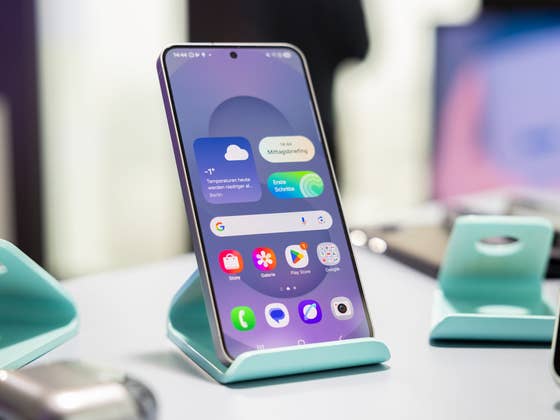
The Samsung Galaxy S25 series made a strong debut, launching with One UI 7. However, the experience hasn’t been entirely smooth for all users. Reports of charging issues and visible lines in low-light images surfaced early on, prompting Samsung to acknowledge the problems. Fortunately, the South Korean company has now responded by rolling out the first stability update to address these concerns.
Also read: Top reasons why your phone is charging slowly and how to fix it
Slow Charging Issues on the Galaxy S25 (Ultra)
Just over a week after the first Galaxy S25 units shipped, users began reporting slow and inconsistent charging speeds on Samsung community forums and other platforms.
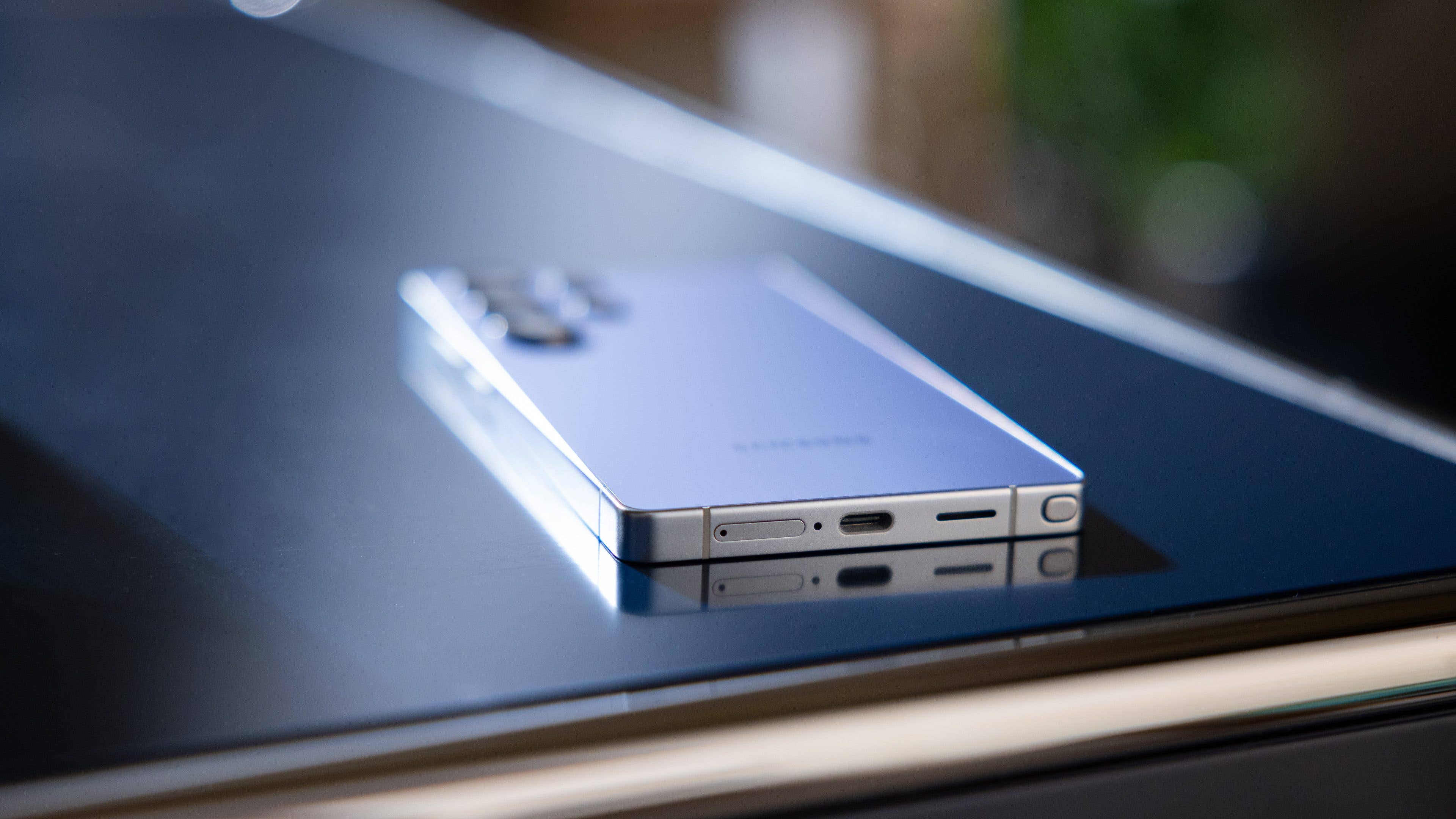
The issue primarily affects the Galaxy S25+ and S25 Ultra, where charging appears slower than expected when using the 45W charger and 5A cable included in the box or other compatible fast-charging accessories. Some users noted that charging times were inconsistent or slower than Samsung’s advertised speeds, even when using the correct adapter and cable.
My colleague Rubens also observed this with the Galaxy S25 Ultra (review), where charging speeds remained the same regardless of the adapter used. However, the device still fully charged in just over an hour, which is close to Samsung’s claimed charging time.
Samsung Italy responded to an affected user with a temporary workaround, suggesting that switching to a slower 3A cable might help. Additionally, some users found that disabling fast charging in the settings improved stability.
With the latest software update, Samsung aims to address this issue. The update has started rolling out globally, including in the USA, but it remains unclear whether it has definitively resolved the charging problems.
Random Lines Appearing in Night Images on the Galaxy S25
Another major issue addressed in this update involves visible lines appearing in low-light or night images. Users have reported faint to noticeable horizontal or vertical lines when taking photos in dark environments.
This issue appears to affect all three Galaxy S25 models, though reports suggest it may be limited to a subset of users. In our own testing with the Galaxy S25 Ultra, we did not encounter this issue.
While some users initially attempted fixes, such as adjusting display settings, Samsung quickly acknowledged the camera issue and included a fix in this latest update.
How to Get the Update
If you own a Galaxy S25, you should receive a notification for the update, which also includes the February security patch and other optimizations. You can also manually check for updates by going to Settings > Software Update.
Have you experienced slow charging or camera issues on your Galaxy S25? Please let us know if this update has fixed the problems for you!