Sorry, but there's really nothing to see here right now. Our server is in maintenance mode – and our
little bot is trying to sort the error messages with its last bit of energy.
Whether it was a data leak, a power outage in the cluster, or just a grumpy bit – we don't know yet.
But what we do know is:
The data drama escalated into a server meltdown. But don't worry: We're on it.
What now?
Everything is surely running smoothly over at our colleagues from inside
digital – why not stop by!
Or you could pass the time by visiting our social media channels – for example Instagram, YouTube or TikTok. At least there are no
server problems there – promised.
Thanks for your patience. Our bot is already rebooting at full speed. 🔧
NewsTabletiOS 17.3 Beta 2 Update Can Brick Your iPhone. Here’s A Quick Fix
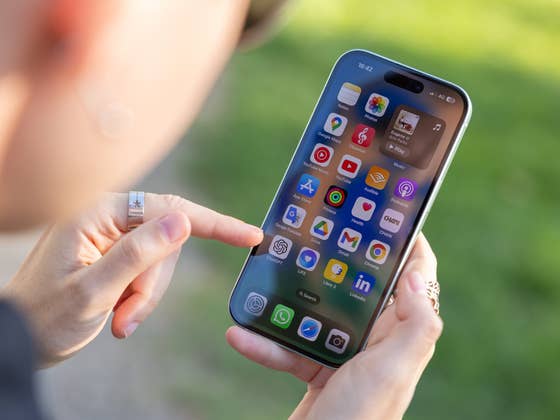
If you’re enrolled in Apple’s developer program, you might want to hold your horses before updating any of your devices. Apple pulled the latest iOS 17.3 Beta 2 update a few hours after it went live. The reason? There were reports that the firmware bricked some iPhones, where the affected handsets experienced infinite boot loop issues.
Don’t miss this: The best simple and hidden iOS tips and tricks you should know
The company swiftly removed the second iOS 17.3 Beta from the developer’s center and over-the-air channel. It did not mention when the software will be available to users again. However, it’s likely the fix is underway and further firmware tests will be made before shipping it back to testers.
As for those who want to know more, many users have reported on different channels that the second beta iOS 17.3 has prevented some iPhones from working properly. There are those who claimed their iPhone 15 (review) remained stuck with a flashing cogwheel while others experienced an infinite reboot loop. The issue, whose root cause is suspected to have enabled the Back Tap gesture, also appears to affect older iPhone models, including the iPhone 14.
How to fix an iPhone stuck in a boot loop after updating to iOS 17.3 Beta 2
It was mentioned that a hard reset won’t solve the problem. Instead, users need to launch their iPhone into a recovery mode by first plugging into a laptop or MacBook and subsequently downloading the iOS 17.3 Beta 1 in IPSW file format. The firmware can then be installed via third-party programs like Finder or iMazing.
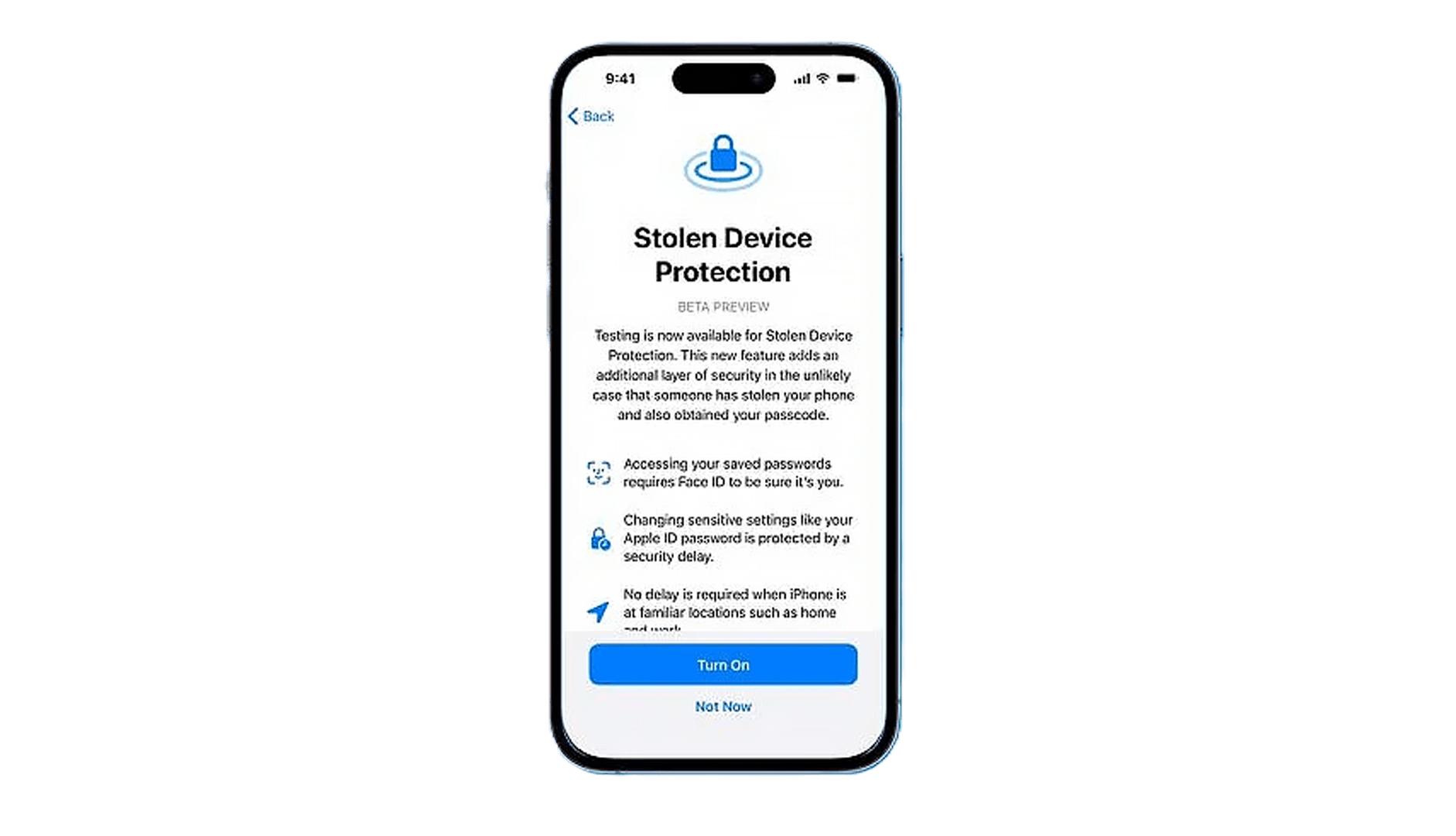
For starters, the earlier beta build of iOS 17.3 included a Stolen Device feature. This is an upgraded security measure to prevent stolen iPhones with exposed passcodes from being taken over completely by individuals. It adds extra steps like Face ID when accessing Apple accounts and passwords as well as when using Apple Pay.
iOS 17.3 is expected to update the Journal app and Spatial Video mode on the iPhone 15 Pro and iPhone 15 Pro Max which were introduced in iOS 17.2. The collaborative playlists feature on Apple Music will also make a return despite being dropped from the iOS 17.2 RC build.
Are you running the latest iOS 17.3 beta on your iPhone? Did you face similar problems? Share your experience with us in the comments.
We mark partner links with this symbol. If you click on one of these links or buttons–or make a purchase through them–we may receive a small commission from the retailer. This doesn’t affect the price you pay, but it helps us keep nextpit free for everyone. Thanks for your support!







0 comments