Sorry, but there's really nothing to see here right now. Our server is in maintenance mode – and our
little bot is trying to sort the error messages with its last bit of energy.
Whether it was a data leak, a power outage in the cluster, or just a grumpy bit – we don't know yet.
But what we do know is:
The data drama escalated into a server meltdown. But don't worry: We're on it.
What now?
Everything is surely running smoothly over at our colleagues from inside
digital – why not stop by!
Or you could pass the time by visiting our social media channels – for example Instagram, YouTube or TikTok. At least there are no
server problems there – promised.
Thanks for your patience. Our bot is already rebooting at full speed. 🔧
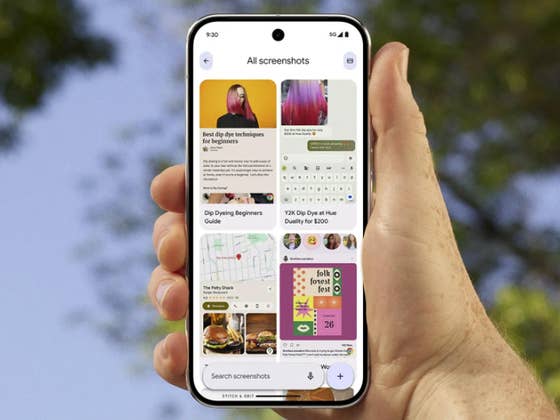
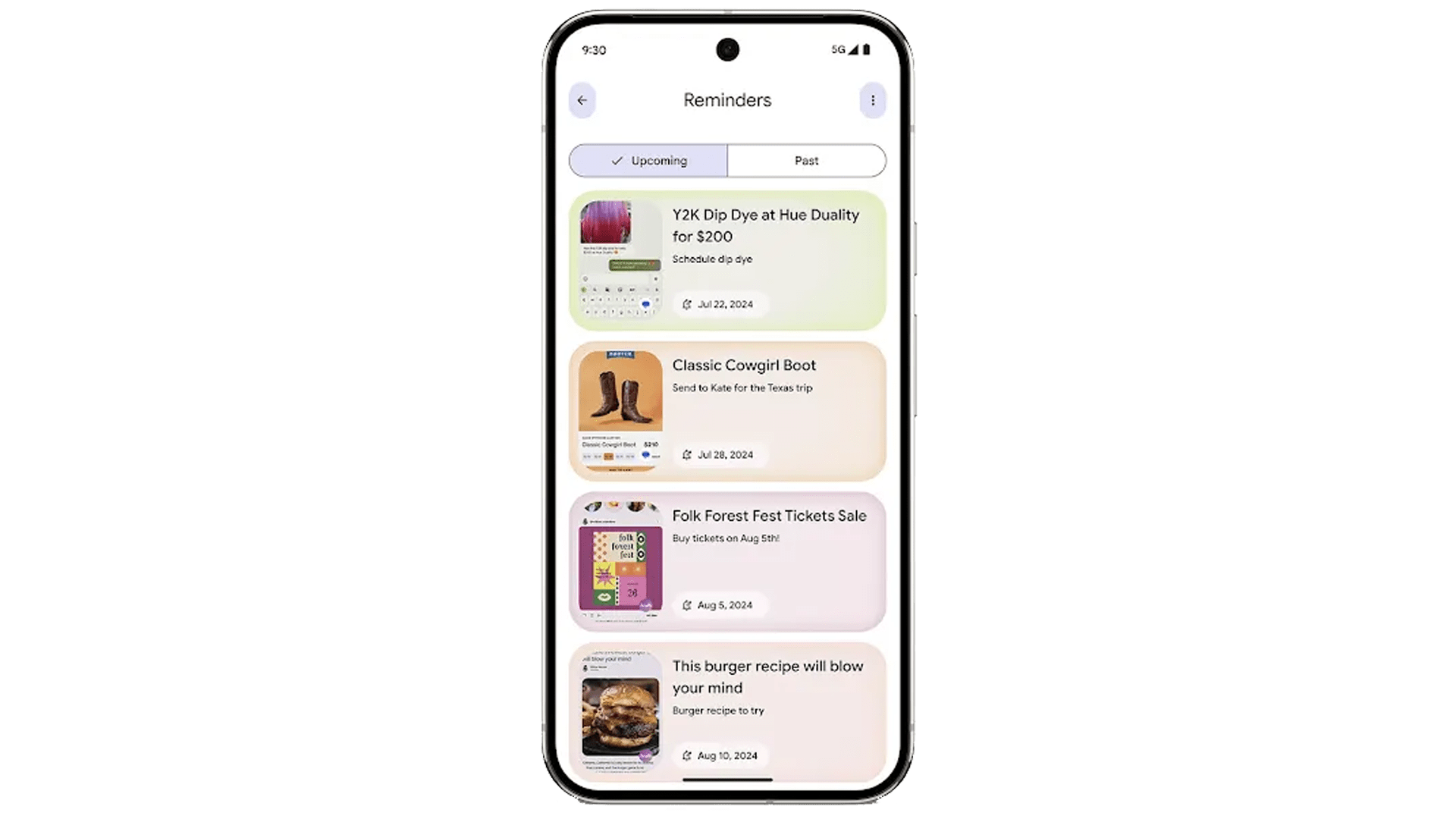
Along with the launch of the Pixel 9 range, Google also introduced a new set of AI-powered apps, including the new Pixel Screenshots. With the app using your screenshots, you might worry that it has access to sensitive data in your gallery. Fortunately, Google seems to have safeguards in place.
Also read: Google’s Gemini Live explained
If you remember, Microsoft was the first to bring a comparable AI feature to Windows called Recall. This PC feature automatically records your activities by taking periodic screenshots. These images, containing information ranging from texts to objects, are processed and stored on the device, allowing users to quickly find or recall them later.
While that sounds amusing, it could be a privacy nightmare for some users. This raises concerns about the feature recording your activities and having access to a treasure trove of stored information at all times.
Limitation to the Function for Better Privacy Protection
As for the new Pixel Screenshots app, it is powered by Google’s newer and more capable Gemini Nano with Multimodality. There’s also an option to organize the screenshots and fine-tune or add context to your searches.
While the new Pixel Screenshots app works on-device and only starts analyzing and storing the data after you take a screenshot, rather than regularly in the background, it still offers similar control to the user database. Google has provided assurances about how to make the app more secure.
In an interview with Android Authority, the company confirmed that it is limiting access to the Pixel Screenshots app by setting a cap on the number of screenshots processed. For example, the app currently processes up to 15 screenshots a day, which is significantly less compared to what Windows Recall can handle. This subsequently limits the amount of user data that can be saved.
Additionally, with the existing controls in the app, such as viewing which screenshots are recorded or entirely deleting them, users can better manage their screenshots.
Another benefit of limiting the number of screenshots is reducing the tasks being processed, which can affect the device’s battery life. So, in one way or another, the Pixel Screenshots app appears to be less obtrusive than Windows Recall.
However, Google has yet to fully disclose the other measures it uses to keep users’ data safe with the app and what controls are available.
What other suggestions do you recommend to keep your sensitive data safe aside from using the app? We’re eager to hear your answers and your opinion about these AI features.
We mark partner links with this symbol. If you click on one of these links or buttons–or make a purchase through them–we may receive a small commission from the retailer. This doesn’t affect the price you pay, but it helps us keep nextpit free for everyone. Thanks for your support!





0 comments