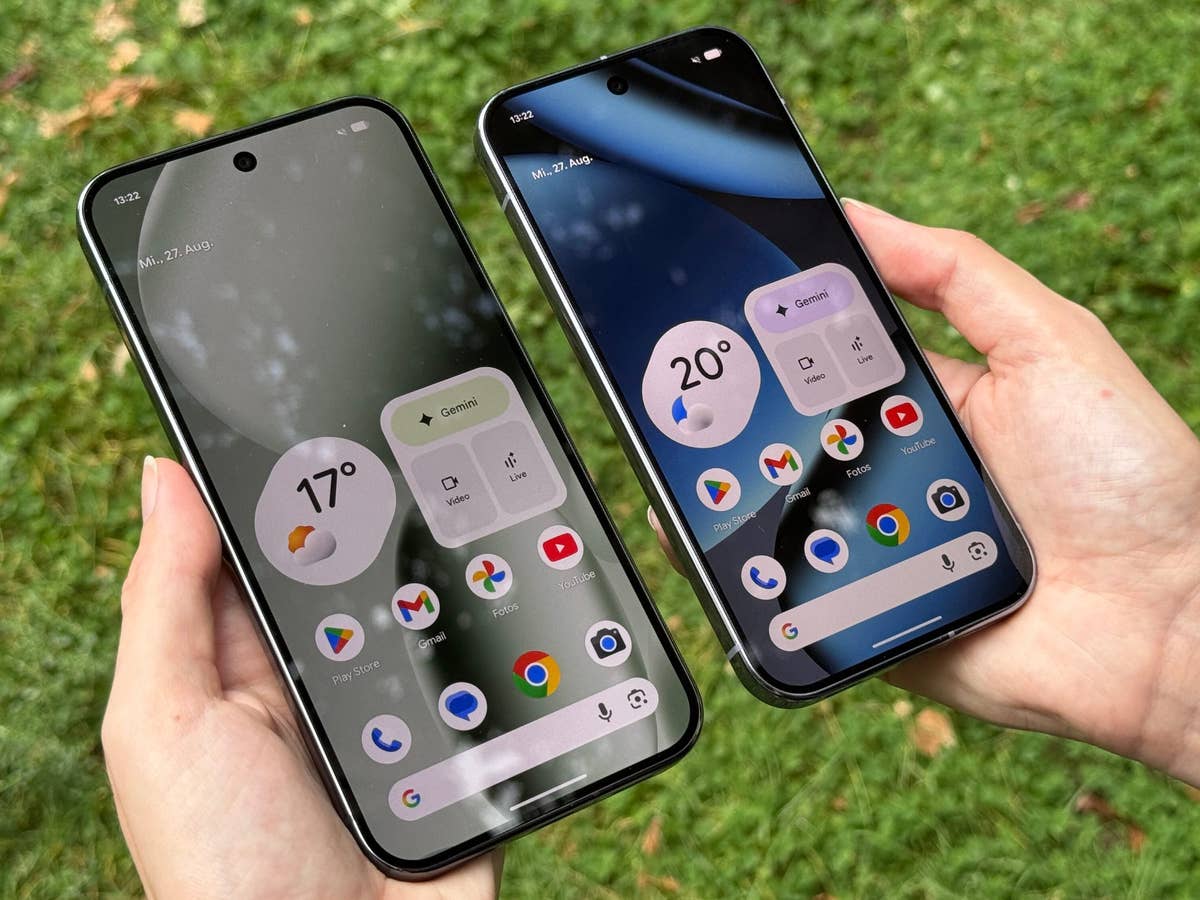
Google is starting the year with a fresh Google Play system update for Pixel devices. This type of update is usually not as major as regular firmware but rather provides fixes for critical issues and bugs in a much quicker way, boosting both performance and security. However, the latest update seems to bring more than just patches, as it is causing headaches for some users.
On social media and community forums, several Pixel owners who have installed the January Google Play system update are now reporting issues. These problems range from a buggy interface to notification interruptions, with the latter being the most common complaint.
Many Pixel Users Are Frustrated After Updating
One user shared that both their Pixel 9 Pro and Pixel 7 Pro began acting strangely after applying the update. Specifically, the issues centered on notifications. For instance, the user reported not receiving any alerts from the Google Home app. Additionally, certain convenience features within the Chrome browser reportedly stopped working.
Another user shared how notifications on their Pixel 9 Pro ceased for several hours after installing the latest update. Owners of the Pixel 8 Pro have shared similar stories regarding missing alerts and silent phones.
Another common issue is that the software version displayed in the settings remains stuck on November 2025, despite the user having installed the January 2026 update. This is in contrast to other users who reported seeing the January 2026 version as early as last month.
In rarer cases, some users with Pixel 10 reported that their devices became temporarily unresponsive during the reboot process after applying the software. While the physical buttons remained functional, a forced restart was required to bring the device back to a usable state. Even after the restart, some noted that the home screen launcher failed to load properly at first.
On my own Pixel 9 Pro, I did not notice any of these pressing flaws, although I noted that the previous month’s update already jumped to January 2026 version. This version remained the same after I updated to the most recent patch.
Possible Fix: Force Restart Or Reboot
Fortunately, some impacted owners have suggested that simply rebooting the Pixel phone a second time can resolve these frictions. Powering the device off and back on seems to fix the notification issues for many. It is currently unclear if this simple step resolves all other performance concerns.
Have you experienced any issues after updating your Pixel to the latest Google Play system software? We want to hear about your experience in the comments.
We mark partner links with this symbol. If you click on one of these links or buttons–or make a purchase through them–we may receive a small commission from the retailer. This doesn’t affect the price you pay, but it helps us keep nextpit free for everyone. Thanks for your support! Prices are based on the date of publication of this article and may be subject to change.