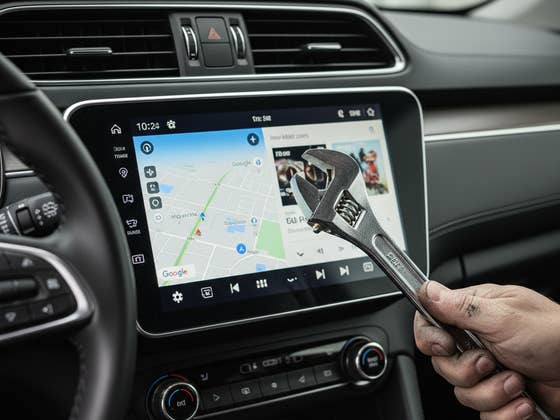
Google has been busy overhauling Android Auto in recent years. A significant upgrade began last year when the company started replacing Google Assistant with Gemini. While these enhancements are intended to make drivers’ lives easier, a strange bug is currently breaking Android Auto for many users, rendering one key feature unusable.
Google and Gemini are Acting Up
Many users are reporting that Android Auto becomes unresponsive after launching either Google Assistant or Gemini. Most of these reports describe a total failure of the voice commands feature when initiated through the infotainment system or via a voice shortcut, while the vehicle is running or in standby.
Since many drivers rely on voice commands while behind the wheel, this glitch makes essential functions inaccessible, such as requesting directions or controlling music playback.
A surge of user reports began surfacing on Google’s community forums and Reddit over the weekend. Numerous other users have since confirmed they are facing the same issues, suggesting the problem is widespread and persistent.
It is believed that a recent Google app update introduced the bug that is currently breaking voice functionality, rather than a direct association with the Gemini feature. The scope of the issue appears to impact a wide range of Android devices, including Google Pixel and Samsung Galaxy smartphones.
Furthermore, the bug affects both wired and wireless connections regardless of the phone model. For instance, reports include a Pixel 7a user with a 2020 Hyundai Tucson and a Galaxy A36 user with a 2020 Subaru Outback.
Temporary Fixes for Android Auto Voice Feature
Google has seemingly acknowledged the bug through responses to users in its support channels, though an official statement has yet to be released.
Thankfully, some impacted users have found temporary workarounds. One suggestion is to manually disconnect and reconnect the phone to the head unit. Another common fix is to verify that Google Assistant or Gemini voice commands are enabled in Android Auto settings.
Other users have reported success by clearing the cache for both the Google and Android Auto apps. While this has worked for many, it remains a temporary solution.
If these methods do not work for you, a definitive fix from Google will likely be required. This will likely arrive through a future app update or a minor software release.
Do you use Android Auto while driving? What has your experience been like recently? Share your findings in the comments below.
We mark partner links with this symbol. If you click on one of these links or buttons–or make a purchase through them–we may receive a small commission from the retailer. This doesn’t affect the price you pay, but it helps us keep nextpit free for everyone. Thanks for your support! Prices are based on the date of publication of this article and may be subject to change.