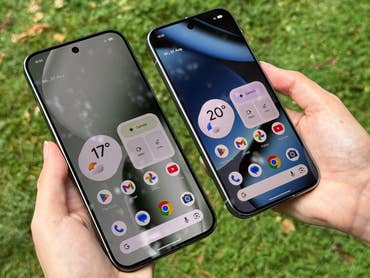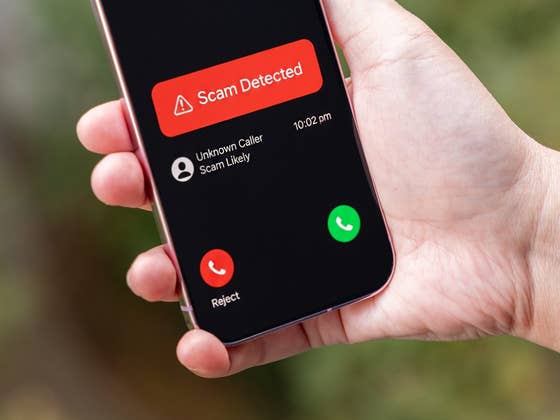
Google’s Pixel devices come with some of the most advanced software features, including anti‑spam and scam filtering systems like call screening. However, one of these features may be affected by a nasty bug. And rather than filtering fraudsters, it’s reportedly leaking private conversations.
The specific feature is called Take a Message. It is an AI-powered tool that was launched on Google Pixel devices, ranging from the Pixel 4 to the latest Pixel 9 and Pixel 10 series (review).
It works by automatically routing calls to voicemail and transcribing messages in real time as the caller speaks. Using AI, it can detect potential spam. The user can also pick up the call while transcription is ongoing if they deem it legitimate.
Your Private Audio is Being Sent to Strangers
In essence, this is a very useful feature designed to protect users from scams. However, a bug is causing the microphone to activate unintentionally, allowing your audio to leak to the other party.
Reports of this issue first surfaced a few months ago, first reported by 9to5Google. Most cases describe how the bug triggers after the Take a Message feature beeps and asks the caller to state their intent. At that moment, it also activates the microphone and begins transmitting any audio the Pixel device can pick up.
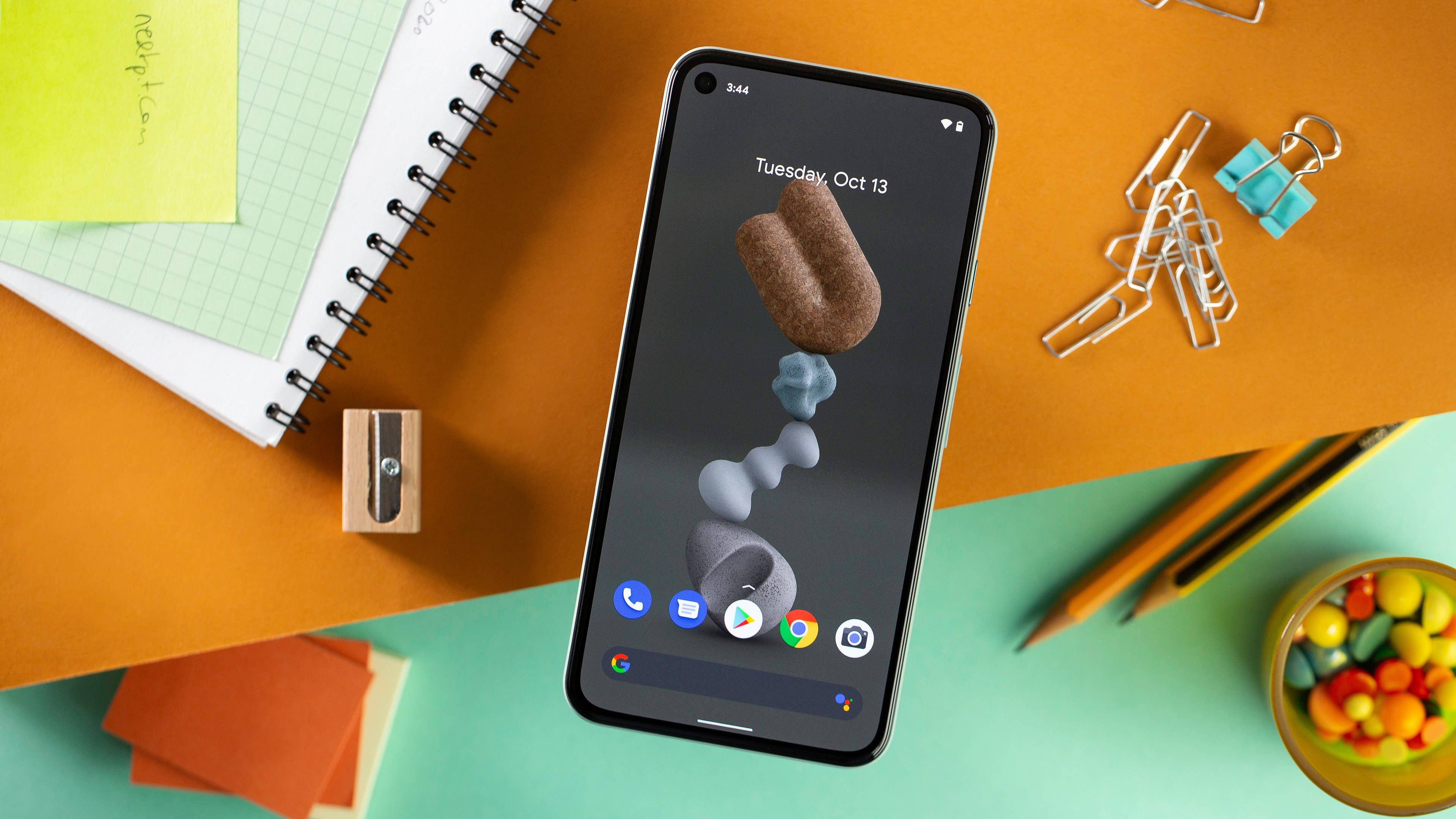
This results in the recipient being unaware that the caller can hear everything happening on their end. This presents a privacy nightmare, as sensitive information could be overheard by strangers.
It has not been confirmed exactly which Pixel models are impacted, but reports include incidents involving the Pixel 4a, Pixel 5, and even the Pixel 10. One Pixel 9 Pro user on Reddit noticed the green microphone indicator turning on when receiving screened calls, despite not answering them. While it is not confirmed if this is the exact same vulnerability, it aligns with the pattern shared by other users.
Google’s Temporary Fix for Audio Leakage
In a message on its community forum, Google acknowledged the issue. However, the company only mentioned that the Pixel 4 and Pixel 5 models are affected. It did not provide technical details regarding why the audio leak is occurring.
Furthermore, Google stated that it is disabling Take a Message on these specific devices, though it did not confirm when the feature will be re-enabled. Affected users will likely need to wait for a software update.
For other Pixel owners, while Google has not officially recommended disabling the feature, it may be wise to turn it off if you are unsure if your audio is leaking. To do this, open the Phone app, tap the settings (three-dot menu), and look for Call Assist. From there, you can toggle off the Take a Message feature.
Here’s how to do it manually:
- Open the Phone app.
- Tap the three‑dot menu and then open Settings.
- Go to Call Assist.
- Toggle off Take a Message.
Do you own a Pixel phone? Are you worried that your audio might have leaked without your knowledge? Share your thoughts in the comments below.
We mark partner links with this symbol. If you click on one of these links or buttons–or make a purchase through them–we may receive a small commission from the retailer. This doesn’t affect the price you pay, but it helps us keep nextpit free for everyone. Thanks for your support! Prices are based on the date of publication of this article and may be subject to change.