Sorry, but there's really nothing to see here right now. Our server is in maintenance mode – and our
little bot is trying to sort the error messages with its last bit of energy.
Whether it was a data leak, a power outage in the cluster, or just a grumpy bit – we don't know yet.
But what we do know is:
The data drama escalated into a server meltdown. But don't worry: We're on it.
What now?
Everything is surely running smoothly over at our colleagues from inside
digital – why not stop by!
Or you could pass the time by visiting our social media channels – for example Instagram, YouTube or TikTok. At least there are no
server problems there – promised.
Thanks for your patience. Our bot is already rebooting at full speed. 🔧
NewsTabletGoogle Might Spice Up Android 15 with this Colorful Icon Change
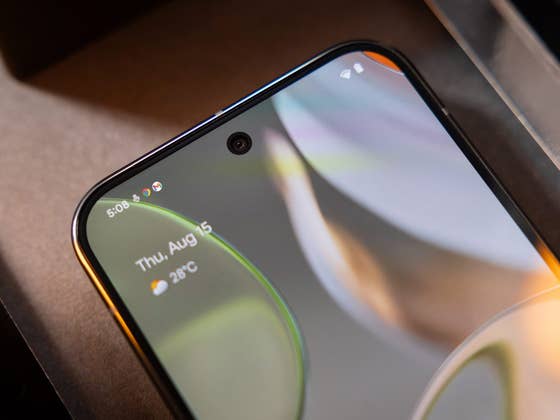
For most Android skins, app notification icons on the status bar and lock screen are shown in white glyph icons, with very few apps and tools being colored. However, with the latest Android developments, Google may bring full-color and dynamic icons back in one of the future Android 15 updates.
Learn more: Meaning of status symbols on your Android phone
Depending on the device brand, you’ll have app and service notification icons colored in white. This has the advantage of being simpler and cleaner, but this requires memorizing what the equivalent glyphs are or checking the notification drawer to see more details about the items. This might change soon.
New possible design changes to app notification icons on Android 15
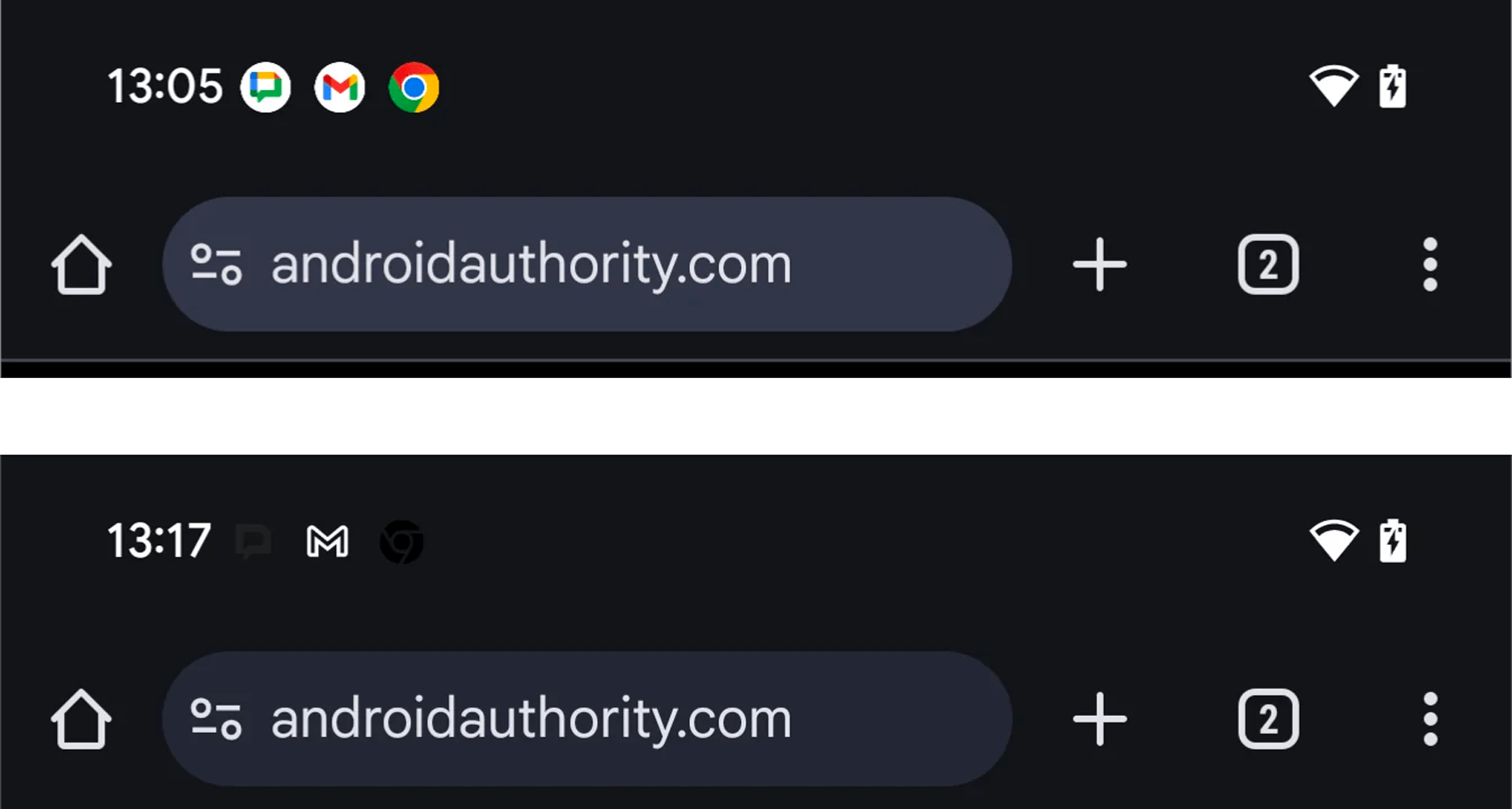
As discovered by Android Authority in the Android 15 source code, Google might test colored app icons on the status bar, notification drawer, and lock screen including the always-on display. Through developer Mishaal Rahman, the outlet managed to show what Google has been brewing that may be implemented through one of the future Android 15 builds.
Basically, the notification icons will come in a circular shape and they will be colored, mirroring the app design found in the home screen. At the same time, monochrome icons will be applied if the themed icons option is applied. In this case, the black and gray colored icons are even overlaid, which is non-practical if dark mode or a blacker theme is enabled.
Of course, this change appears in a rough state and the design may be different in the definitive version. However, it may also happen that this won’t happen at all.
More than the app notification icons, Google also revamped the status bar icons on Android 15 which covers the battery, Wi-Fi, and cellular icons. But even so, OEMs like Xiaomi and Samsung may go with a different design on both notification and status icons after all.
Which app notification design do you prefer having on your Android device? Tell us your preference.
We mark partner links with this symbol. If you click on one of these links or buttons–or make a purchase through them–we may receive a small commission from the retailer. This doesn’t affect the price you pay, but it helps us keep nextpit free for everyone. Thanks for your support!