


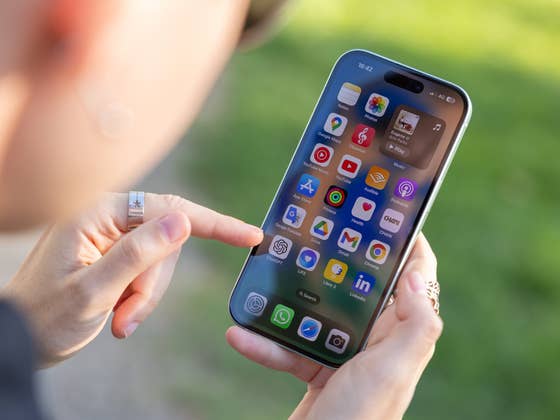
The feature to customize default sound has been long available on iOS, but it was only limited to incoming ringtones and alerts for texts, calendars, and e-mails. Interestingly enough, the notification sound from apps and other services has remained unchanged (and become iconic along the way). It sees this will change in iOS 17.2 beta 4, where Apple added options to change both the default sound and haptics.
Where can you find and change the default sound in iOS 17.2
Users who installed the fourth beta of iOS 17.2, there is now a dedicated section called “Default Alerts” that lets you select a different sound in the Sounds & Haptics settings. If you peruse the section on a deeper level, you can then choose a new tone with identical options when changing a text tone.
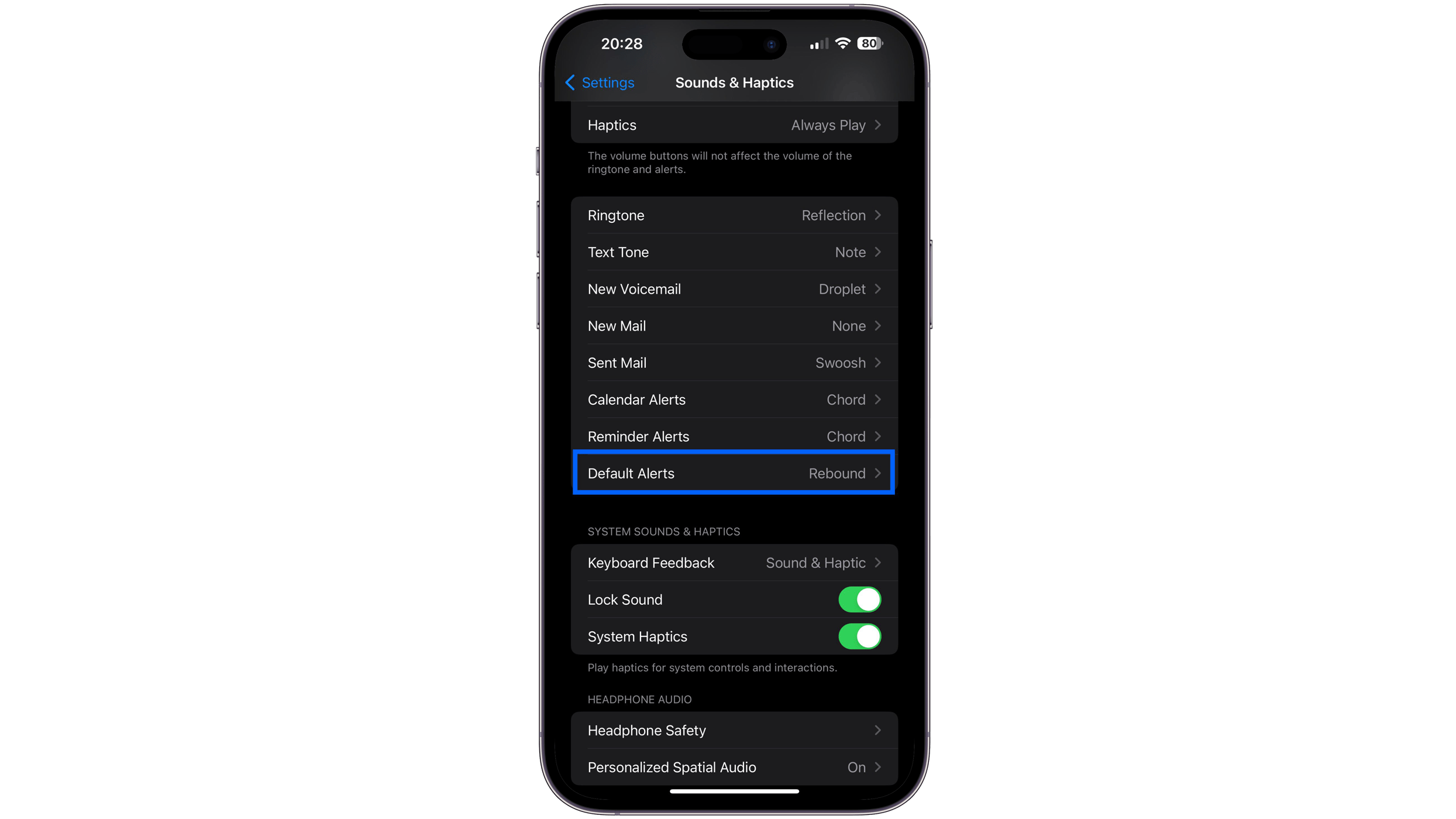
There is also a customization setting to change the default haptics or vibration type, which can be found within the Default Alerts for sounds tab.
At the moment, there is no guarantee that these features will end up in the final version of iOS 17.2 or be mirrored in iPadOS 17.2 for iPad tablets. Considering these are among the most sought-after changes on iOS, there’s a good chance these will be retained in the definitive release that is expected to roll out sometime in December.
Other iOS 17.2 Beta features confirmed
In addition to changing the default notification sound and haptics, the other notable addition in the latest beta includes a new notice for unsupported USB-C cables when recording ProRes videos via external storage. Previously, the alert message only appears when storage devices do not meet the minimum hardware requirements when recording ProRes and not with cables.
Overall, the entire iOS 17.2 adds numerous features like the Journal App, new lock screen widgets, translation on Action Button for the iPhone 15 Pro (review), and Contact Key verification on iMessage, among others.
Are you running on iOS 17 Developer Beta? What other features did you discover in the new update? Share your thoughts with us in the comments. Alternatively, you can find our guide on how to enroll for and install iOS 17 Developer Beta here.
We mark partner links with this symbol. If you click on one of these links or buttons–or make a purchase through them–we may receive a small commission from the retailer. This doesn’t affect the price you pay, but it helps us keep nextpit free for everyone. Thanks for your support! Prices are based on the date of publication of this article and may be subject to change.



