Sorry, but there's really nothing to see here right now. Our server is in maintenance mode – and our
little bot is trying to sort the error messages with its last bit of energy.
Whether it was a data leak, a power outage in the cluster, or just a grumpy bit – we don't know yet.
But what we do know is:
The data drama escalated into a server meltdown. But don't worry: We're on it.
What now?
Everything is surely running smoothly over at our colleagues from inside
digital – why not stop by!
Or you could pass the time by visiting our social media channels – for example Instagram, YouTube or TikTok. At least there are no
server problems there – promised.
Thanks for your patience. Our bot is already rebooting at full speed. 🔧
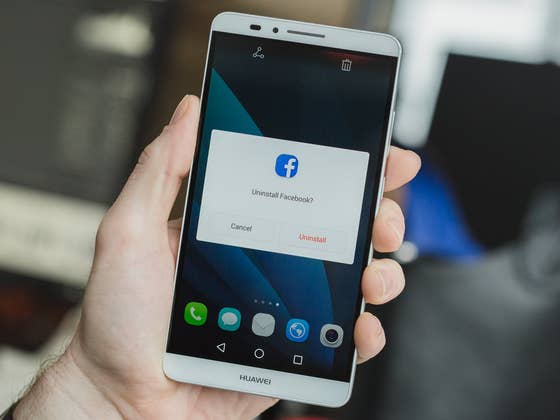
The Facebook app has some issues that you might be aware of. Sure, it has been “optimized”, but can still act like a bloated, sluggish and data hungry thing. But not using the Facebook app to save battery and data means no Facebook notifications, right? Wrong. I’ll show you three easy ways to still get Facebook notifications without the Facebook app.
Facebook alternative apps
How to log out of Facebook Messenger
1. Get Chrome notifications
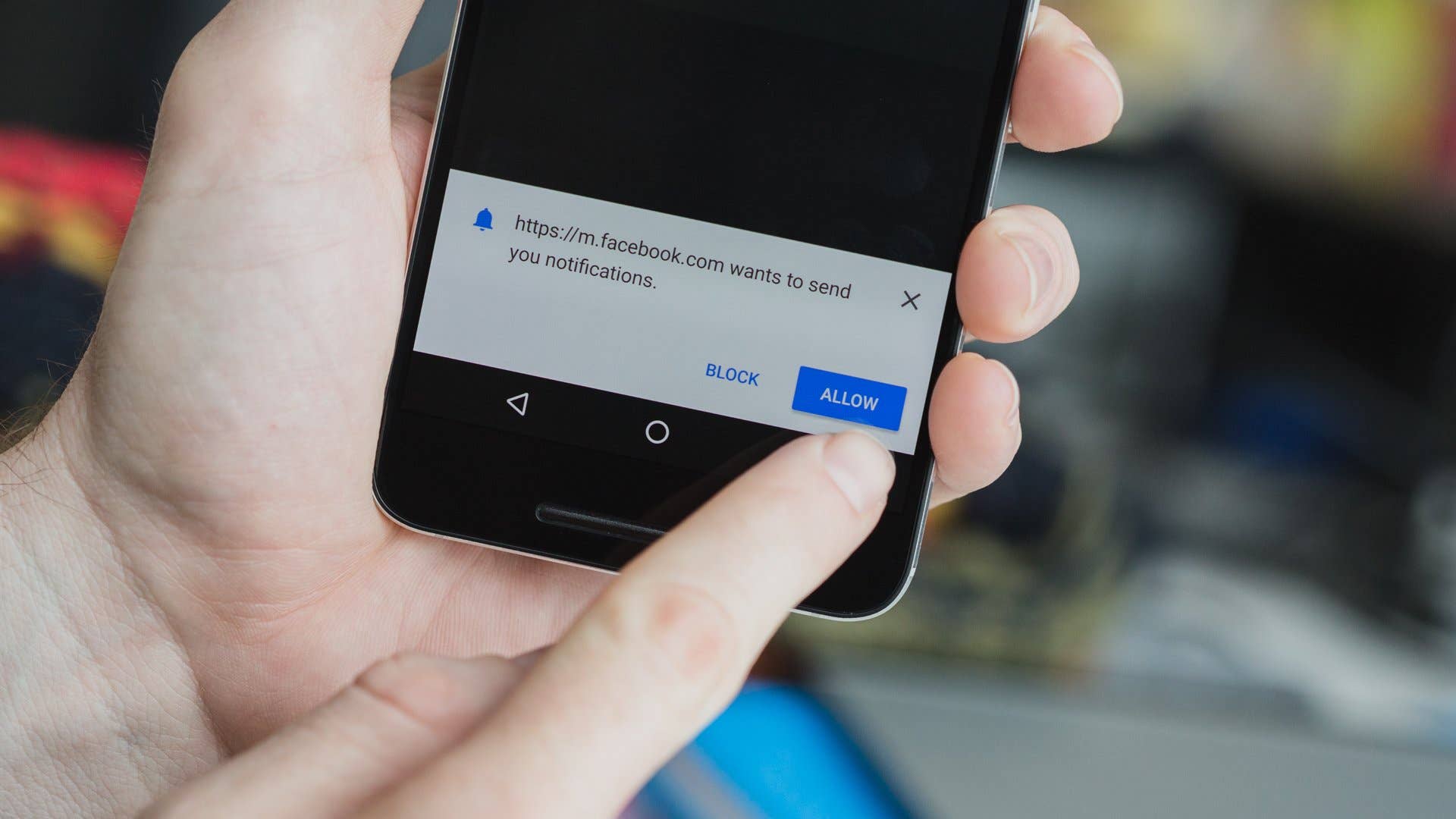
This is a relatively new addition to the Facebook tips list. As of mid-September, Chrome now allows you to use the web version of Facebook and still get push notifications. This is basically the best thing to ever happen to non-fans of the Facebook app.
You can now enjoy all the data and battery-saving features of Facebook web view without missing out on notifications. Just log into Facebook in Chrome on your phone and when the pop-up request to send notifications appears, tap Allow.
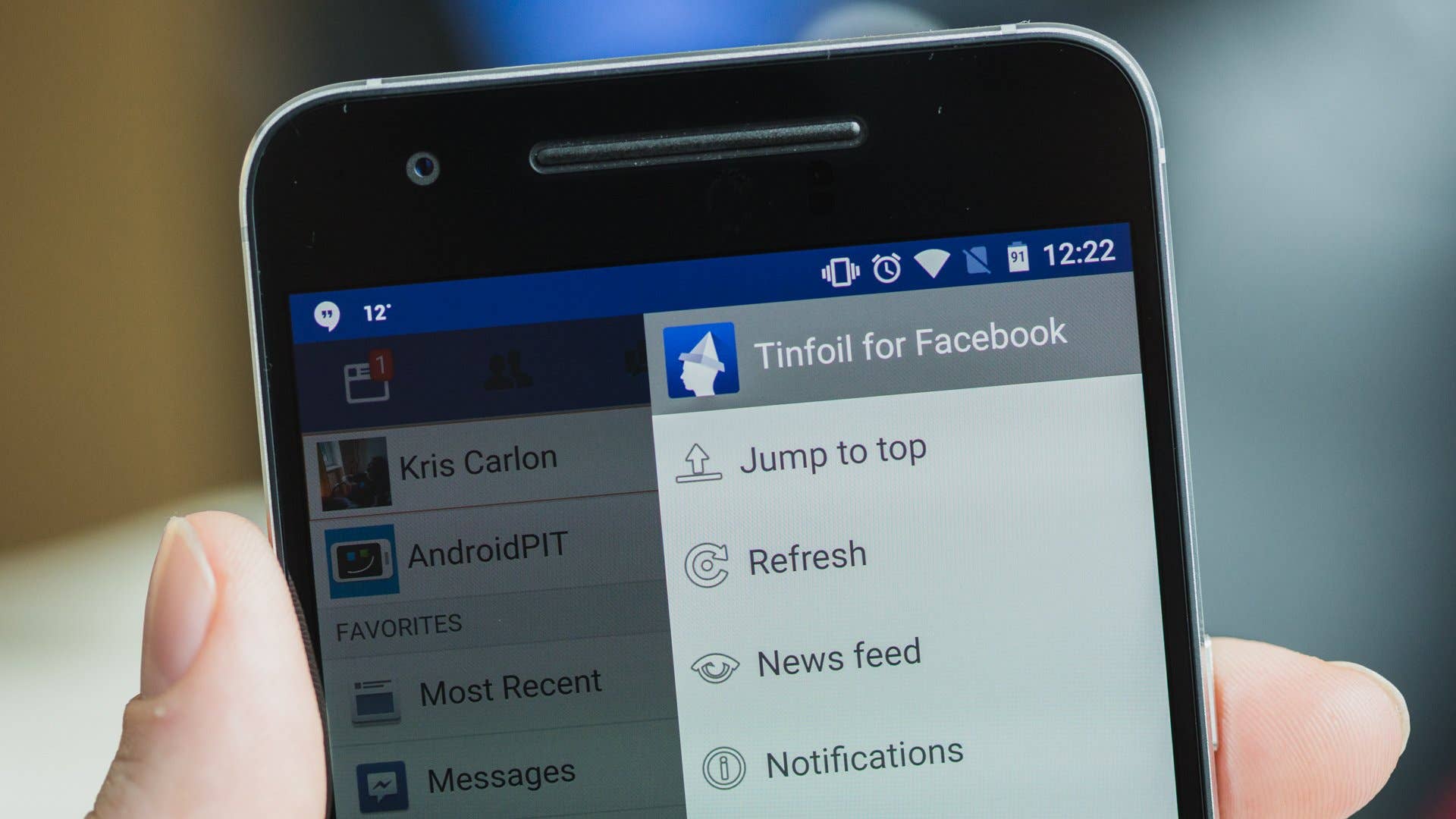
2. Use Tinfoil for Facebook
I’ve been a fan of Tinfoil for Facebook for a long time. Tinfoil is basically just a web-view app, meaning it looks like an app but all it really does is launch a web-view version of Facebook when you open it. It doesn’t cache data, sync notifications or consume system resources in the background.
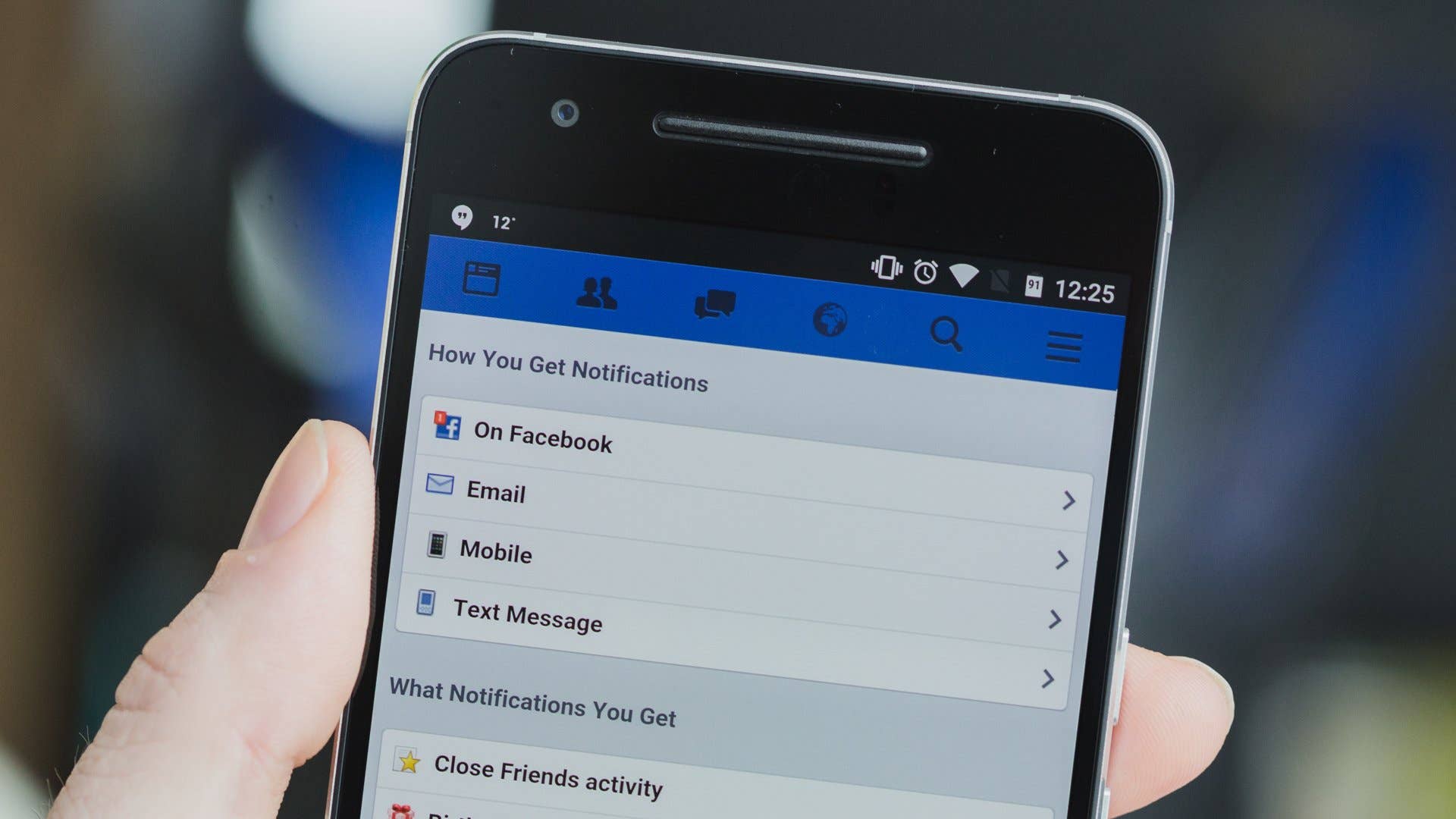
This is going seriously off-grid. In your notification settings on facebook.com you have access to some seriously old school notification options including email and text message. There’s a bunch of different options for each setting – especially email – so you can curate exactly which messages you want to receive via email.
The best part about this is that it uses very little data to get email notifications from Facebook. While you can set up some notifications on the mobile view of Facebook, if you log in on your computer you’ll have a lot more email notification settings to choose from.
How do you receive Facebook notifications? Any tricks we missed?
I never use Facebook app. I use Chrome on desktop and mobile and Tinfoil for sharing to other networks like Google Plus. Or to Pushbullet to share to desktop or to other Android or Chrome OS devices. Facebook app is a memory hog and too much curious. And impossible to install on SD card, even with Lollipop.
Log in to Reply
I use Facebook itself, and Emails and the App. I disabled the Chrome notifications, it was bothering me




I never use Facebook app. I use Chrome on desktop and mobile and Tinfoil for sharing to other networks like Google Plus. Or to Pushbullet to share to desktop or to other Android or Chrome OS devices. Facebook app is a memory hog and too much curious. And impossible to install on SD card, even with Lollipop.
I use Facebook itself, and Emails and the App. I disabled the Chrome notifications, it was bothering me