Sorry, but there's really nothing to see here right now. Our server is in maintenance mode – and our
little bot is trying to sort the error messages with its last bit of energy.
Whether it was a data leak, a power outage in the cluster, or just a grumpy bit – we don't know yet.
But what we do know is:
The data drama escalated into a server meltdown. But don't worry: We're on it.
What now?
Everything is surely running smoothly over at our colleagues from inside
digital – why not stop by!
Or you could pass the time by visiting our social media channels – for example Instagram, YouTube or TikTok. At least there are no
server problems there – promised.
Thanks for your patience. Our bot is already rebooting at full speed. 🔧
NewsElectric VehiclesNew Web App Lets You Control and Update your Pixel Buds from Your PC
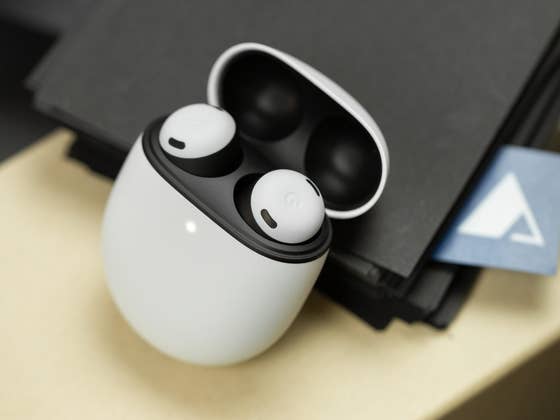
While Google’s Pixel Buds are in their infancy, they are already among the most versatile wireless in-ear earbuds, thanks to their extensive features. Last year, they gained the ability to be controlled from the computer through a progressive web companion app but it was limited to Chromebooks. Now, the same capability has been expanded to support an even wider number of devices.
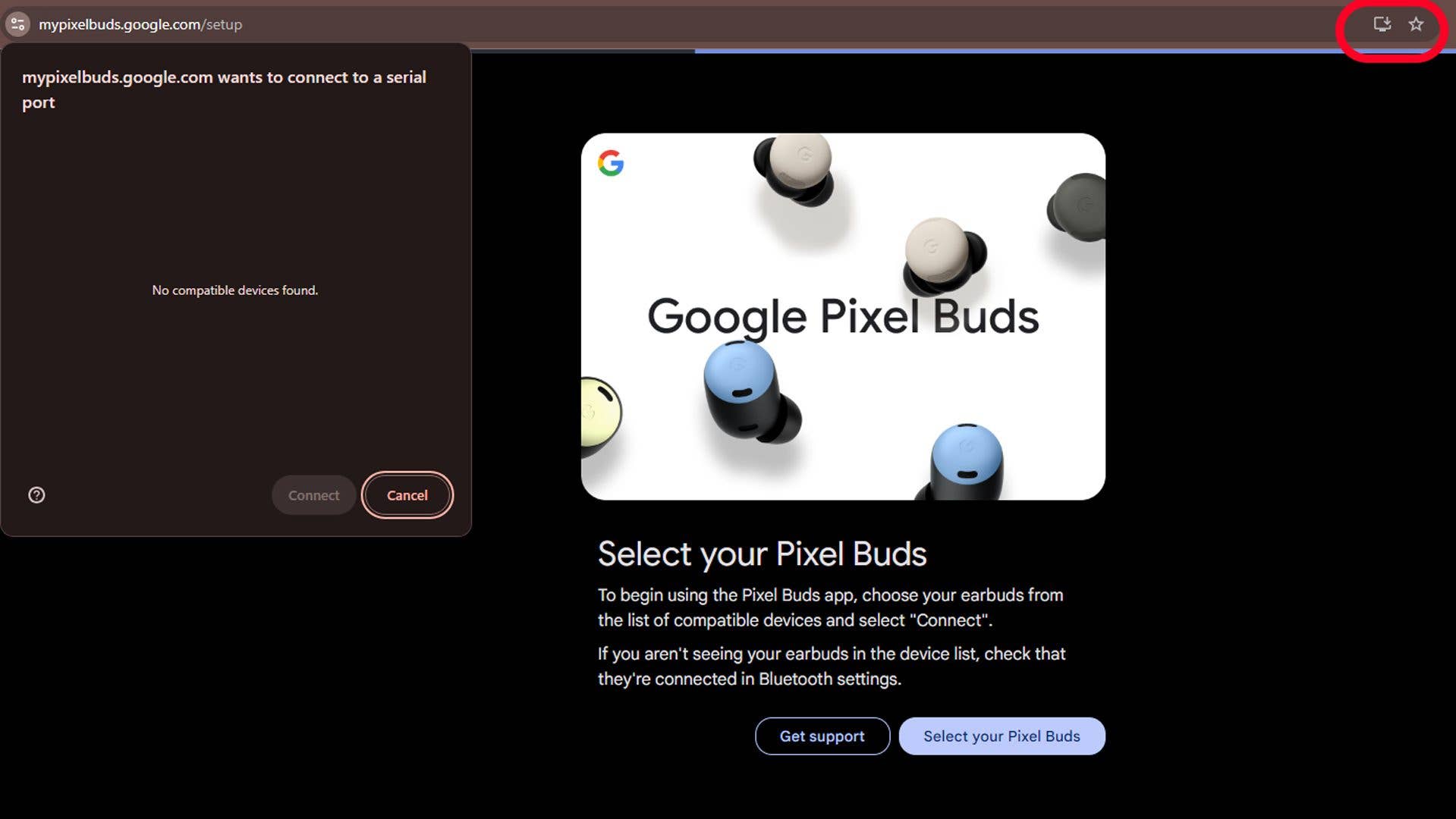
As discovered by 9to5Google, the Pixel Buds web app is now available for Windows and Mac devices. Like the Chromebook version, this is accessible via the Chrome browser and offers the same interface.
Similarly, the setup process requires connecting and pairing the Pixel Buds with the Mac or Windows PC before going to mypixelbuds.google.com. But if you’re already on the page, you can just refresh it.
An advantage for Windows users is that they can install the web page as an app on their desktop and pin it on the taskbar or main menu, giving a quicker and easier way to launch the page.
Which Pixel Buds controls are available for Windows and Mac users
Most of the controls here are comparable to the latest version on Chromebooks. This allows for basic playback controls of tracks, volume level adjustment, and accessing toggles for modes like ANC, equalizer, and multipoint, apart from monitoring the battery charge level for both earbuds and the charging case.
In addition to controls, connected Pixel Buds can also be updated if there is new firmware available and if they are not connected to an Android smartphone.
The Pixel Buds web is compatible with all existing Pixel Buds A-series and Pixel Buds Pro (review), including the newly launched Pixel Buds Pro 2. As for PCs, Macs should be running on macOS 14 Sonoma or higher, while Windows users should at least run Windows 11.
Have you tried controlling your Pixel Buds from your PC? Share with us your experience.