


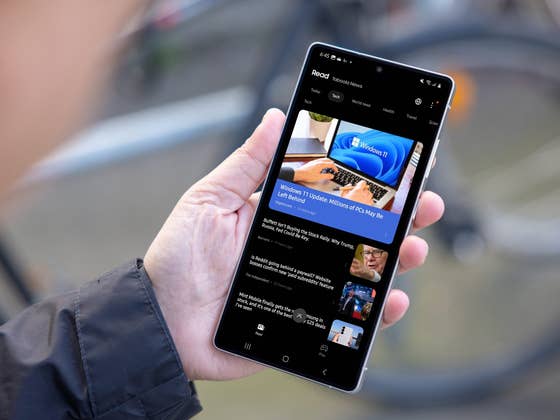
What is Samsung Free?
Samsung Free is a content aggregator preinstalled on modern Galaxy smartphones and tablets. Notably, the app is also installed when a device running One UI 3 or higher, like One UI 7 is updated.
Samsung Free replaces the now-discontinued Samsung Daily, which itself evolved from Bixby Home. Do you remember that? The app shares similarities with Google Discover, which previously offered a mix of news and multimedia content before Google transitioned to a dedicated Google News app.
- Don’t miss: Top Samsung One UI tips and tricks to master
Beyond a news feed powered by Taboola, Samsung Free provides access to various types of content, including videos, live-streaming broadcasts, podcasts, and games.
The Watch tab features free-to-watch videos, channels, and episodes, primarily from Samsung TV Plus, though availability depends on your country.
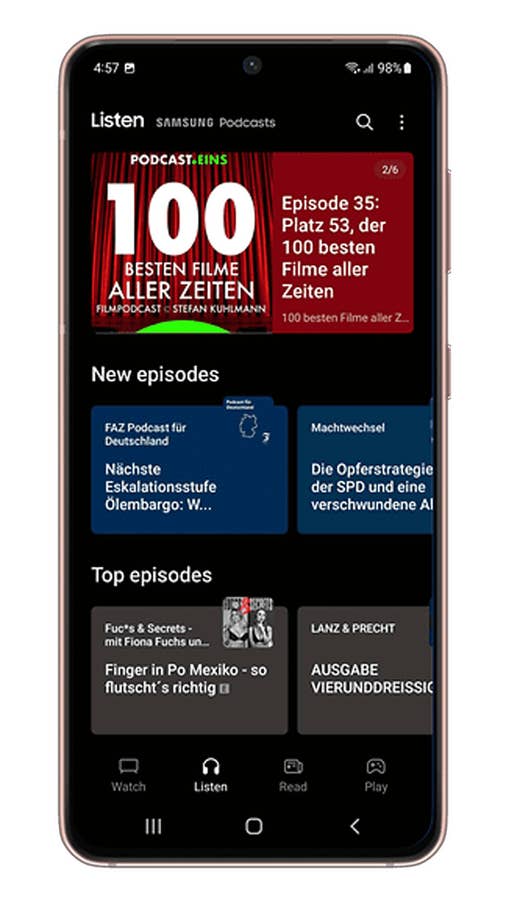
Meanwhile, the Podcasts tab offers personalized podcast episodes and playlists with different genres, ranging from news and sports to lifestyle and culture. However, offline podcast streaming is not yet supported in the app.
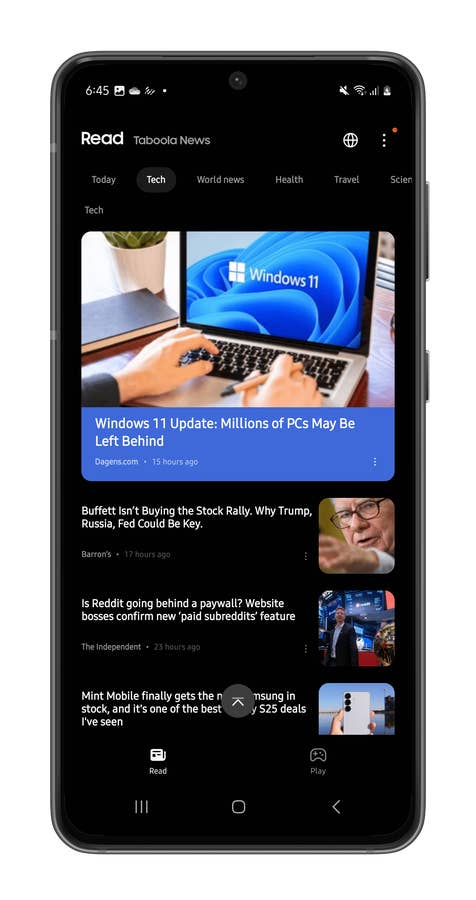
As for the Read Tab, this displays news articles, allowing users to customize categories and reorder them. Users can also hide stories from specific outlets. However, compared to Google News, the customization options are more limited, plus it is not possible to manually add feeds to the app like nextpit’s RSS feeds.
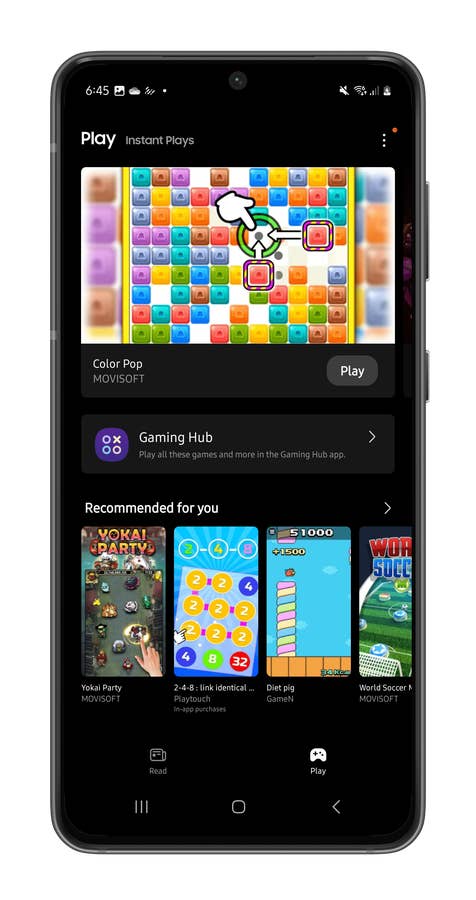
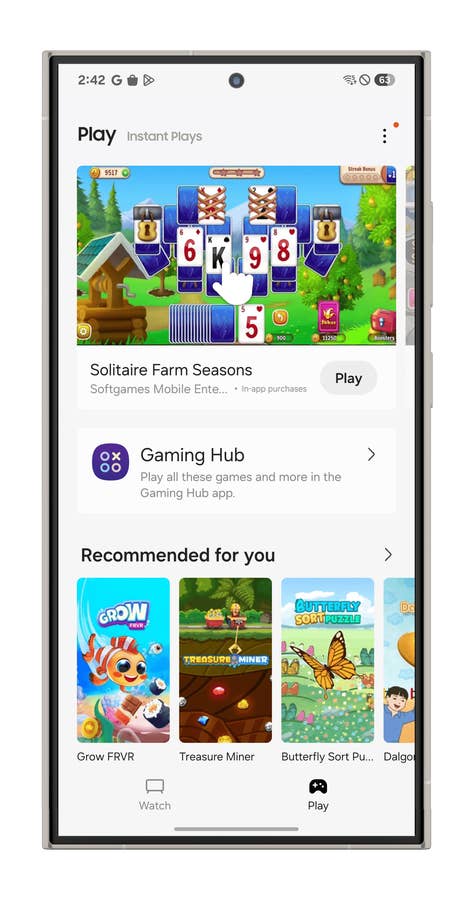
The Play tab offers a selection of free-to-play instant games across different categories, from arcade and puzzle games to one-handed and two-handed gameplay. These games can also be accessed via Samsung Game Hub.
How to Disable Samsung Free on Your Galaxy Phone
Samsung Free comes preinstalled on Galaxy smartphones and tablets. If you prefer Google Discover or simply don’t use Samsung Free, you can remove or disable it.
For most Galaxy devices (tested on the Galaxy Z Fold 5 running One UI 6), Samsung Free can be uninstalled. Alternatively, you can disable it from the home screen settings by following these steps:
- Tap and hold on an empty space on the home screen.
- Swipe left until you reach the leftmost page.
- Toggle off the switch at the top of the page.

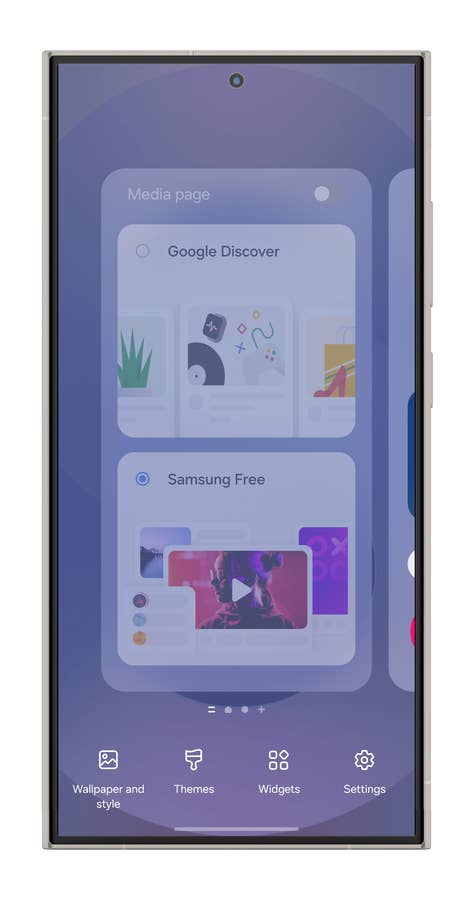
The same steps can be followed to replace Samsung Free with Google Discover if you so prefer.
How to Enable and Use Samsung Free on Your Galaxy Phone
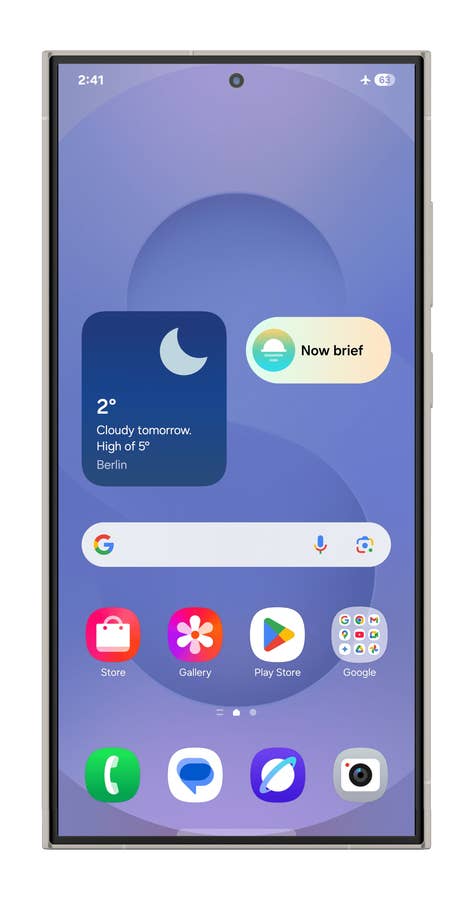
If you disabled it and later decided you actually like it, no worries—it’s super easy to enable Samsung Free on your phone again. Just follow these steps:
- Unlock your Galaxy smartphone or tablet.
- Go to the home screen.
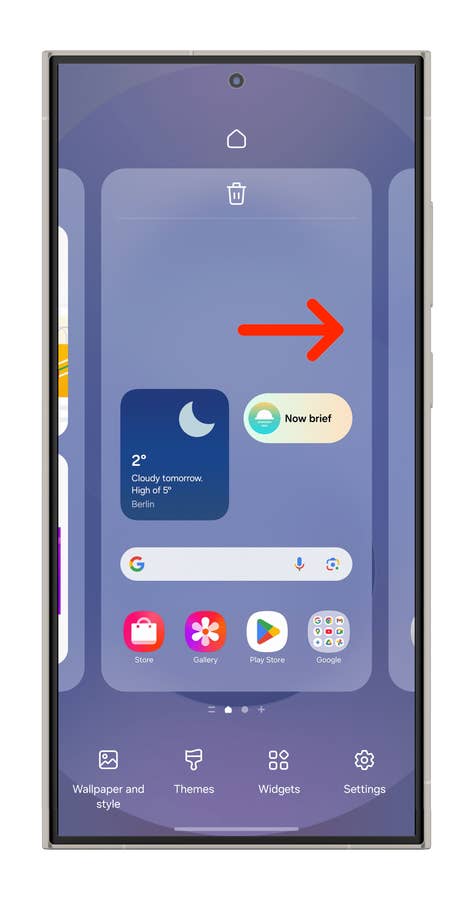
- Tap and hold on to an empty area to open the home screen editor.
- Swipe left to navigate to the leftmost home screen.
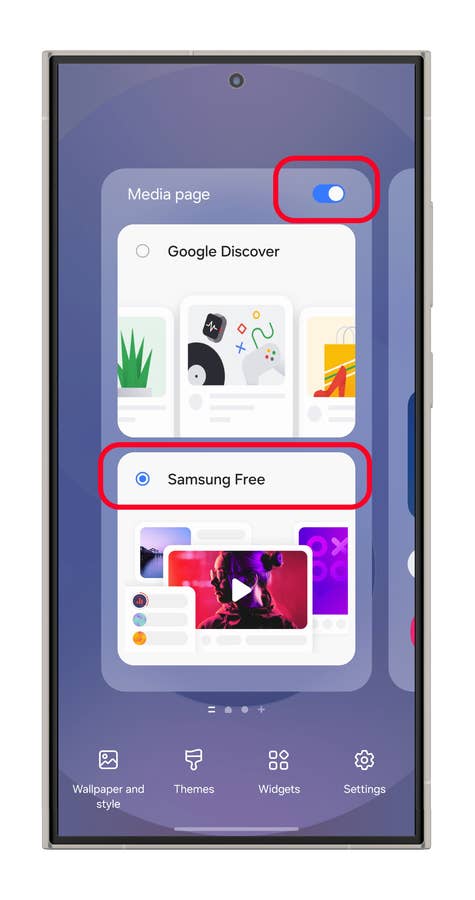
- Enable the media page.
- Select Samsung Free.
- Tap back or on an empty area to save the changes.
That’s it! Have you ever used the Samsung Free app? Or are you like me and disable the feature as soon as you first turn on a Galaxy Phone? Share your tips and opinions in the comments below!

I hate this bloat. Even Google’s feed, whatever they’re calling it now. Give me apps I can delete or install separately, not junk that gets in the way if I don’t want it. That way every body gets what they want. I can accept a once or twice invite to the ecosystem, but don’t just drown me without consent.
Google’s Feed is probably what I thought was Google Search.
I didn’t even know it was there until today. I followed your instructions, and a bonus was that the Google Search page I couldn’t get rid of also disappeared. I guess they were on the same page, but all I ever saw was the Google Search. It would decide I swiped to it even if I didn’t think I had. Grrr