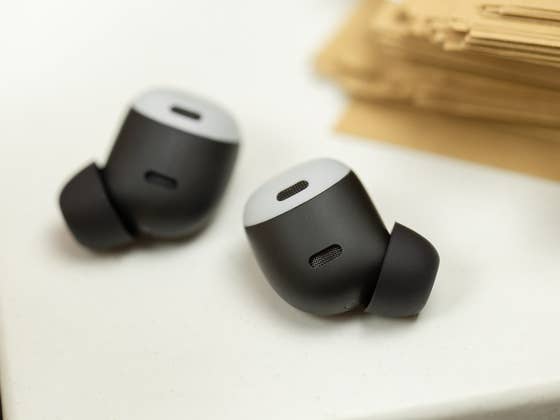
Google is announcing on its support blog that the Pixel Buds Pro reviewed by NextPit last year is gaining the much-needed spatial audio and head tracking features. The update is already rolling out globally, but as the search giant noted, it could still take time until next week before the software hits all Pixel Buds Pro users.
What do you need to use spatial audio on Google Pixel Buds Pro
For starters, spatial audio is also known as immersive or 360-degree sound. This enhances the typical stereo output of the headphones into surround sound comparable to theater-like virtual space. And with dynamic head-tracking, similar to Apple’s upcoming AirPods Max 2 and the current AirPods Pro 2, the sound will follow your head’s movement and position.
Using the feature will require that the videos or songs are enabled with spatial audio and at least 5.1+ surround sound. At the same time, the smartphone along with the app should also support spatial audio and head tracking. Google says that this is available to Pixel 6 (Pro) and Pixel 7 (Pro).
How to enable Spatial Audio on Google’s Pixel Buds Pro
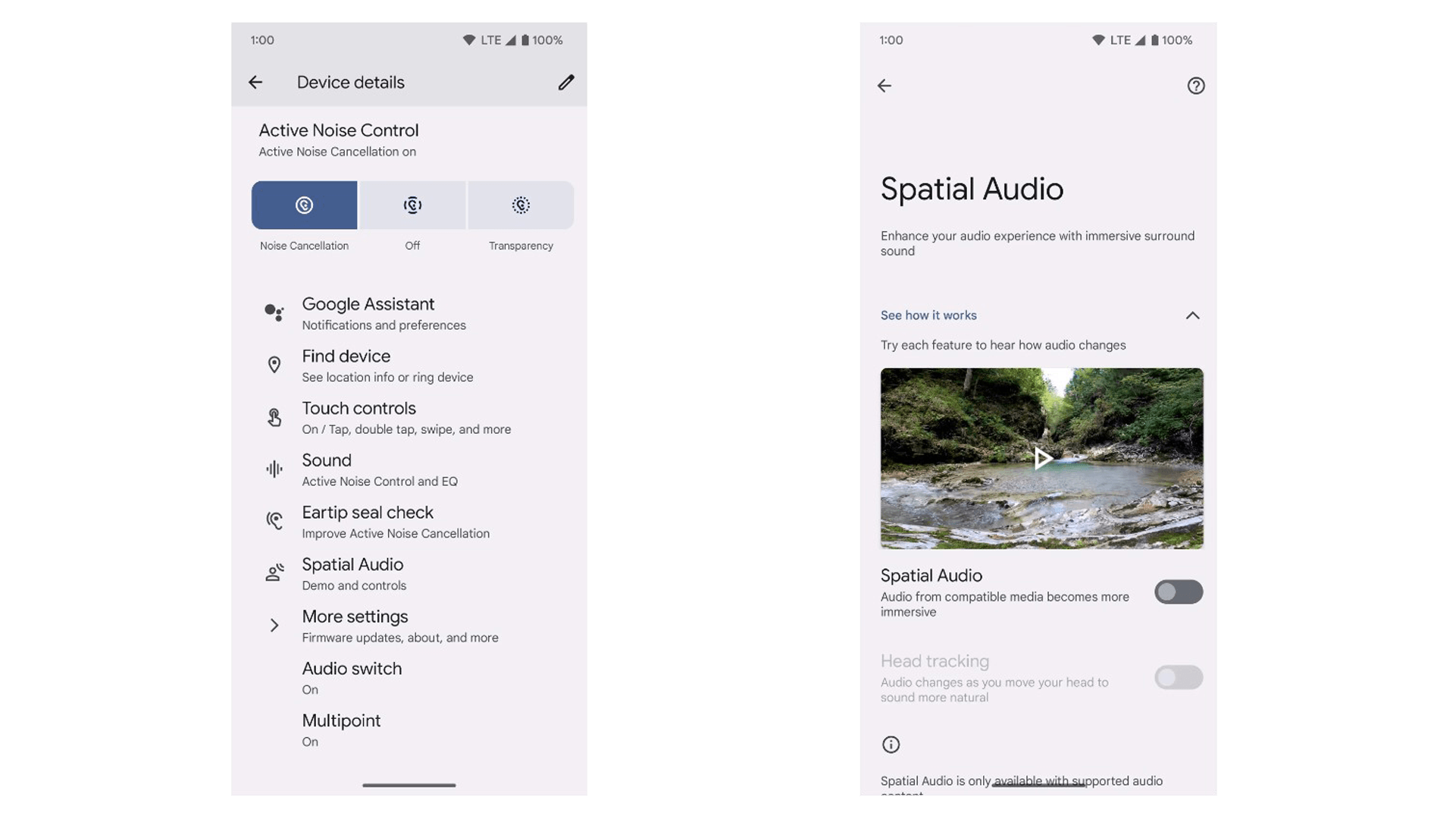
Spatial audio and head tracking can be enabled separately right from any compatible Google Pixel phone. You should also connect to the Pixel Buds Pro before tweaking the settings for head tracking.
- Go to the phone’s Settings app.
- Look for Sounds & vibrations.
- Select the Spatial Audio section.
- You can toggle on or off spatial audio.
Switching on the head tracking feature is separately done from the general settings and going to Connected Devices > Pixel Buds Pro > Settings and toggle on the head tracking.
Do you use spatial audio on your headphones as well? We’d like to hear your experience of this immersive sound experience.
We mark partner links with this symbol. If you click on one of these links or buttons–or make a purchase through them–we may receive a small commission from the retailer. This doesn’t affect the price you pay, but it helps us keep nextpit free for everyone. Thanks for your support! Prices are based on the date of publication of this article and may be subject to change.