Sorry, but there's really nothing to see here right now. Our server is in maintenance mode – and our
little bot is trying to sort the error messages with its last bit of energy.
Whether it was a data leak, a power outage in the cluster, or just a grumpy bit – we don't know yet.
But what we do know is:
The data drama escalated into a server meltdown. But don't worry: We're on it.
What now?
Everything is surely running smoothly over at our colleagues from inside
digital – why not stop by!
Or you could pass the time by visiting our social media channels – for example Instagram, YouTube or TikTok. At least there are no
server problems there – promised.
Thanks for your patience. Our bot is already rebooting at full speed. 🔧
NewsSmartphonesGoogle Photos will take private photos and videos to the cloud with this option
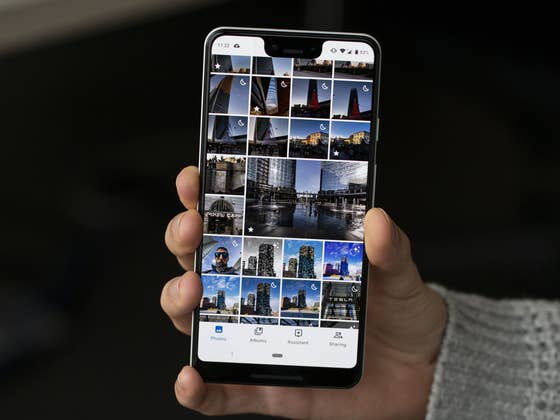
Google Photos has so far received a handful of improvements over the many years it has existed. This includes the addition of Locked Folder, which lets you hide private or sensitive photos and videos. However, the section has been missing support for cloud backup or syncing, but Google could finally address this issue soon. Here’s how it can be useful.
The Photos’ Locked Folder was an exclusive feature to Pixel phones before it was expanded to the main Android and iOS versions. Like with most privacy file managers, Locked Folder secures your select photos or videos that can only be accessed using a PIN or biometric authentication. The only downside is that this folder lacks an option for backup to cloud if you plan to bring your private files online across other devices.
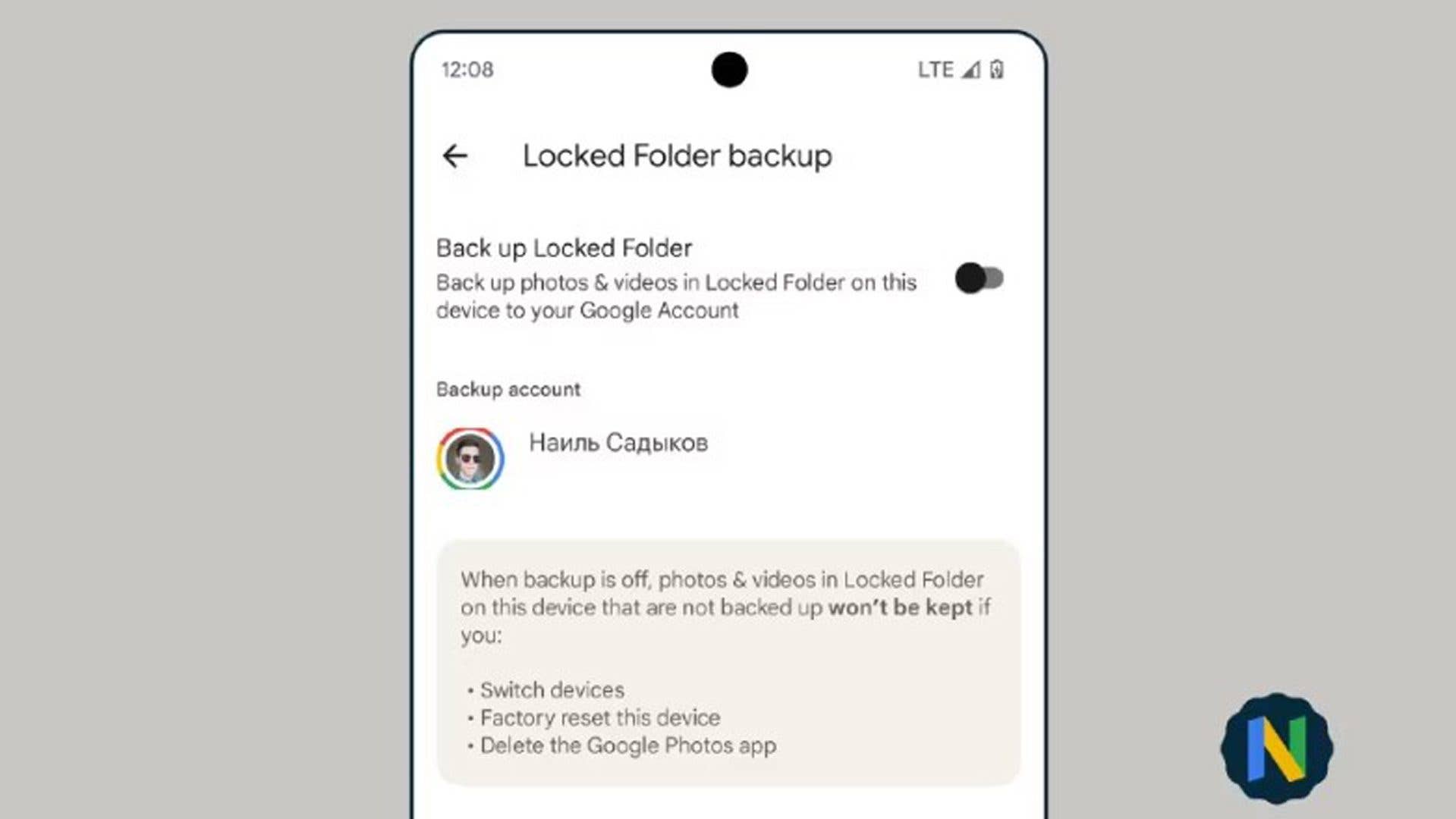
Now, a purported screenshot of the said feature has been shared in a Telegram group chat. It shows a new toggle called Locked Folder backup within the settings in the upcoming app version of Photos. Below the account profile is a note that photos and videos not backed up will not be kept if a user performs a factory reset, deleted the Photos app, or switched to a new mobile.
There have not been any accompanying details revealed yet such as what could be the extended user controls presented on other devices and web if indeed these will be added. Likewise, we assume it would mirror the basic functionalities found in the mobile such as move and delete.
While the feature sounds a bit riskier since you will be bringing your offline files to the cloud, it may benefit users in managing secured photos and videos in multi-device set up. And by the looks of it, the option is disabled at default, making you at least less anxious knowing your private files are not automatically backed up to the cloud.
Would you trust Google in putting your Locked Folder content to the cloud? We are eager to hear your side.
We mark partner links with this symbol. If you click on one of these links or buttons–or make a purchase through them–we may receive a small commission from the retailer. This doesn’t affect the price you pay, but it helps us keep nextpit free for everyone. Thanks for your support! Prices are based on the date of publication of this article and may be subject to change.
Jade Bryan has been a Junior Technology Editor at nextpit since 2022. His tech journey began much earlier, tracing back to the early days of Android and the peak of the Nokia era. With years of experience contributing to various publications and tech forums, he specializes in providing practical tips and troubleshooting guides for users.
At nextpit, Jade’s expertise extends beyond smartphones and operating systems to include electric vehicles and the latest in gaming. He is particularly interested in how these evolving technologies intersect and shape our daily lives.
Outside of work, Jade is usually immersed in MMORPGs or catching up on his favorite anime and television shows.