
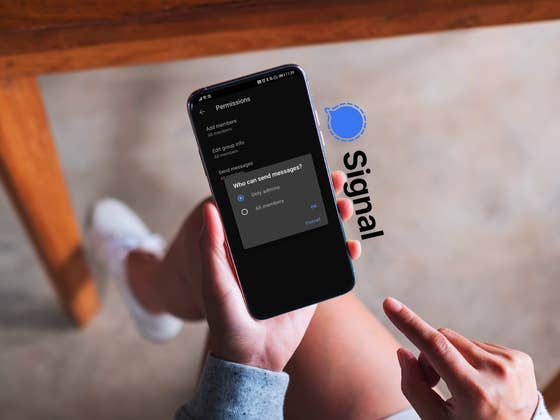
In September 2021, a new feature was introduced in the Signal instant messenger, which should provide additional comfort, especially for group chat administrators. This is because it is about deciding whether everyone in the group has permission to compose and send messages, or only the admin(s) in the group.
This function comes in handy if you want to prevent your important information from being lost in a larger group because everyone is chatting at the same time, and often overlapping conversations happen. However, you can now use group chats as a pure broadcast channel.
Since this is a fairly new feature, there are two restrictions you should be aware of:
- The feature will only work in the Android app for now, as it is unavailable on iOS at the moment.
- You will need to install the latest version (5.22.8).
If you have ticked both boxes, we’ll show you how to go about it:
How to configure permissions in a group
- Make sure you are using the latest version of Signal. You can find this information in Settings under Help.
- If not, install the update to version 5.22.8 in the Google Play Store.
- Launch the desired chat group.
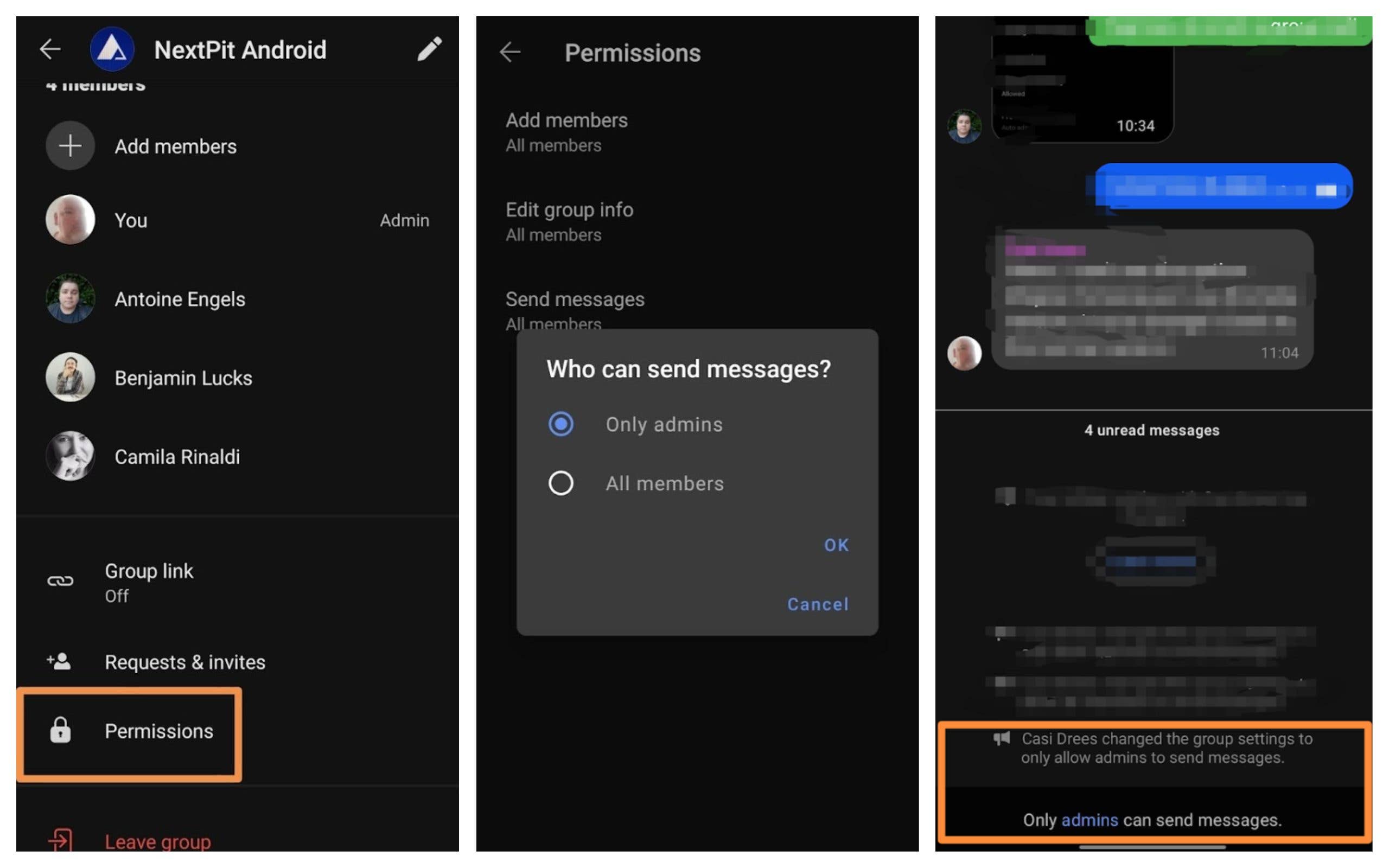
- Tap on the three-dot icon in the top right corner and go to Group settings.
- Scroll down to Permissions and select the menu item.
- Tap Send messages.
- In the subsequent window that pops up, you can now select from “Only admins” and “All members” options. Select “Only admins” and confirm your choice by tapping OK.
Now, only you as the admin are able to post messages. Other people in the group will also see corresponding information at the bottom of the chat window that informs them that only admins are allowed to post.
Despite such interesting innovations, Signal still continues to lag in popularity compared to other instant messaging apps. That’s a shame because both the Signal vs Threema comparison and the Signal vs Telegram comparison show that this instant messenger has plenty to offer. In fact, Signal doesn’t even need to cower behind WhatsApp. This applies to not only security but functionally as well.
There is enough reason enough to once again ask who among us in the NextPit community uses Signal? Feel free to vote and tell us in the comments if you like this instant messenger in general and, in particular, this new feature. Also, feel free to make suggestions if you would like to see other features of the instant messenger explained.
Do you use the Signal instant messenger?
- No, I don’t use it.: 6%
- Yes, in addition to other instant messengers.: 78%
- Yes, I only use Signal and nothing else.: 17%
Votes: 18