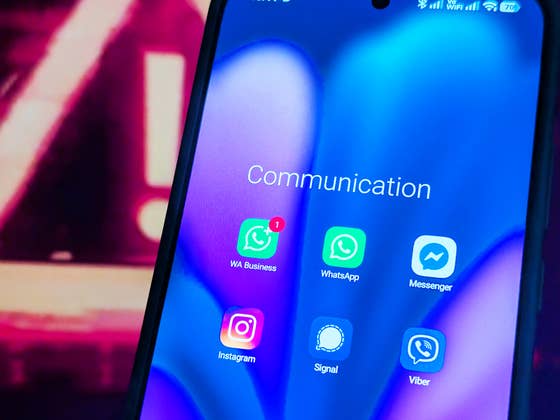
Although Meta continues to roll out new WhatsApp enhancements, these updates are not always sufficient. A serious security bug remained unresolved for months before being partially addressed. According to Google’s Project Zero, attackers have been exploiting a key app feature, putting users at risk if it remains enabled.
Android Users Face Elevated Risk
In November last year, Google’s Project Zero flagged a critical vulnerability in WhatsApp, as reported by MalwareBytes. The issue stems from the automatic download of media files—photos, videos, and documents—on Android devices. This exploit, known as a “zero‑click media” attack, is classified as high‑severity and has been used by mercenary groups in targeted campaigns. However, the flaw leaves any user exposed due to the scale of the security gap.
Attackers reportedly target a victim’s WhatsApp account by leveraging one of their contacts. They then create a group chat including the victim and send malicious media files, such as images or video clips. With auto‑download enabled, these files are automatically saved to the victim’s device, carrying execution code that compromises both the WhatsApp account and the device itself.
Meta released a fix late last year, but Google confirmed that the patch did not fully close the loophole. This meant the bug remained exploitable for several months. At the end of January, Meta announced that a “comprehensive fix” had finally been shipped.
How to Protect Your WhatsApp Account
Even with Meta’s latest fix, it remains unclear how many users may have been affected. As a precaution, experts still recommend disabling automatic media downloads in WhatsApp.
Here’s how to do it:
- Open WhatsApp on your phone.
- Tap the three‑dot menu in the top right corner.
- Select Settings.
- Tap Storage and data.
- Under Media auto‑download, choose between mobile data and Wi‑Fi.
- Uncheck the file types you want to prevent from downloading automatically.
- Tap the back button to save changes.
Beyond this, it is wise to avoid joining unverified group chats and to refrain from opening suspicious files.
Do you keep WhatsApp’s media auto‑download feature enabled, or do you prefer to disable it for safety? Share your thoughts in the comments.