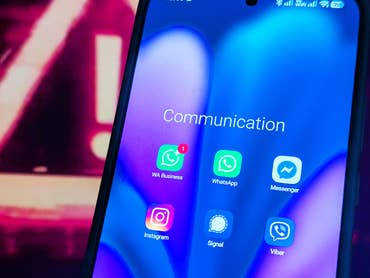

WhatsApp is, and remains, primarily an app that you use on your smartphone. Sometimes, it’s much more convenient to use it on your PC — and not just when you’re in the office or your smartphone is lying around somewhere, again. The web version of the popular messenger has long provided a remedy for this situation. According to WABetaInfo, the developers have now added useful features to this version.
WhatsApp Web: Calls and Video Chats Now Possible Without a Smartphone
Although the most important use of WhatsApp is found in normal text chats, many users also use the instant messaging program for calls. Be they voice or video calls, the app is a good alternative to the classic phone line. The problem is, until now, you had to use the app to make these calls.
This is now changing with the well-known web version of WhatsApp. For a long time, you have been able to connect your account to the app on your smartphone via a QR code in the browser, making it easy to conduct text chats. Once the connection is set up, you can then place your smartphone aside.
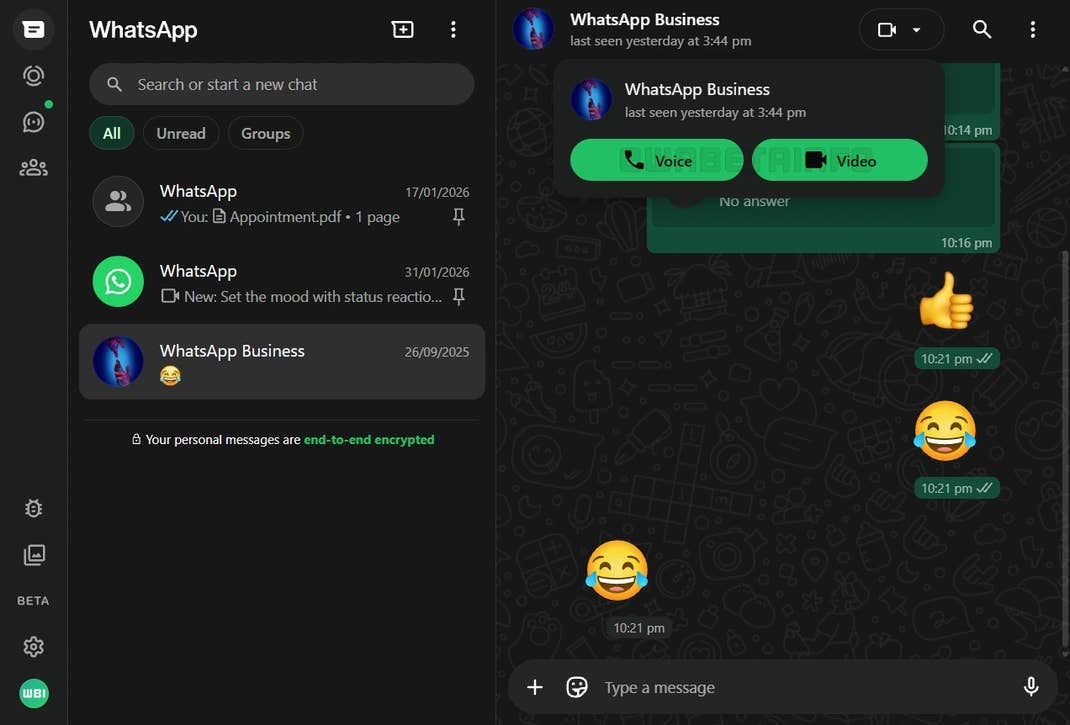
As WABetaInfo reports, the developers have added voice and video calls to the beta version of WhatsApp Web. These are currently only direct calls with a single contact. Group calls are still being worked on. It is no longer necessary to install a separate app, all you need to do is to head on to web.whatsapp.com and link your account there.
As usual with WhatsApp, the calls are also end-to-end encrypted. The new web calls also give you the option of sharing your screen with the other person. You must first begin a video chat before you can use this function.
Beta Version Rolls Out This Feature
As mentioned, only users of the beta version of WhatsApp will have initial access to the new phone functions. In contrast to the iOS or Android apps, access to these pre-release versions is far easier. All you have to do after logging in is activate the beta under Settings > Help and feedback. Upon doing so, it may take some time before the new features in your chats appear.
As WABetaInfo wrote, the expansion of the call functions is also an important improvement for Linux users. There is no dedicated app for the alternative operating system, so you are forced to use the website — or your smartphone. For Windows users who don’t like the new app and prefer to use the alternative in the browser, it is precisely this app that has now received a useful improvement.