
Contents
Pros of the OnePlus Buds Pro 3
- Very premium design
- Excellent audio quality
- Effective Active Noise Cancellation
- Wireless charging
- Plenty of features
Cons of the OnePlus Buds Pro 3
- Average battery life
- LHDC codec is less common than LDAC and it drains battery life
- Unintuitive volume controls
OnePlus Buds Pro 3: Design
| Design | |
|---|---|
| Format |
|
| Dimensions and weight |
|
| IP rating |
|
| Colors |
|
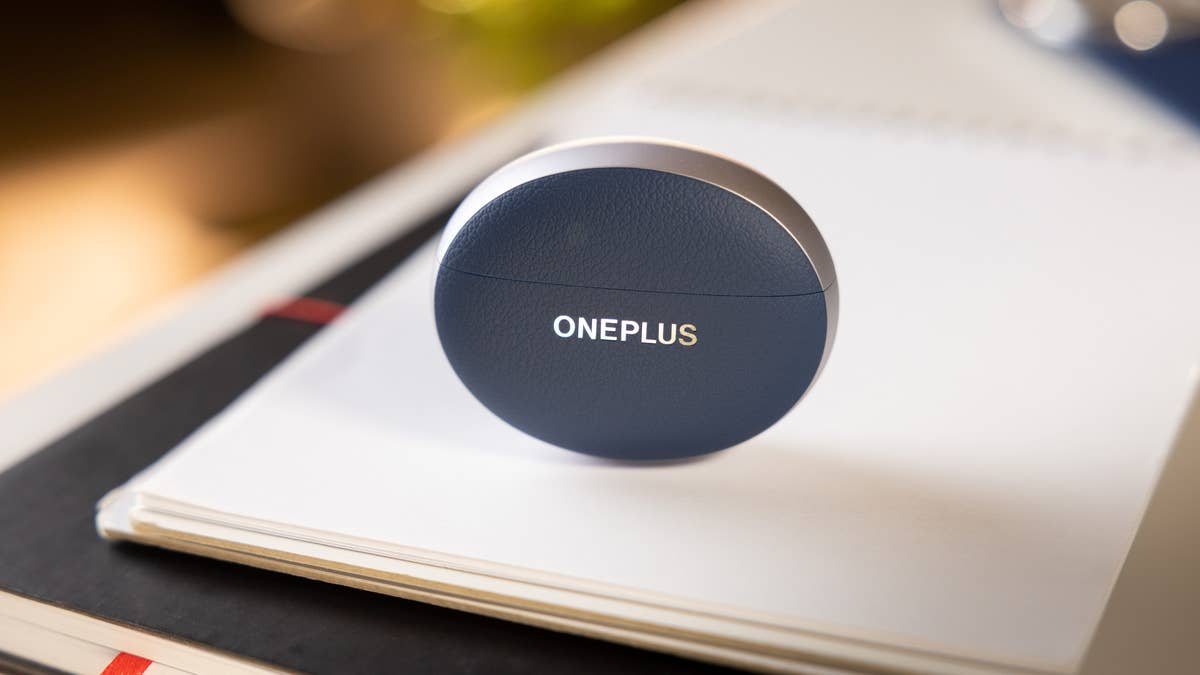

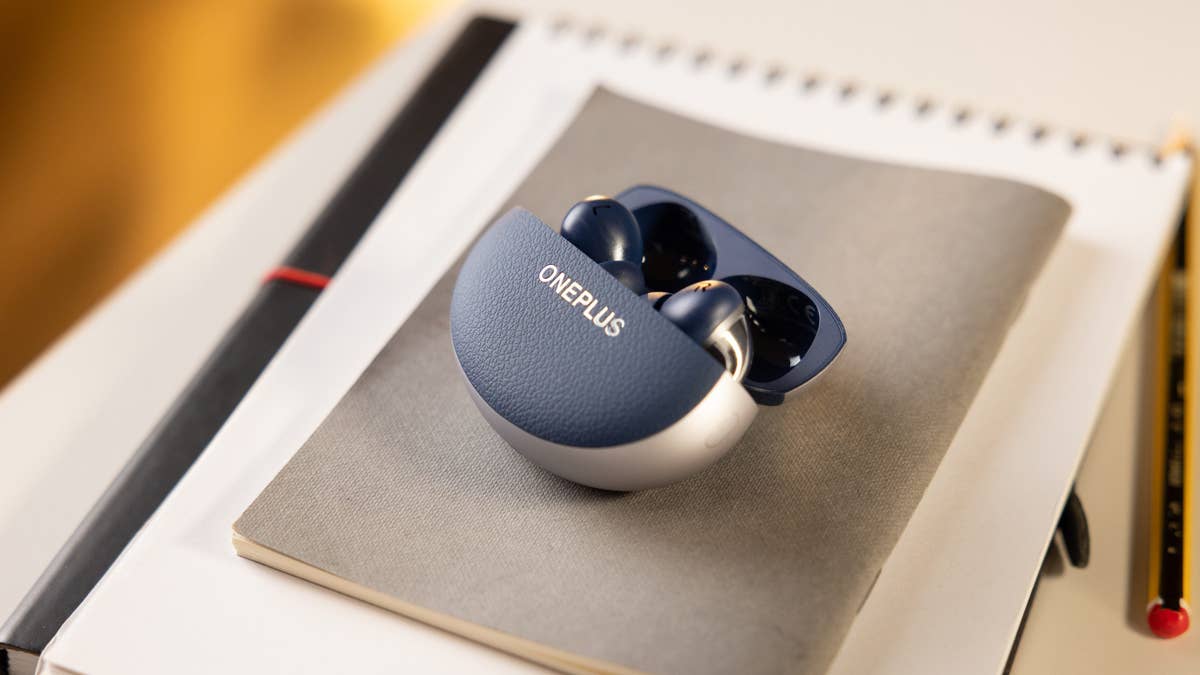


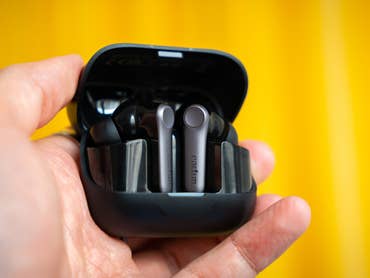
In my opinion, the OnePlus Buds Pro 3 features one of the most premium designs on the market. I love the uniquely shaped case with its matte, metallic edges, and faux-leather coating in front and at the back. This is the same coating as found on the back of the OnePlus 13 (review). The case has a certain heft to it and its hinge seemed very solid to me, with the opening and closing mechanism showing no freeplay whatsoever.
The earbuds have a fairly classic in-ear design, with matte, colored buds contrasting shiny, metallic stems. The case is IPX4 certified for dust and water resistance while the earbuds themselves are IP55 certified, making them ideal for sports.
The OnePlus Buds Pro 3 fit snugly in the ear. With the default eartip size, M, I had no problems wearing them at all (sizes XS, S, and L are also available). In fact, it’s one of the rare models I’ve reviewed that didn’t pop out of my ears while eating/chewing. Only the volume controls, which I’ll talk about later in this review, irritated me a little.
View this highly scientific video on how well the earbuds fit when worn:
OnePlus Buds Pro 3: Audio and microphone quality
| Audio and microphones | |
|---|---|
| Drivers |
|
| Frequency response |
|
| Bluetooth codecs |
|
| Microphones |
|

I found the audio quality of the OnePlus Buds Pro 3 to be very good., with a particularly wide soundstage. In general, in-ear monitors tend to produce a rather narrow soundstage, as if the sound were a little muffled. This is inherent to their format and the obstruction in your ear canal. Thankfully, OnePlus mitigated this effect very well.
I also discovered the sound reproduced by the earbuds to be very rich and detailed. However, due to the LHDC format and listening over long sessions, the high frequencies tend to make my eardrums creak. I had to attenuate them a little via the very comprehensive equalizer. Bass frequencies are also very much present, but I didn’t notice any overflow to the rest of the musical message.
Nor did I touch the BassWave mode, which dynamically amplifies the depth and impact of the bass. I though it was redundant given the basic sound signature of the wireless earbuds.
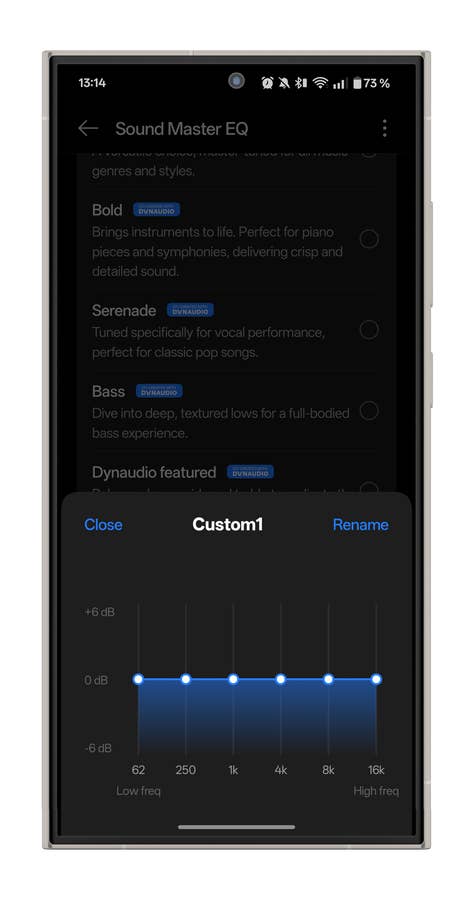
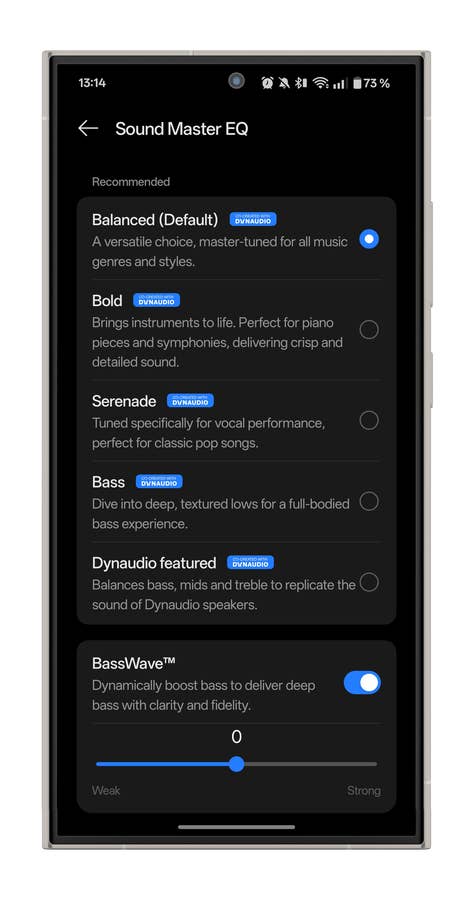
I’ll go into greater detail about this in the software section below, but the OnePlus Buds Pro 3 offer very good equalization options. You can really adapt the rendering to your personal preferences.
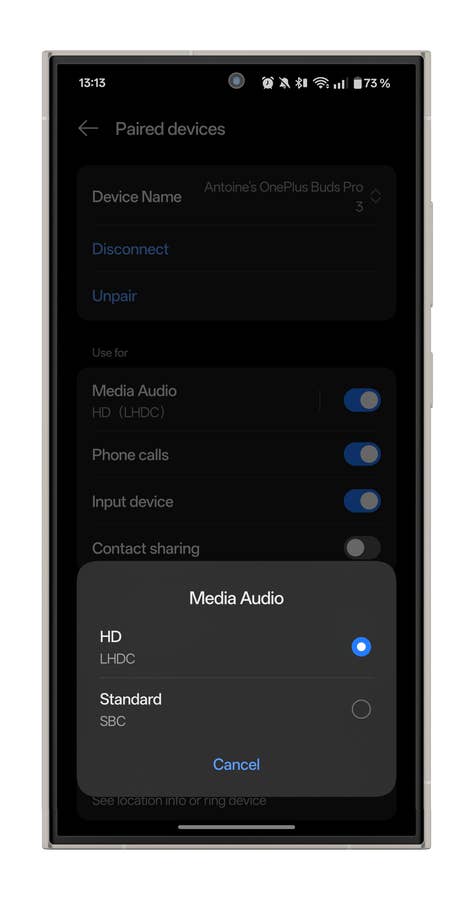
I’d just like to point out that choosing the LHDC codec over LDAC doesn’t seem to be the wisest choice (yet) to me. Sony’s LDAC codec is much more prevalent. However, it’s true that LHDC offers better bit rates if you are listening to Hi-Res audio.
The microphone quality of the OnePlus Buds Pro 3 when indoors:
The mic quality of the OnePlus Buds Pro 3 when outdoors:
Surprising Active Noise Cancellation Performance
| Active Noise Cancellation | |
|---|---|
| Adjustable ANC? |
|
| Transparency mode? |
|

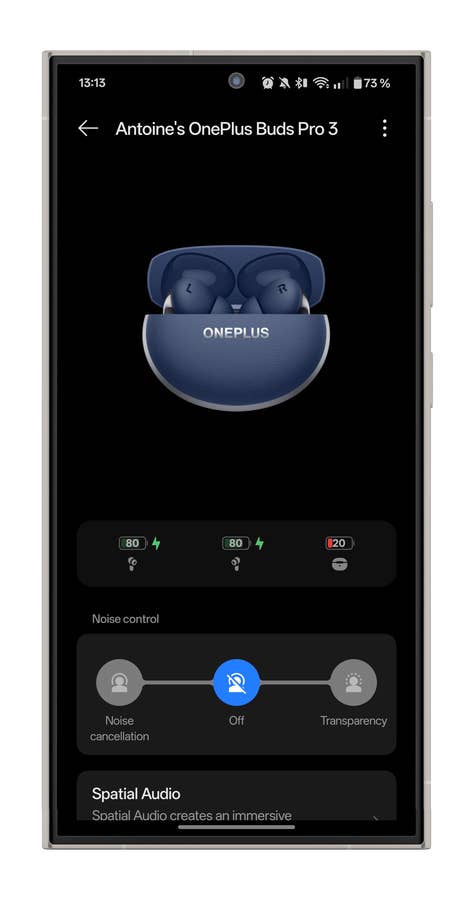
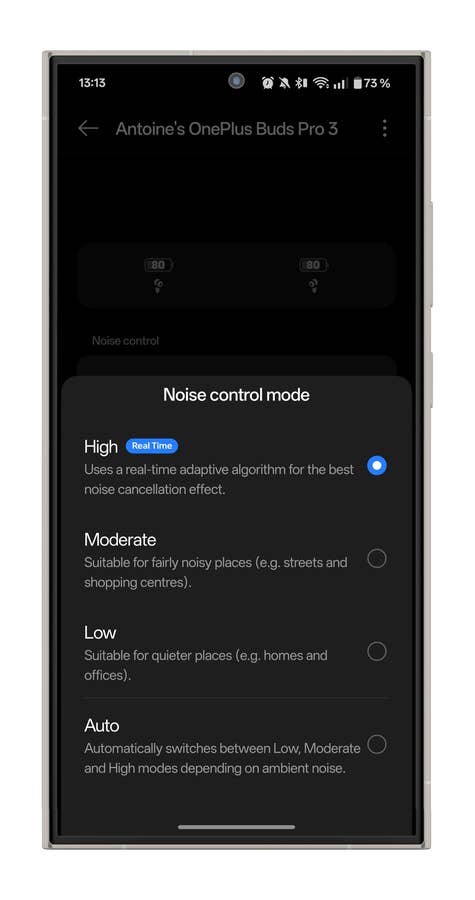
The Active Noise Cancellation of the OnePlus Buds Pro 3 proved to be very good in most situations. You can set it to three intensity levels, or leave it to the algorithm in automatic mode.
Personally, I’ve always used the manual mode in the highest setting. I was surprised by the effectiveness of OnePlus’ ANC when it came to voices. In my Berlin office, where everyone speaks rather loudly–and in German at that–I was totally zen, protected in my bubble of silence. Normally, it’s this kind of noise that wireless earbuds find hardest to effectively attenuate.
As for the rest, the ANC was fine for constant, solid-borne noise (footsteps, computer keyboards, cars, etc.). However, I did not find them to be drastically more effective than other models in this price range.
The transparency mode of the OnePlus Buds Pro 3 seemed rather natural to me. The earbuds don’t have a “Speak to chat” function that switches to transparency mode automatically as soon as you speak. I also discovered my voice sounded a little muffled at times. This was a problem I didn’t come across with the voices of others around me.
OnePlus Buds Pro 3: Application and features
| Application and features | |
|---|---|
| Compatibility |
|
| Key features |
|
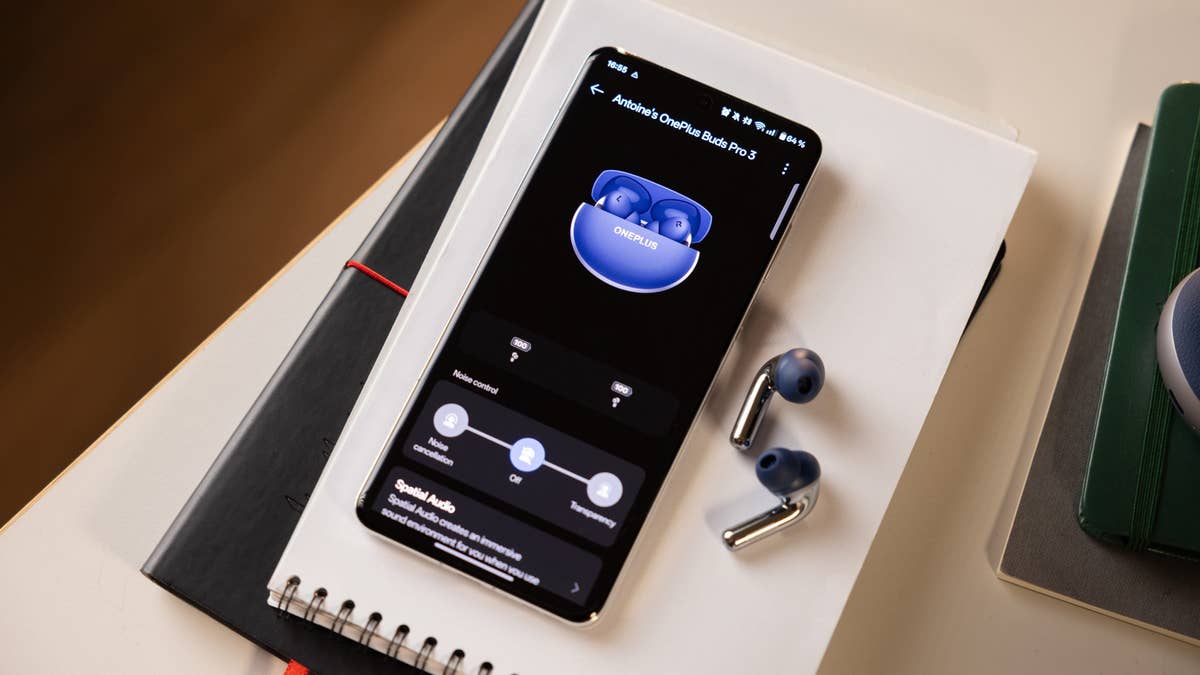
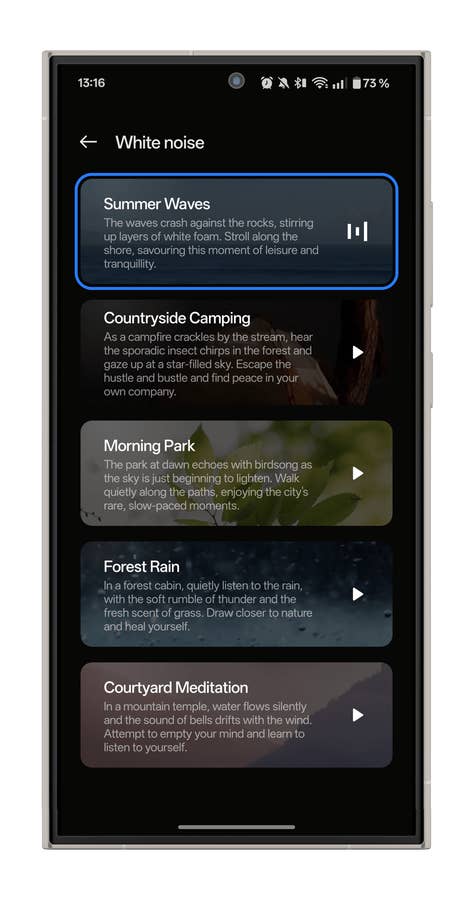
To control the OnePlus Buds Pro 3, you will first need to install the HeyMelody app. It’s available on Android and iOS. If you have a OnePlus smartphone, there’s no need for this app–you can access the settings directly via the Bluetooth menu.
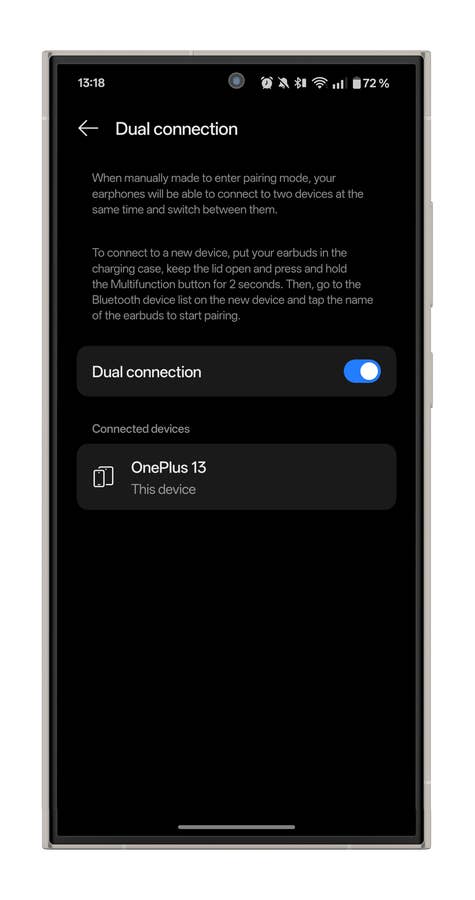
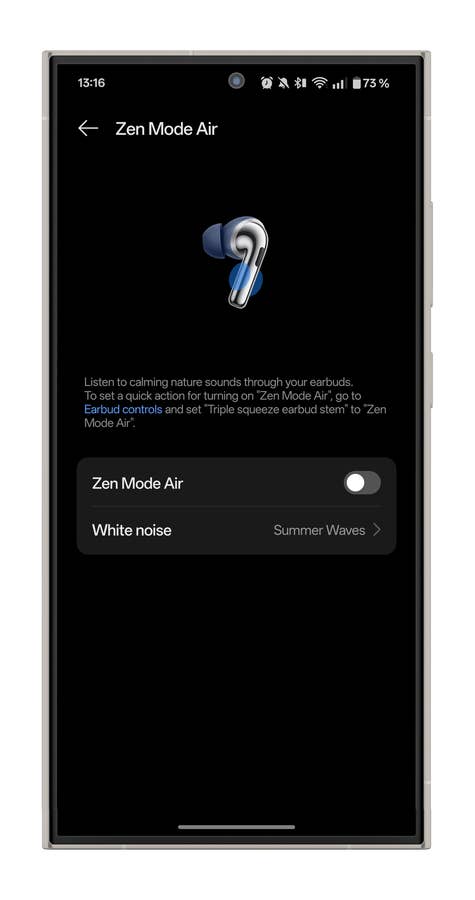
OnePlus is rather generous when it comes to functionality. The essentials are there. Multi-band equalizer, wear detection, dual pairing, and spatial audio are all supported.
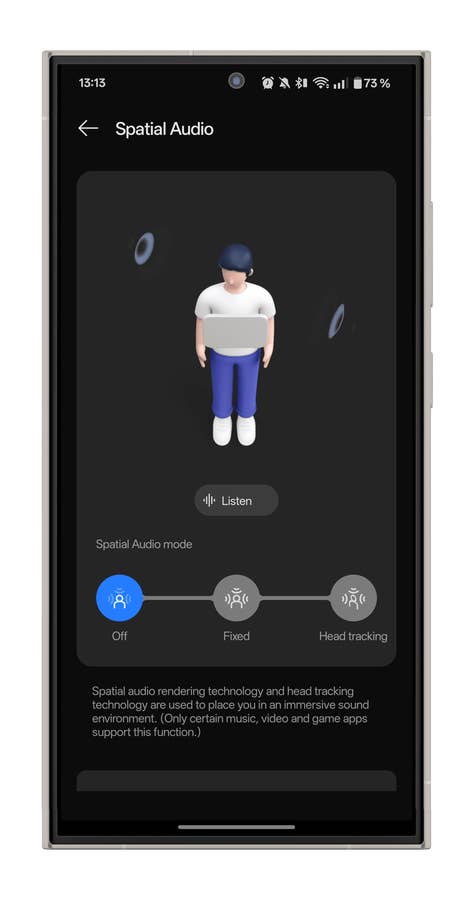
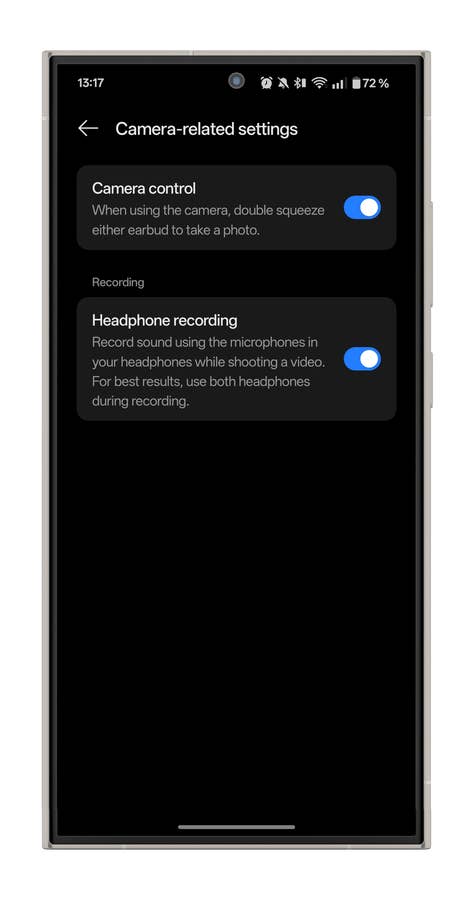
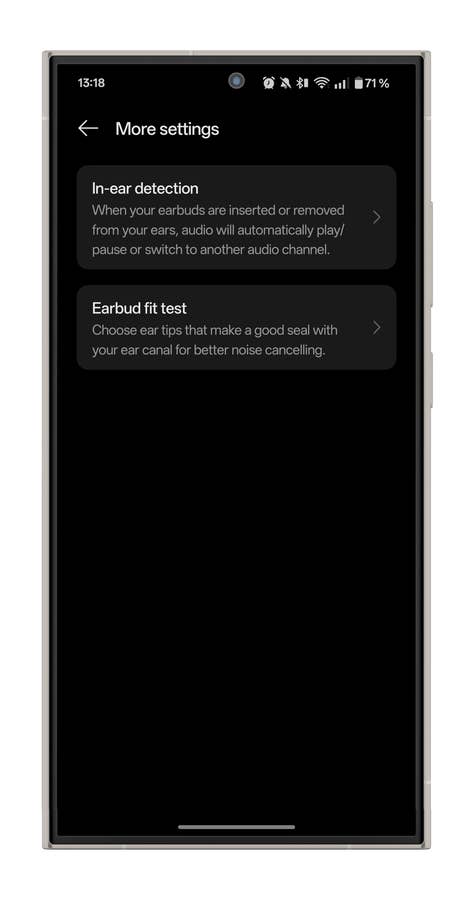
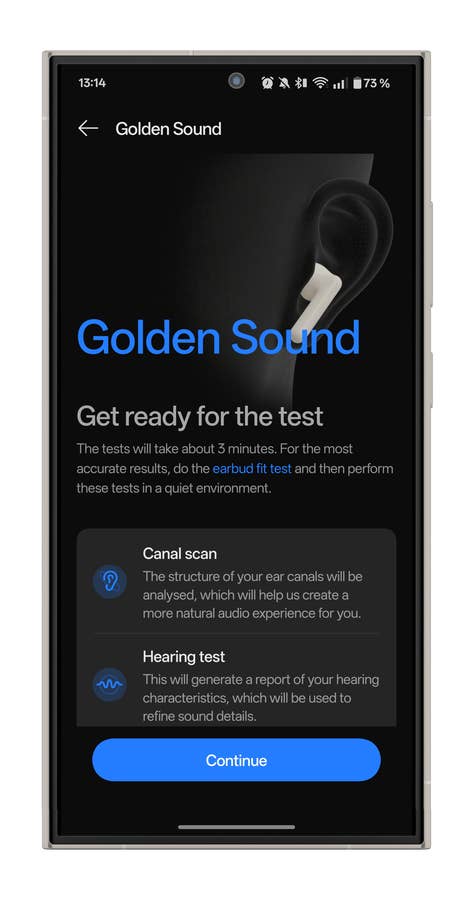
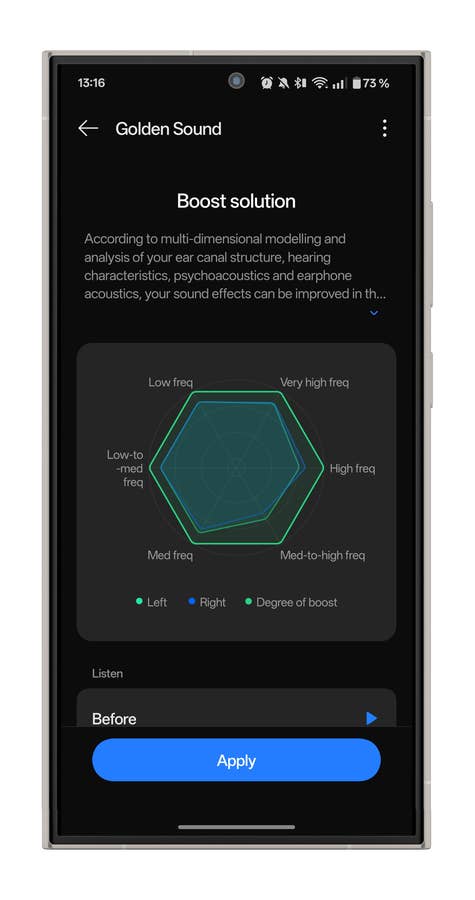
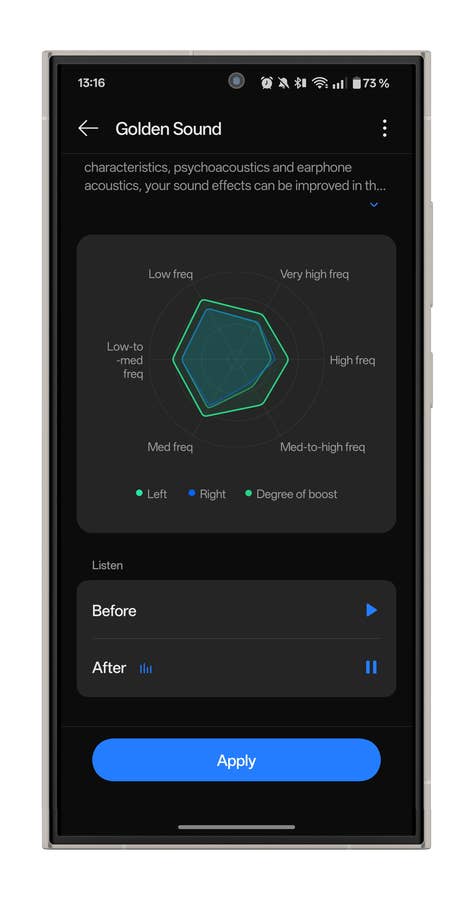
I really like the Golden Sound function. It allows you to analyze how well or poorly you perceive each frequency. You can then visualize via a graph, and above all, hear via audio extracts, the difference when the earbuds modify the equalization based on your hearing.
What I found brilliant is how you can combine this function with a custom equalization profile via the app. Basically, you can use Golden Sound as a basis for understanding what you need to amplify or attenuate later in the equalizer.
Finally, let’s talk about controls. They are haptic on the OnePlus Buds Pro 3. This is a good thing, as it’s more responsive and reliable than touch controls, and you can activate them with gloves or through a luscious lock of hair if you have long hair. Controls are more or less customizable.
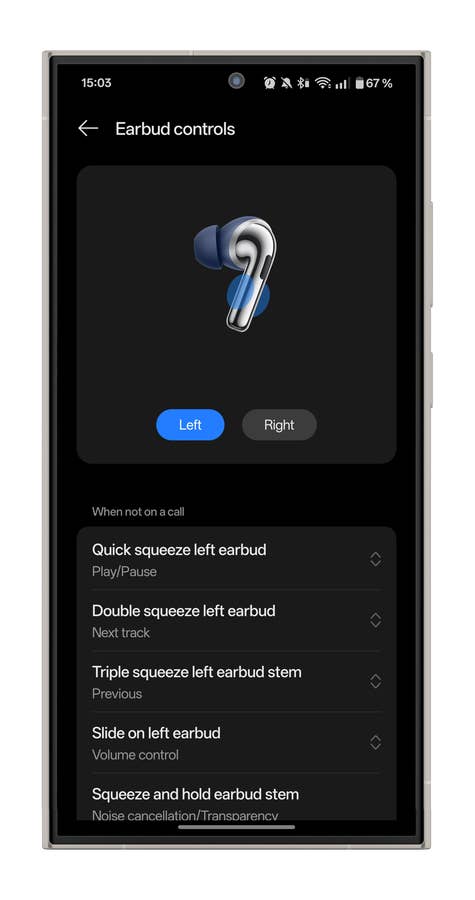
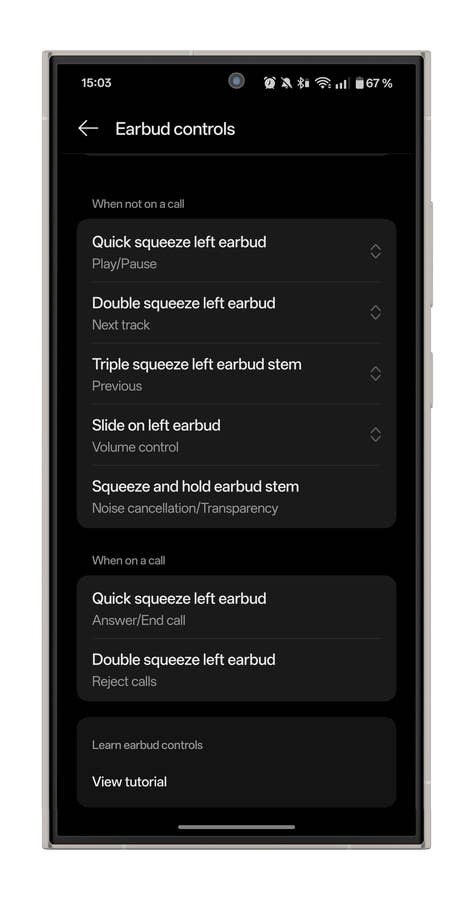
It is not all sunshine, though. There is a downside to the volume control. OnePlus added a tiny grooved surface to the front of each earbud stem. By swiping up or down on this surface, you can control the volume. This is great in theory but in reality, I found the positioning of this surface rather awkward.
Use is therefore rather counterintuitive at first, as you really have to touch the front part of the stem. It’s not as easy to reach for my chubby little fingers and, above all, it tends to dislodge the earphones from my ears slightly.
OnePlus Buds Pro 3: Battery and charging
| Battery and charging | |
|---|---|
| Operating time |
|
| Charging |
|
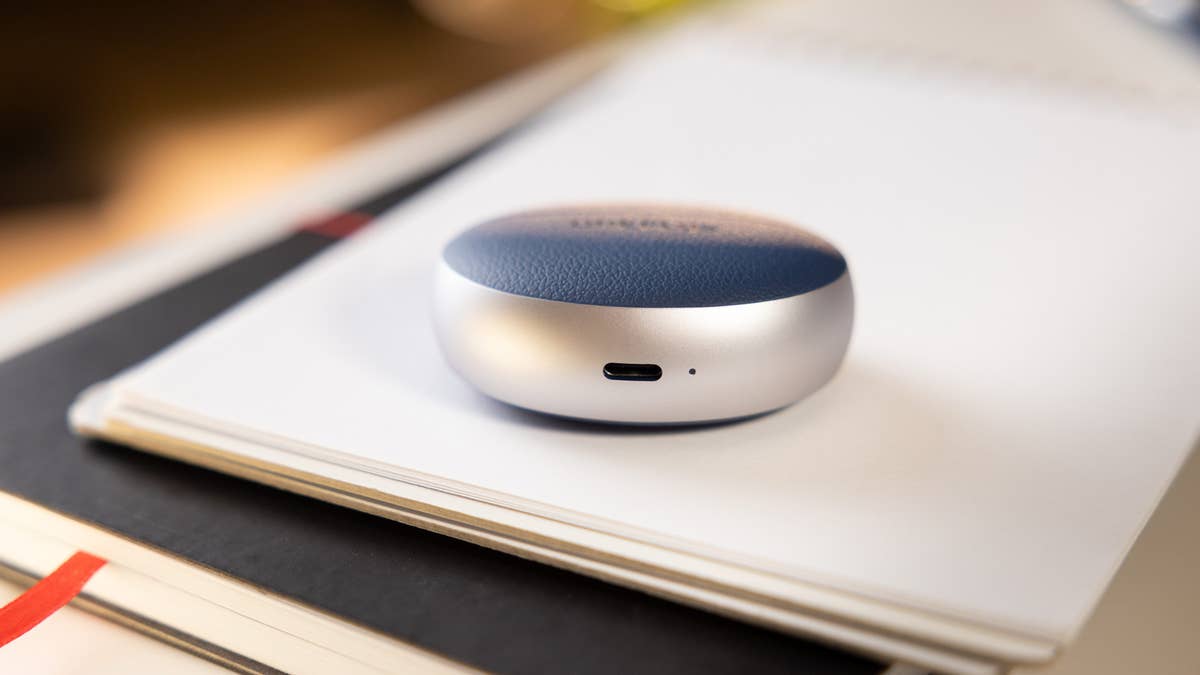
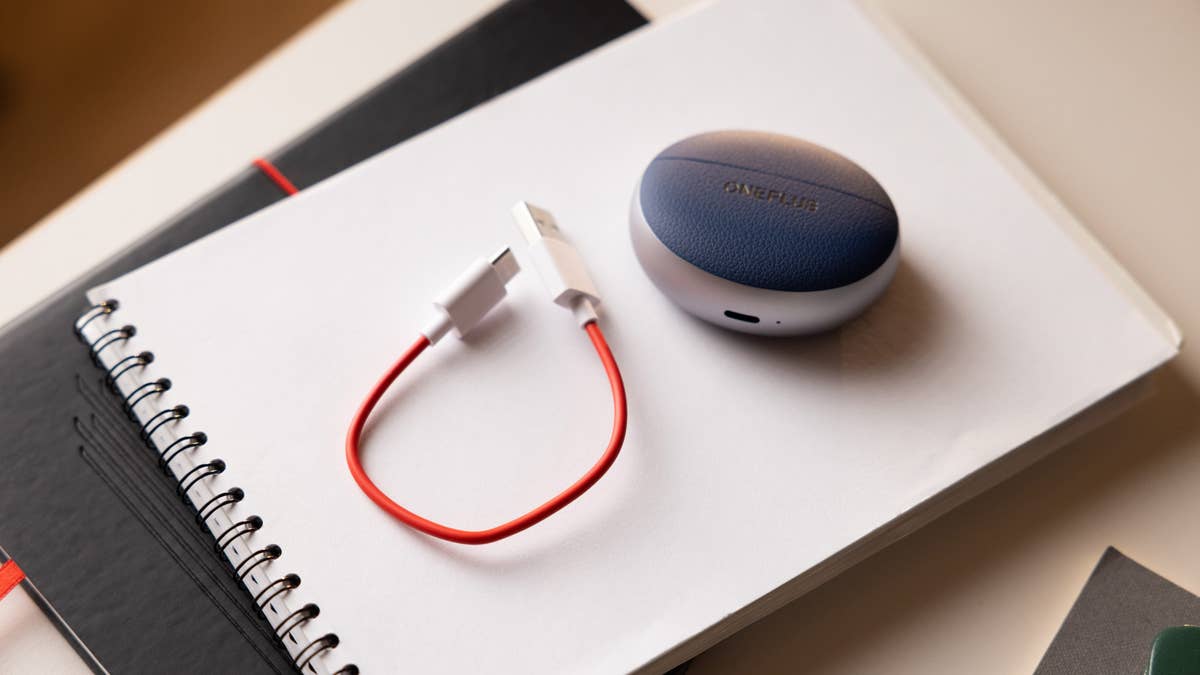
The values announced by OnePlus for the battery life of the OnePlus Buds Pro 3 should be taken with a pinch of salt. For scenarios where ANC is activated, the manufacturer specified this is adaptive ANC, i.e. set automatically. Of course, it’s impossible to have a reliable reading, since the ANC will more or less depend on the variation in ambient noise, which will affect how much (or less) energy is consumed.
Personally, I used the OnePlus Buds Pro 3 according to these parameters:
- 100% charge
- Wear detection deactivated
- No charging during my review duration
- Active Noise Cancellation is always enabled and manually set to the maximum (“High”) setting
- 50% listening volume
- Paired with an Android smartphone (OnePlus 13)
- AAC codec
The earbuds lasted for 6h17 in these conditions. In the end, that’s pretty average battery life, decent by all means but no more than that. I didn’t carry out a full battery life test with the LHDC codec constantly activated. However, I discovered that the four short hours of battery life announced when using the LHDC codec + ANC made the former less relevant.
One last thing. OnePlus isn’t the only one doing this, but you’ve got to stop providing us with 2.5 cm long USB-C cables, it’s pointless, thank you. Oh yes, one more thing, the wireless charging on the case only works on one side. While there is nothing really wrong with that, the surface where you place it on your wireless charger is the front of the case. Isn’t this rather counter-intuitive since you normally charge it wirelessly via the back?
Should I buy the OnePlus Buds Pro 3?
Would I recommend you the OnePlus Buds Pro 3 for $179.99? Yes.
I think OnePlus, once again, offers very good value for money as the OnePlus Buds Pro 3 are Hi-Res certified, support a type of HD Bluetooth codec with LHDC, boasts very good Active Noise Cancellation, sports a very premium design. It also comes with a well-stocked range of features.
There’s really not much missing from the OnePlus Buds Pro 3 to make them a credible alternative, or even a better choice, than wireless earbuds from Sony or Bose. A more versatile ANC, a slightly more controlled default audio signature, and a few comfort features like a “Speak to chat” mode, for instance.
But for around $160, I think the OnePlus Buds Pro 3 are an excellent choice, especially since Jabra’s disappearance from the consumer audio market.
What do you think of the OnePlus Buds Pro 3 after this comprehensive review? Do you think OnePlus is a credible player in the wireless earbuds market?
Where to Buy the OnePlus Buds Pro 3
The OnePlus Buds Pro 3 were released last year, with a launch price of $179.99. Currently, they are available for $159.99 on the official OnePlus store or approximately $145 from e-tailers such as Amazon.
We mark partner links with this symbol. If you click on one of these links or buttons–or make a purchase through them–we may receive a small commission from the retailer. This doesn’t affect the price you pay, but it helps us keep nextpit free for everyone. Thanks for your support! Prices are based on the date of publication of this article and may be subject to change.