Contents
In a nutshell
After Meta just presented us the Quest 3 as probably the best standalone VR glasses at the moment, the collection of Ray-Ban Meta smart glasses now follows. The smart glasses are available for purchase from Ray-Ban and Meta since September 27, 2023.
The starting price with corresponding standard lenses is $300. The Wayfarer and Headliner designs are available in black, blue, brown and transparent.
- Also interesting: The best smart glasses
Of course, you can also get the different frames with polarized lenses, starting at $329. Transitions lenses for $379 and corresponding prescription lenses. Here, the price varies depending on the prescription.
According to Meta, you get a total of 150 variations through different colored lenses. In addition, there is a brown charging case in the typical Ray-Ban design, which is visually reminiscent of leather, but according to my nose is none.
Ray-Ban Meta Smart Glasses design and build quality
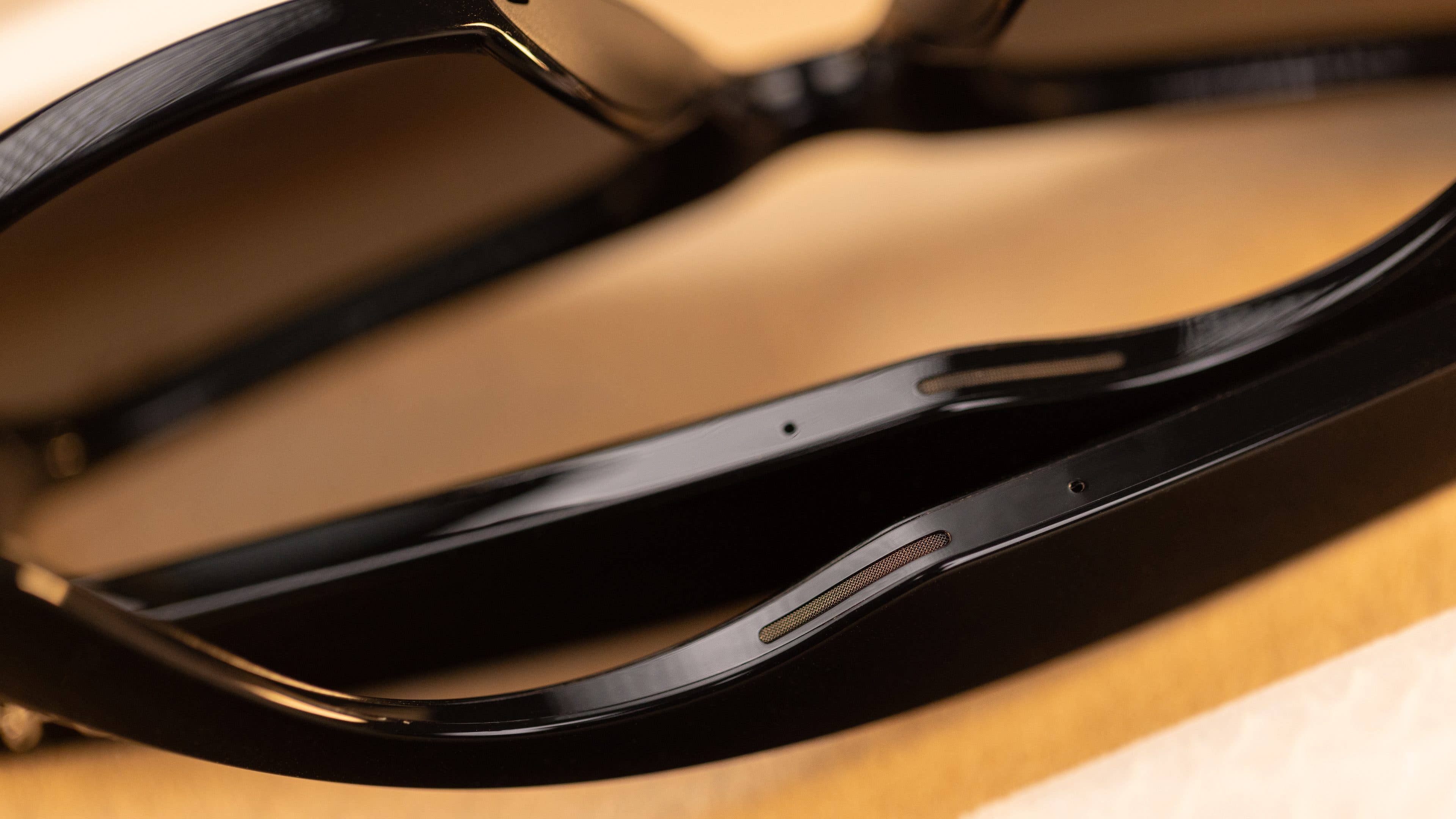
You have to take a closer look to realize that the IPX4-certified Ray-Ban Meta Smart Glasses are glasses with state-of-the-art technology. The frame is made of plastic and makes a high-quality impression on us. Neither the 5 microphones, the two “open ear” speakers built into the right and left temples, nor the touchpad located on the right temple are visible to an outsider at first glance.
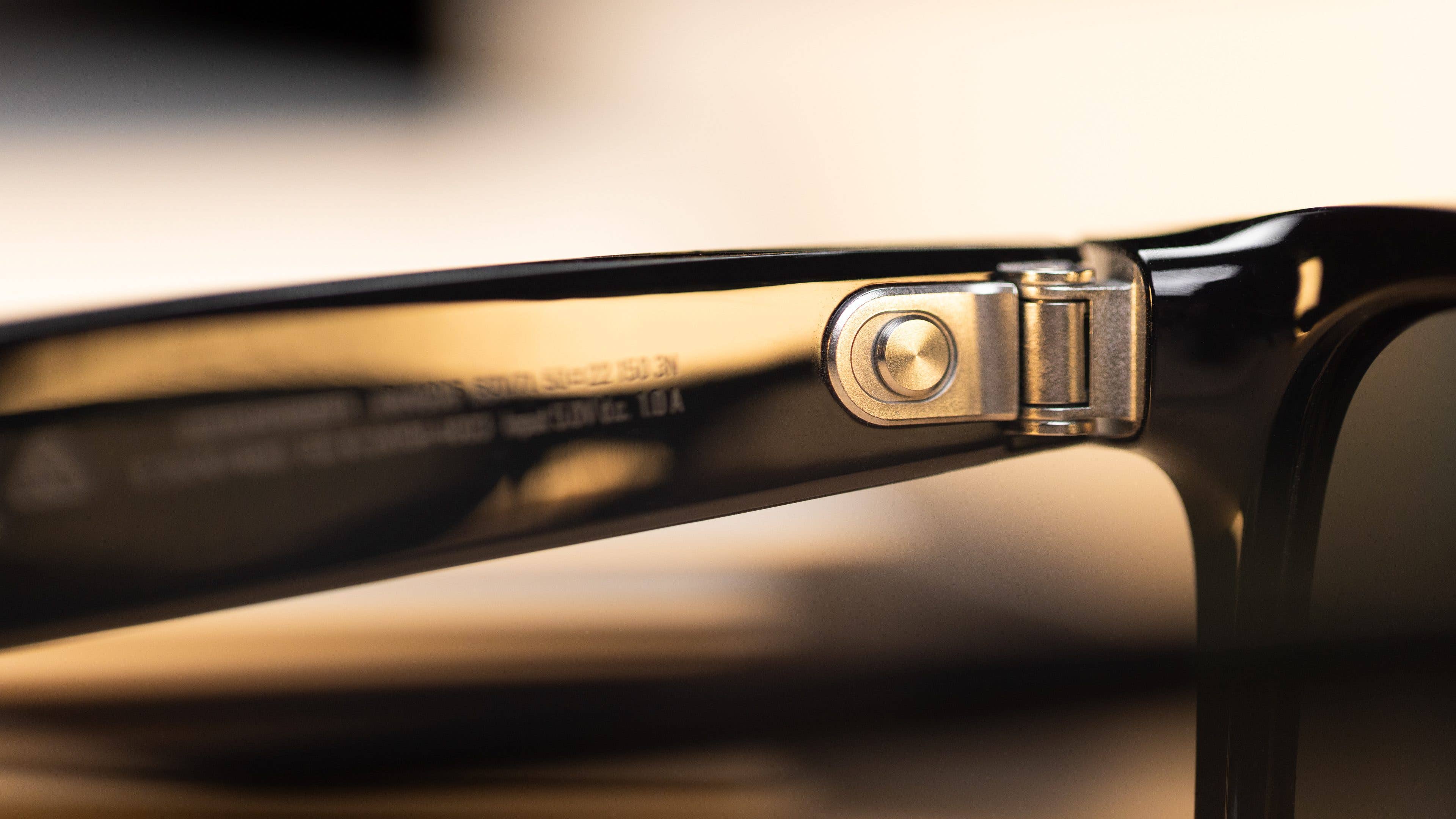
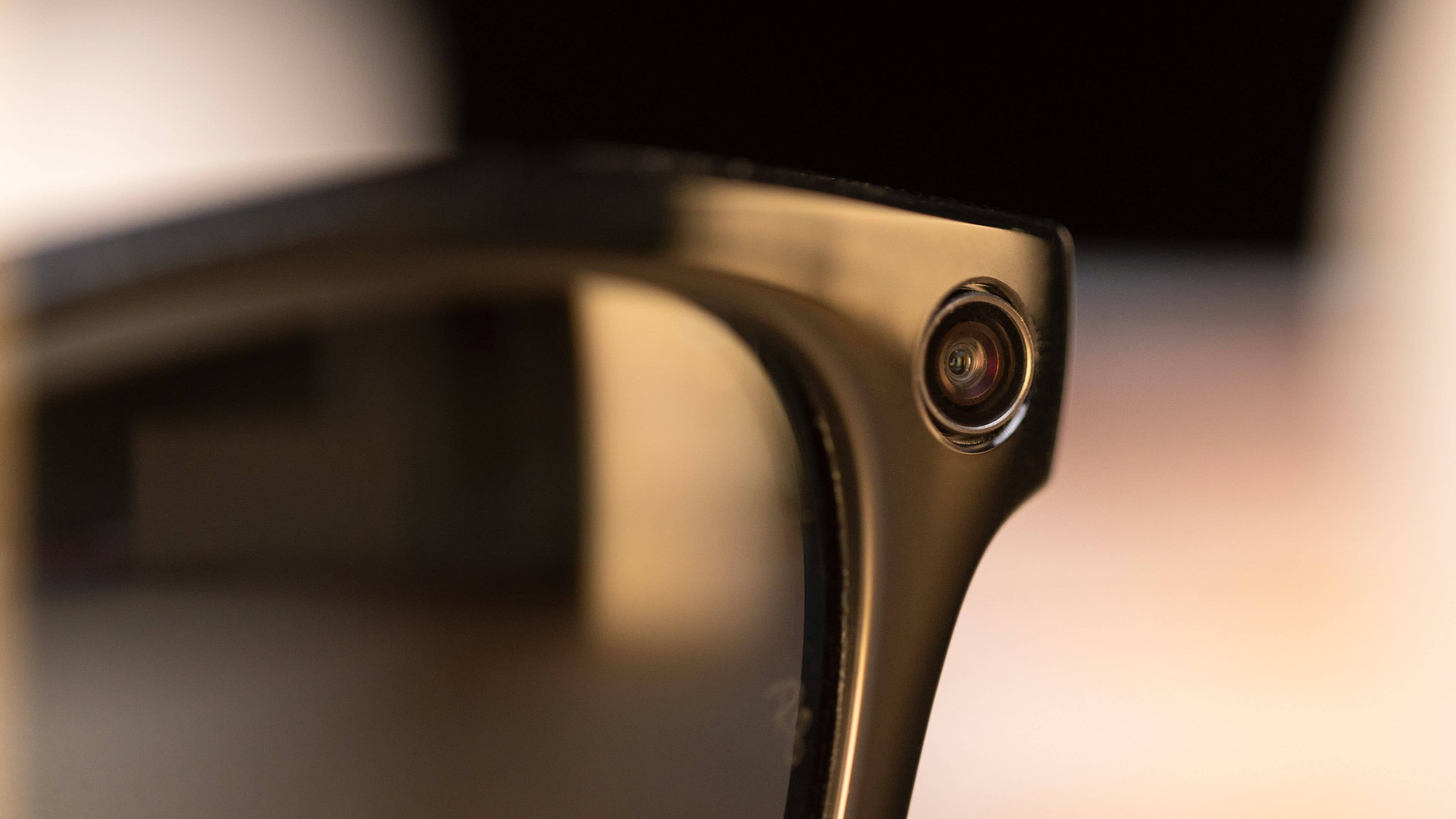
If you take a closer look, you can see a metal power button on the inside left of the hinge, the recording control LED on the front left and the 12 MP wide-angle camera on the front right. This outward-facing LED is probably for privacy purposes, signaling to outsiders that they may now be recorded.
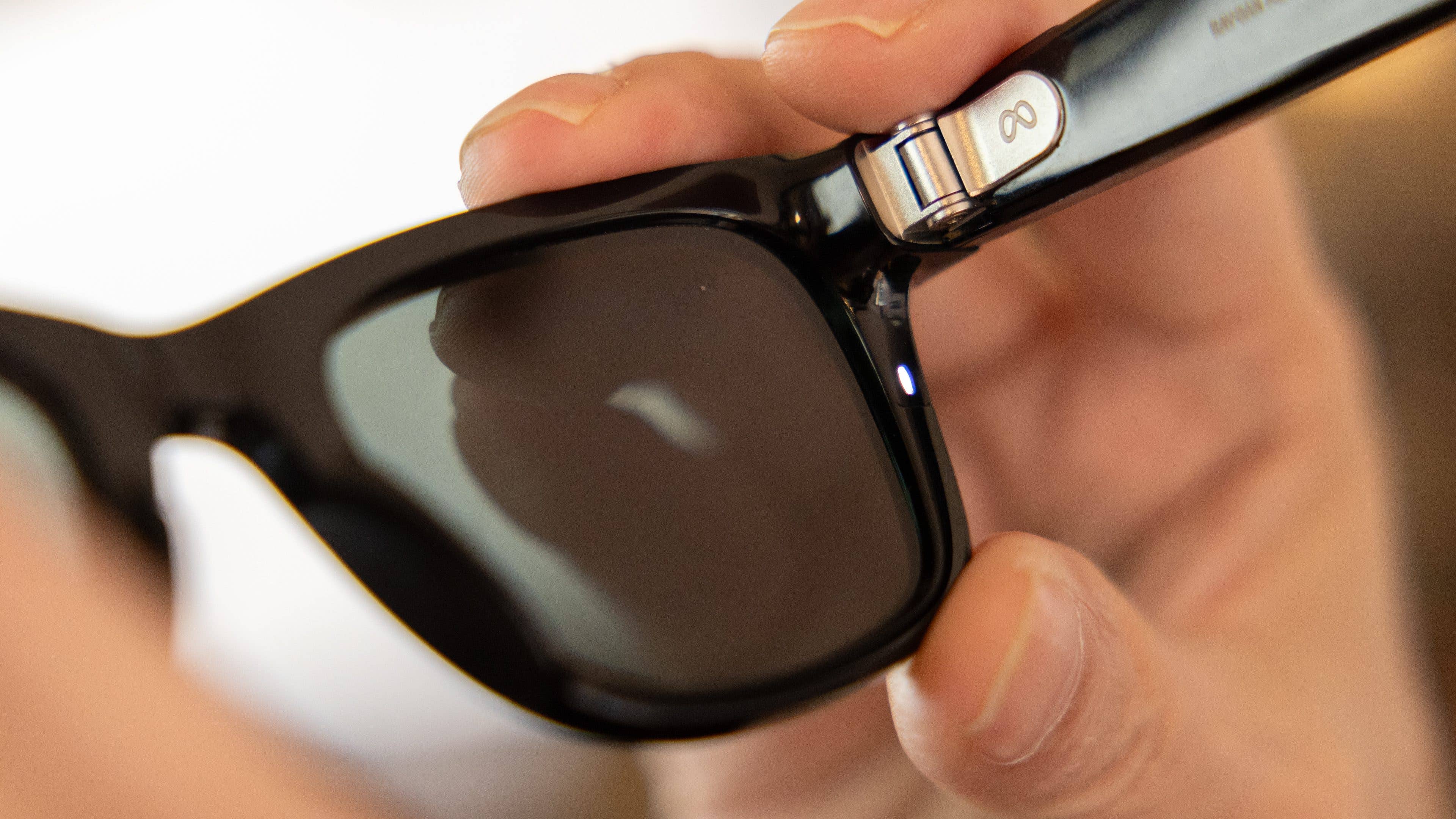
Not so easily visible on the inside left of the glass’s frame is another multicolor LED for checking the Bluetooth connection with the smartphone and another hardware button for starting and stopping video recordings and taking photos.
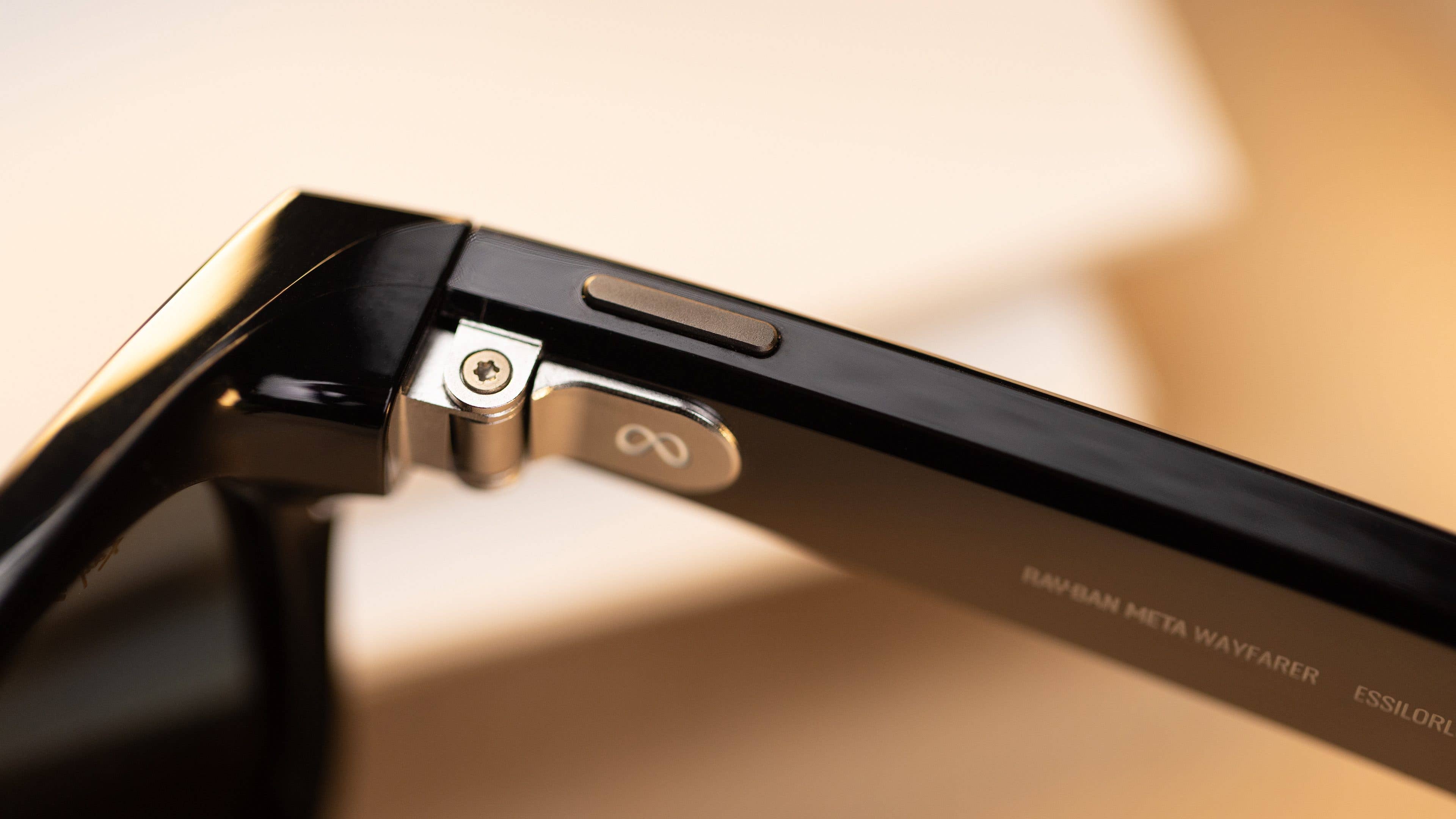
I am seriously impressed by the included case, which has a very high-quality finish and is also located with a multicolor LED in the implied push button. It fully charges the smart glasses up to eight times, providing a capacity of 32 hours of use. The case itself has one and a USB Type-C port on the bottom.

Fields of application
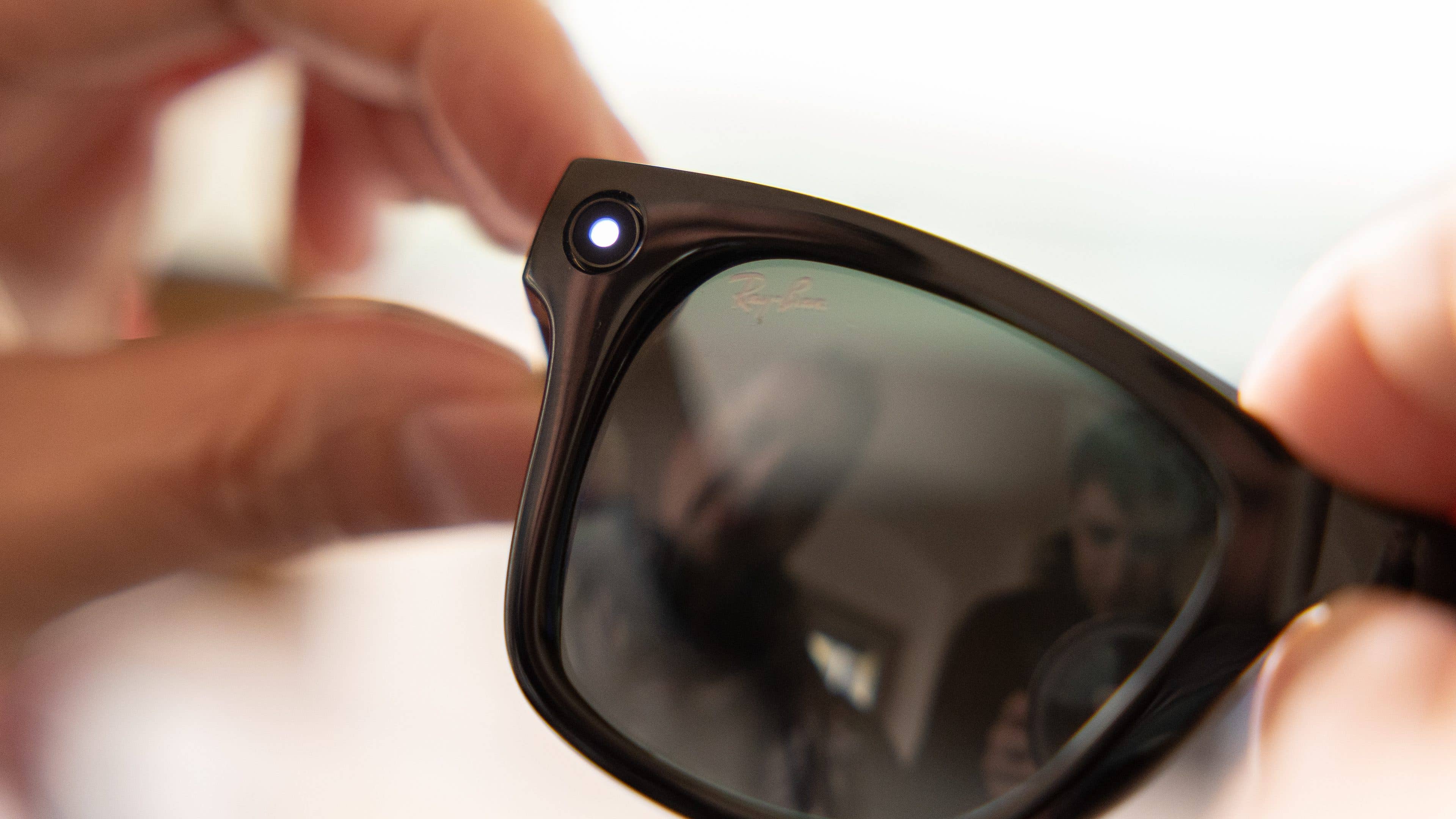
The Ray-Ban Meta Smart Glasses are not augmented reality glasses, as you might assume based on Meta and its now three VR and MR standalone glasses. The stylish glasses are primarily to be understood as a practical wearable with which you can start and accept phone calls .
You can listen to Spotify music through the built-in speakers and capture the best moments for eternity as a video (max. 60 seconds), photo or livestream on Instagram or Facebook.
Likewise, simple voice commands can be executed in this country with the activation words “Hey Meta”. These include simple things like “make a video”, “send a photo to nextpit on WhatsApp”, “how’s the weather?” or “play”, “pause” and “louder” or “quieter”. An update has also been announced for the coming year, which should deliver the Google translator function.
Ray-Ban Meta Smart Glasses software
To be able to use the Ray-Ban Meta Smart Glasses to the full extent, you need the free “Meta View” app from the Google Play or Apple App Store .
It allows you to copy your captured photos and videos to your smartphone via Wi-Fi or share them with your Meta social contacts. The application also allows you to adjust some settings, such as voice control, recording time, LED brightness and gesture control, among others.
Hardware and battery performance
The smart glasses from Meta have the brand-new “Snapdragon AR1 Gen 1” processor installed. Admittedly, this is an aspect that originally made me hope that the Ray-Ban smartglasses were augmented reality glasses. Computer, however, says “no.” In addition, there is 32 GB of internal program memory for just under 500 photos or 50 60-second videos.
Since we’re already talking about the technical data, I’ll add Bluetooth 5.3, Wi-Fi 6 and a weight of 50.8 g for the IPX4-certified glasses. A battery capacity of the built-in energy storage is not mentioned.
However, it is stated that the smart glasses should last for around four hours with an average use on one charge – whatever that means. We will go into this in a bit more detail in our extensive review.
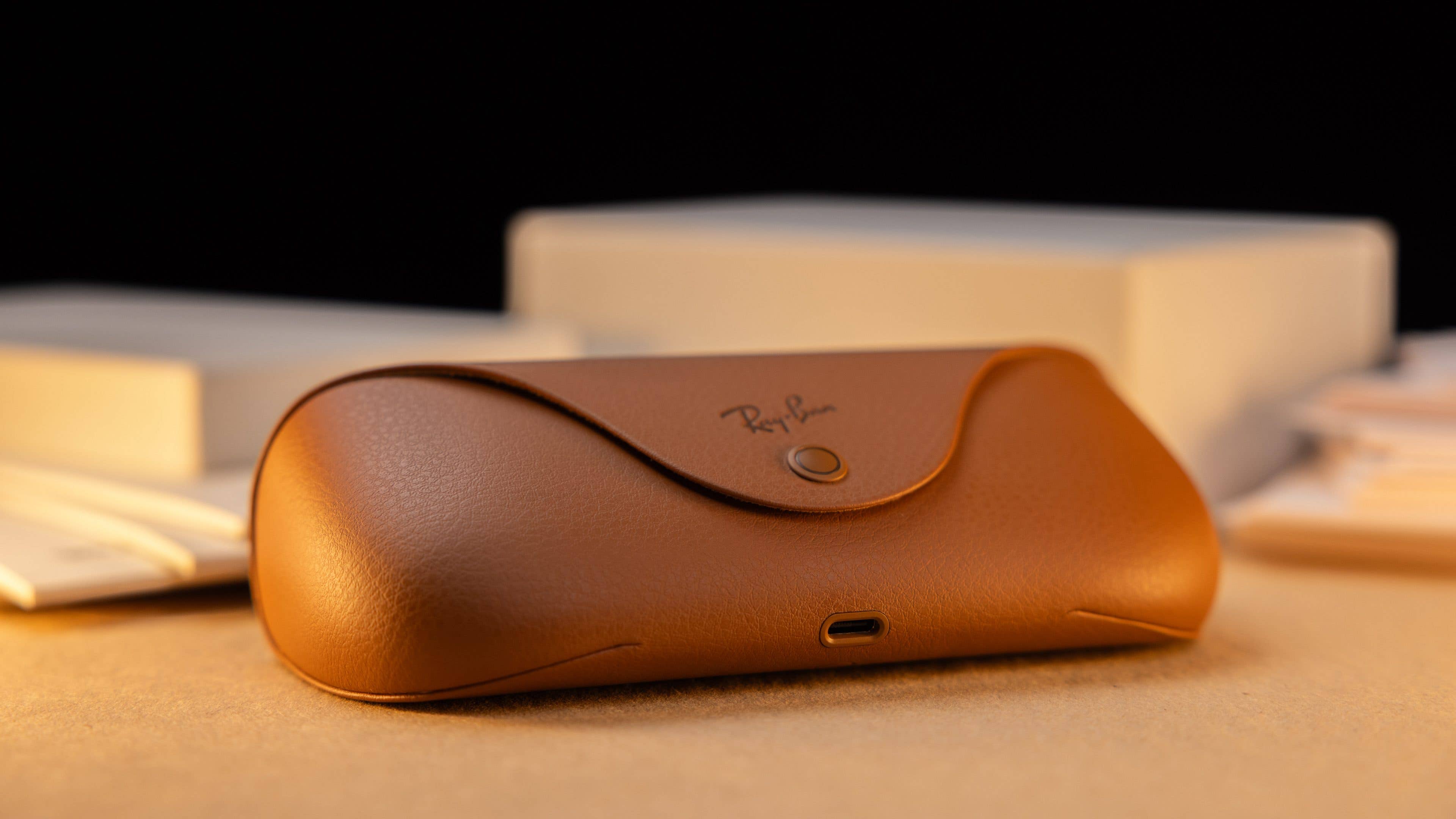
A full charge via the case takes just under 75 minutes. A quick charge takes place within 22 minutes at 50 percent of the maximum capacity.
Ray-Ban Meta Smart Glasses audio
As already mentioned, the Ray-Ban Meta Smart Glasses have an “Open Ear” speaker installed in each of the two arms, which is open at the top and bottom. The manufacturer describes the drivers as 50 percent louder than their predecessors and twice as much bass.

I don’t want to doubt this statement at all, but I was anything but enthusiastic about the sound. This is not so much due to the maximum volume, but to the fact that none of the speakers comes into direct contact with the ears in any way.
In real use, this means that your seat neighbors in the train, bus or office will hear at least as much as you. This might be fun for a proper dubstep session. But if you want to make confidential phone calls, this is rather counterproductive.
Ray-Ban Meta Smart Glasses camera
Meta and Ray-Ban install a 12 MP ultra-wide-angle camera with improved stabilization in their smart glasses. It takes photos with an aperture of f/2.2 and a maximum resolution of 3,024 x 4,032 px .
The videos, however, have a resolution of 1,920 x 1,440 pixels at 30 frames per second, but they’re in portrait mode. The audio boasts a sampling rate of 48,000 kHz with a bitrate of 120 kBit/s. Notably, these settings can’t be modified in the app.
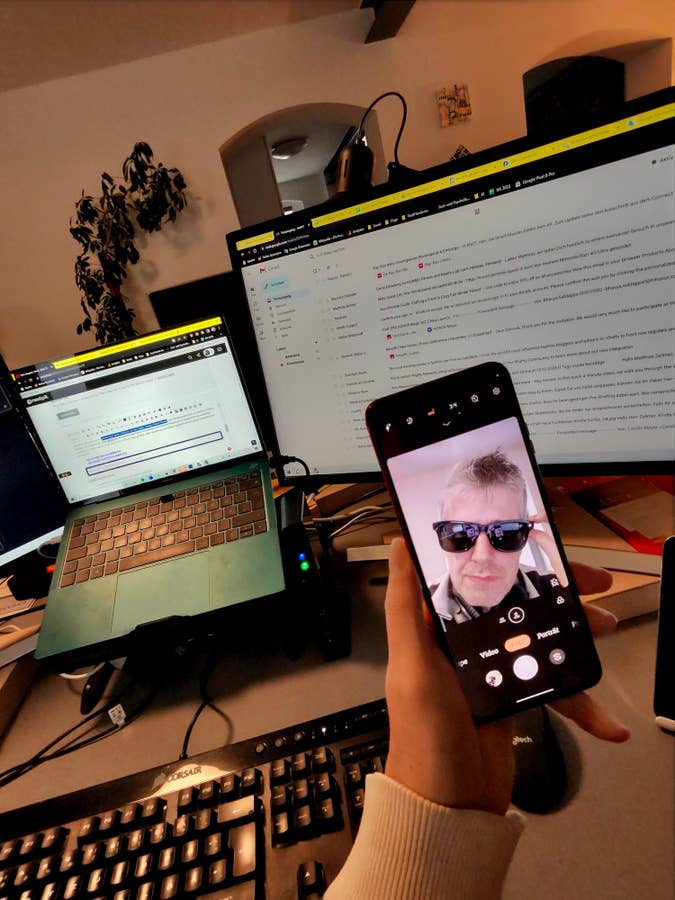
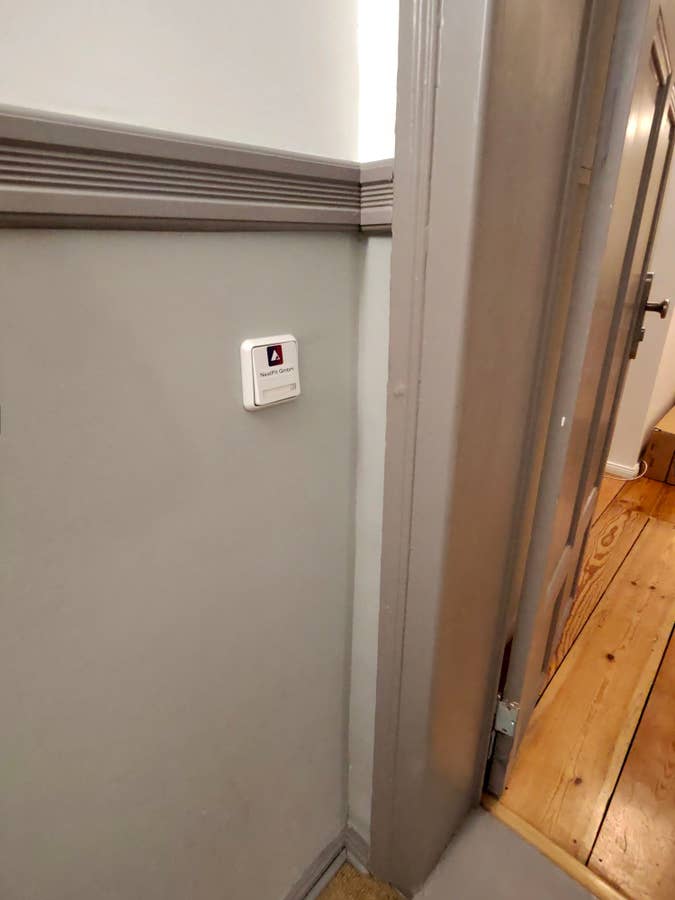
I’ve uploaded a few test photos for you, but I think I’ll spare myself from giving them a great rating, as probably any 2-MP smartphone camera will give better results.













Early Verdict
The Ray-Ban Meta Smart Glasses are no bargain with their starting price of $300. You can usually get Smart Glasses with AR function for that price. However, you can also pay between 100 and 200 euros for a pair of Ray-Ban sunglasses.
Therefore, the benefits and added value of the glasses themselves have to be evaluated first. For the meta-glasses speaks that they can be used with prescription lenses or sun protection lenses with vision correction. Thus, wearers of glasses save themselves an optically visible headset, in-ear or other types of headphones.
One argument against smart glasses is that the speakers also have something to say to the listeners next to them. The 12 MP camera does not produce great photos or videos, either.
With an augmented reality feature that could display Google Live translations or navigation with superimposed icons, I would recommend the glasses without flinching. So only buy the smart glasses if you wanted to get Ray-Ban glasses anyway, and get the smart functions practically as a “nice to have” goodie in addition.
We mark partner links with this symbol. If you click on one of these links or buttons–or make a purchase through them–we may receive a small commission from the retailer. This doesn’t affect the price you pay, but it helps us keep nextpit free for everyone. Thanks for your support! Prices are based on the date of publication of this article and may be subject to change.