Sorry, but there's really nothing to see here right now. Our server is in maintenance mode – and our
little bot is trying to sort the error messages with its last bit of energy.
Whether it was a data leak, a power outage in the cluster, or just a grumpy bit – we don't know yet.
But what we do know is:
The data drama escalated into a server meltdown. But don't worry: We're on it.
What now?
Everything is surely running smoothly over at our colleagues from inside
digital – why not stop by!
Or you could pass the time by visiting our social media channels – for example Instagram, YouTube or TikTok. At least there are no
server problems there – promised.
Thanks for your patience. Our bot is already rebooting at full speed. 🔧
NewsHome-Audio-SystemsiPadOS 16.4 Brings Tilt and Azimuth Support to the Apple Pencil Hover
Along with the release of iOS 16.4 for iPhones, Apple is also rolling out iPadOS 16.4. for its tablets While the two updates share most of the features and changes, a notable upgrade to Pencil hover known as tilt and azimuth has been introduced for supported iPad Pro models. Here’s how it works and which iPad you can use the Apple Pencil tilt and azimuth.
The changelog for iOS 16.4 and iPadOS 16.4 are mostly identical. Among these are new Unicode emojis, VoiceOver on maps and weather, a fix to Matter-ready thermostats on Home, and web app notifications which are all coming to Apple’s tablets as well. The significant change dedicated to the iPad, specifically for the latest iPad Pro, is tilt and azimuth when using the Apple Pencil Hover.
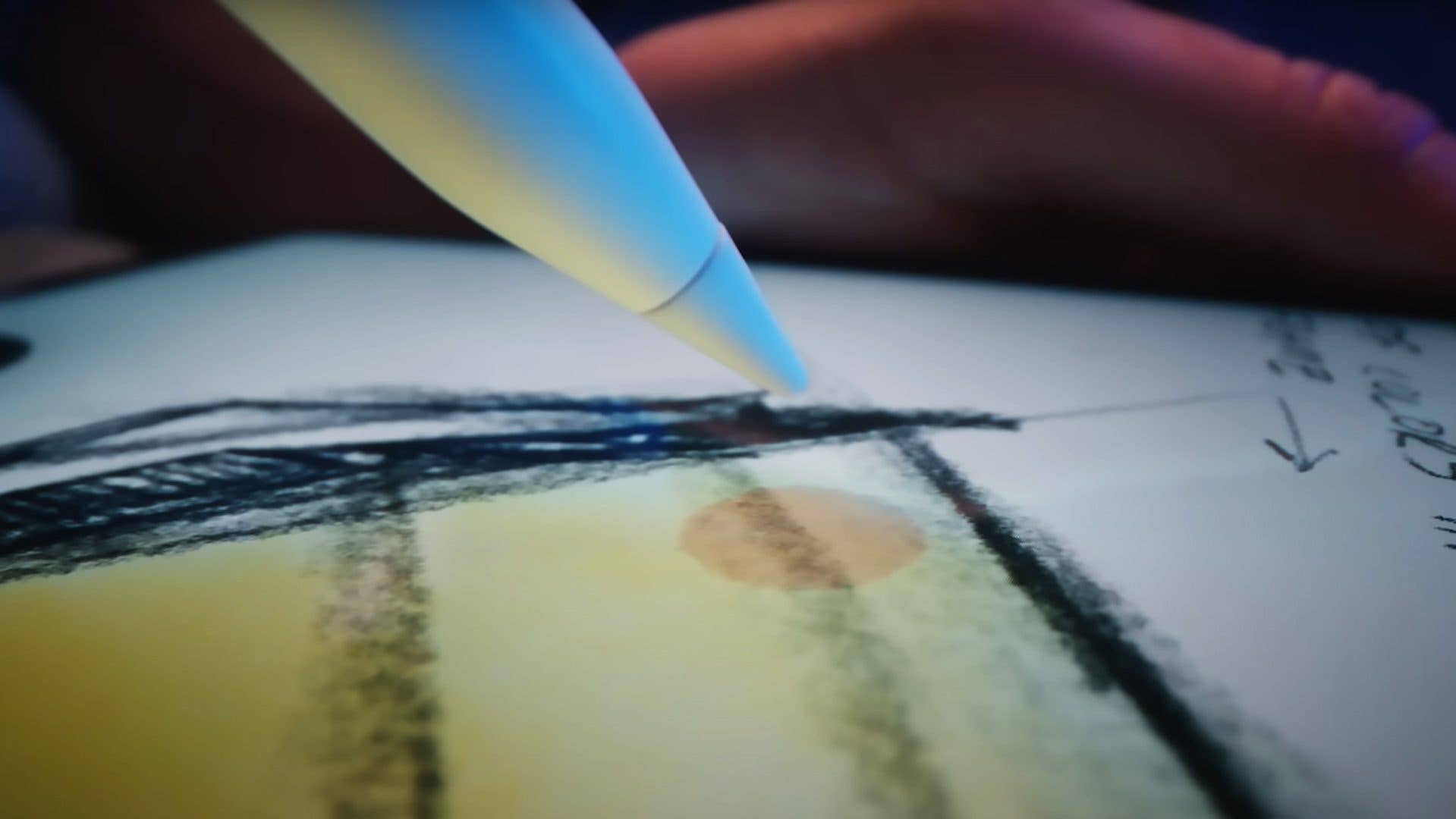
With tilt and azimuth support, preview with Apple Pencil Hover is now enhanced. For example, if your pencil is at an angle, the preview will now give a wider mark target. Adjusting it to a higher angle reduces the line preview up till the size of a dot when the Apple Pencil is at a 90-degree or perpendicular position to the display. More importantly, Pencil Hover can work in tandem with the pinch gesture when adjusting the preview mark size.
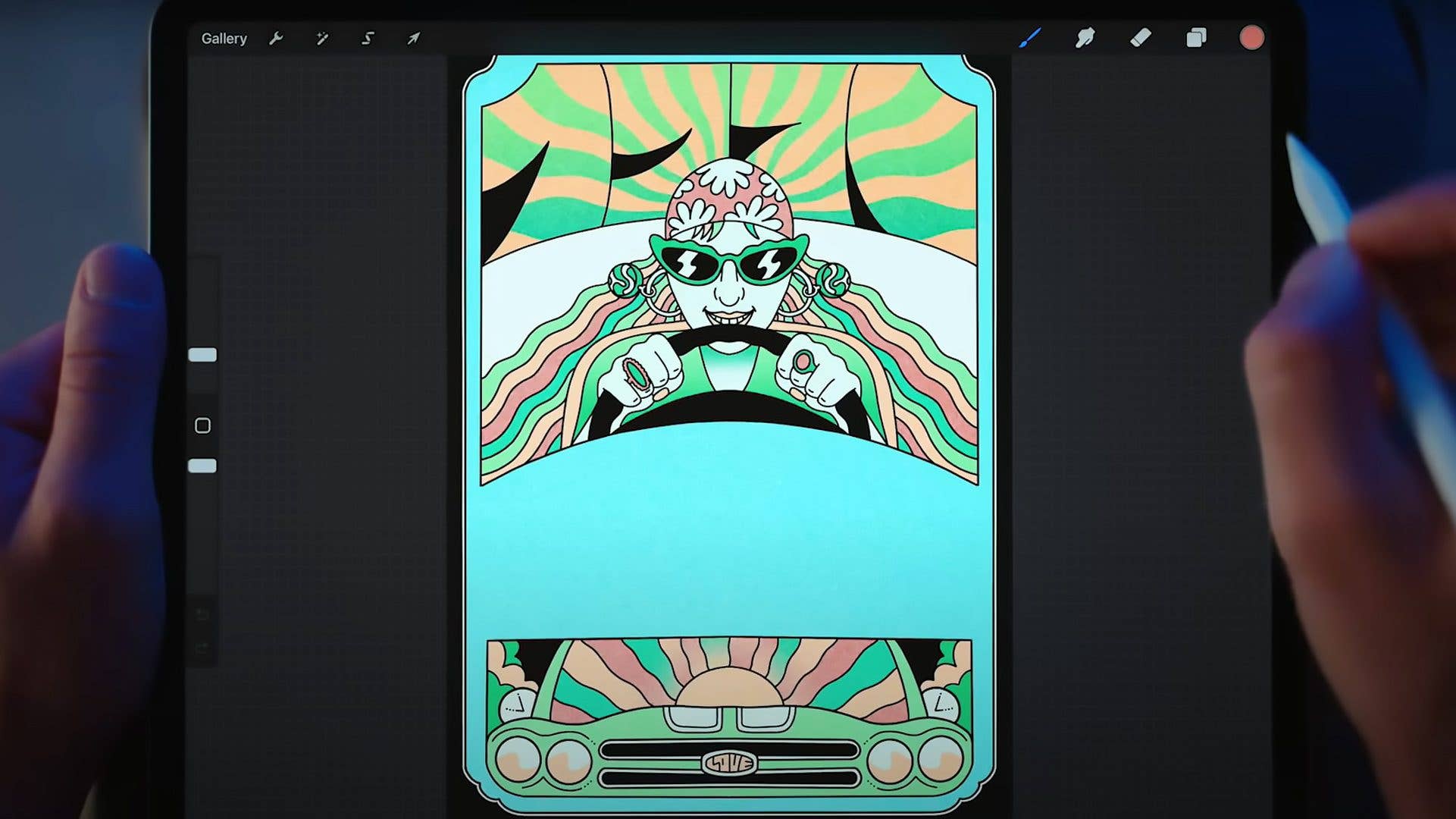
Currently, the Apple Pencil Hover works the Notes app and selected third-party photo editing apps. Apart from previewing marks, hover can also be utilized when interacting with tools and controls of these apps, such as picking the color in Procreate.
How to install the iPadOS 16.4 update and receive the Pencil Hover feature
iPadOS 16.4 is compatible with iPad and iPad Pro models that run on iPadOS 16 that was released at the end of last year. To manually check and install the software, go to the General tab in the settings and select Software Update. Alternatively, you’re able to be notified whenever the update is available.
What are your thoughts on the tilt and azimuth feature of the Apple Pencil Hover? Will you update to iPadOS 16.4? Share with us in the comments.
We mark partner links with this symbol. If you click on one of these links or buttons–or make a purchase through them–we may receive a small commission from the retailer. This doesn’t affect the price you pay, but it helps us keep nextpit free for everyone. Thanks for your support!