


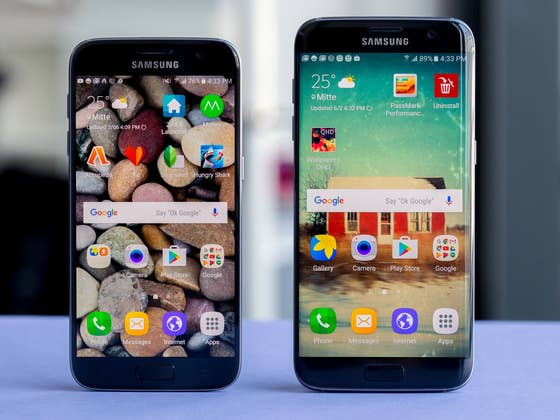
Samsung Galaxy S7 vs Galaxy S7 Edge comparison: Design
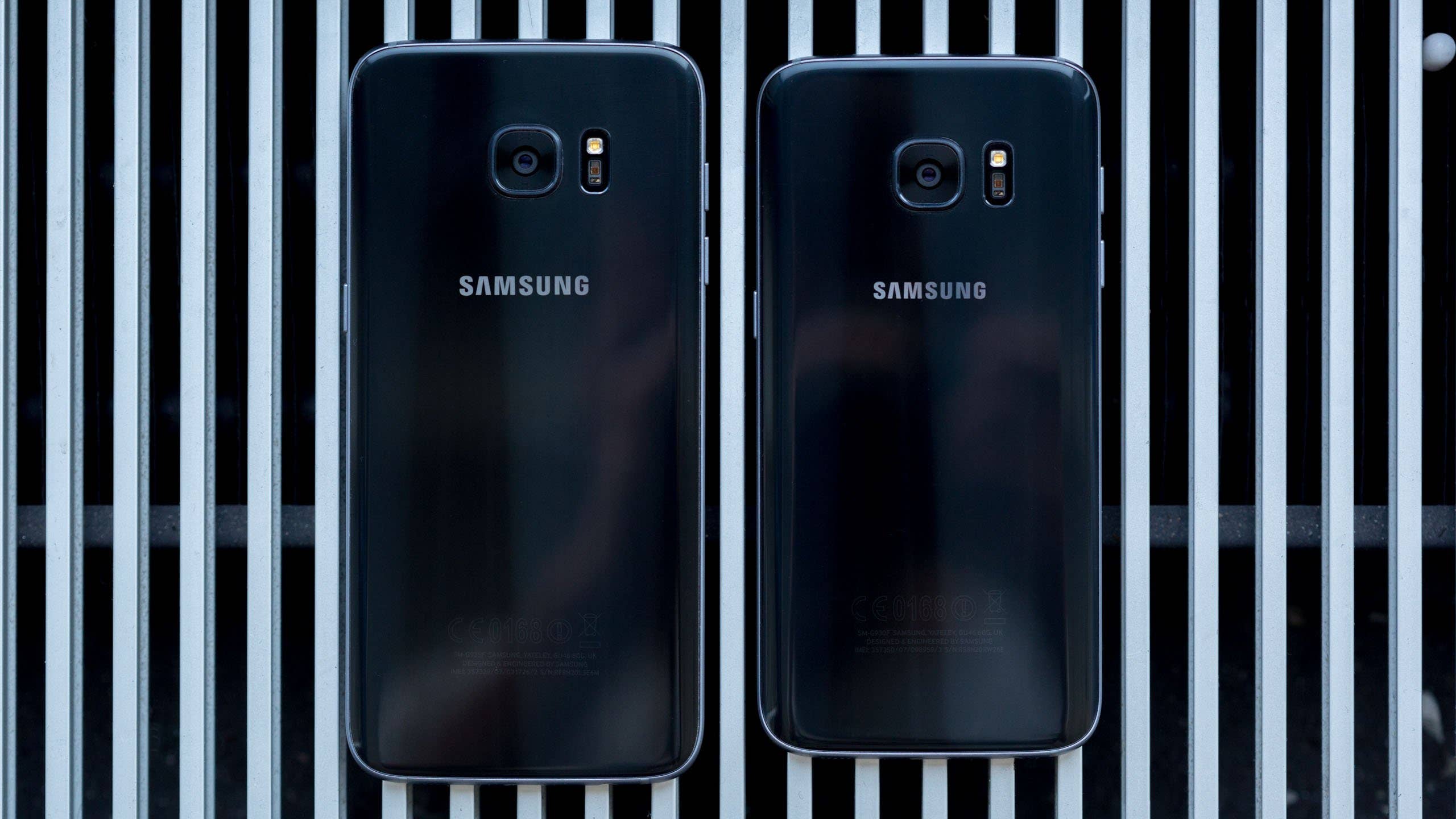
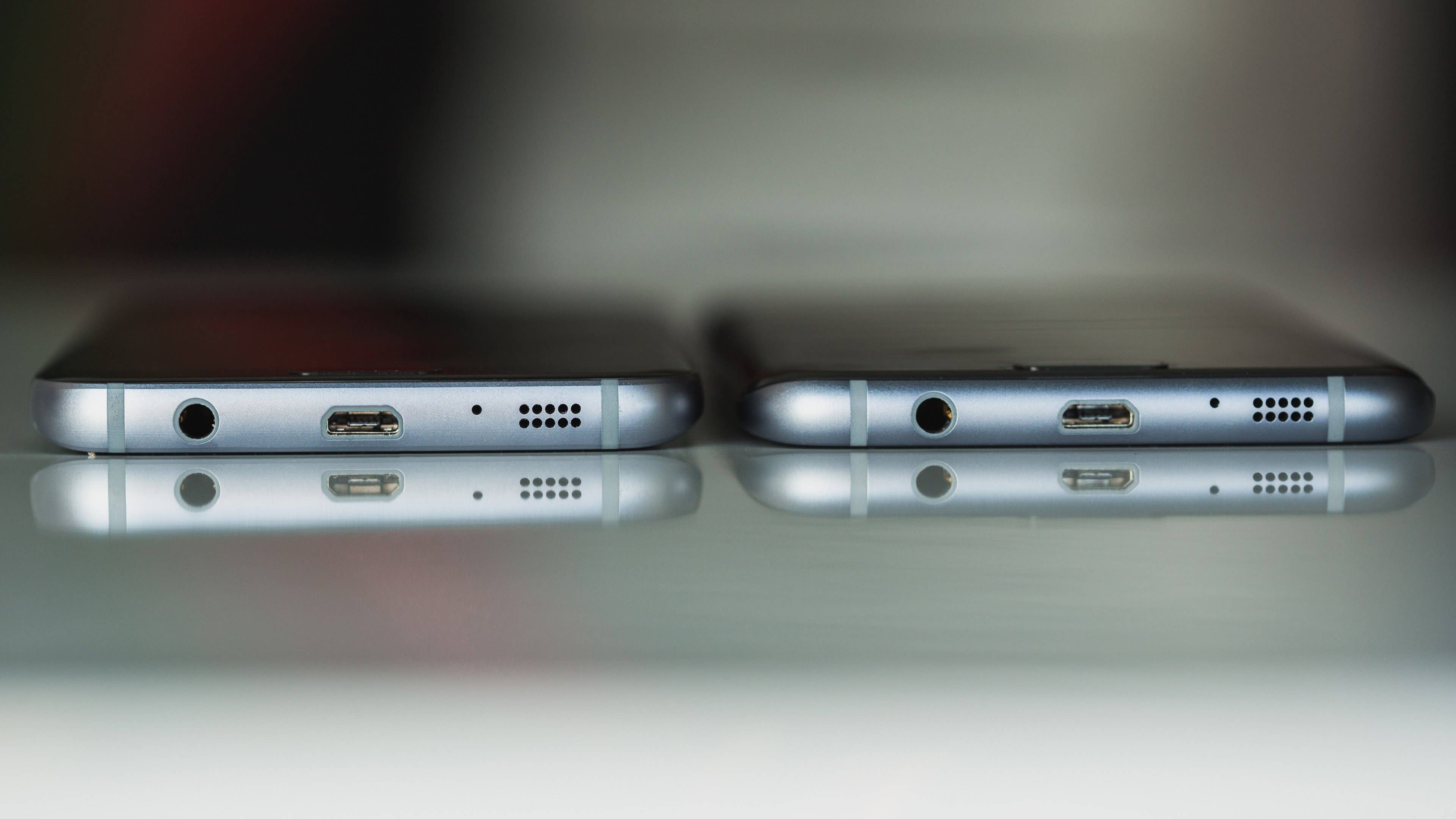
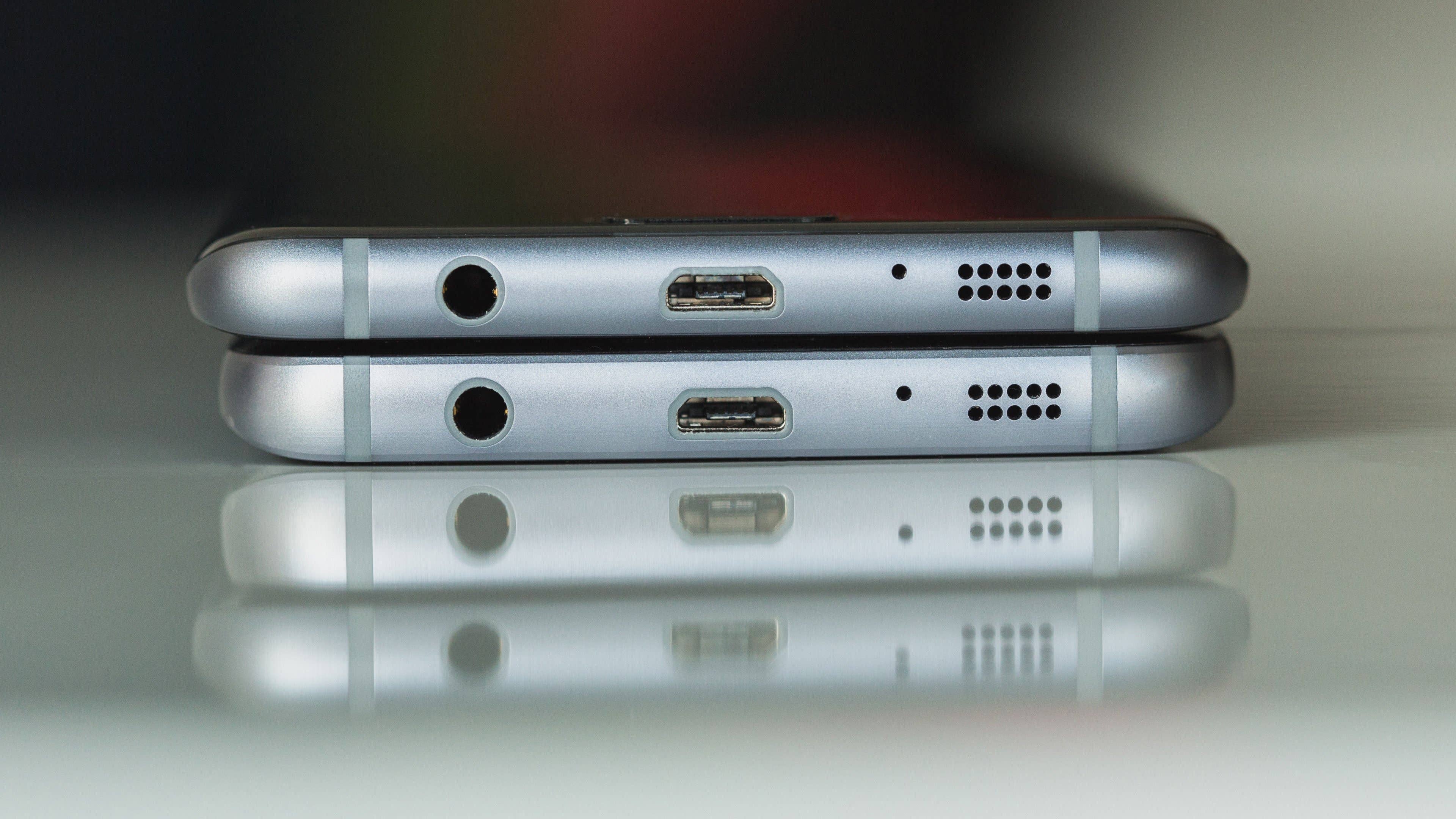
Both the Galaxy S7 and S7 Edge make use of an aluminum body with a protective coating of Gorilla Glass 4 slapped on the front and rear. These handsets feature the same sensors and buttons, and both are water resistant and support microSD cards, but there are two significant differences in design: the dimensions and the display.
The Galaxy S7 Edge is taller and wider at 150.9 x 72.6 x 7.7 mm and has a 5.5-inch curved display. The Galaxy S7, meanwhile, houses a 5.1-inch flat display and measures 150.9 x 72.6 x 7.7 mm.
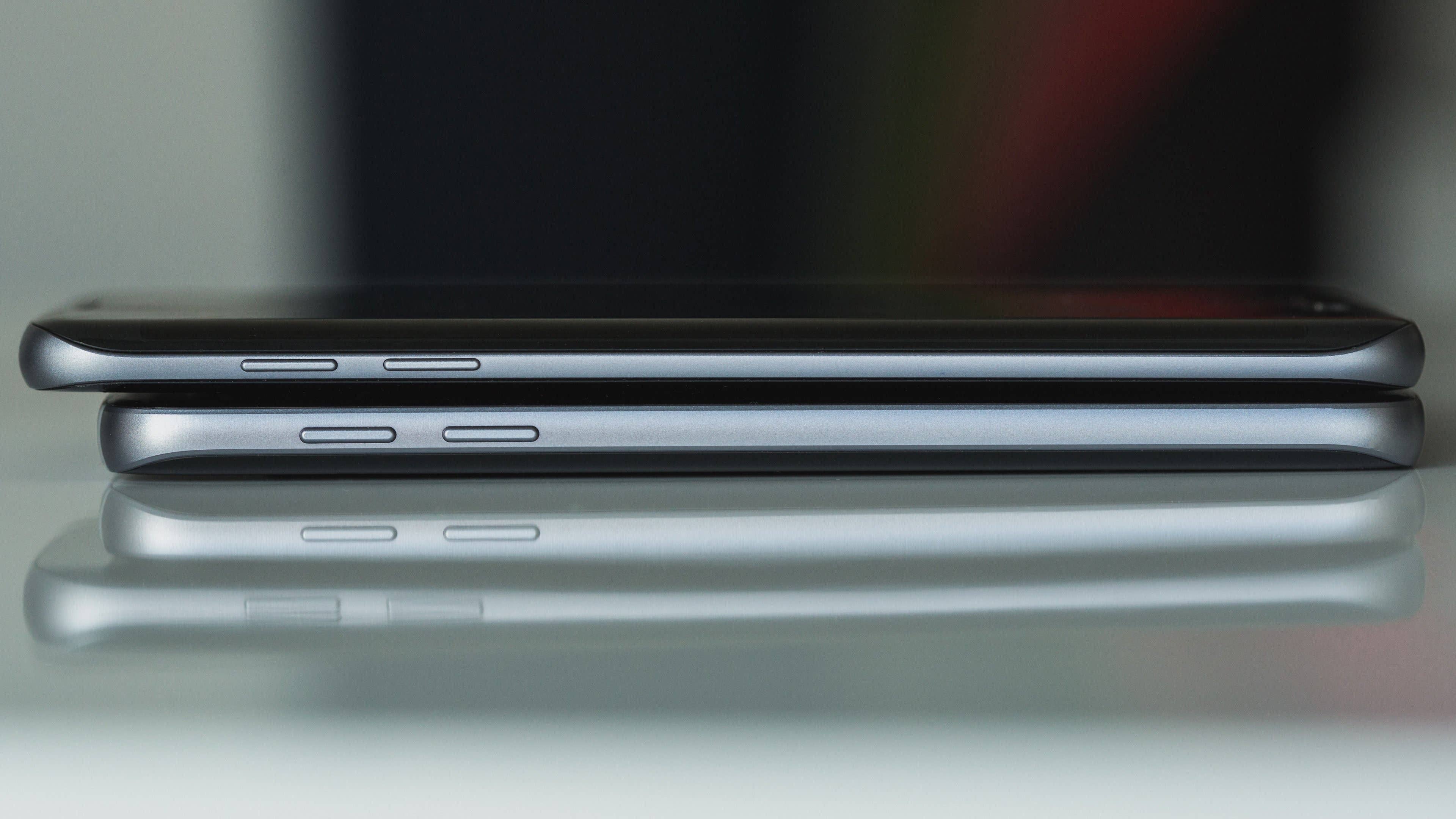
Despite its larger size, the Galaxy S7 Edge is only fractionally heavier (five grams): it’s difficult to even discern this weight difference when holding them in each hand.
Physically, the S7 Edge may be the most desirable because curved smartphone displays are less common – it’s a rarity – but it’s the less comfortable phone to hold.
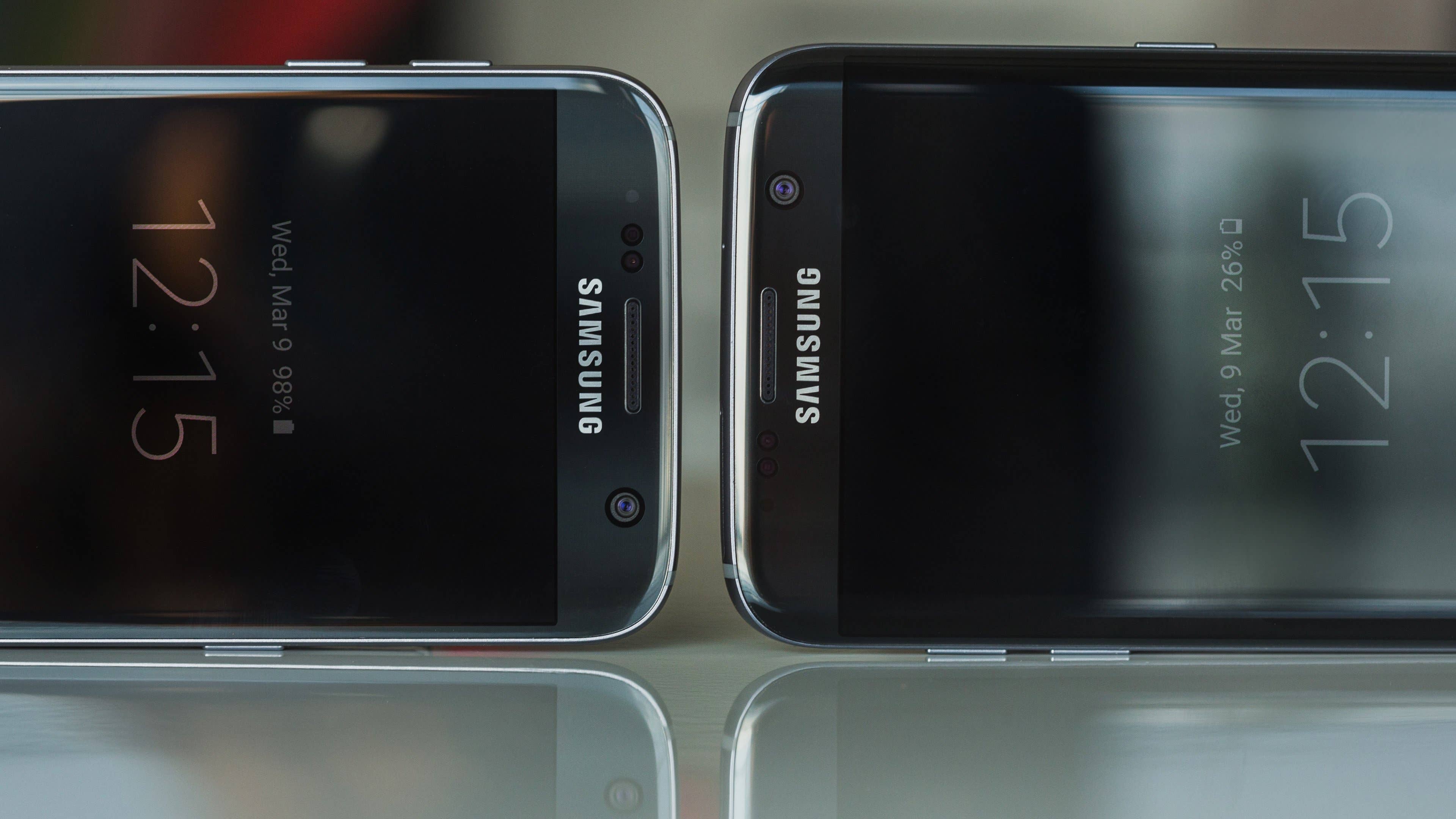
The curves on the S7’s rear help it to the snuggle into the hand, while these are less pronounced on the S7 Edge: the S7 Edge actually feels more comfortable to hold when it’s face down in the palm, which is unfortunate, given that no one holds a phone this way. The aluminum band surrounding the S7 is also wider than the S7 Edge, meaning it’s less sharp.
Ultimately, there isn’t a clear winner on design. The Galaxy S7 Edge will appeal to those who prefer larger displays, while the S7 will be favored by those who wish for a smaller, more comfortable handset.
Samsung Galaxy S7 vs Galaxy S7 Edge comparison: Display
Both the Samsung Galaxy S7 and Samsung Galaxy S7 Edge have QHD (2,560 x 1,960 pixels) Super AMOLED displays with pixel density being greatest, naturally, on the smaller Galaxy S7. But the differences in fidelity are slight.
The disparity in saturation and brightness between the two handsets is also small, but can be seen in a side-by-side comparison. The S7 has marginally more saturated colors, while the S7 Edge is slightly brighter. Truthfully, it’s barely noticeable with flat color – in video, even less so.
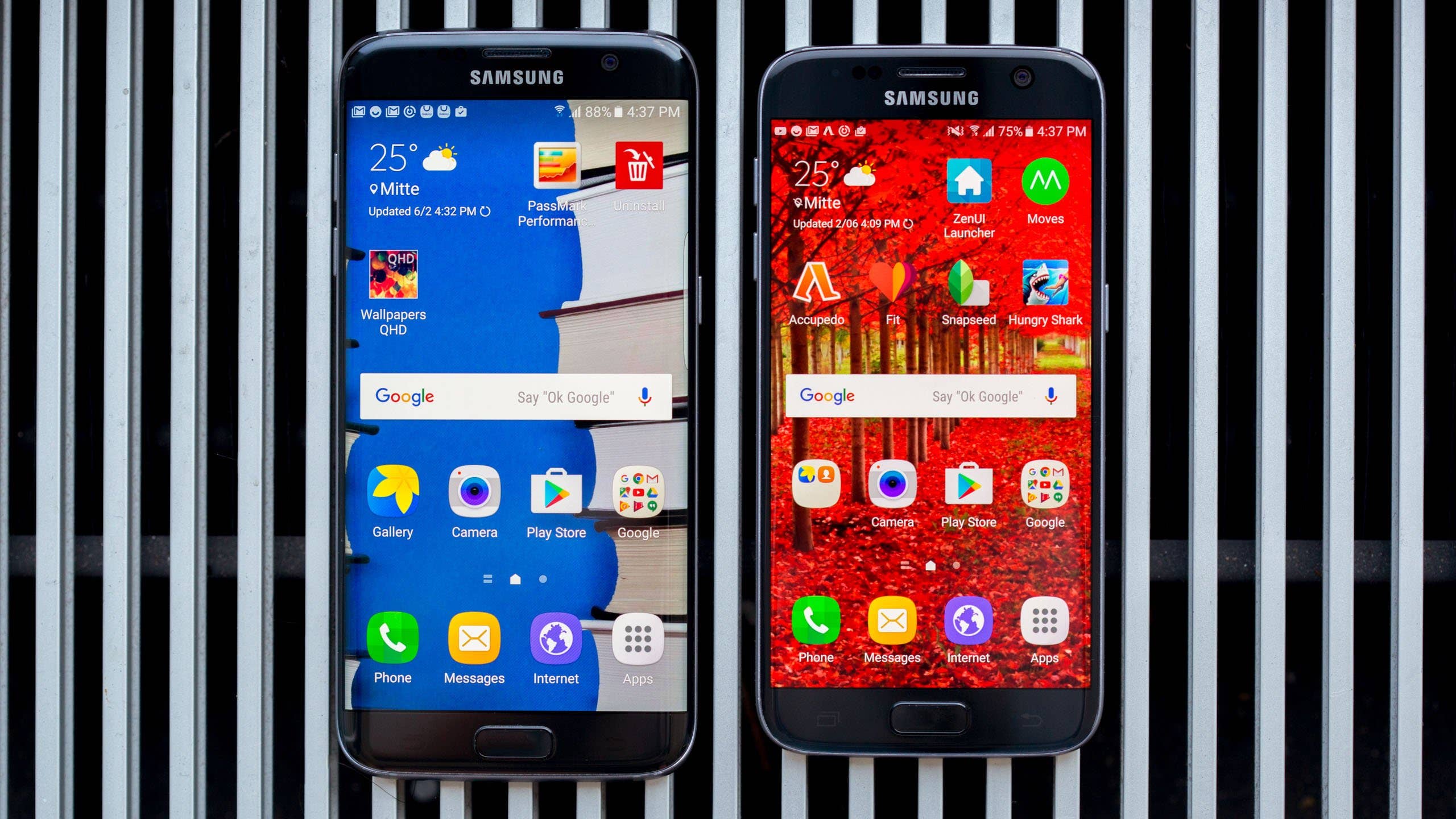
The big question, then, is whether the curved nature of the display adds anything to the viewing experience. Put simply, it doesn’t. The bezels seem fractionally smaller because they bend away from you, but this is basically the only – and very minor – advantage offered by the curves.
The Samsung Galaxy S7 Edge’s sloping sides can, however, be used to open shortcuts to favorite apps and contacts, or display news, weather information and more (discussed further in the software section).
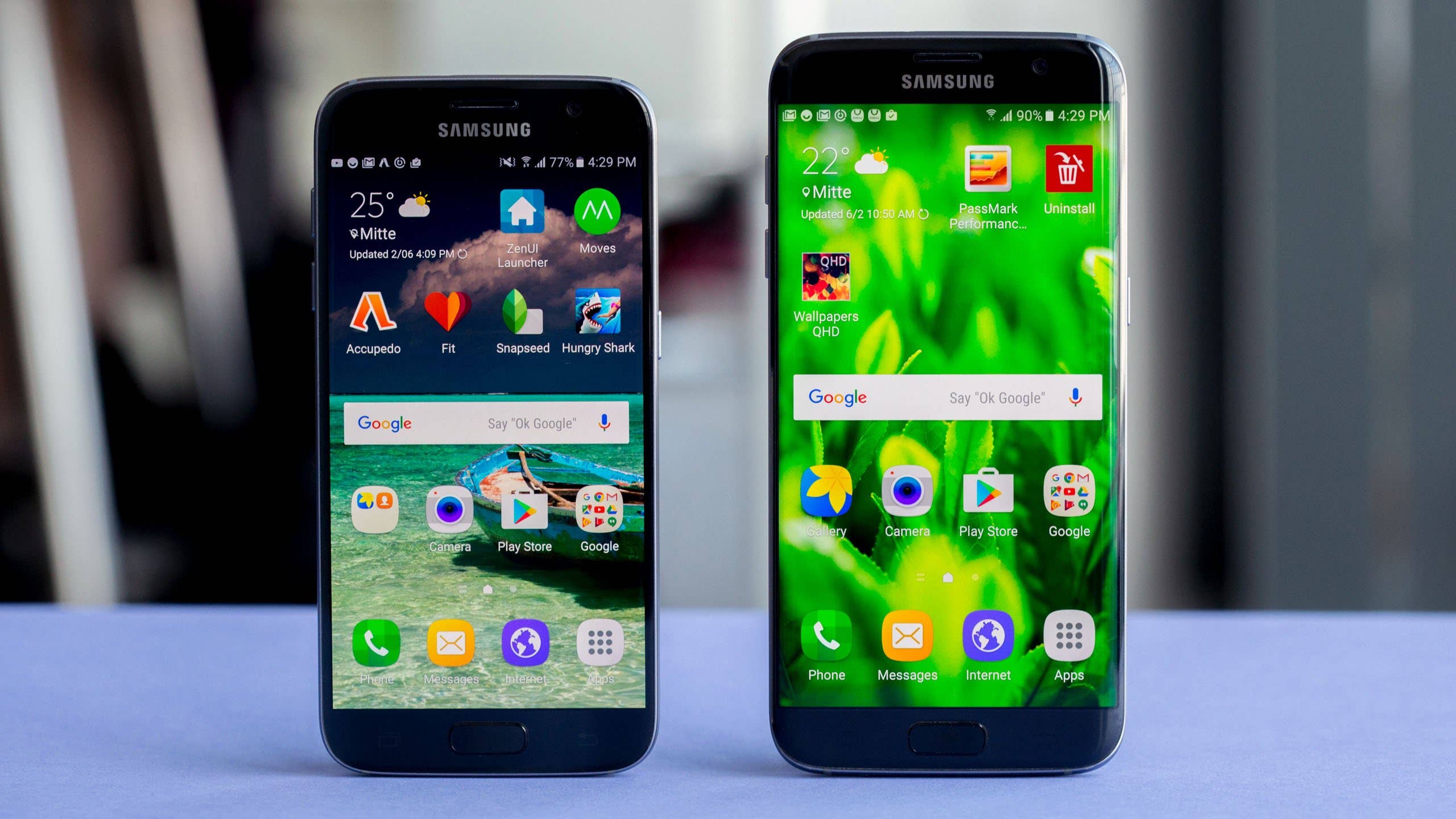
Thus, the S7 Edge display has additional functions – and its size makes it better for typing – but purely from a media-viewing standpoint, there isn’t much between these two phones: they both look fantastic. In the end, the S7 Edge may only be superior if you value its size – video content tends to look more impressive when it’s big.
Samsung Galaxy S7 vs Galaxy S7 Edge comparison: Software and performance
The S7 and S7 Edge run Android Marshmallow with Samsung’s TouchWiz interface. It’s a less aggressive TouchWiz than in previous years: Samsung has reigned in the number of unnecessary apps that are forced upon you and it’s a pleasure to use.
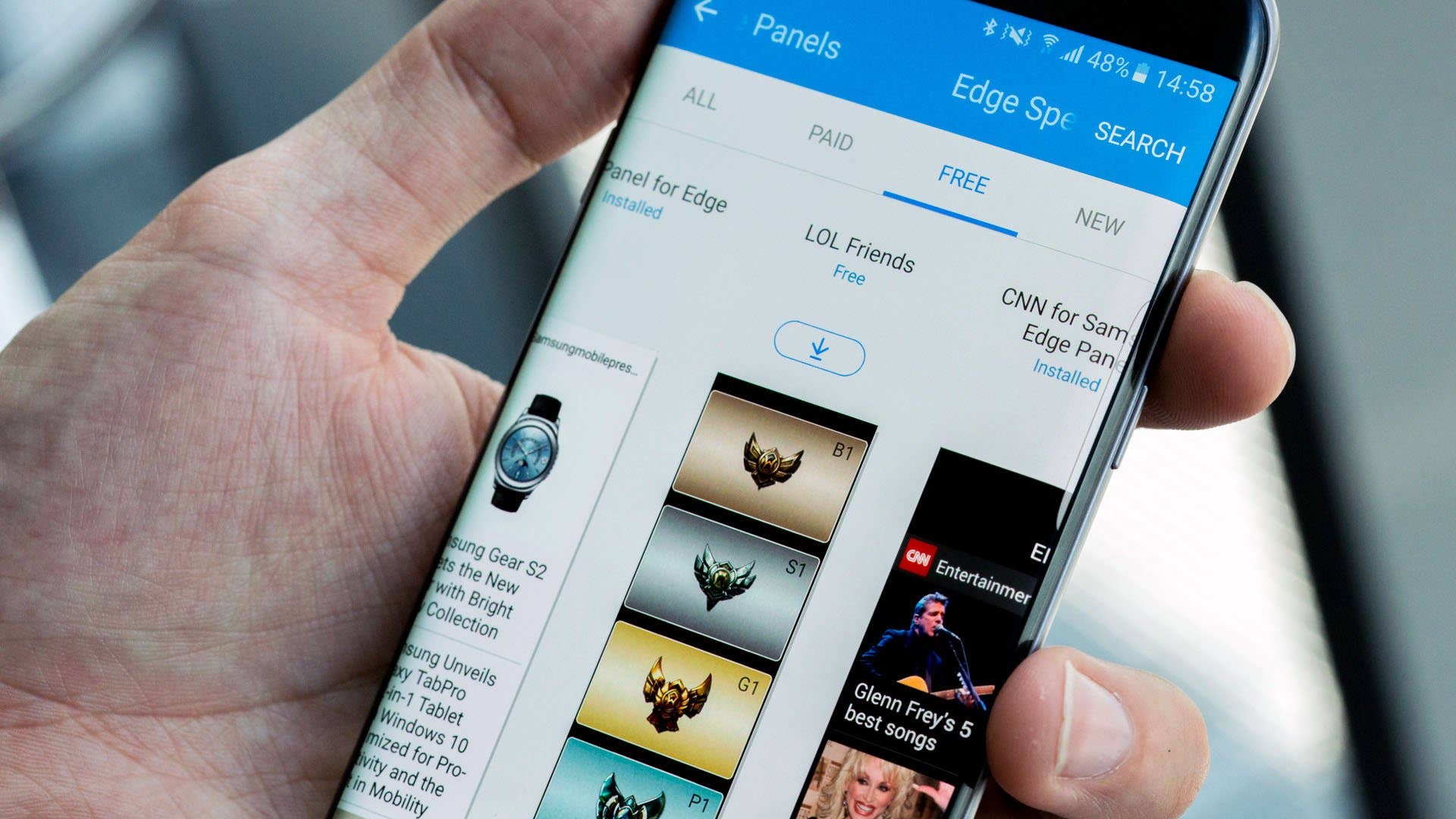
The software on the phones is identical but for one area: Edge screen. This menu is exclusive to the Galaxy S7 Edge and holds options for features like edge lighting which lights up the screen edges during an incoming call, and edge panels, which allow shortcuts to certain apps and contacts to be accessed via a sliding menu on the screen’s edge.
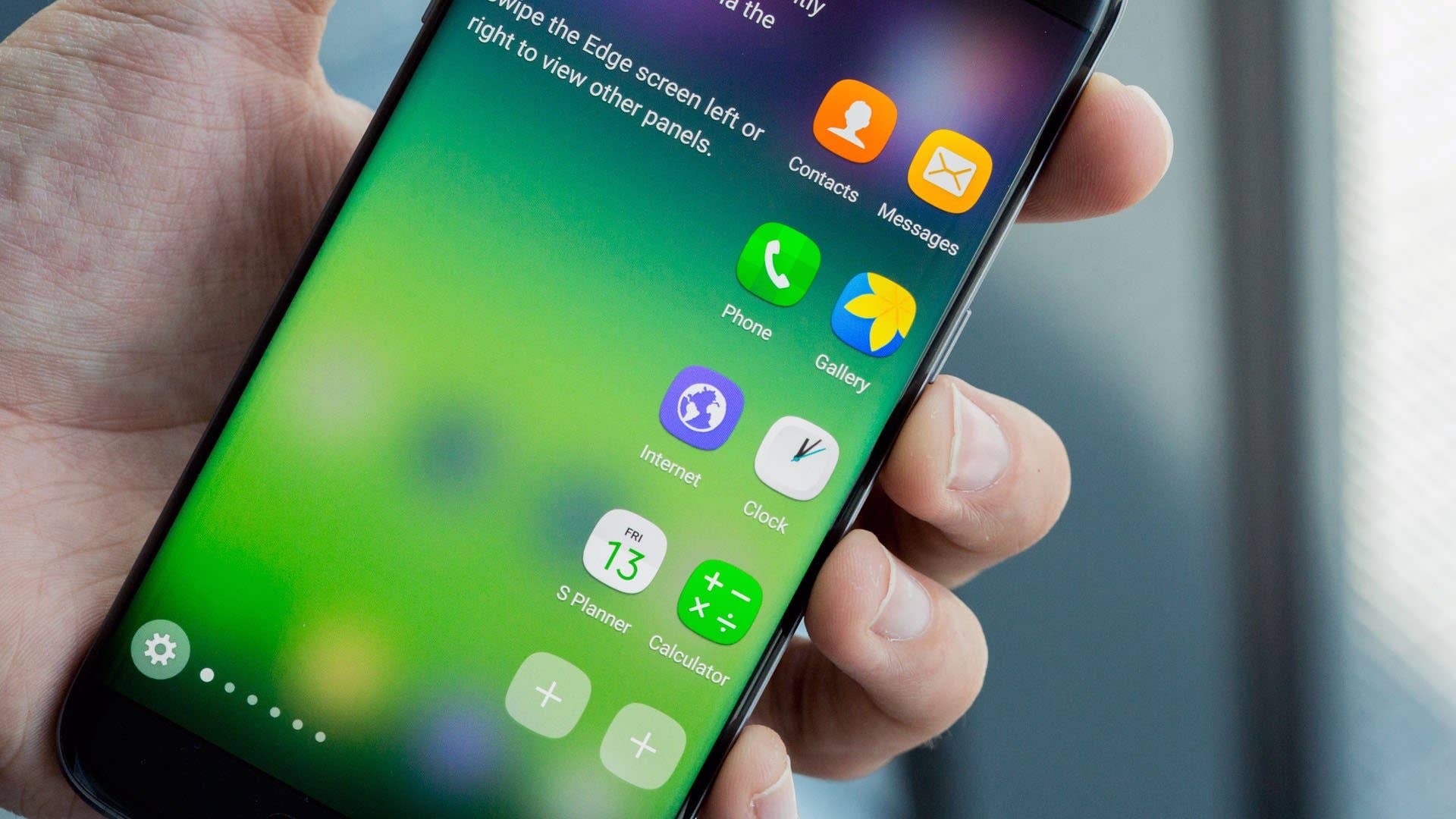
These sliding panels are one of the main selling points of the Galaxy S7 Edge, but the curved display isn’t actually necessary to use them.
What I mean is, even though these functions are available only on the S7 Edge, the curved display simply means that it’s easier to open the sliding menu: there’s no reason this software couldn’t appear on other phones with flat screens. Edge feeds, which shows a scrolling line of updates across the display curve, would also work on a flat phone, you’d just have to move your head slightly to see it clearly while lying down (which is the intention). This really calls into question the value of the sloped display.
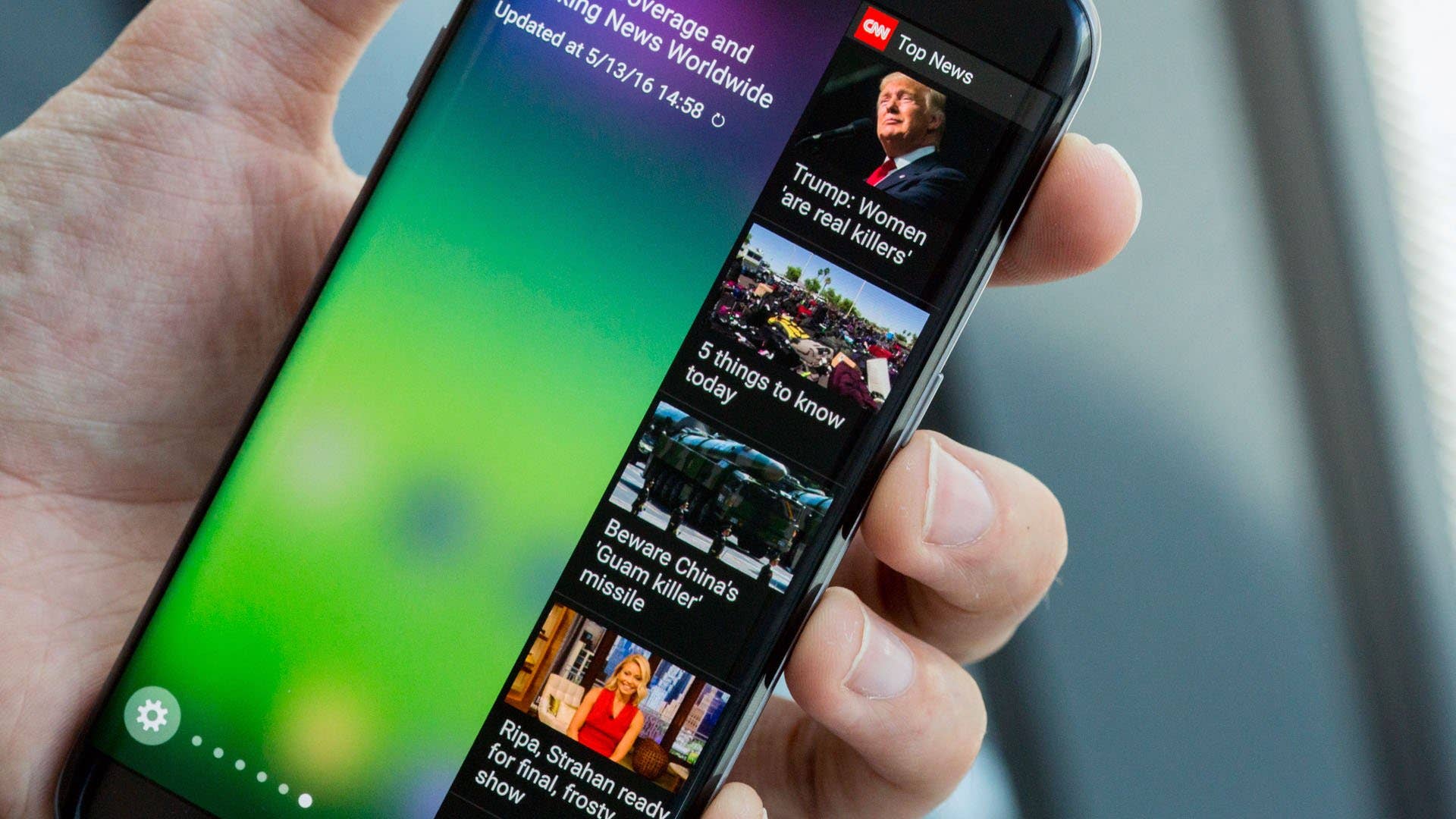
This is true of almost all of the software features, with the exception of edge lighting, which wouldn’t work on a display that doesn’t curve. That said, edge lighting is silly. The benefit of seeing a color and knowing which contact is calling you is practically worthless: you can see the contact calling you on the screen when a phone is face up.
As for the other features, the shortcuts might be handy, but they’re not essential, and the additional Edge panels don’t add functionality that you couldn’t get from using an app.
It’s disappointing, but the features that the Galaxy S7 Edge adds are simply not worth paying a premium for.
Performance-wise, these phones are super fast and almost impossible to tell apart. We had the Exynos 8890 version of the Galaxy S7 as our test device and it’s the same processor as you get in the S7 Edge. There is a Snapdragon 820 version of the S7 said to deliver inferior performance to the Exynos 8890, but we couldn’t put this to test ourselves.
Samsung Galaxy S7 vs Galaxy S7 Edge comparison: Battery
And this is where things swing in the Galaxy S7 Edge’s favor. Thanks to the larger size, Samsung was able to pack a larger battery in the Edge version, it holds a 3,600-mAh cell compared to the 3,000-mAh battery in the Galaxy S7.
This is a 20-percent-larger battery and though it means the S7 Edge has the better battery life, it doesn’t always mean “the Galaxy S7 Edge lasts 20 percent longer in standby”: this depends heavily on how the phones are used.
That said, despite its larger screen area, the S7 edge has the best battery life. It’s not a huge difference – the S7 Edge battery decreases by around 18-19 percent for every 20 percent that the Galaxy S7 goes through – so it may not matter so much when you charge your phone every day. Both S7 and S7 Edge offer superior battery life to most competing Android handsets, though.
Samsung Galaxy S7 vs Galaxy S7 Edge comparison: Camera
The camera features found on these phones are identical: 12 MP rear camera with f/1.7 aperture, phase detection autofocus and OIS, while a 5 MP camera with f/1.7 aperture can be found on the front. Both rear and front-facing cameras provide outstanding photo quality.
Video playback may look more impressive on the larger display of the S7 Edge, but the camera processing quality and images produced are the same on the S7. The way in which the camera handles feels comfortable on both phones despite size differences.
Samsung Galaxy S7 vs Galaxy S7 Edge comparison: Specs
Samsung Galaxy S7 vs Galaxy S7 Edge comparison: Price and conclusion
The Galaxy S7 price is currently set at $605 and the S7 Edge costs $706.99. Is the Galaxy S7 Edge with its curved display worth the extra hundred dollars? I don’t think so.
Somehow, this comparison isn’t about buying a curved display or a flat display: it’s about buying a big handset or a small handset. The edge display adds little-to-nothing to the phone in everyday use, though an argument can be made for it having a more interesting look.
But, the S7 Edge has a bigger display and its battery life is better, which makes the decision more about whether you want a smartphone or a phablet. If a big display and battery are the features you care about, and you don’t mind paying $100 more, buy the S7 Edge.
My preference is the Galaxy S7. It’s smaller, it costs less, it feels more comfortable and it’s less gimmicky. There you have it.
Which do you prefer: the Galaxy S7 or the Galaxy S7 Edge? Let me know in the comments.
Couldn’t help but notice no ir blaster on the S7’s. I’m sure most would trade ir for SD, but I’m greedy. I want both.
I feel the same way! I could probably live without a removable battery since they’ve made it larger, but there’s no reason to omit the IR blaster. I’ve used it every day on my last 4 phones, and I’m not going to "upgrade" to a phone that does fewer things.
Samsung almost got it right. I held off on a Note 5 due to its lack of SD card storage. I ordered an S7 Edge from Verizon, but am seriously rethinking this decision. Samsung/Verizon are only shipping models with 32GB of base storage in the US, and have decided to disable Marshmallow’s ability to adopt the card storage. Thus, you will not be able to move apps onto the SD card. Oops..
Many have said, "Who needs more than 32GB?" Well, that was the same thing I heard about 16GB on my S5, which is now almost entirely used up with apps, some of them non-removable bloatware from TouchWiz. Samsung could have given us the option of 64GB of base storage, but seems to have missed the boat once again. I get nearly 2-10 app updates every day, and I am sure the apps are not getting smaller. Thus today’s 32GB limit may seem fine for some, but I have to wonder if, in a year or 18 months, 32GB will seem just as limiting as 16GB does today? From my experience in the information systems field, everyone underestimates storage needs over time.
So I will likely cancel my order and wait for the 64GB Samsung Galaxy Edge 7 to be released. That is much more valuable than the headset or watch. There is the chance that Samsung will enable the Marshmallow adoptable storage options, but I wouldn’t count on it. Who wants to be out of application space again prior to the end of their phone contract? Again…
32 gigs is the new poverty spec. Samsung manufactures their own flash memory; there’s no reason why they had to stick a brand new flagship phone with 32 gigs of storage in 2016, especially not when, after taking into account space used by the OS, their crapware, the crapware they refuse to stand up to the carriers about, and formatting, you’ll maybe end up with 20 gigs of usable storage. So you can have a handful of moderately large games and then you’re done. Nope.
What did you end up doing with the Edge? Did you end up returning it? I’m in the same boat as you were and curious what you ended up doing 🙂
I bought the new s7 edge to replace my s5 and I’m not sure how I feel about it. I honestly feel scared to use it! I don’t want to drop it and have that be the end of my phone’s life. I have the ZAGG invisible shield on it front and back, and a back case and I still feel nervous. I suppose it takes some getting used to. I still haven’t decided if I should return it and just get the s7. I don’t know that I really like the "edges" on the Edge.
As far as space goes, do I wait for them to release a 64g option? When will that be?
Sorry.. The idea that users should pay through the nose for built in memory like iPhone when Android’s (with exception to 4.4) best feature in memory is to allow users to upgrade via SD..
This market plow is simply nothing more than carport greed playing on the fools who purchase only by name of item…. Samsung has made great phones but they may have fallen victim to arrogant management. I’ll wait for a good phone, great camera and user expandability… It doesn’t have to be a Samsung.
The S7 and S7 Edge both have expandable memory through SD card slots…
I love my S7 Edge, and I disagree that the edge isn’t worth the extra $100. True, the software adds little to the experience, but the phone is SO pretty. I find myself staring at it even when the screen is off.
My last flagship phone purchase was the Google G1 (which had a unique flip out screen with keyboard).
I like phones that stand out, I don’t see the point in spending $1150 on a phone that looks like every other phone out there. For me, the extra $100 for the work-of-art like edge screen made complete sense.
The S7 is expensive enough but the edge is obscenely expensive for an edge that in practical terms is useless and just a gimmick which Samsung seem to think is a good selling point! When i tried one what i noticed was the colours are so over saturated they look totally unnatural. Software wise didn’t find it any better than any other top range phone, camera is good but colours again over blown and not looking natural definitely not worth the price tag. I’ll stick with me Z5 which is now nearly £200 cheaper and just as good.
I wouldn’t stick to the Z5, I got it and my battery life is terrible, with only 2-3 hours Screen-on Time. Of course the camera is very good, but not any better than the one of the S7. If i were you, I would wait untill the normal S7 is cheaper, then buy it.
ditched samsung after so long time. i use iphone now
How does that relate to the question or add value to the conversation?
I am on the verge on switching from android to apple. Can I ask what your deciding factor was in switching?
I’ve had the chance to test both phones and they’re pretty much the best Androids you can buy right now. The battery life on the S7 is impressive, alongside other features.
I’ve had the S7 edge international version since it was released here in the UK, and have not regretted it for a minute. I transferred the 64gb
SD card from my S5 which contained about 75 apps, and the new handset immediately registered them and they were all useable. I usually transfer all new apps onto the card, exactly as I did with the S5, with absolutely no problems. I do have my phone in an I-Blason case, and it has survived an accidental drop of several feet onto concrete, and so I’m not worried about it’s durability either!
3000000 ilove you
I almost bought the S7 but when I went to get it they were out of stock. The salesperson talked me in to buying an LG G5. I saved some money and got what I believe to be a better phone. The cameras in these two phones are awesome. But I’m really falling in love with the second, extra-wide lens in the G5. And.. You can shoot pics with both lens’s at the same time. Really cool! An exceptional phone. It’s got some stuff the S7 doesn’t. IR blaster for one. I don’t think the Samsung has it. Looking forward to getting the add-on DAC unit. In my opinion I think the camera is a tad better shooting in low light. I was really reluctant buying this phone but I’m glad I did now.
I own them both! Love them both. However, I will say that I do enjoy the Edge app and I really think the screen has a brighter hue to it on the s7 edge. I use one for work and the other for personal! I LOVE the micro SD card capabilities! 200GB is awesome!!!!
Switched from Sony and opted for the S7 Edge. Never regretted it for a moment. Love the look and feel. Love the edge apps.